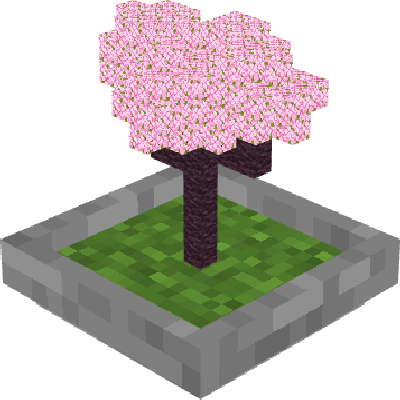
Thini - Bonsais
Bedrock add-on listed for Minecraft 1.21 (behavior + resource pack). File opened and checked on 8 Oct 2026; installs from the MC Bedrock Mods app on Android.
⬇ Download on CurseForge
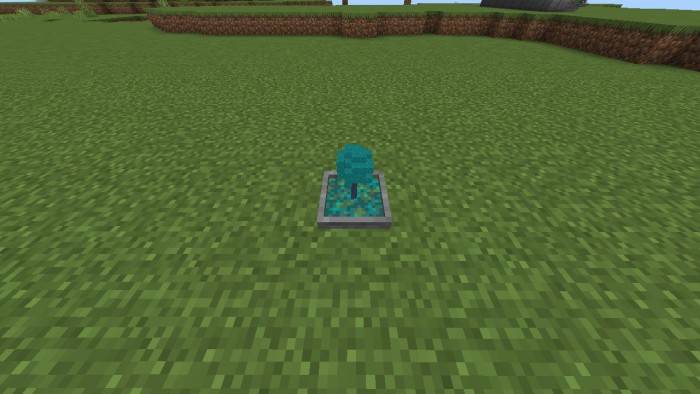
We present Thini's Bonsais, an extension that makes life easier for plant enthusiasts. With a small block, you can cultivate bonsais without the need for constant replanting or wood collection. Easy to use, the feature makes the process more efficient and enjoyable. Try it now and transform your plant-growing experience!
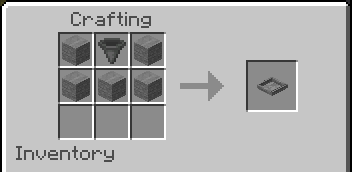
Recipe:
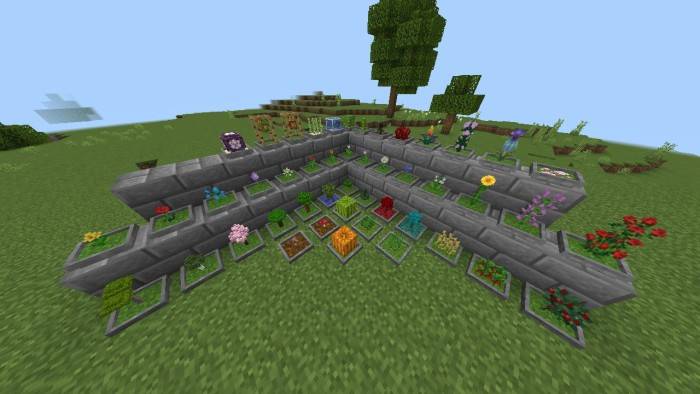
How to use Bonsai:
To make the bonsai work, you need to interact with it with a block of grass, crimson nylium or warped nylium to be able to plant some trees on the block, and to plant the trees just interact with the Bonsai that already has some grass inside.
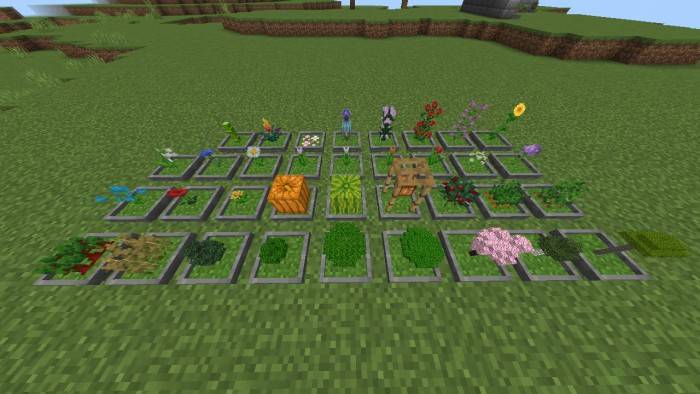
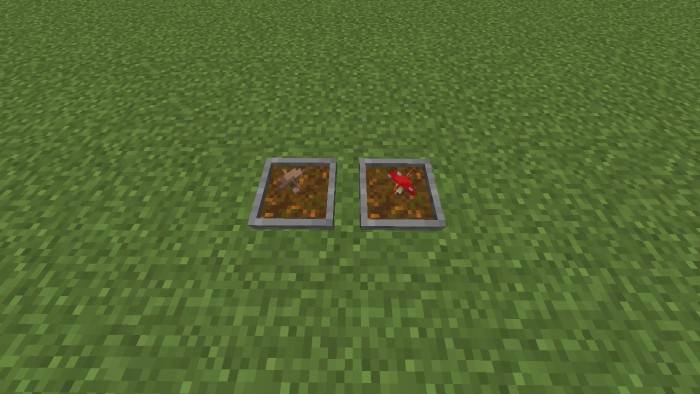
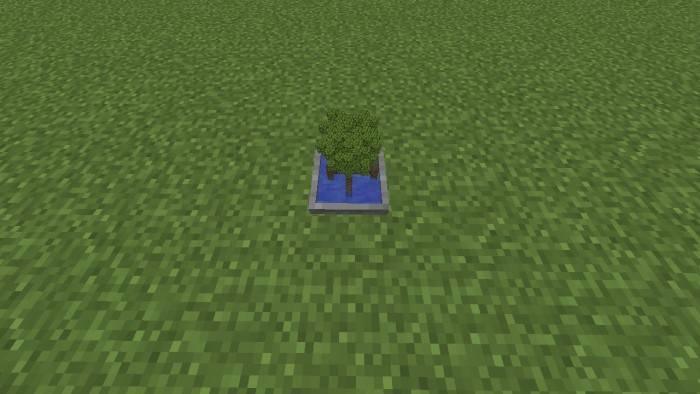
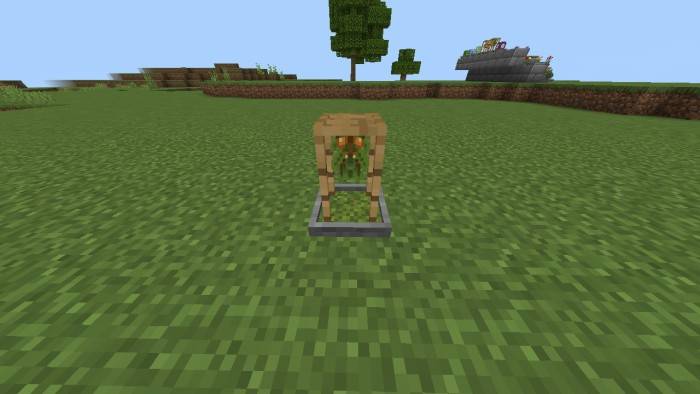
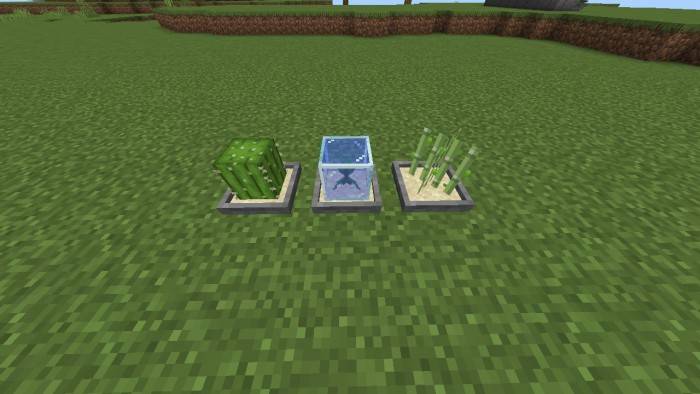
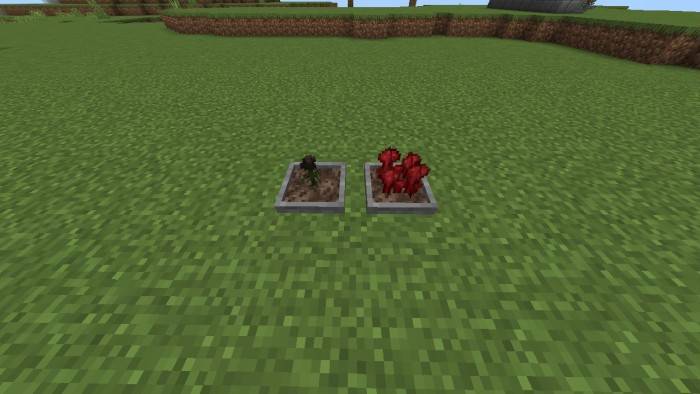
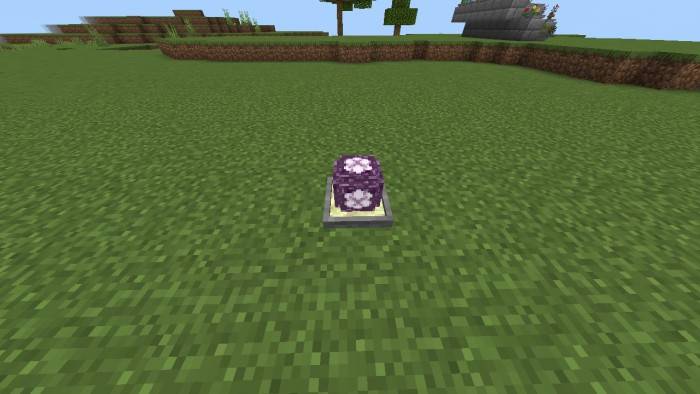
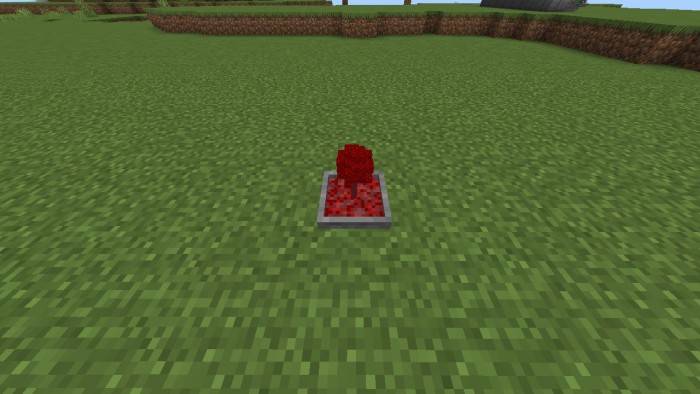
Loot mechanics:
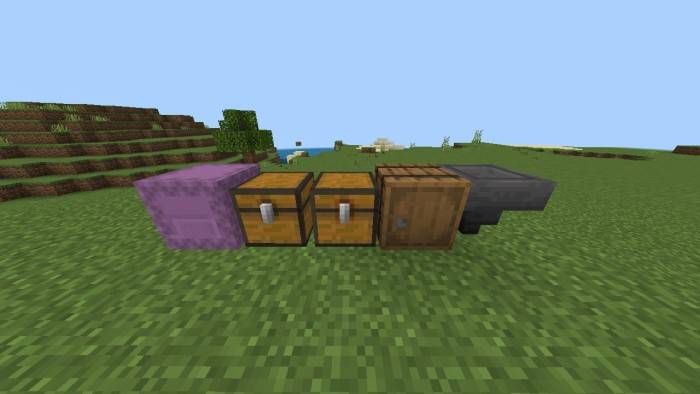
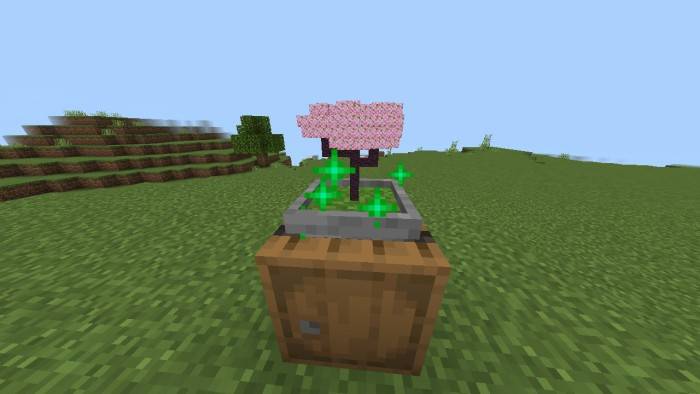
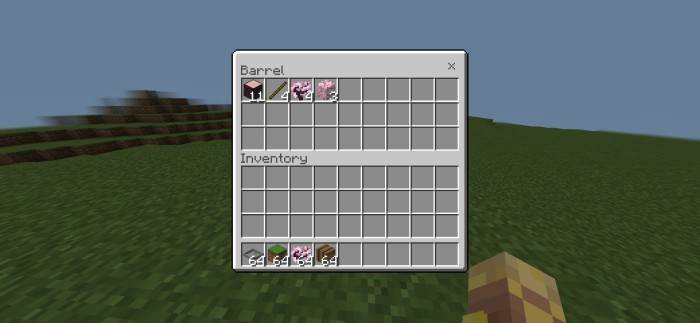
Every 10 seconds, items will be inserted into the block below the Bonsai (Chests, Barrels, and Shulkers), but it does not work in furnaces, and when you generate an item, it will drop a particle and make a sound to confirm that you generated the items.
- Edition: Minecraft Bedrock
- File type: .mcpack or .mcaddon
- Minecraft versions listed: 1.21.93, 1.21.90, 1.21.101
- How to install: Download the .mcpack or .mcaddon file. → Open it — Minecraft imports it. → In your world: Behavior Packs → Available → Activate, then the same under Resource Packs.
- Where to get it: Opens on CurseForge — not every file is mirrored on our own servers.
Install steps are the general flow for this file type — How to install Minecraft Bedrock addons & mods walks through it step by step.
- Pack type: .mcaddon — behaviour and resource pack in one file
- Manifest requires Minecraft 1.21.90 or newer
- Complete pack — everything it depends on is inside the file
- Download size: 457 KB
- Download link checked 26 Oct 2026 — working
These come from our own check of the pack file, not from the source page.