
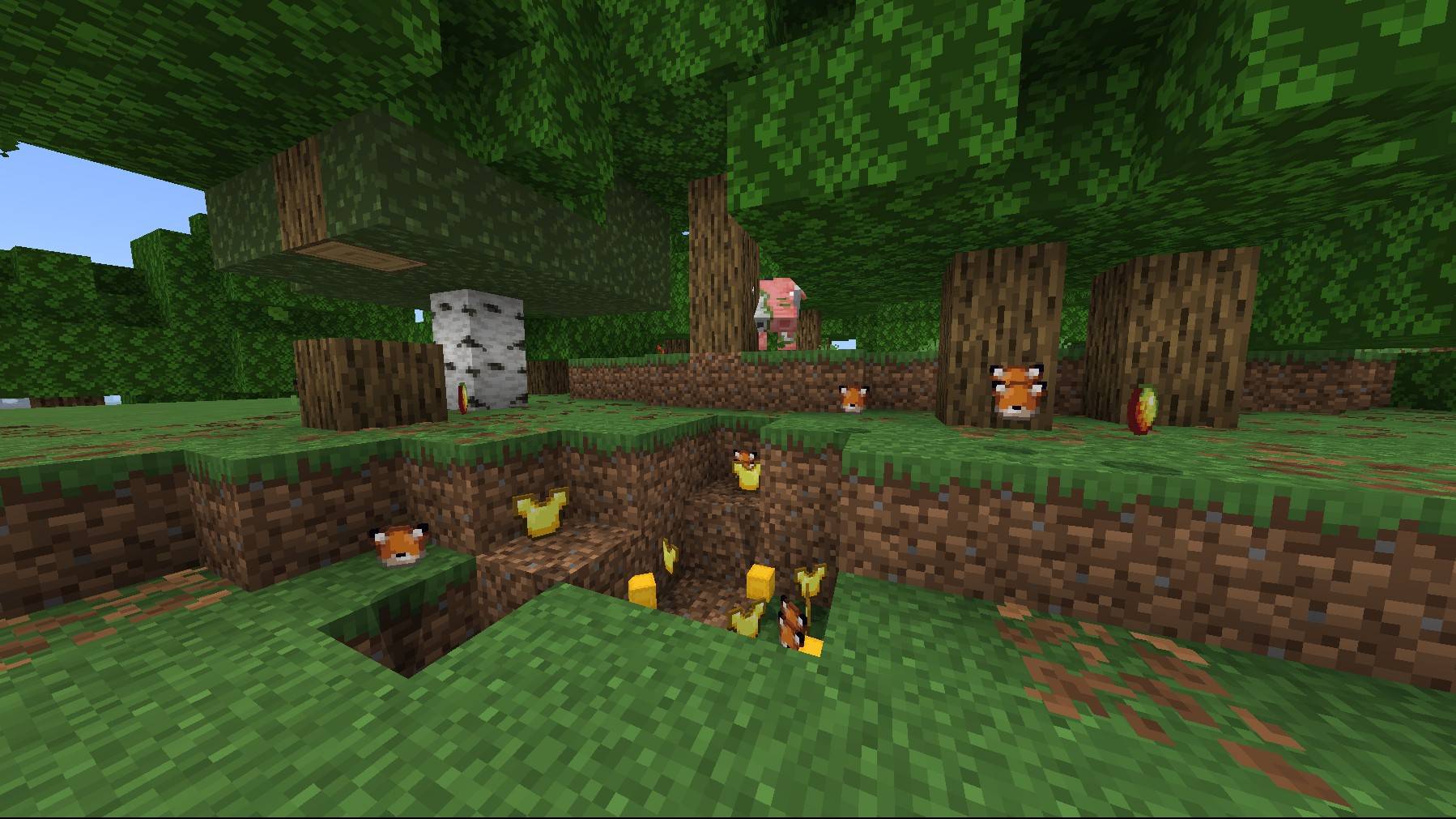
Once you break a block for the first time, the block gets an random minecraft item assigned to the block you just broke.
You will receive a chat message with the source block to the random item new loot.
Usefull commands:
- /reset
-
- This comand let you reset the loots. So if dirt got assigned to diamond, then, after the /reset, dirt will receive another loot.
- Only operators can execute this command.
-
- Other commands will be introduced in a future update if I receive helpful comments on this post.
Advanced default loot setup:
If you're able to access to the Minecraft game files, you can find this addon file in the behavior_packs folder. Then you can go to "Addon/scripts/SETUP". In this file you will find an empty Javascript array. You will need to add a Javascript object structured like this:
{from: "minecraft:dirt", to: "minecraft:diamond"}
The "from" element represents the block that is broken and the "to" element is the item that gets looted.
If you add more custom loot it should look like this:
- Edition: Minecraft Bedrock
- File type: .mcpack or .mcaddon
- Minecraft version listed: 1.21.132
- How to install: Download the .mcpack or .mcaddon file. → Open it — Minecraft imports it. → In your world: Behavior Packs → Available → Activate, then the same under Resource Packs.
- Where to get it: Opens on CurseForge — not every file is mirrored on our own servers.
Install steps are the general flow for this file type — How to install Minecraft Bedrock addons & mods walks through it step by step.
Random item drop Addon is a free Minecraft Bedrock addon. Compatible with Minecraft 1.21.132. Downloaded 1,191 times (via CurseForge). Download it and open it directly in the game.