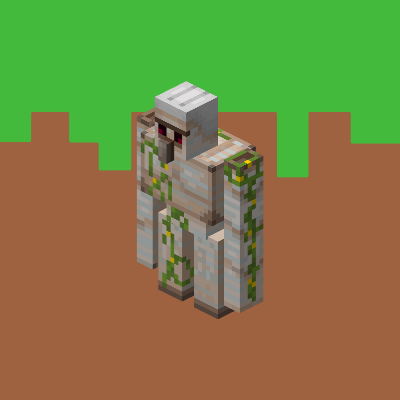
Custom Iron Golem Loot Drops
Bedrock add-on listed for Minecraft 1.13–1.21 (behavior pack only). File opened and checked on 21 Sep 2026; installs from the MC Bedrock Mods app on Android.
Custom Iron Golem Loot Drops Addon fine-tunes the Iron Golem’s loot drops by customizing how it gives players iron ingots and poppies.
⬇ Download on CurseForge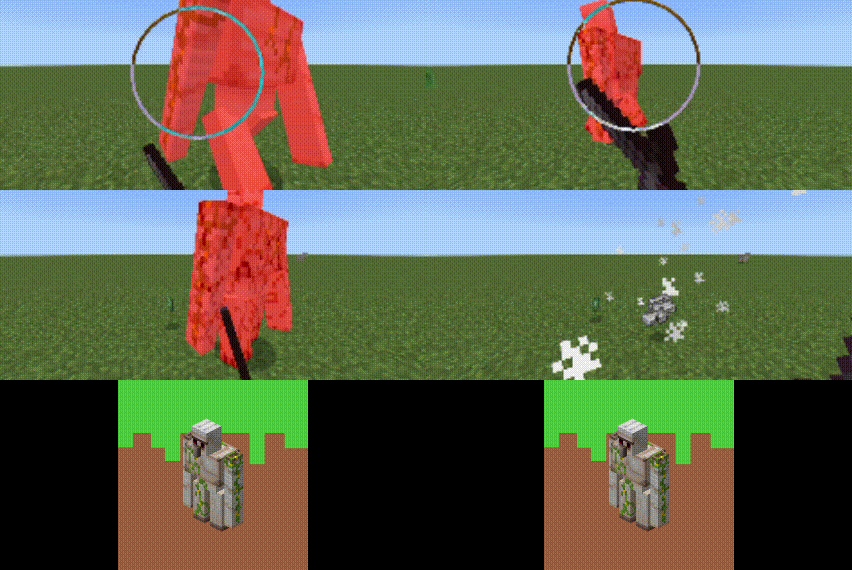
Custom Iron Golem Loot Drops
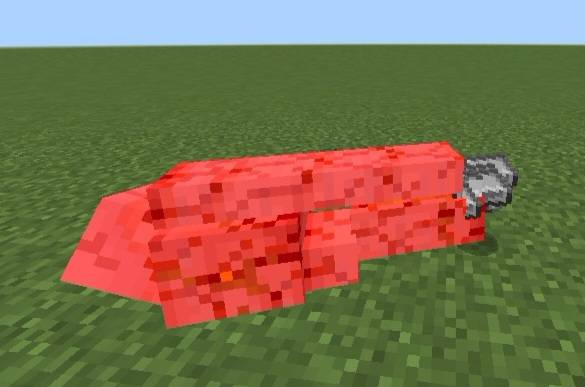
Custom Iron Golem Loot Drops Addon fine-tunes the Iron Golem’s loot drops by customizing how it gives players iron ingots and poppies. While it keeps the classic items, this addon lets you rebalance the number of drops—making Iron Golems more (or less) rewarding to defeat depending on your survival goals.
Ideal for server balancing, hardcore challenges, or economy-based maps, this addon offers a simple but powerful way to control loot flow. Fully data-driven and script-free, it stays compatible with all vanilla mechanics, so you can plug it into any world without worries. Whether you want to buff golem farms or tweak mob rewards, this addon gives you full control over classic golem loot without changing the essence of Minecraft.
There are three (3) files in this addon:
- iron (iron only)
2. poppy (poppy only)
3. both (iron and poppy loot drop)
There are options when you want to customize the loot drop of Iron Golem:
1. 1 to 10 Loot Drops
2. 11 to 20 Loot Drops
3. 21 to 30 Loot Drops
4. 31 to 40 Loot Drops
5. 41 to 50 Loot Drops
6. 51 to 60 Loot Drops
7. 61 to 70 Loot Drops
8. 71 to 80 Loot Drops
9. 81 to 90 Loot Drops
10. 91 to 100 Loot Drops (Default)
If you want to know what/where is the options for you to choose, click here to redirect you to the guide video.
NOTE: DO NOT reupload or claim this addon as your own. If you want to share, direct them to this download page or my profile instead.
If you want to give feedbacks, feel free to comment or join our discord server ^-^. Thank you!
Follow for more addons!
Click the links to direct you to my accounts:
Curseforge - https://www.curseforge.com/members/itsmexd/projects
MCPEDL - https://mcpedl.com/user/itsmexd/
Youtube - http://www.youtube.com/@itsmexd890
Instagram - https://www.instagram.com/itsmexd890/
TikTok - https://www.tiktok.com/@itsmexd949
X (formerly Twitter) - https://x.com/INoob10500
And join our Discord server!
Discord: https://discord.gg/R2a6N7kTFb
- Edition: Minecraft Bedrock
- File type: .mcpack or .mcaddon
- Minecraft versions listed: 1.21.90, 1.21.93
- How to install: Download the .mcpack or .mcaddon file. → Open it — Minecraft imports it. → In your world: Behavior Packs → Available → Activate, then the same under Resource Packs.
- Where to get it: Opens on CurseForge — not every file is mirrored on our own servers.
Install steps are the general flow for this file type — How to install Minecraft Bedrock addons & mods walks through it step by step.
- Pack type: .mcpack — a single pack
- Manifest requires Minecraft 1.13.0 or newer
- Complete pack — everything it depends on is inside the file
- Download size: 47 KB
- Download link checked 5 Oct 2026 — working
These come from our own check of the pack file, not from the source page.