
LinkUp 'Achivements Friendly'
Bedrock add-on listed for Minecraft 1.17–26.x (behavior pack only). Installs from the MC Bedrock Mods app on Android.
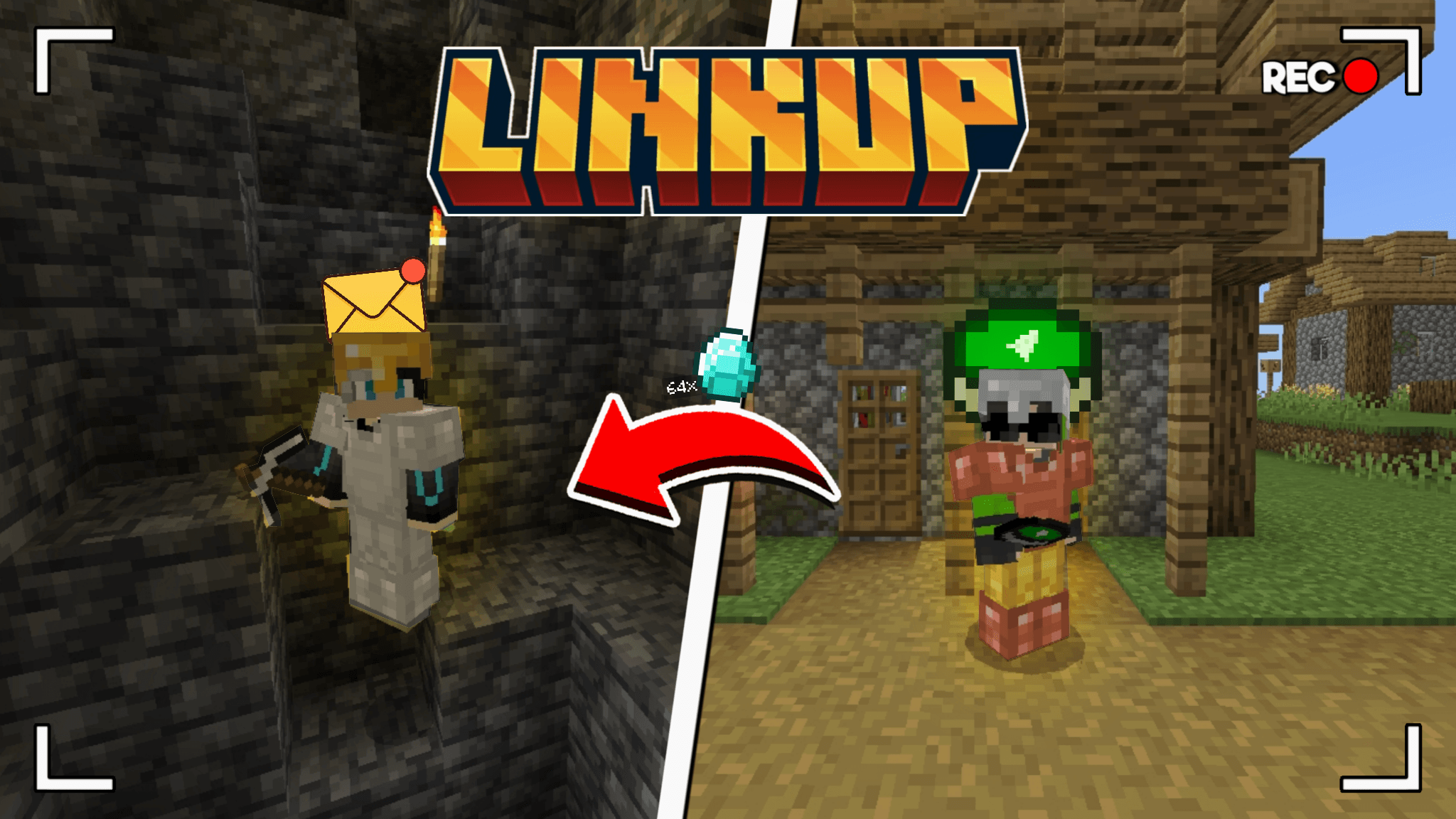
Lost in a cave or miles from home? No worries. With LinkUp, players can send and receive items instantly—no waiting, no limits. Trade, share, or save your…
I don't know my version
Credits
Owner of the addon : @9adifa
Lead Pack developer : @mannooma_0

Show Case
How To Use
Crafting

To make the LinkUp Item 'Massenger' , you need 2x block of dirt and 1x stick
Main Menu
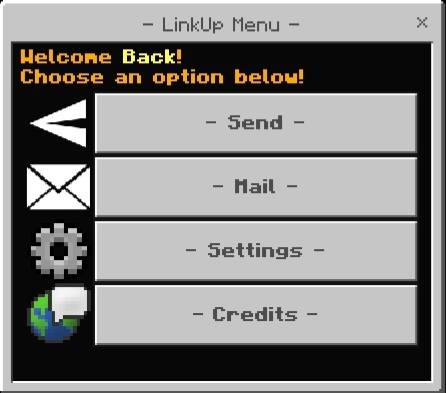
To open this menu you have to hold the 'Massenger' Item, click the aim button if you aree on mobile or click right click with your mouse if you are using a pc
Sending
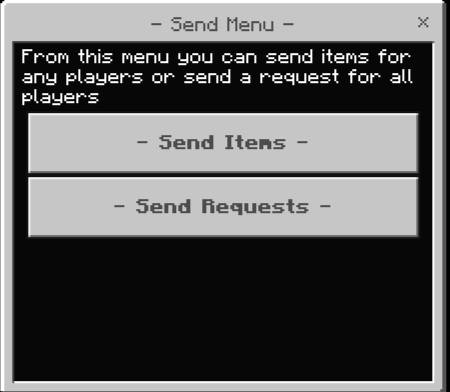
Sending Items
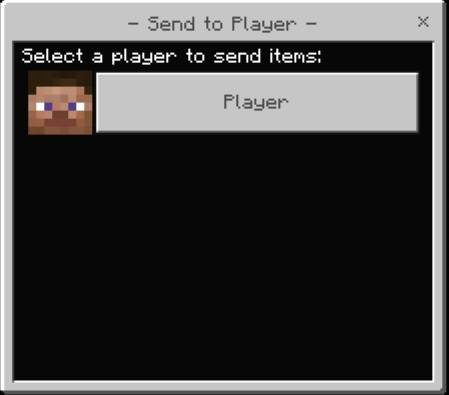
This menu shows all the players in the serve/world at the moment, you can select the player you want then Another Menu will appear
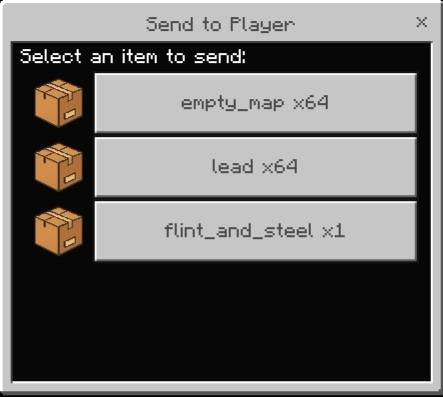
This menu shows the axact items you have in your inventory at the moment besides theCurrent Number of the items, Select the item you want to send
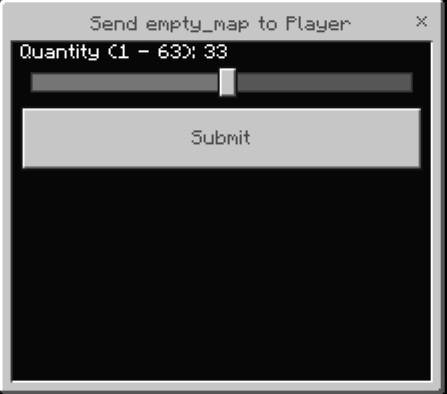
This menu shows current item quantity in your inventory, after that press submit
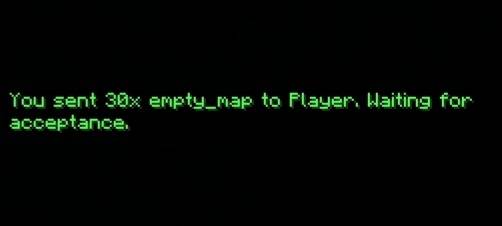
After that you will be waiting from that player to accept the item you send they have to do this manually or they can enable auto Acceptance from the settings menu
Sending A Request
From the send menu select 'send request' button
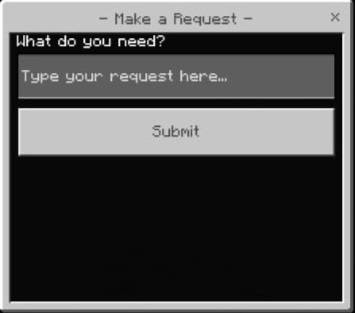
There is a Text Box you will just type the thing you need, after that press submit
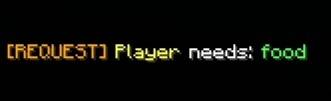
This Message Will be send to every player in the server/world
From the main menu press on the mail button to open the Mail Menu
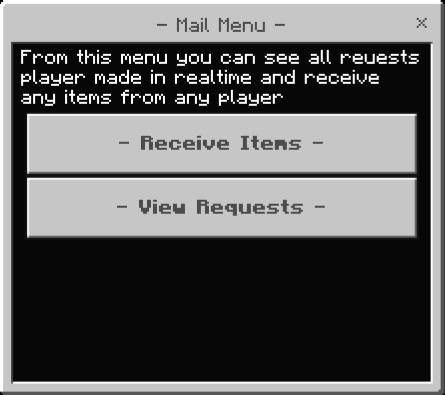
Receive Items

This Menu Shows All items Deliverd in your mail box, select the item you want or you can just toggle the auto accept button from the settings menu and you won't have to do all this

Menu will PoP Up Choose to accept or decline the item, onc eyou accept it its offcially in your inventory, if you declined it will be returned to the sender
View Requests
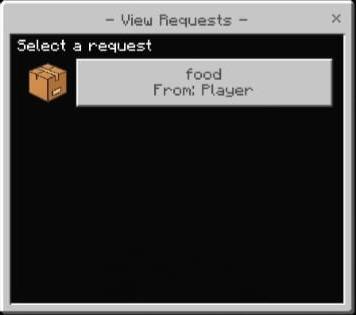
This menu shows every request is currently available, after that you will select the item you will send to the requester (ofc you will send the item player need), after that it will be send to the requester
Settings
From main menu select the settings button
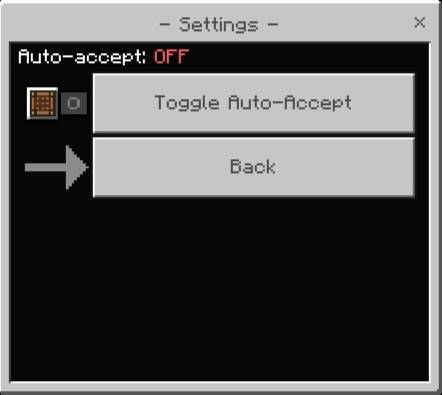
toggle the auto accept to on or off
Support
If you had any problem with the addon you can join our discord server
- Edition: Minecraft Bedrock
- File type: .mcpack or .mcaddon
- Minecraft versions listed: 26.10, 26.0.02, 26.0
- How to install: Download the .mcpack or .mcaddon file. → Open it — Minecraft imports it. → In your world: Behavior Packs → Available → Activate, then the same under Resource Packs.
- Where to get it: Opens on CurseForge — not every file is mirrored on our own servers.
Install steps are the general flow for this file type — How to install Minecraft Bedrock addons & mods walks through it step by step.
- Pack type: .mcaddon
- Manifest requires Minecraft 1.17.0 or newer
- Ships one half — this pack asks for another pack that is not included
- Download size: 43 KB
- Download link checked 6 Oct 2026 — working
These come from our own check of the pack file, not from the source page.