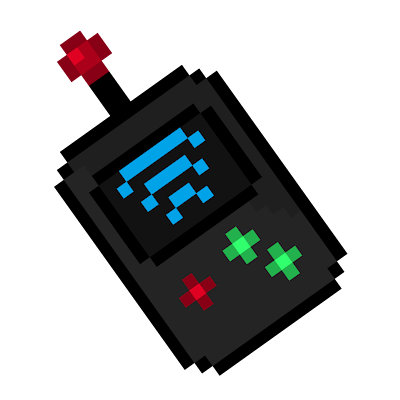
Entity Cloud
Bedrock add-on listed for Minecraft 26.x (behavior + resource pack). File opened and checked on 11 Sep 2026; installs from the MC Bedrock Mods app on Android.
Traditional ways of capturing and transporting creatures are officially a relic of the past. The days of hauling heavy containment units or relying on…
⬇ Download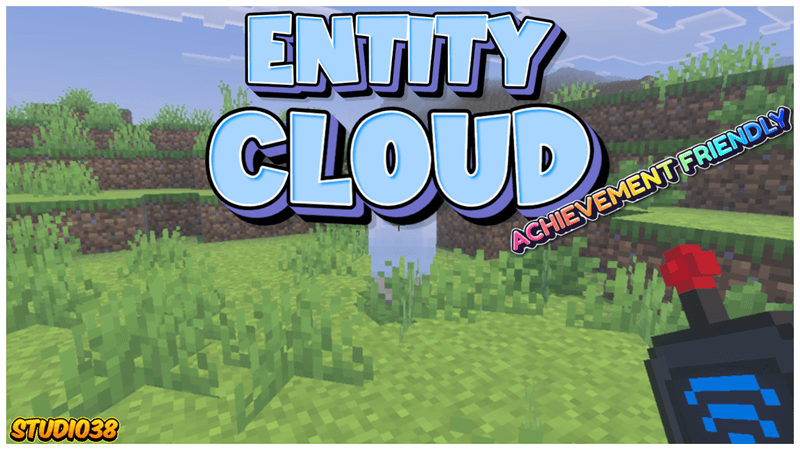
 Project Description:
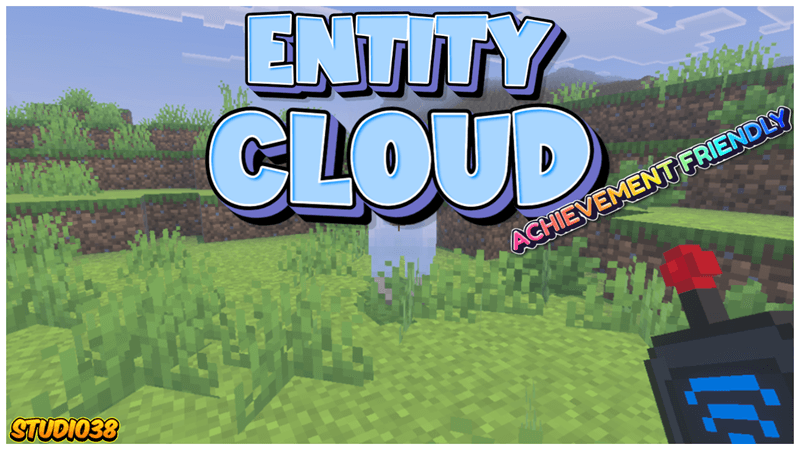
Traditional ways of capturing and transporting creatures are officially a relic of the past. The days of relying on physical inventory slots are over, paving the way for a fully digitized, wireless era of management. Instead of physical storage, entities are intercepted, converted into raw data streams, and beamed directly up to a secure remote network. When you need them back, they are downloaded and materialized on command with zero latency.
Important Information:
- 💯This Project is 100% achievement compatible.
- ✅No Experiments will need to be activated to play.
- 👨💼No Player files are used in this project.
- ⚡️Real-time entity storage.
- 💡Capture and release wherever you want.
- 🔊Custom sound effect features.
- 📦Behaviour & Resource packs are both required for the project to work.
- 💻Have something to say? Join the Discord.
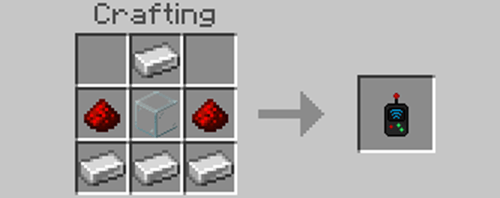 When you ready to capture entities for travel, craft yourself an Entity Scanner.
 Use the Entity Scanner to target your desired subject and select which entity you want to upload and store in the network.
 Whenever you wish, access your cloud storage to release any captured entities you have stored there.
 Whenever you wish, access your secure cloud storage interface to inspect, manage, or release any captured entities you have previously stored within the system.
 You can name and rename your entities as many times as you want, or remove a name entirely.
- Edition: Minecraft Bedrock
- File type: .mcpack or .mcaddon
- Minecraft versions listed: 26.40, 26.50
- How to install: Download the .mcpack or .mcaddon file. → Open it — Minecraft imports it. → In your world: Behavior Packs → Available → Activate, then the same under Resource Packs.
- Where to get it: In MCModsHub, or directly above on this page.
Install steps are the general flow for this file type — How to install Minecraft Bedrock addons & mods walks through it step by step.
- Pack type: .mcaddon — behaviour and resource pack in one file
- Complete pack — everything it depends on is inside the file
- Download size: 60 KB
- Download link checked 25 Aug 2026 — working
These come from our own check of the pack file, not from the source page.