Minecraft ALARM
Bedrock add-on listed for Minecraft 26.x (behavior + resource pack). File opened and checked on 28 Sep 2026; installs from the MC Bedrock Mods app on Android.
⬇ Download on CurseForge
Minecraft ALARM
If you die, you're out! English and German
The main GUI is the heart of the add-on! It is opened by a custom item.
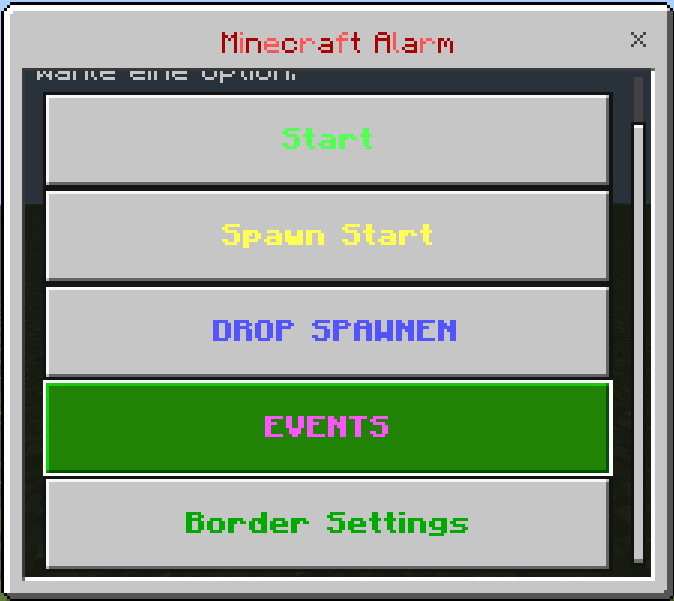 = Open it with the item alarm settings
Combatlog & Dead
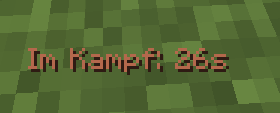 = If you are in combat and leave, you will die!
if you die in combat =
attacker name= message in the Chat
hurt name= message in the chat

If you die in combat, the chat will show who you died against!
Drops:
you can spawn drops with items in your world!
Teams: You can do poeples in Teams now! Team 1, color red, team 2 color blue..... Team 1-18!
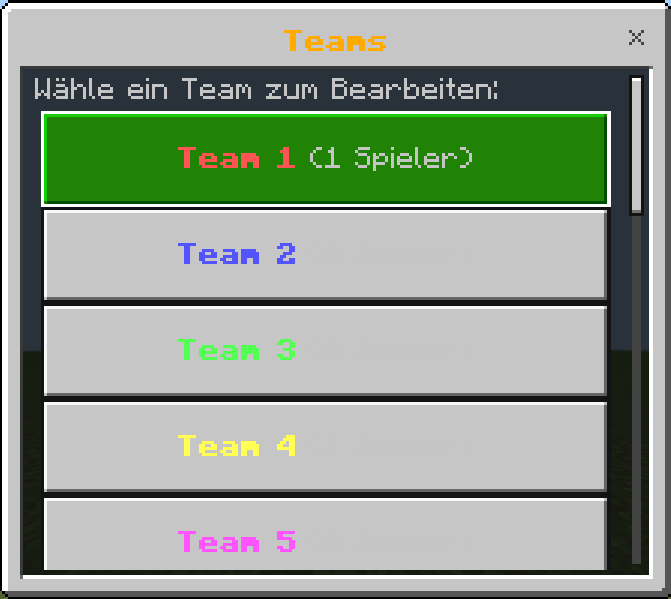
Events:
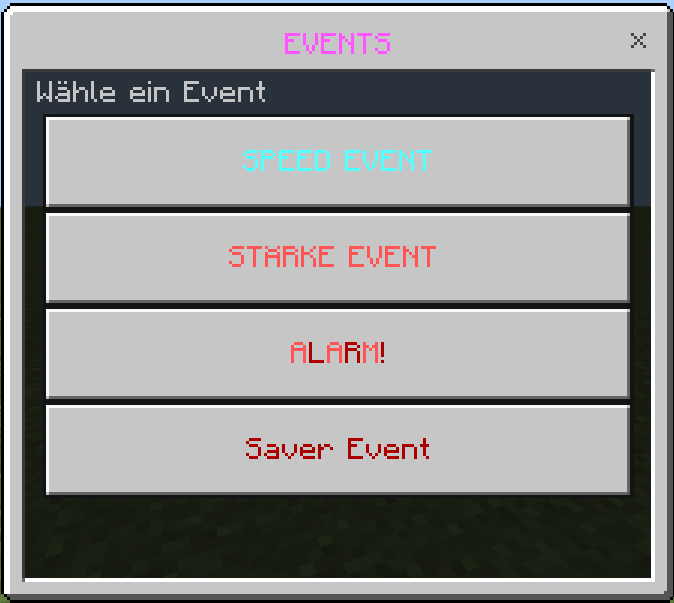 Custom Events! The saver event is the biggest
Speed Event = All players get speed
strength Event = Everyone gains strength
ALARM (red button) = [ CUSTOM SOUND ] Locator bar on for 300 seconds (locate any player)
Saver Event = new gui with some settings
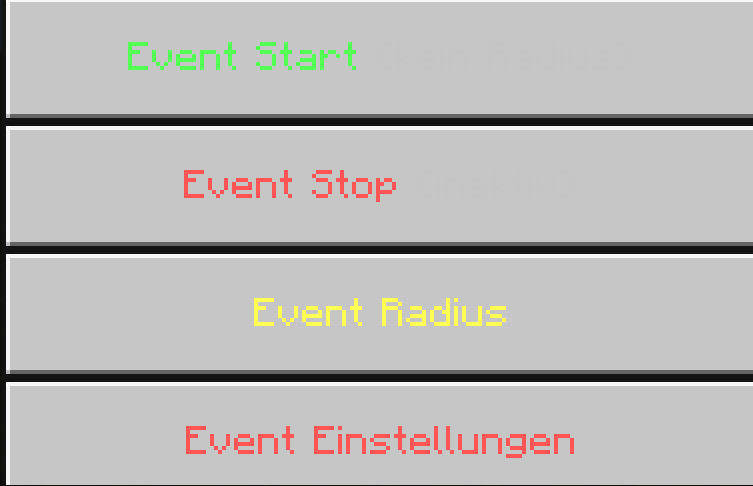
Event radius, you can set the Event radius! Zombies with loot spawn within this radius.
After each wave of zombies, the chance of the Saver being dropped increases!
You can manually adjust the chances and how many zombies spawn per wave there!
When a SAVER zombie spawns, it will be announced in the chat, and when it is killed, it will drop it!
ITEMS:
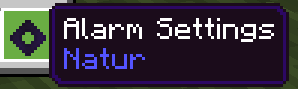 Open the Settings (gui)
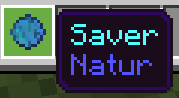 The saver will save you from death!
If a player has the item in their inventory, or no longer has it, everyone in the chat will see WHO just dropped/took it!
The saver can save you, after a death!
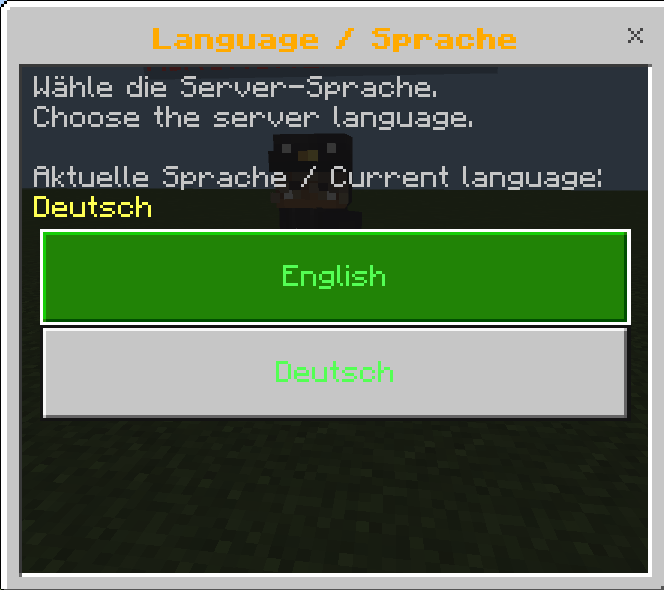
LANGUAGE:
- Edition: Minecraft Bedrock
- File type: .mcpack or .mcaddon
- Minecraft versions listed: 26.0.02, 26.0, 26.3
- How to install: Download the .mcpack or .mcaddon file. → Open it — Minecraft imports it. → In your world: Behavior Packs → Available → Activate, then the same under Resource Packs.
- Where to get it: Opens on CurseForge — not every file is mirrored on our own servers.
Install steps are the general flow for this file type — How to install Minecraft Bedrock addons & mods walks through it step by step.
- Pack type: .mcaddon — behaviour and resource pack in one file
- Manifest requires Minecraft 1.26.0 or newer
- Complete pack — everything it depends on is inside the file
- Download size: 8.0 MB
- Download link checked 6 Oct 2026 — working
These come from our own check of the pack file, not from the source page.