AddonsBedrock
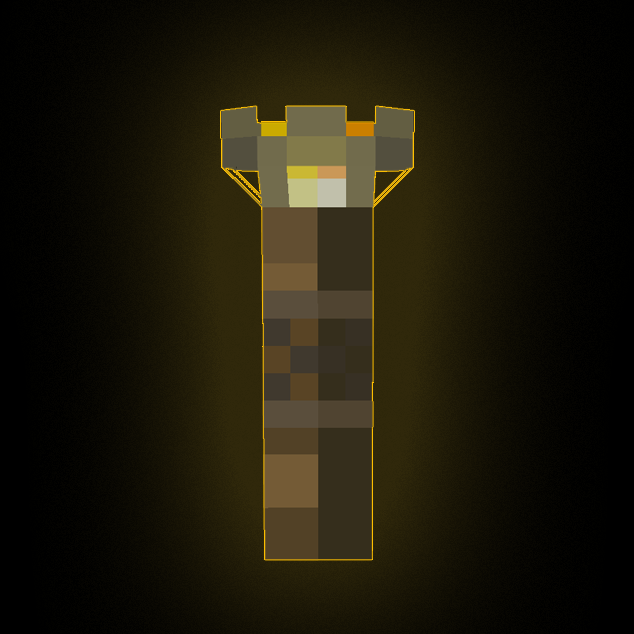
Superior Torch
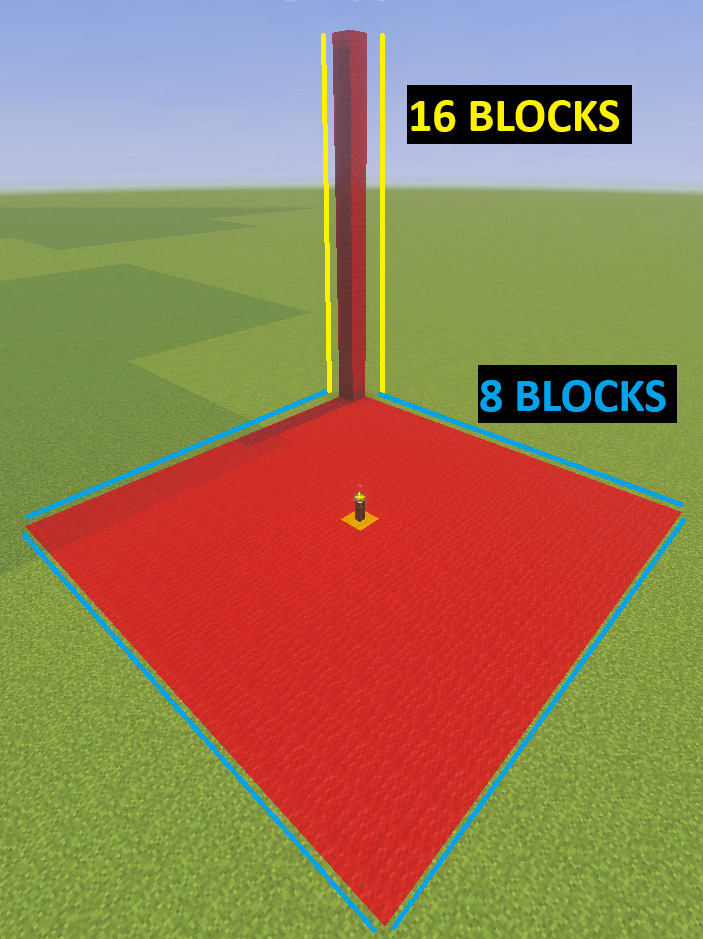
Superior Torch addon is a torch that prevents all mobs from spawning in a 8x16x8 distance, distance is configurable.
⬇ Download on CurseForge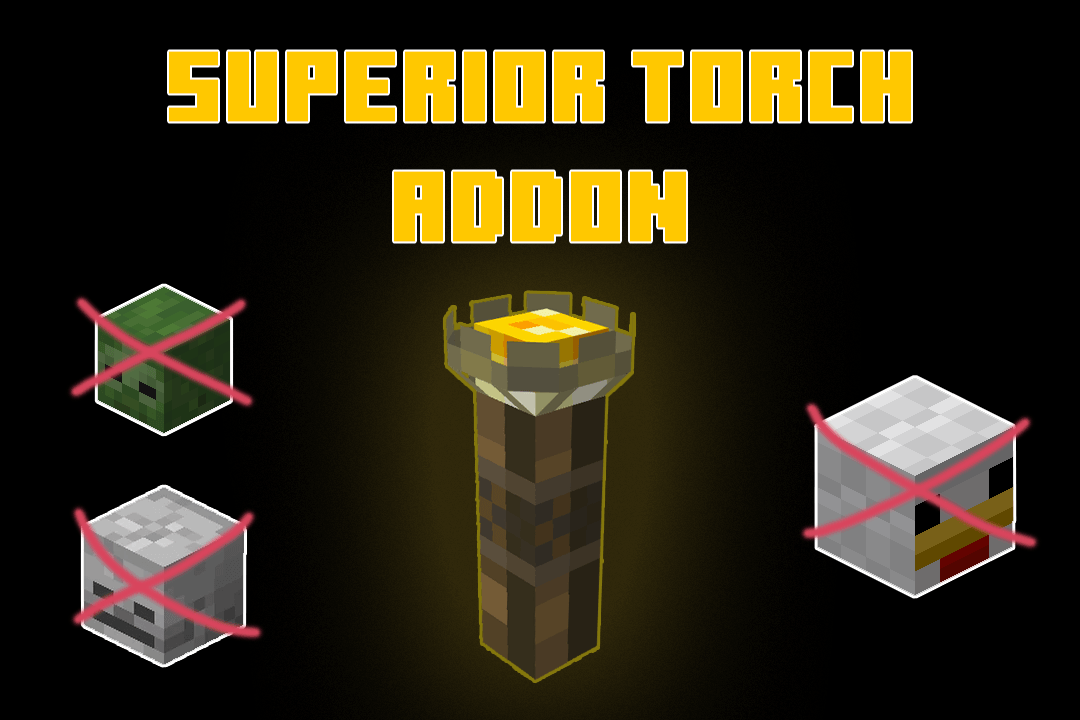
How To Use:
Craft the 'Superior Torch' block then place it to any area that you don't want any mobs to spawn.
- It does not remove any existing entity in that area, only new entities that is spawning.
- You can still breed mobs.
- You can still summon snow golems and iron golems.
- It doesn't affect wither and the dragon.
- Mobs from mob spawners/trial spawners can still spawn.
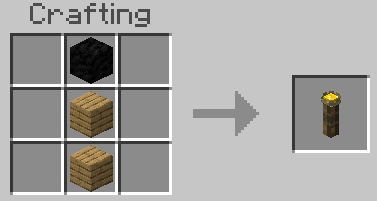
Recipe:
Ingredients: 2x Planks, 1x Coal Block
Command:
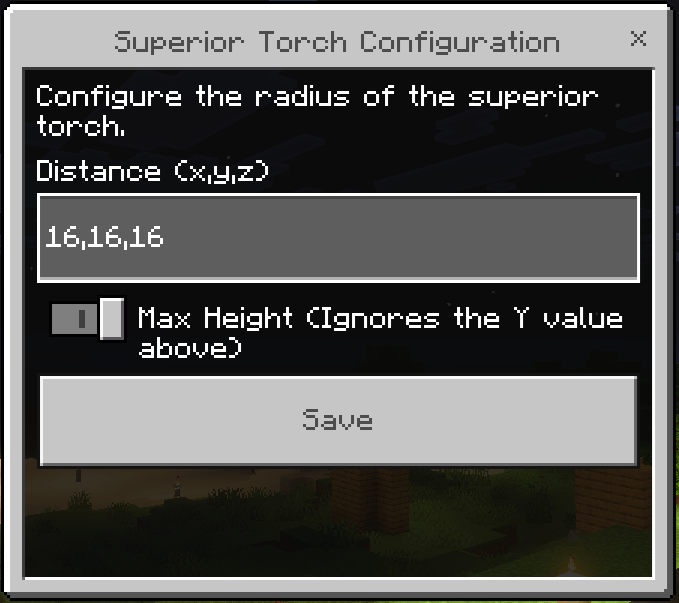
- /scriptevent st:cfg - command for configuration
- /scriptevent st:reset - command to reset configuration
Command to show the configuration UI. You can change the area for the 'Superior Torch'
Default Affected Area:
8x16x8
Having Problems:
If you are having problems with the addon you join my discord to submit a bug report. https://discord.gg/DZ7Q2ugEeg
Quick facts
- Edition: Minecraft Bedrock
- File type: .mcpack or .mcaddon
- Minecraft version listed: 1.21.90
- How to install: Download the .mcpack or .mcaddon file. → Open it — Minecraft imports it. → In your world: Behavior Packs → Available → Activate, then the same under Resource Packs.
- Where to get it: Opens on CurseForge — not every file is mirrored on our own servers.
Install steps are the general flow for this file type — How to install Minecraft Bedrock addons & mods walks through it step by step.
Verified by MCModsHub
- Pack type: .mcaddon — behaviour and resource pack in one file
- Manifest requires Minecraft 1.21.92 or newer
- Complete pack — everything it depends on is inside the file
- Download size: 615 KB
- Download link checked 16 Sept 2026 — working
These come from our own check of the pack file, not from the source page.