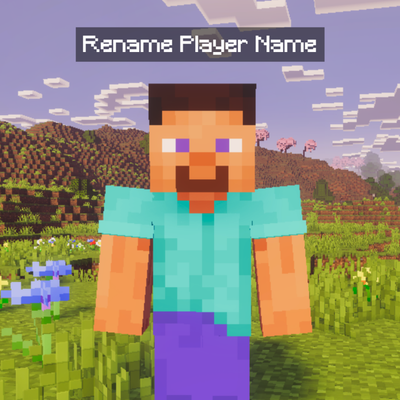
Player Name Renamer - Achievement Friendly
Bedrock add-on listed for Minecraft 1.21–26.x (behavior pack only). File opened and checked on 11 Oct 2026; installs from the MC Bedrock Mods app on Android.
Player Name Renamer lets you rename any player using a Name Tag. Name an anvil tag, then use it on a player — name saves permanently through relogs. No…
⬇ Download on CurseForgeThe author built this one for Minecraft 26.40. On other versions it may install and then do nothing.
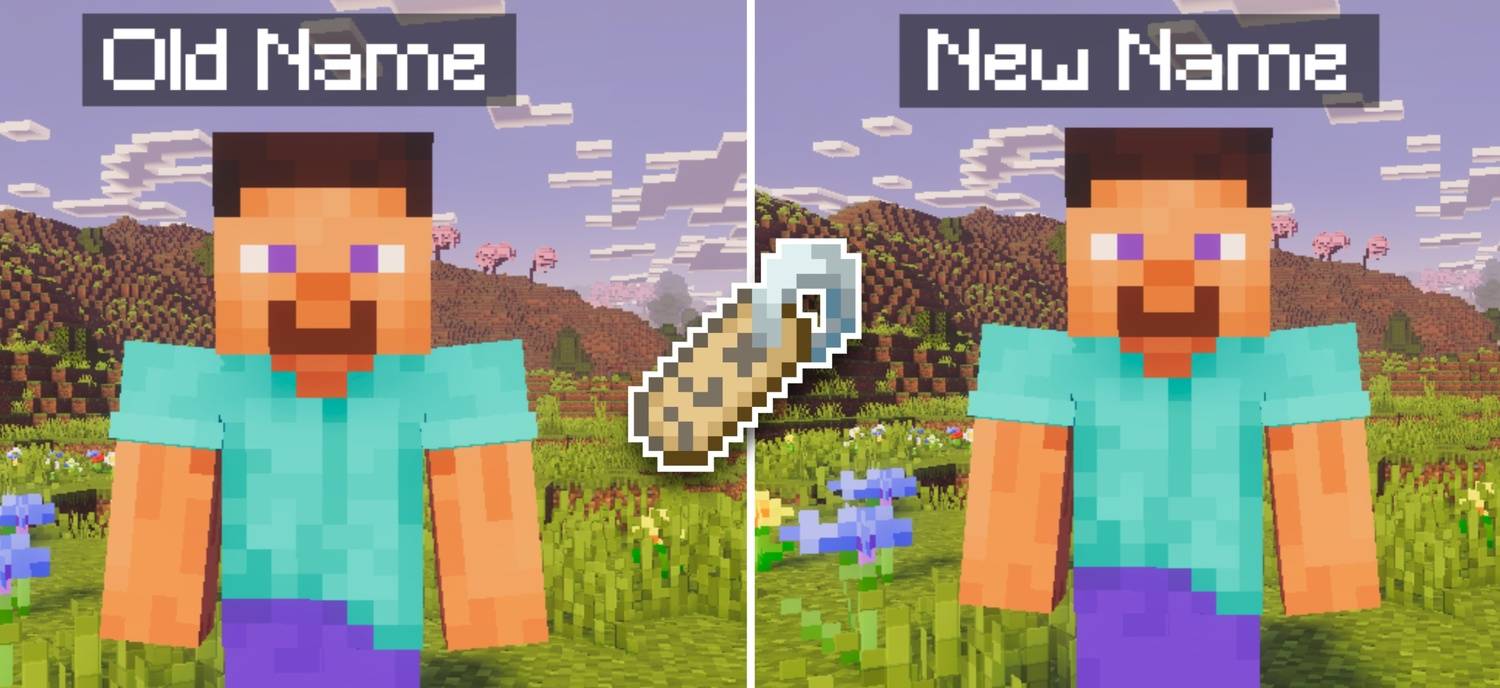
Rename any player in your world using just a Name Tag. No commands, no OP permissions — just an anvil, a name tag, and a right-click. Perfect for roleplay servers, survival worlds, and friend groups who want custom names.
How to Use
- Write the name you want on a Name Tag at an Anvil
- PC: Hold the Name Tag and right-click on any player
- Mobile: Hold the Name Tag and tap on any player
The player's name updates instantly — for them and everyone in the world.
Rename Yourself Too
Want to change your own nametag? Hold the Name Tag, then crouch and use it — it applies the name to yourself without needing another player.
Features
- Rename any player with a named Name Tag — no commands needed
- Rename yourself — crouch and use the Name Tag to change your own name
- Name saves permanently — persists through relogs and world restarts
- Both the renamer and the renamed player get an action bar notification
- Sound feedback — orb sound for the renamer, level-up sound for the renamed player
- Blank name tags are rejected with a clear error message
Achievement Friendly?
✔ Yes — fully achievement friendly. No experimental features, no achievement lock.
Custom names. Zero hassle. Your world, your identity.

- Edition: Minecraft Bedrock
- File type: .mcpack or .mcaddon
- Minecraft version listed: 26.40
- How to install: Download the .mcpack or .mcaddon file. → Open it — Minecraft imports it. → In your world: Behavior Packs → Available → Activate, then the same under Resource Packs.
- Where to get it: Opens on CurseForge — not every file is mirrored on our own servers.
Install steps are the general flow for this file type — How to install Minecraft Bedrock addons & mods walks through it step by step.
- Save it as Player_Name_Renamer.mcaddon before opening — it downloads as .mcpack, but it is a .mcaddon pack
- Manifest requires Minecraft 1.21.50 or newer
- Complete pack — everything it depends on is inside the file
- Download size: 778 KB
- Download link checked 6 Oct 2026 — working
These come from our own check of the pack file, not from the source page.