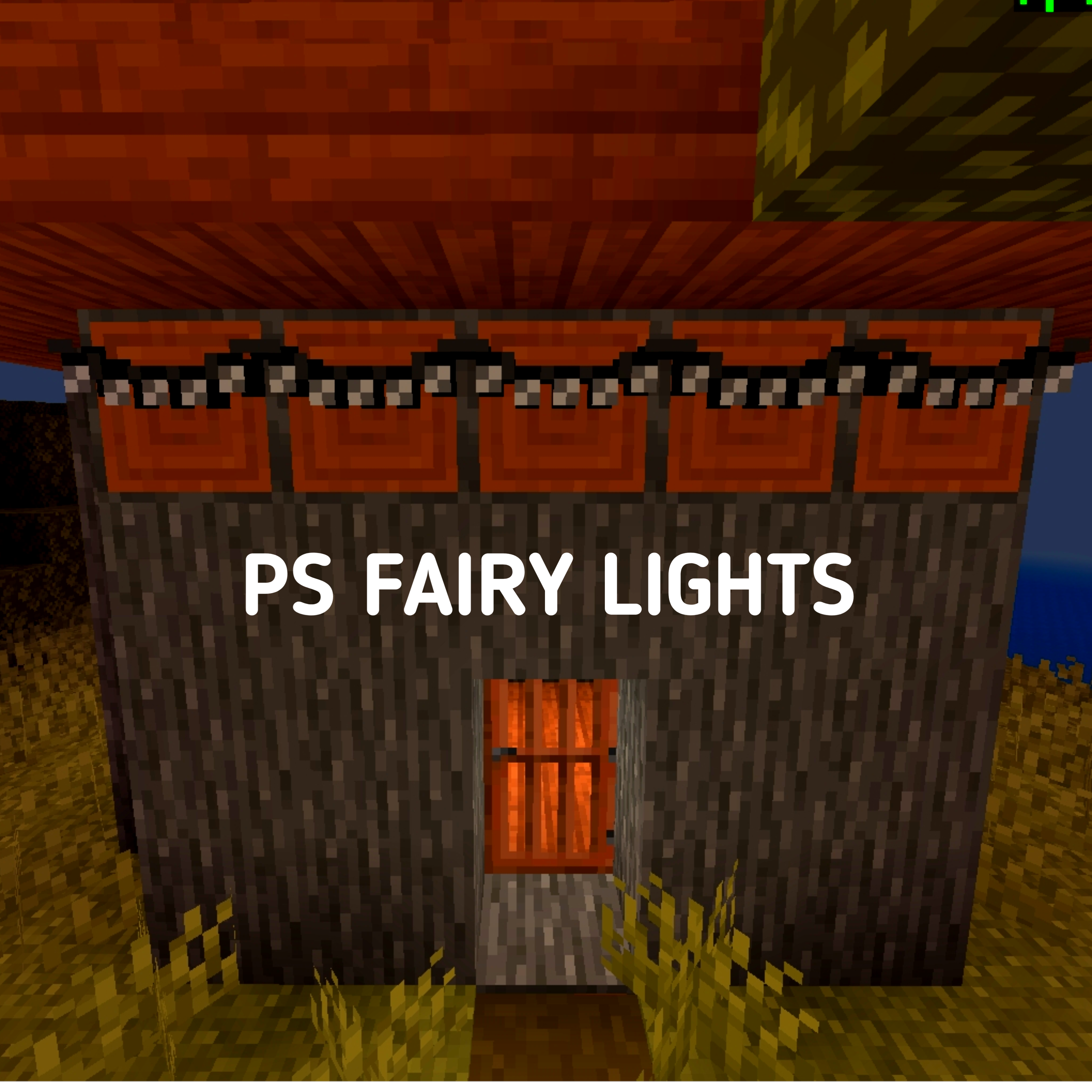
PS Fairy Lights
Bedrock add-on listed for Minecraft 1.21 (behavior pack only). Installs from the MC Bedrock Mods app on Android.
⬇ Download on CurseForge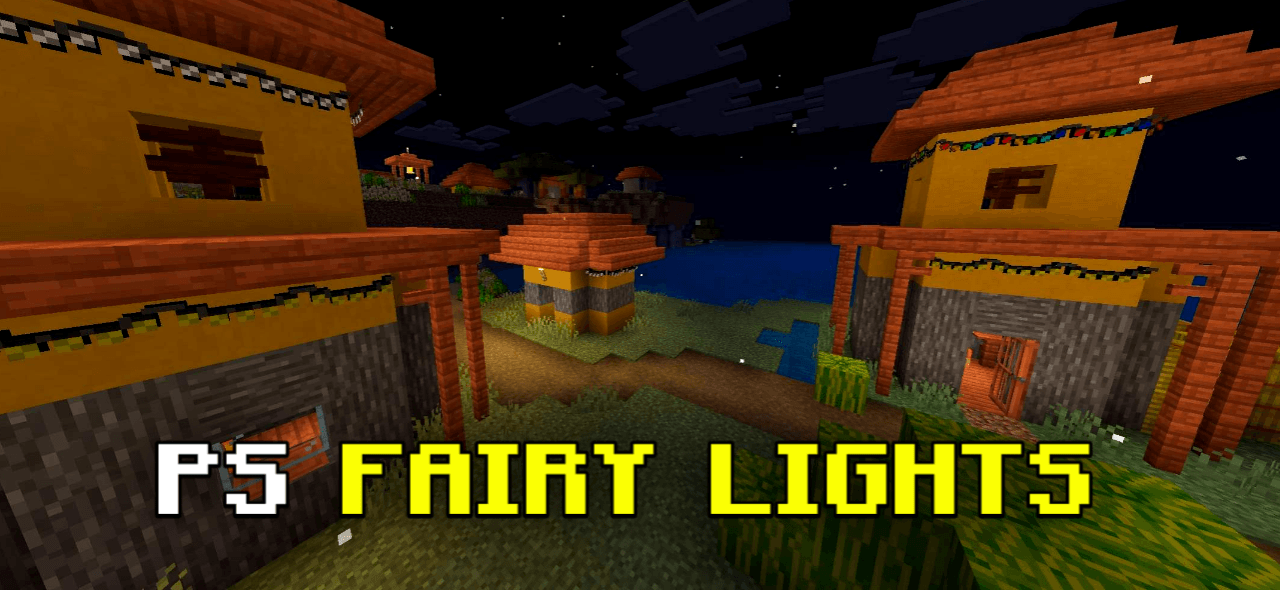
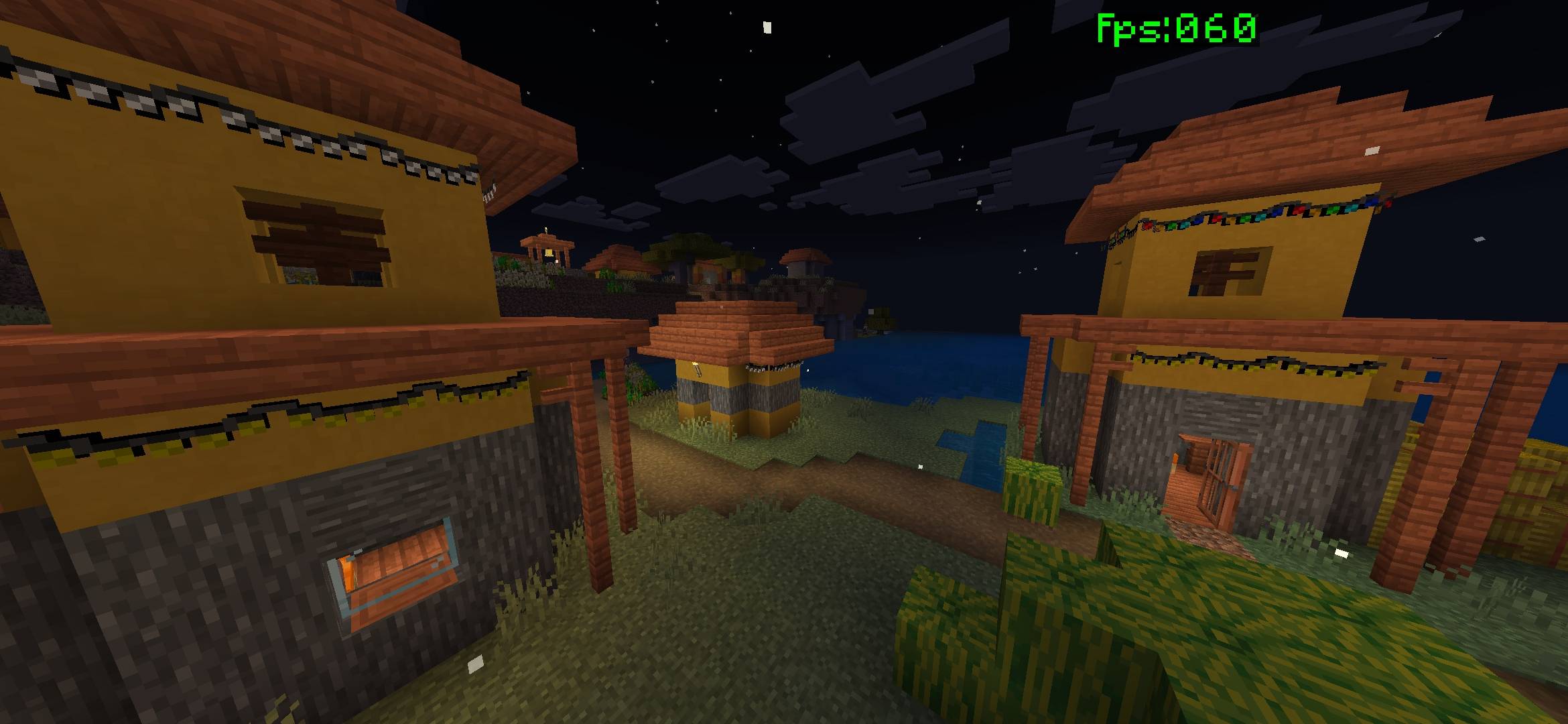
This Fairy Lights Mod adds beautiful decorative lights inspired by Diwali.
Perfect for festivals, builds, houses, celebrations, and decorative projects.
These fairy lights look especially great at night and add a warm, festive atmosphere to your Minecraft world. Contains 8 different types of fairy lights.
• Easy to use
• Survival friendly
• No lag
• Decorative & aesthetic
• Works in MCPE 1.21+
NOTE:
Fairy Lights use trapdoor-like properties.
If the light appears attached to the upper side when placed,
simply right-click on the fairy light to adjust its position,
similar to opening or closing a trapdoor.
IMPORTANT:
By using my add-ons or maps, you agree to the following terms:
• You may use and modify this pack for personal use only.
• You are not allowed to redistribute it or claim it as your own.
• You are allowed to create videos or other content,
but you must provide my official download link
(CurseForge, MCPEDL).
• Do not re-upload or share my add-ons/maps on any other
website, app, or platform.
© All rights reserved.
Created by PS Gamer (RTX)
Watch Full Video: https://youtu.be/O4J2sLLQiOs?si=2OGhrzSkfvlwiNmR
YT : https://www.youtube.com/@psgamerrtx_official
Discord : discord.gg/Ff2QZHnHsf
- Edition: Minecraft Bedrock
- File type: .mcpack or .mcaddon
- Minecraft version listed: 1.21.130
- How to install: Download the .mcpack or .mcaddon file. → Open it — Minecraft imports it. → In your world: Behavior Packs → Available → Activate, then the same under Resource Packs.
- Where to get it: Opens on CurseForge — not every file is mirrored on our own servers.
Install steps are the general flow for this file type — How to install Minecraft Bedrock addons & mods walks through it step by step.
- Pack type: .mcaddon
- Manifest requires Minecraft 1.21.60 or newer
- Ships one half — this pack asks for another pack that is not included
- Download size: 46 KB
- Download link checked 6 Oct 2026 — working
These come from our own check of the pack file, not from the source page.