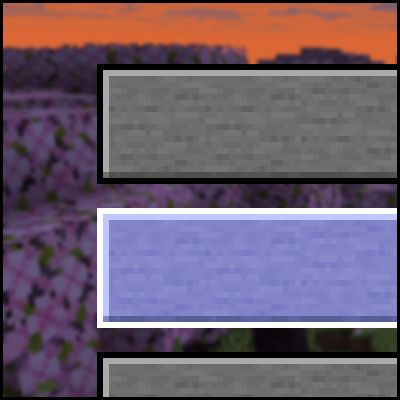
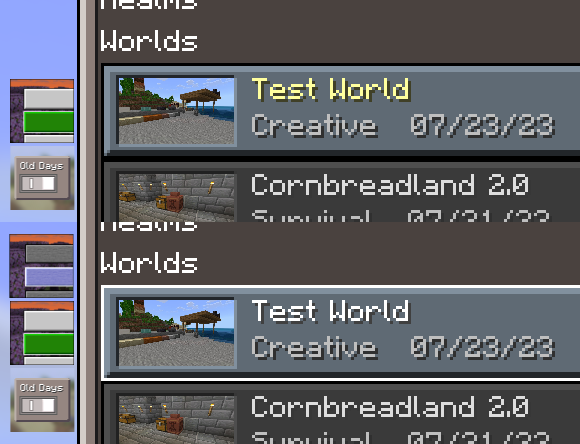
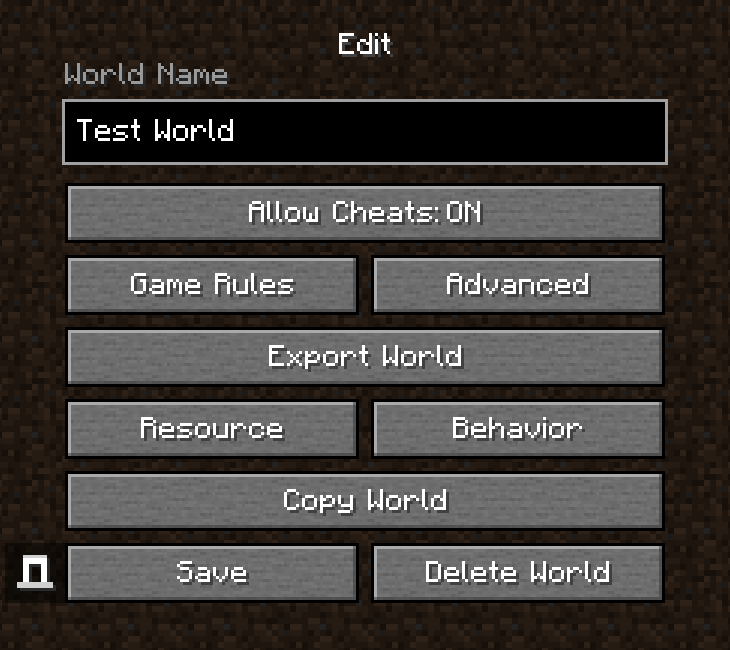
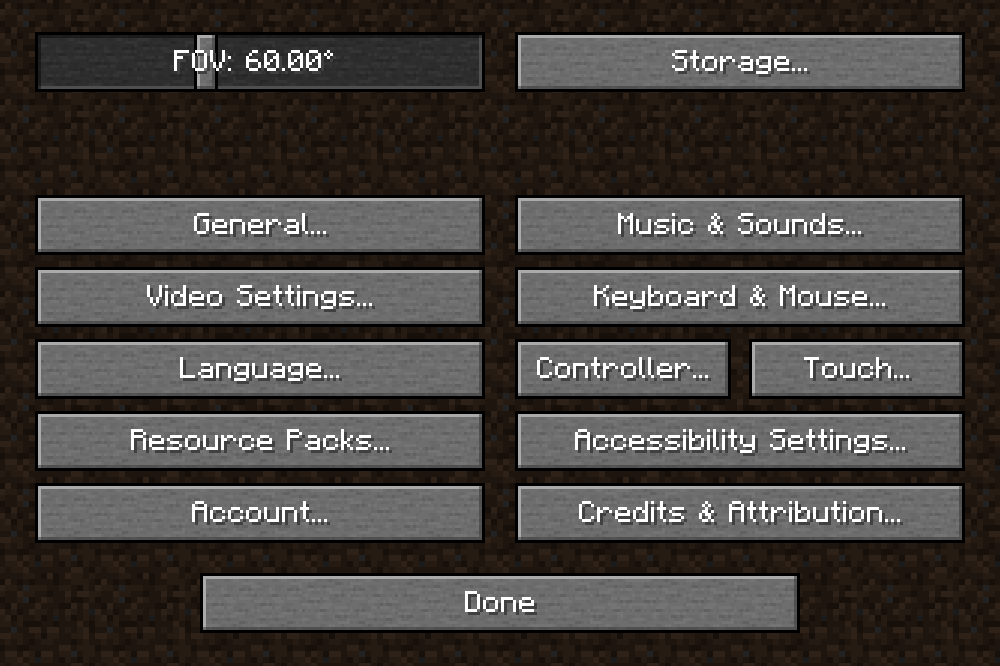
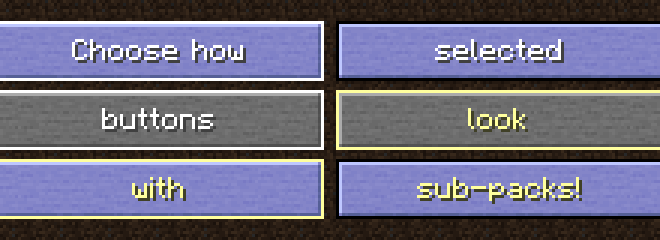
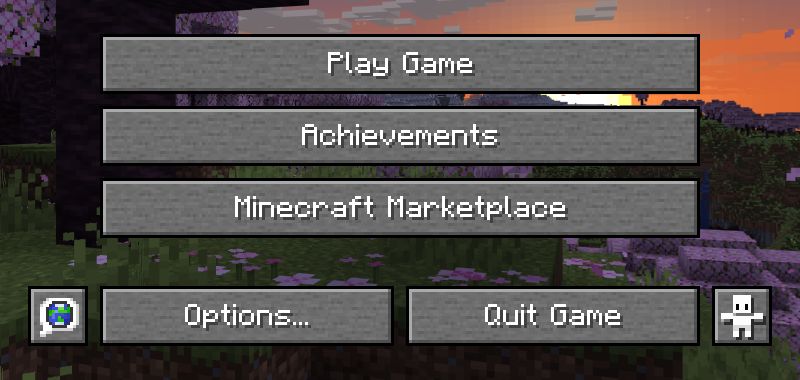

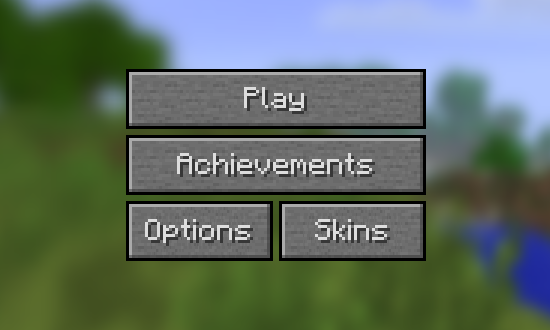
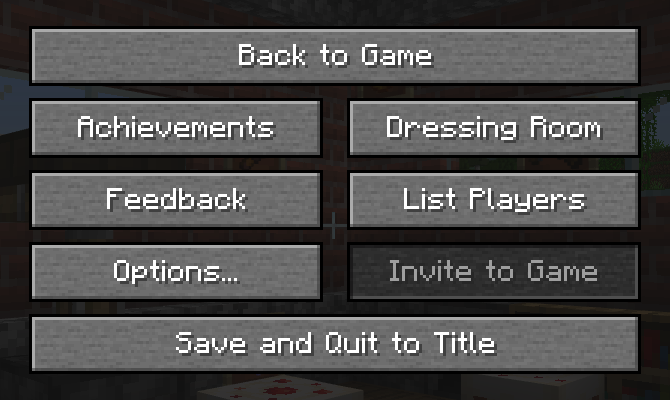
The buttons on Minecraft's menus look a lot like stone, so this pack makes them look even more like Stone by giving them Jappa's Stone texture. Comes with six sub-packs to choose from!
Important!
This page will no longer be updated. For versions past 1.1.1, go to Planet Minecraft.
This pack is a port from Java Edition and therefore must be put above CrisXolt's VDX: Legacy Desktop UI or VDX: Old Days UI in order to work.*
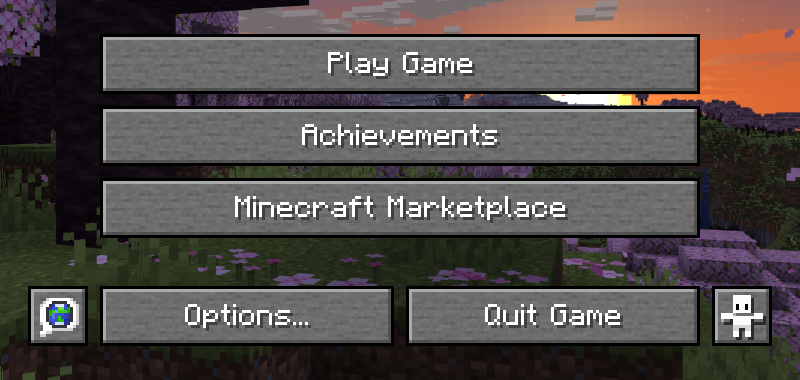

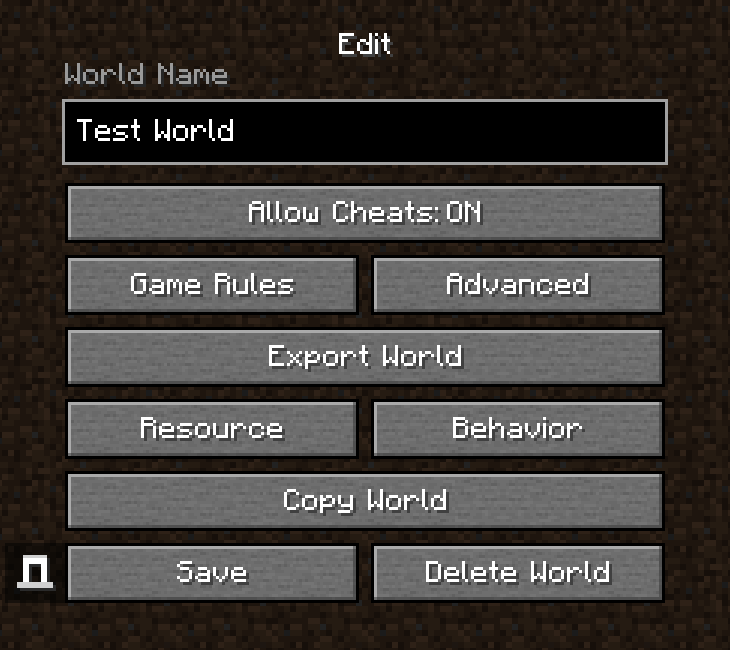
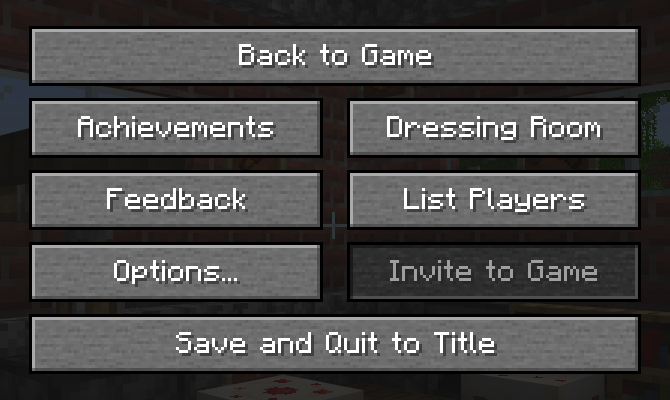
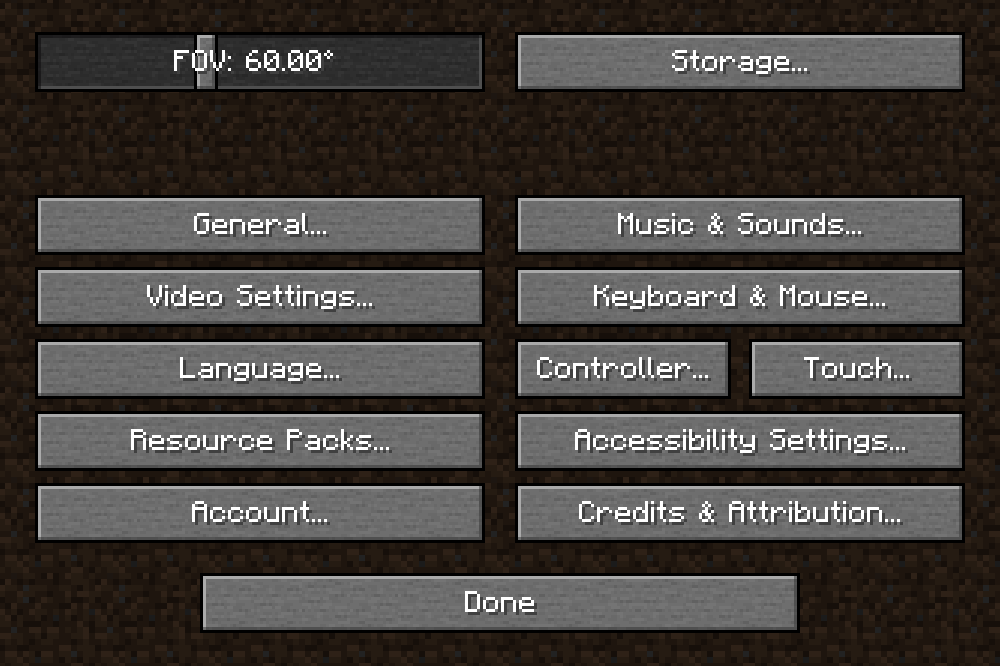
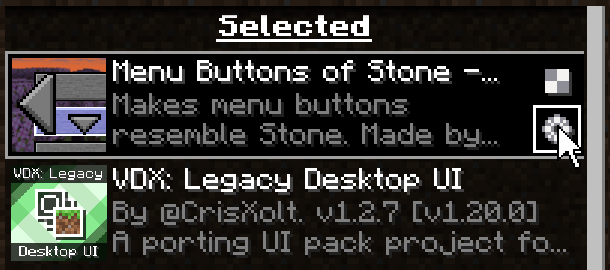
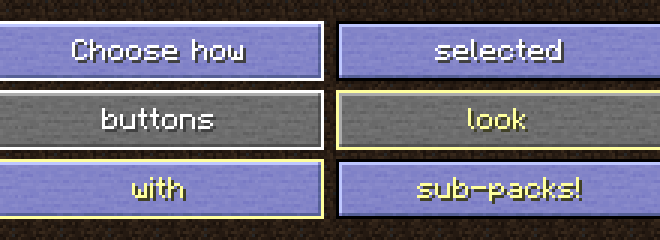
* (While this pack is designed for VDX Legacy Desktop UI, v1.1.0 and up also work with VDX Old Days UI!)
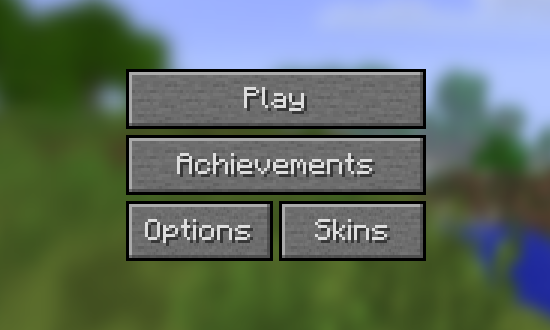
((Also, this pack has some slight compatibility with Thickly Be-Beveled Buttons when using VDX Old Days UI))
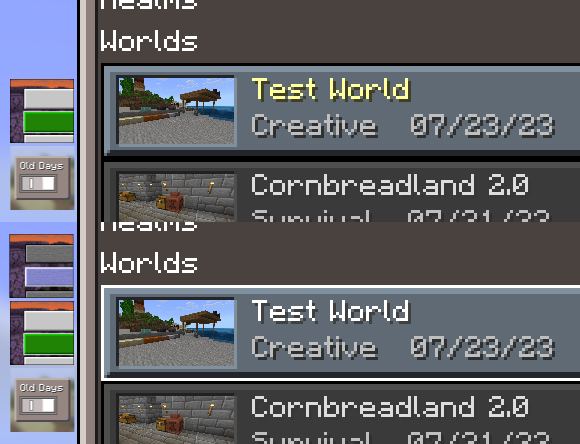
- Edition: Minecraft Bedrock
- File type: .mcpack or .mcaddon
- Minecraft versions listed: 1.20.1, 1.20, 1.19
- How to install: Download the .mcpack or .mcaddon file. → Open it — Minecraft imports it. → In your world: Behavior Packs → Available → Activate, then the same under Resource Packs.
- Where to get it: Opens on CurseForge — not every file is mirrored on our own servers.
Install steps are the general flow for this file type — How to install Minecraft Bedrock addons & mods walks through it step by step.
Menu Buttons of Stone is a free Minecraft Bedrock addon. Compatible with Minecraft 1.20.1, 1.20, 1.19, 1.19.20 and newer. Downloaded 876 times (via CurseForge). Download it and open it directly in the game.