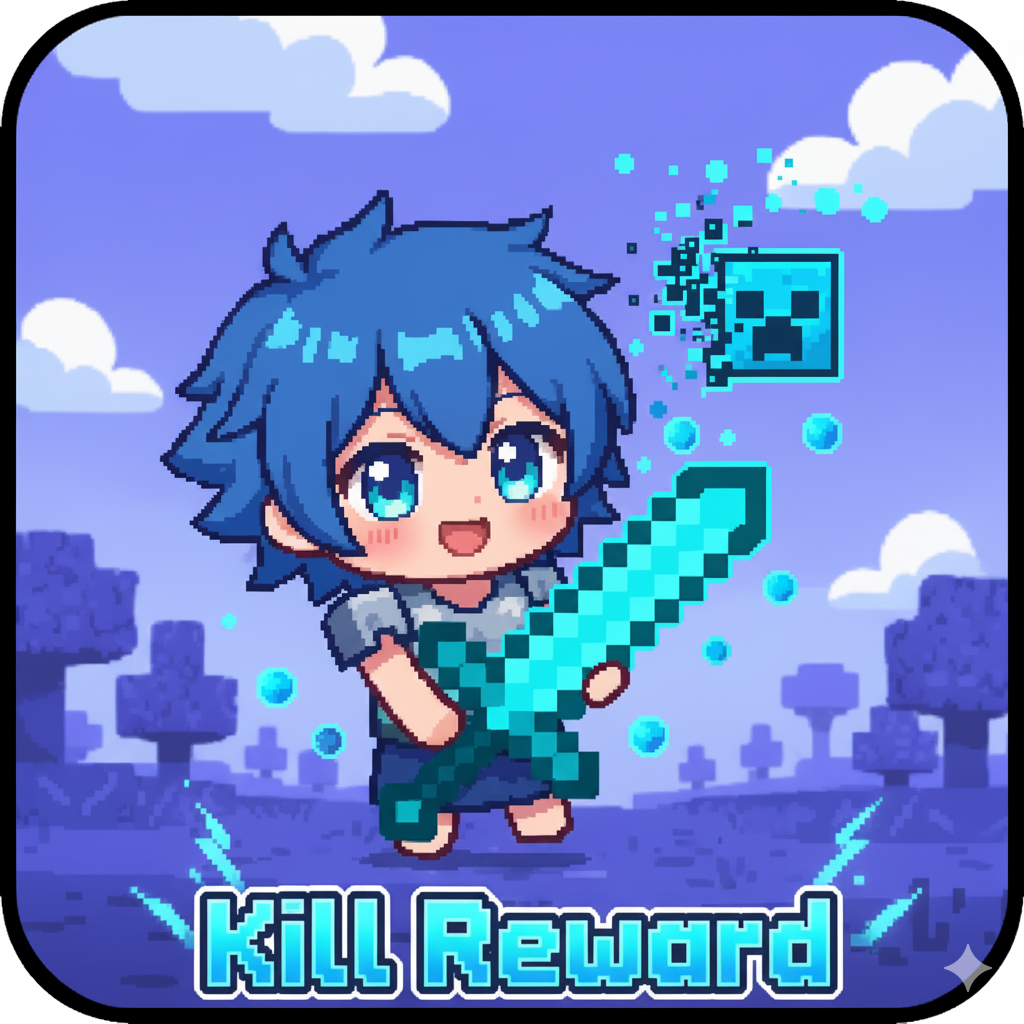
KillReward-Sistem
Bedrock add-on listed for Minecraft 1.21 (behavior + resource pack). File opened and checked on 1 Oct 2026; installs from the MC Bedrock Mods app on Android.
⬇ Download on CurseForge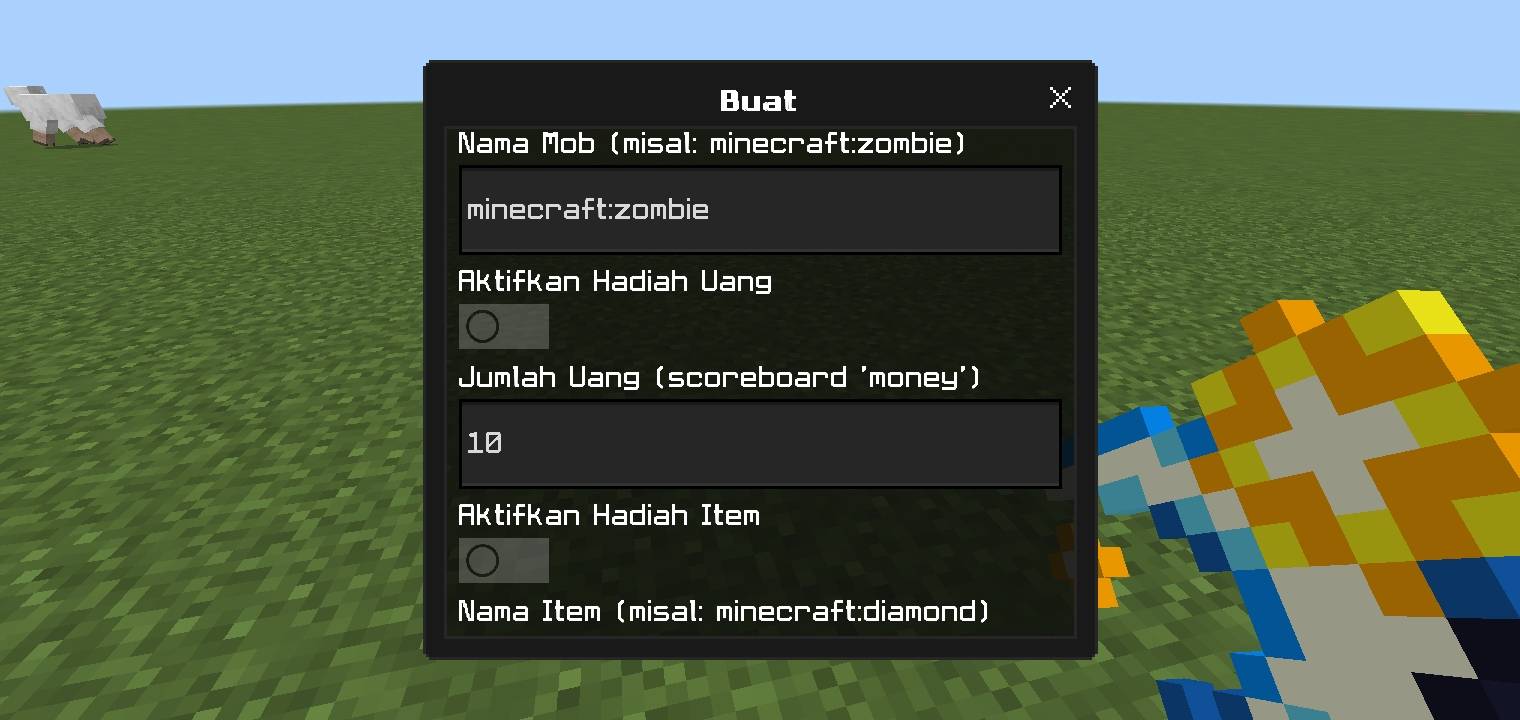
This addon allows admins to create an automatic reward system when players kill specific mobs.
* **GUI Menu:** All settings are managed through an easy-to-use menu item.
* **Flexible Rewards:** Set up rewards such as:
* **Money:** (requires a scoreboard named `money`).
* **Items:** Give any item in a specific amount.
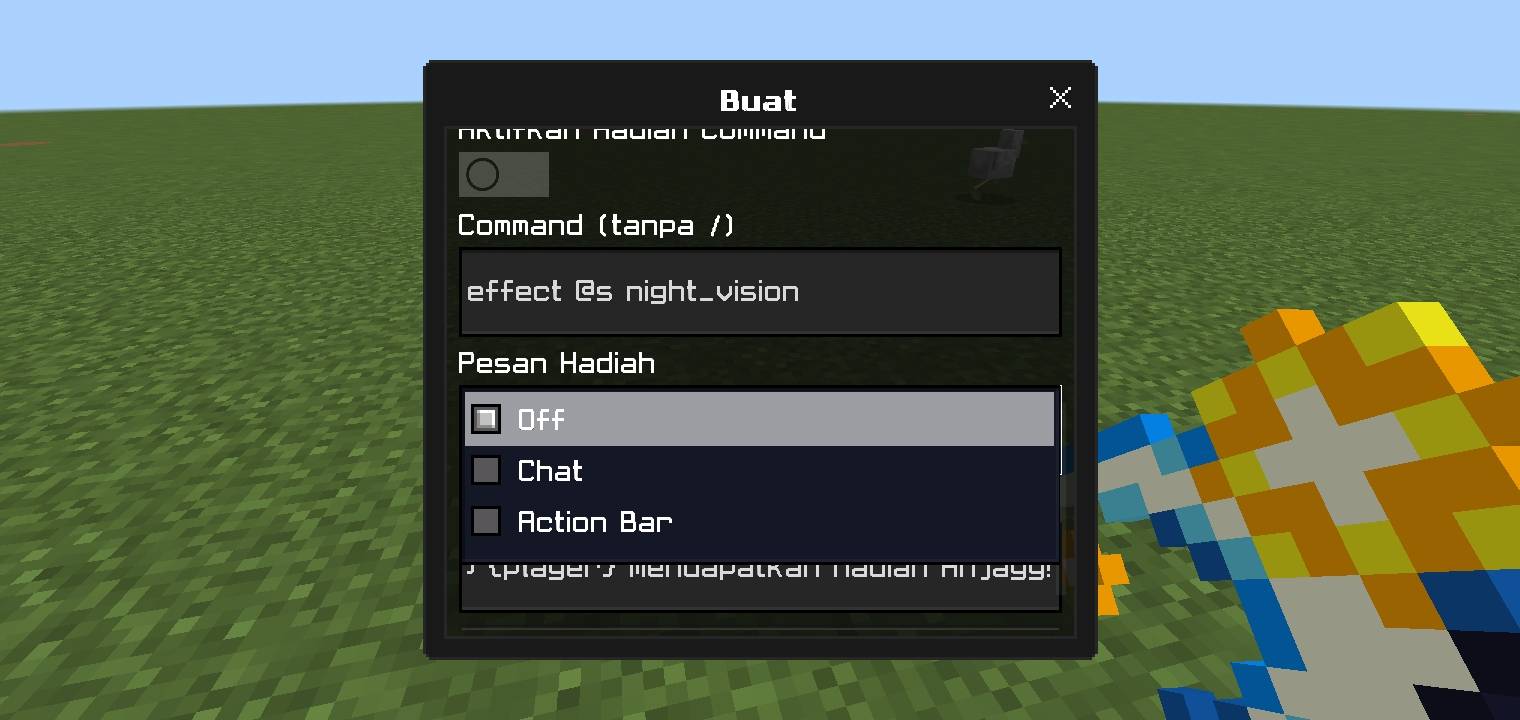
* **Commands:** Execute custom commands for the player.
* **Custom Messages:** Set notification messages (in chat or action bar) or disable them when a player receives a reward.
* **Easy Management:** Existing systems can be edited or deleted anytime through the menu.
### **How to Use**
1. **Become an Admin:**
* Only players with the `admin` tag can use the menu.
* Type the command: `/tag @s add admin`
2. **Get the Menu Item:**
* Get the menu item with the command: `/give @s kill:menu`
3. **Open the Menu:**
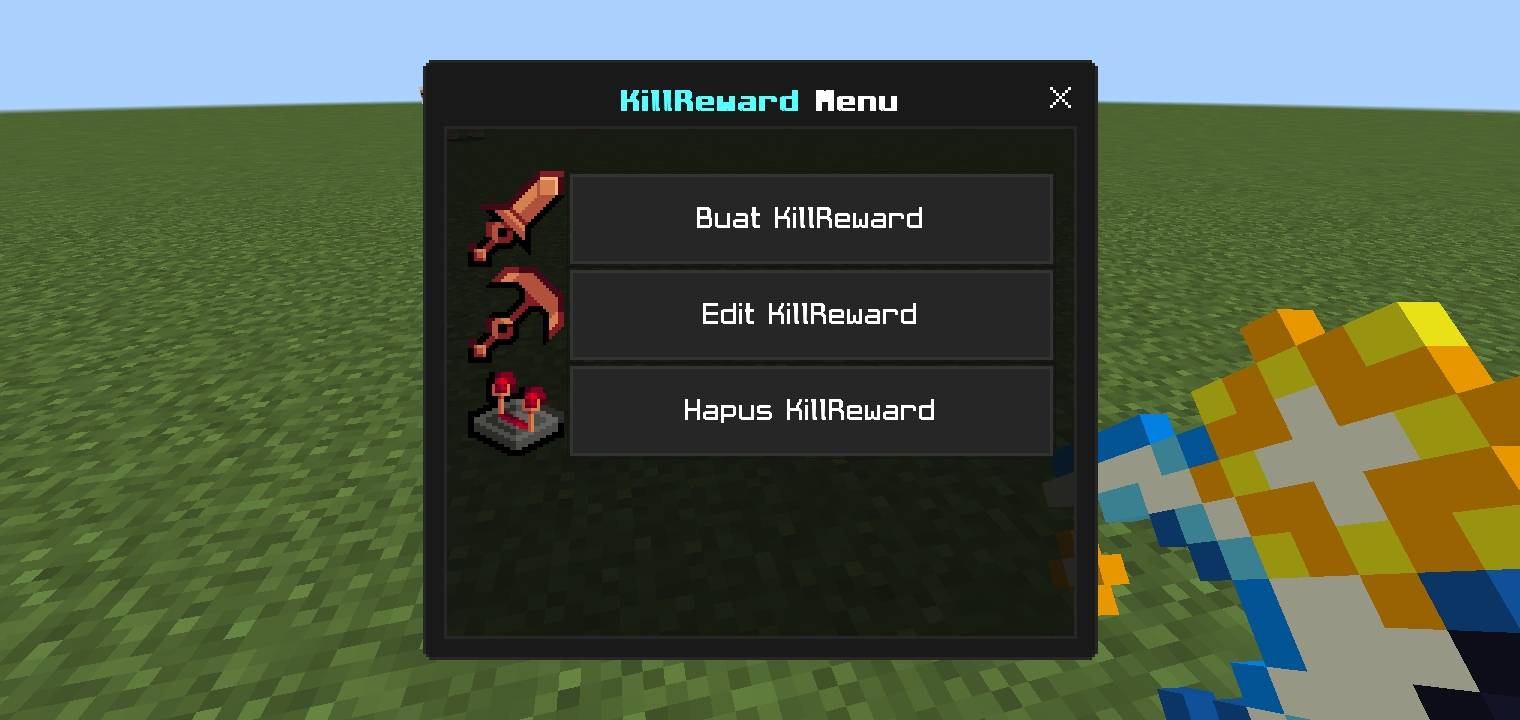
* Hold and use the `kill:menu` item to open the "KillReward Menu" UI.
4. **Create a New System:**
* Select the **"Create KillReward"** button.
* Fill in the mob name (e.g., `minecraft:zombie`).
* Enable the desired reward types (Money, Item, Command) and fill in the details.
* Choose the message type and write the message.
* Click **"Submit"** (the right arrow button).
5. **Edit or Delete:**
* Use the **"Edit"** or **"Delete"** buttons in the main menu to manage existing systems.
**Important Note:** If you want to use the **Money** reward, make sure you have created the scoreboard first with this command: `/scoreboard objectives add money dummy`
- Edition: Minecraft Bedrock
- File type: .mcpack or .mcaddon
- Minecraft versions listed: 1.21.101, 1.21.100, 1.21.111
- How to install: Download the .mcpack or .mcaddon file. → Open it — Minecraft imports it. → In your world: Behavior Packs → Available → Activate, then the same under Resource Packs.
- Where to get it: Opens on CurseForge — not every file is mirrored on our own servers.
Install steps are the general flow for this file type — How to install Minecraft Bedrock addons & mods walks through it step by step.
- Pack type: .mcaddon — behaviour and resource pack in one file
- Manifest requires Minecraft 1.21.0 or newer
- Complete pack — everything it depends on is inside the file
- Download size: 3.1 MB
- Download link checked 6 Oct 2026 — working
These come from our own check of the pack file, not from the source page.