Burned Netherite v1
Bedrock add-on listed for Minecraft 1.19–1.21 (behavior + resource pack). File opened and checked on 30 Sep 2026; installs from the MC Bedrock Mods app on Android.
⬇ Download on CurseForge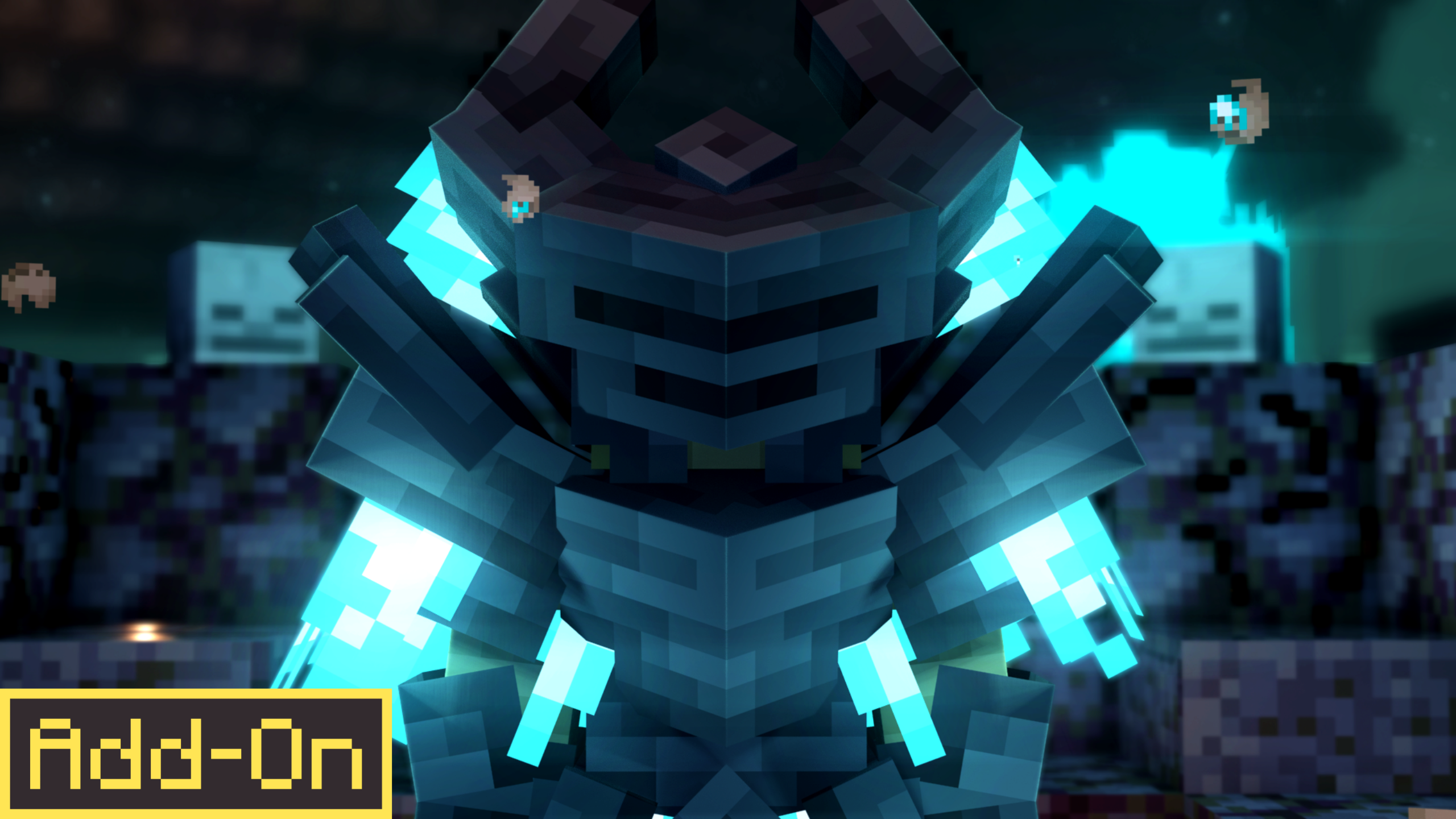
From the hellish fires of the abyss comes the Burned Netherite Armor to destroy your enemies ;D
Now you can show off to your friends the aesthetics of this burned armor
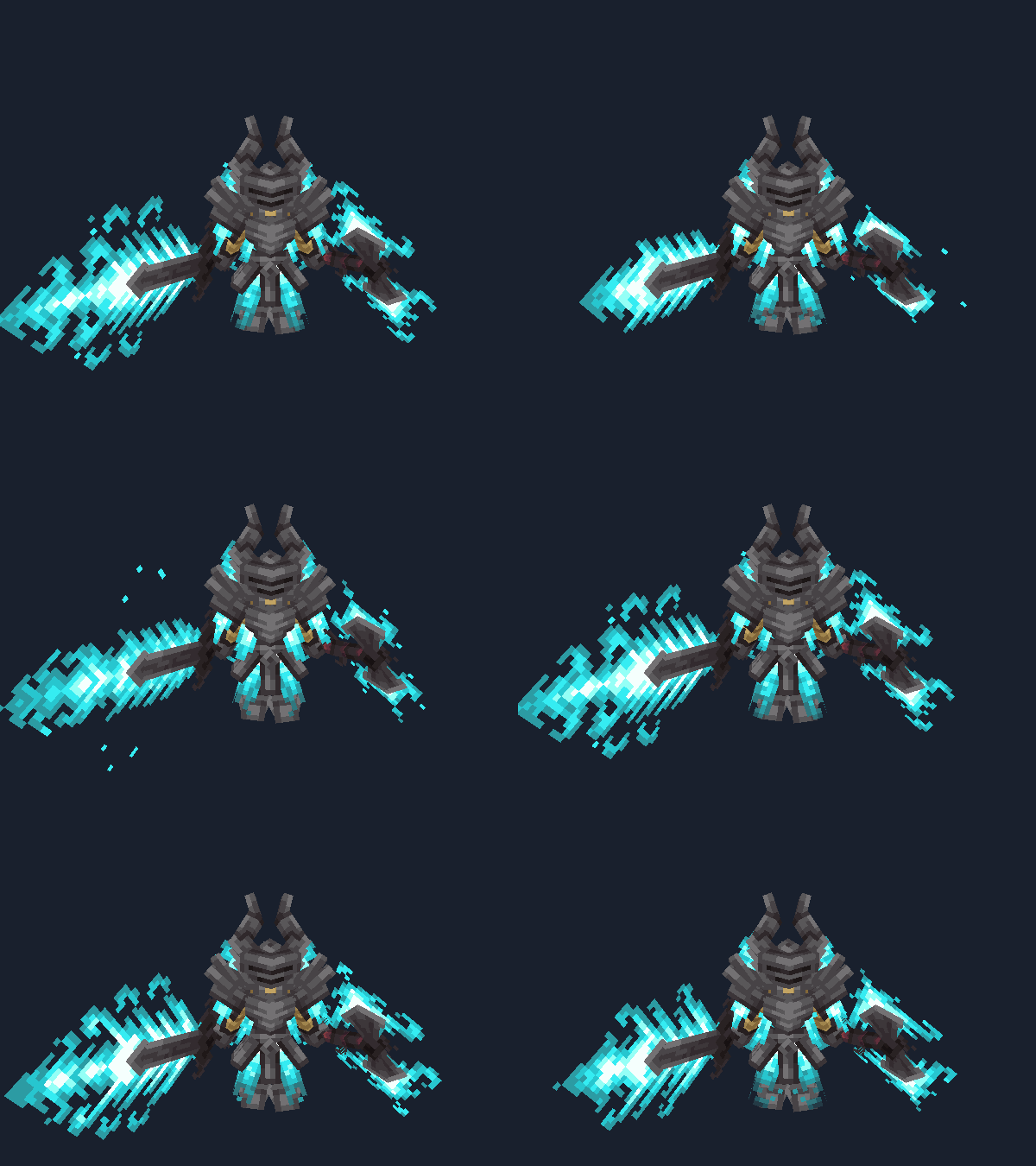
- Showcase Animation!!
 </figure>
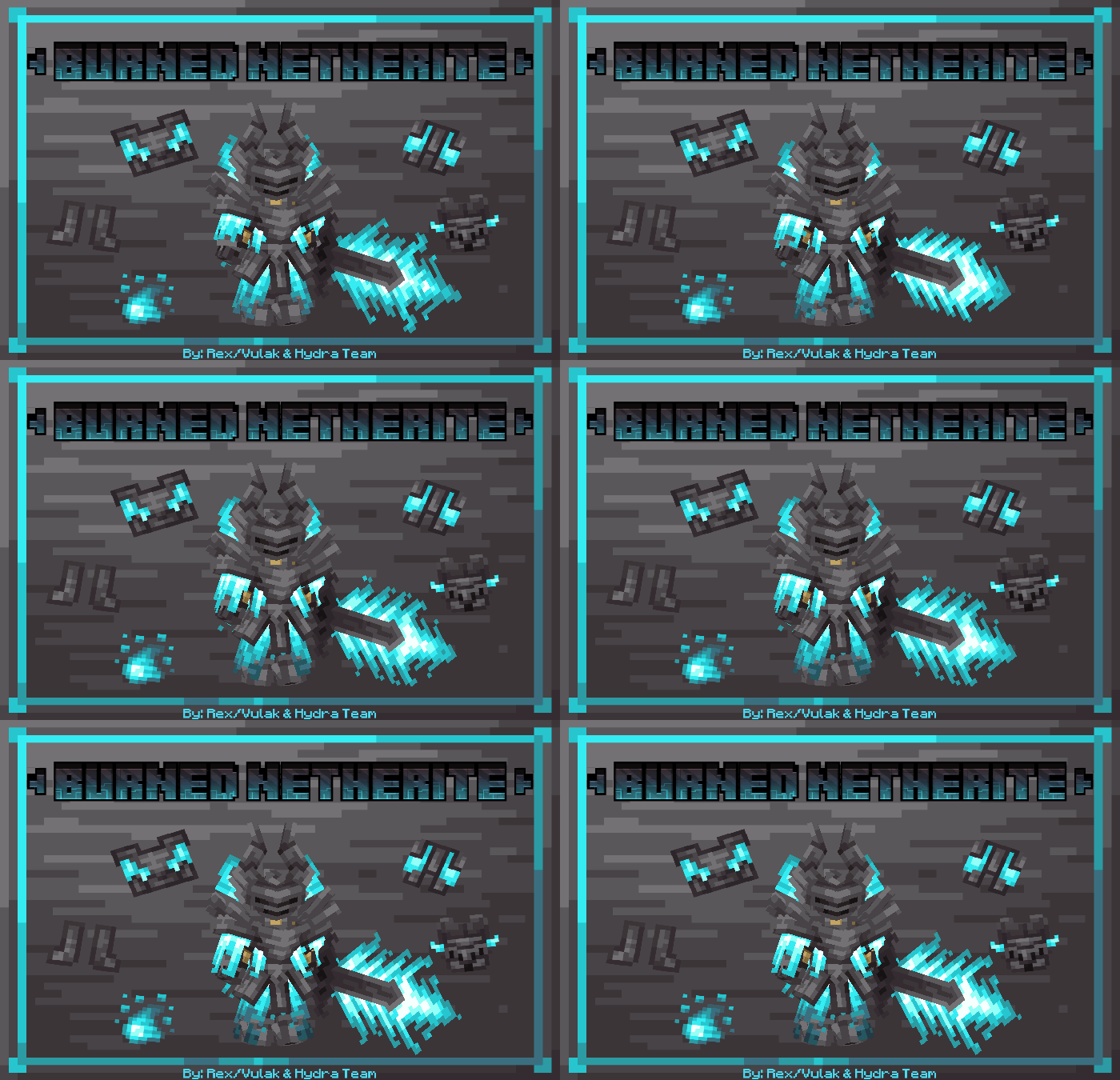
This addon contains 1 set of 3d armor with animated texture, 3 3d tools with animated textures each (Sword, Axe, Pickaxe) , 1 block 1 item and The sword and axe attack have a custom animation (The armor glows in the night)
- Hydra Dominatus
 </figure>
<figure class="image">
</figure>
<figure class="image">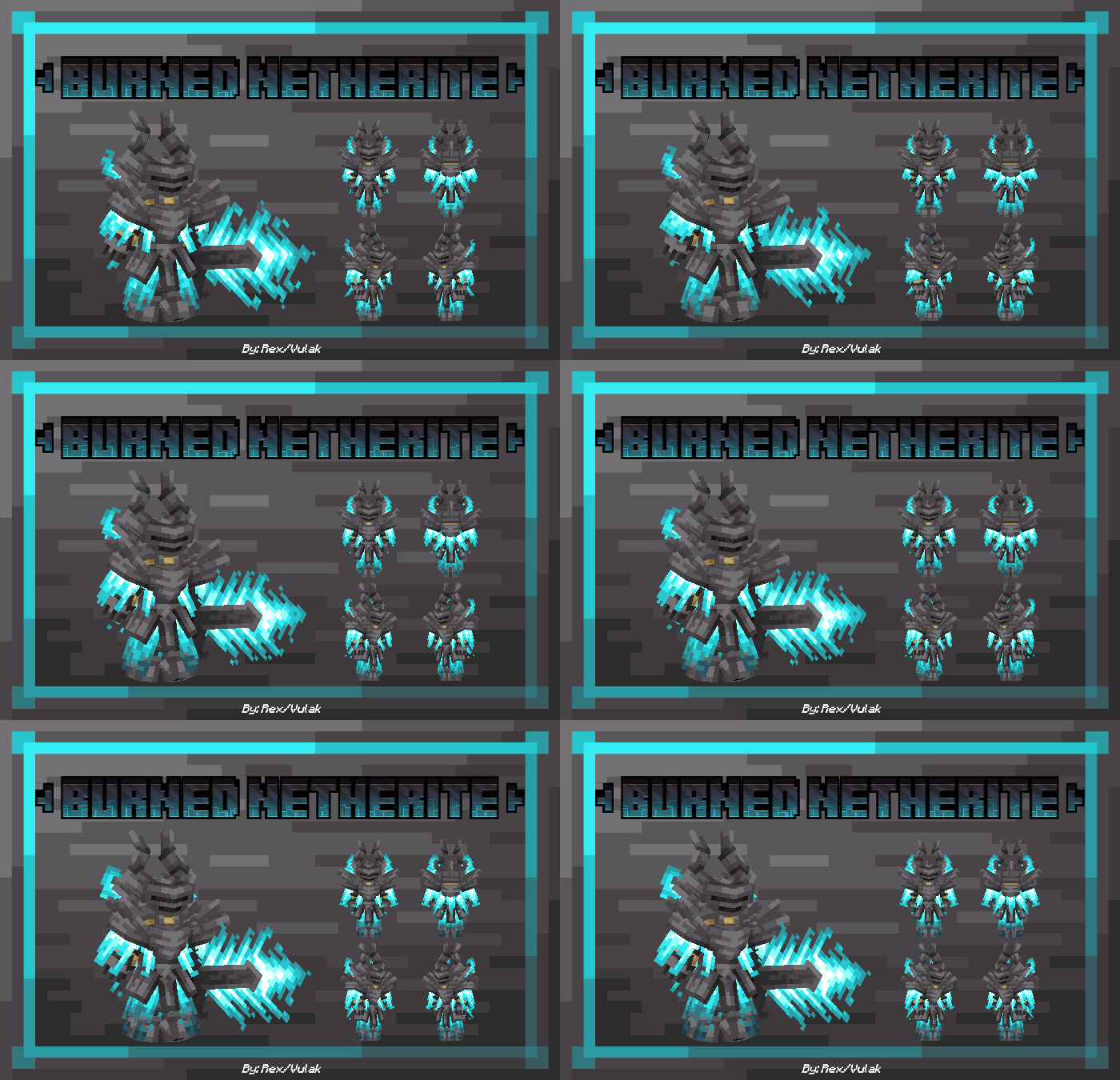 </figure>
<figure class="image">
</figure>
<figure class="image">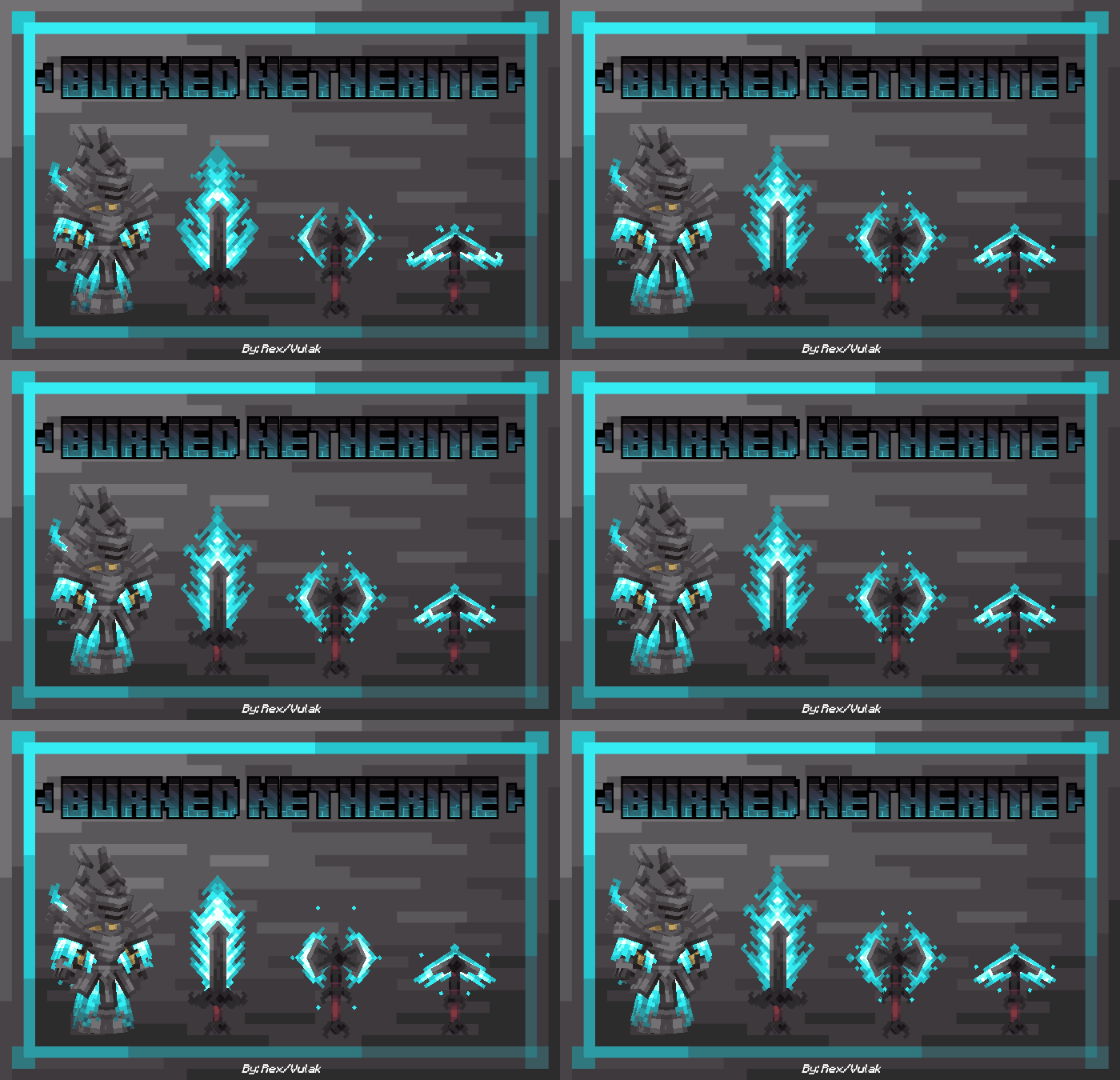 </figure>
<figure class="image">
 </figure>
<mark class="pen-red">🛑 </mark>Warning<mark class="pen-red"> 🛑 </mark>
<mark class="pen-red">your dispositive may not have the ability to render the addon, this is an error that happens on your dispositive (Phone, PC, Console)</mark>
<mark class="pen-red">Now to fix the error you will have to edit the addon files manually either on PC or Android/IOS to fix it just open the con.mojang folder (look for tutorial to find the folder)</mark>
<mark class="pen-red">Check the Behavior pack and Resource pack folder</mark>
<mark class="pen-red">In each 1 you should make only 1 file with the name Burned Netherite (if you see that there is more than 1 or you see that there is not one you can manually move the addon to that folder) If it still fails, delete the folder and start again.</mark>
By: Hydra Team
Models by: Vulak/Rex
Code by: AngelosoYT
- Edition: Minecraft Bedrock
- File type: .mcpack or .mcaddon
- Minecraft versions listed: 1.20.40, 1.21.30, 1.21.50
- How to install: Download the .mcpack or .mcaddon file. → Open it — Minecraft imports it. → In your world: Behavior Packs → Available → Activate, then the same under Resource Packs.
- Where to get it: Opens on CurseForge — not every file is mirrored on our own servers.
Install steps are the general flow for this file type — How to install Minecraft Bedrock addons & mods walks through it step by step.
- Pack type: .mcaddon — behaviour and resource pack in one file
- Manifest requires Minecraft 1.19.80 or newer
- Complete pack — everything it depends on is inside the file
- Download size: 344 KB
- Download link checked 6 Oct 2026 — working
These come from our own check of the pack file, not from the source page.