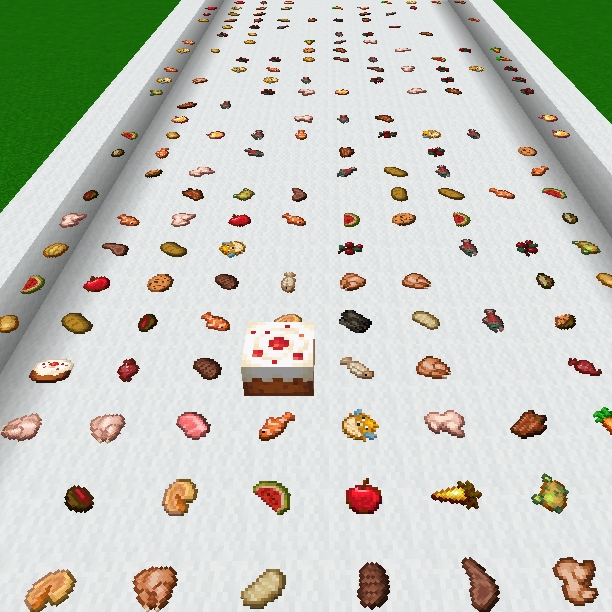
infinite eating
Infinite Eating lets food return after being eaten, just like soups — simple, fun, and perfect for survival with friends 🍖♾️
I don't know my version
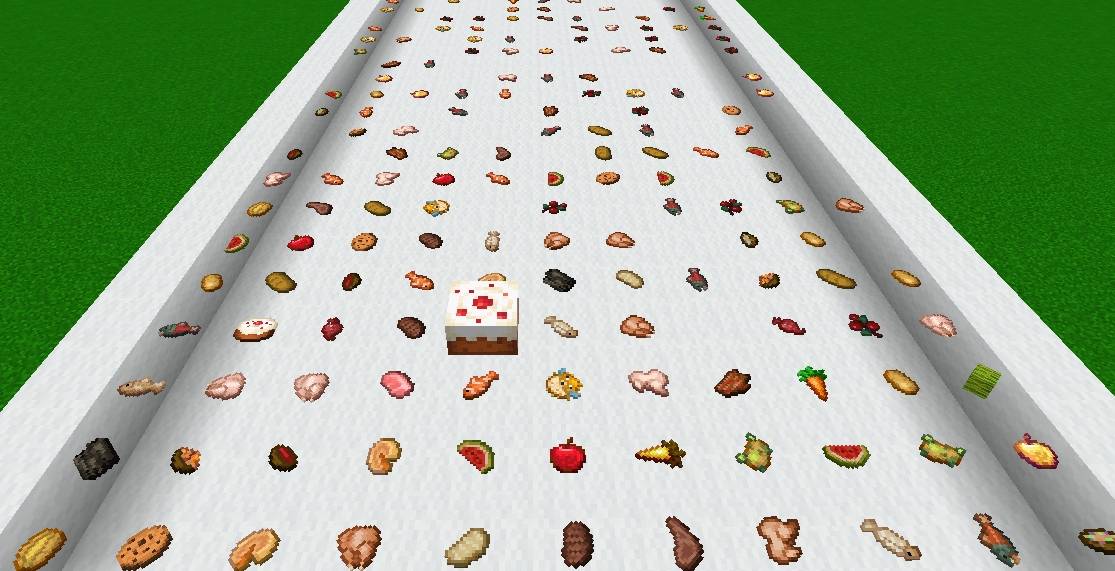
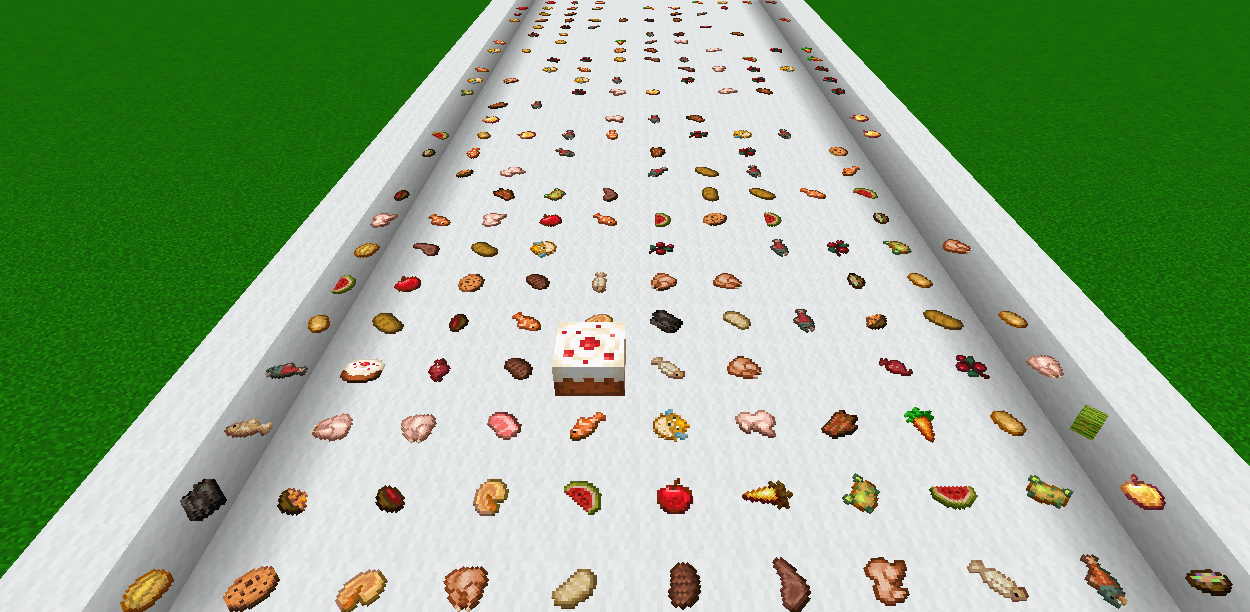
Infinite Eating -version 0.2
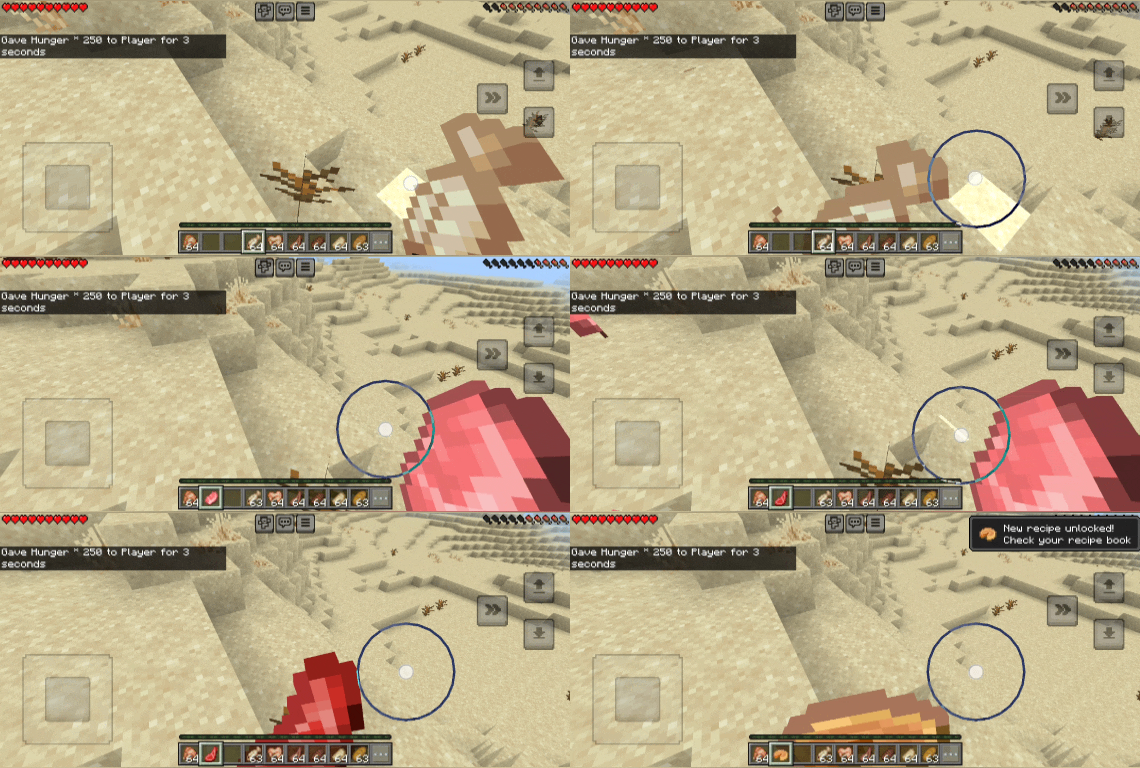
Ever wanted food that never really runs out? This addon makes most foods behave like soups, giving you another food item after you finish eating.
〰〰〰〰〰〰〰〰〰° ✨ Features °〰〰〰〰〰〰〰〰〰〰〰〰
• 🍗 Works with all foods except listed one.
• 🔁 After eating, the food is given back automatically
• 🧩 No new custom food items added — vanilla items only
• Cakes 🎂 remain unchanged
• 🛑 Known issue foods (no drop after eating): glow berries
• 🚫 Achievements disabled
• 📦 Mini version 1.21.100 & above.
• no experimental features required
• mcfunction added (i.e. give_all_food, clear_all_food)
• 🍲 soups/stew and 🍯 honey bottle also added.
• Total foods = 41 (out of 42)
Future Updates: ready for next? version 0.3
This addon is not completely infinite.😜
〰〰〰〰〰〰〰° What does this addon do❓°〰〰〰〰〰〰〰〰〰〰
This addon focuses on fun gameplay by making food reusable after consumption. It’s great for survival worlds and multiplayer sessions where food management feels lighter. Everything stays vanilla, with no new mechanics to learn. Just eat and keep going.
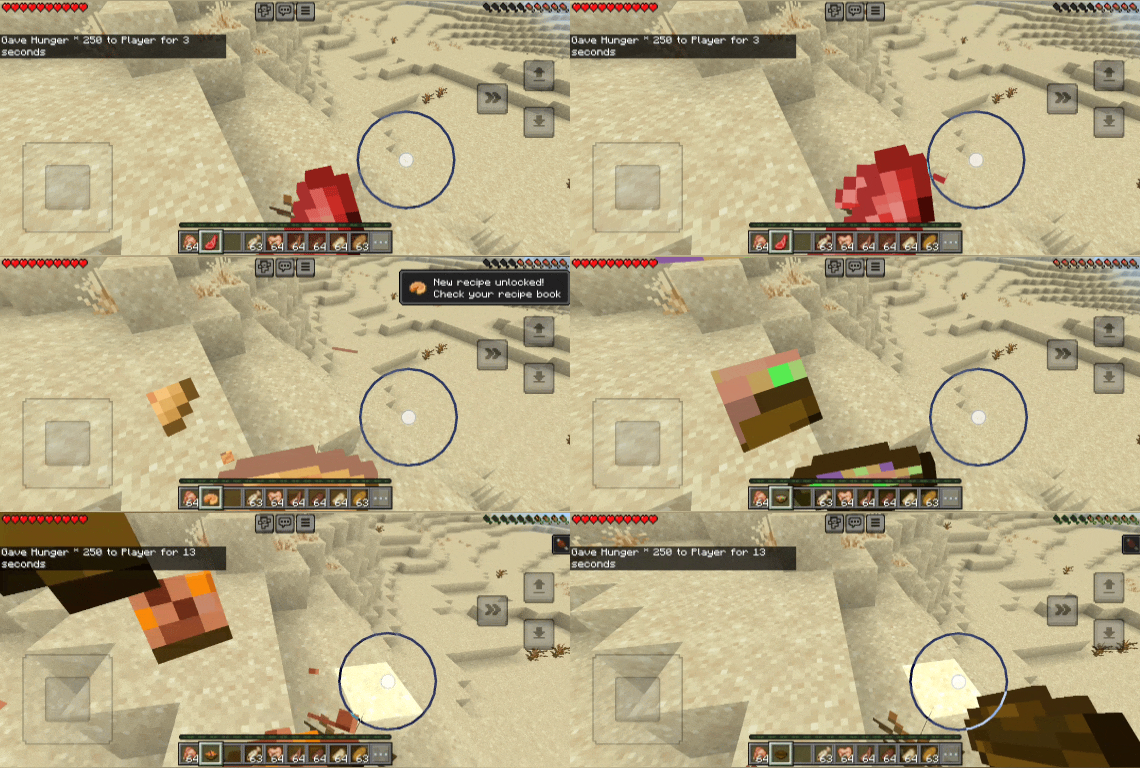
Made for players who enjoy relaxed survival and fun moments with friends 😊✨
If you know how to fix the unsupported foods or have ideas, don’t forget to contact me 🤗 Thank you!
Food List 👇
Food List (Alphabetical)
-
apple
-
appleEnchanted
-
baked_potato
-
beef
-
beetroot
-
beetroot_soup
-
bowl
-
bread
-
carrot
-
chicken
-
chorus_fruit
-
clownfish
-
cooked_beef
-
cooked_chicken
-
cooked_fish
-
cooked_porkchop
-
cooked_rabbit
-
cooked_salmon
-
cookie
-
dried_kelp
-
fish
-
glow_berries ❌
-
golden_apple
-
golden_carrot
-
honey_bottle
-
melon
-
mushroom_stew
-
muttonCooked
-
muttonRaw
-
nether_wart
-
poisonous_potato
-
porkchop
-
potato
-
pufferfish
-
pumpkin_pie
-
rabbit
-
rabbit_stew
-
rotten_flesh
-
salmon
-
spider_eye
-
suspicious_stew
-
sweet_berries
.
- Edition: Minecraft Bedrock
- File type: .mcpack or .mcaddon
- Minecraft versions listed: 1.21.100, 1.21.114, 1.21.120
- How to install: Download the .mcpack or .mcaddon file. → Open it — Minecraft imports it. → In your world: Behavior Packs → Available → Activate, then the same under Resource Packs.
- Where to get it: Opens on CurseForge — not every file is mirrored on our own servers.
Install steps are the general flow for this file type — How to install Minecraft Bedrock addons & mods walks through it step by step.
- Pack type: .mcpack — a single pack
- Manifest requires Minecraft 1.21.100 or newer
- Complete pack — everything it depends on is inside the file
- Download size: 78 KB
- Download link checked 26 Aug 2026 — working
These come from our own check of the pack file, not from the source page.