
More TNT (rework)
Bedrock add-on listed for Minecraft 1.21–26.x (behavior + resource pack). File opened and checked on 19 Sep 2026; installs from the MC Bedrock Mods app on Android.
A rework of the original More TNT addon, rebuilt for modern versions with restored and expanded explosive content.
⬇ Download on CurseForgeThe author built this one for Minecraft 26.11–26.20. On other versions it may install and then do nothing.
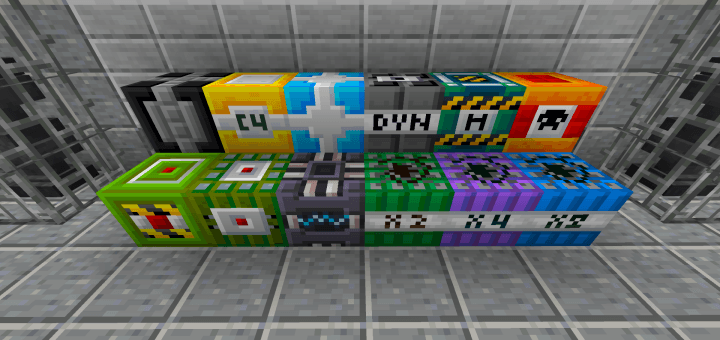
"More TNT (rework)" is a rework for update "More TNT Addon" by CodanRaigen.
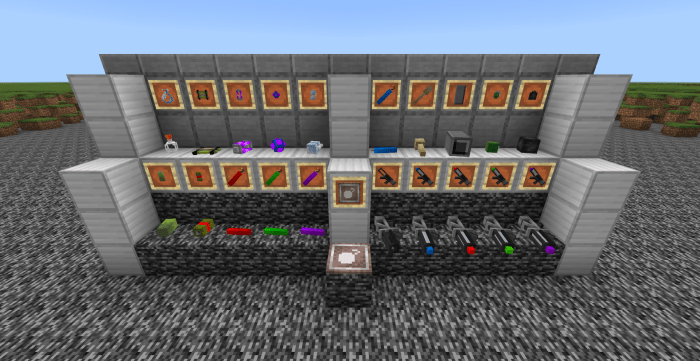
More TNT add-on adds more than 20 new explosives to the game! Molotovs, grenades, missiles, and even a black hole!
This add-on finally adds new explosive blocks that range from twice the power of your regular TNT to the massive nuclear blast.
Crafting
You can craft the new items using the recipe tab. Due to a bug, custom blocks recipes can't be viewed (Hopefully, this will be fixed in the future). 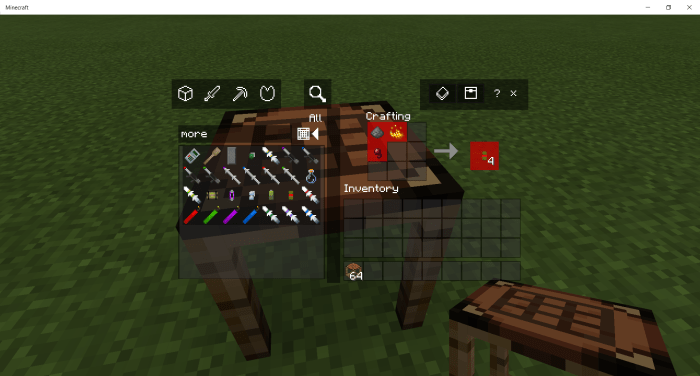
Blocks
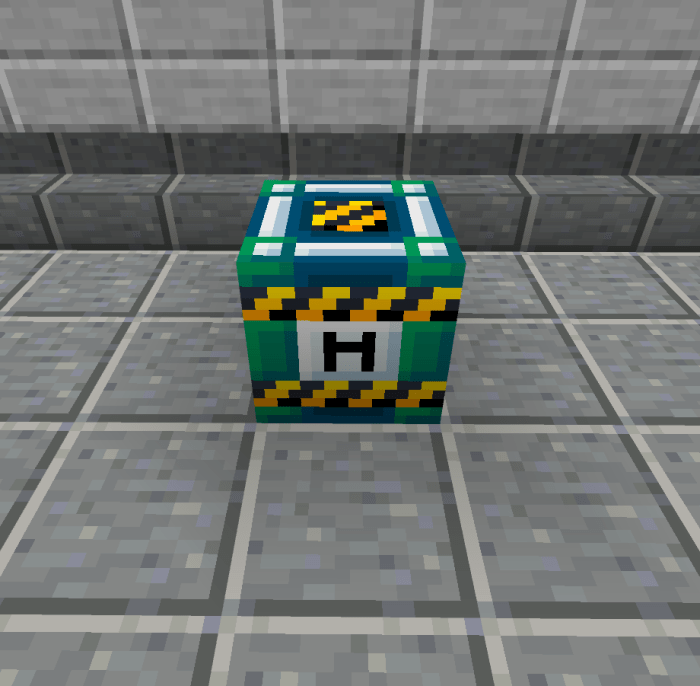
There are a total of 12 blocks of new TNT added by this add-on. Some of the newly added TNT have differing fuse duration so keep that in mind. You need flint and steel to trigger all of them (except for the C4).
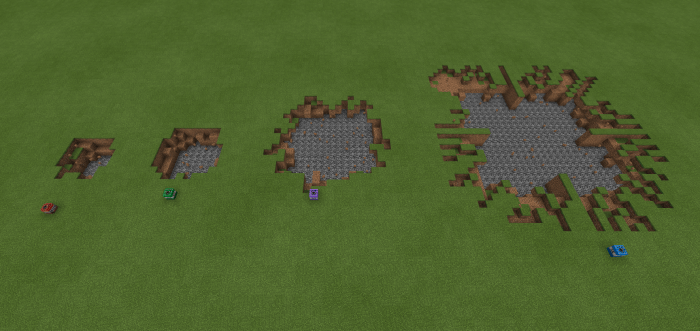
TNT x2, x4, x8
These are pretty self-explanatory, the power is multiplied by two, by four, or by eight. 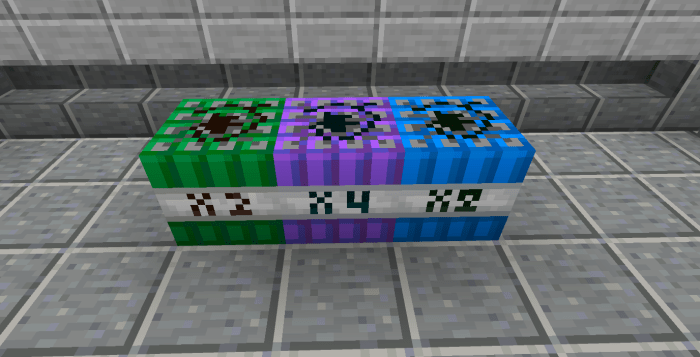
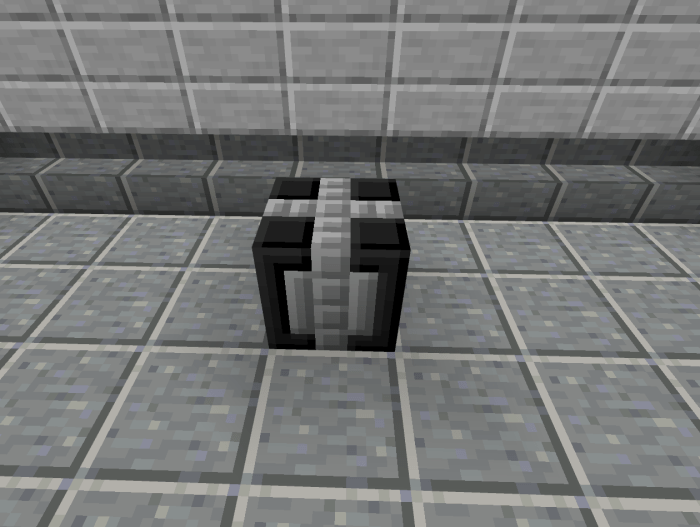
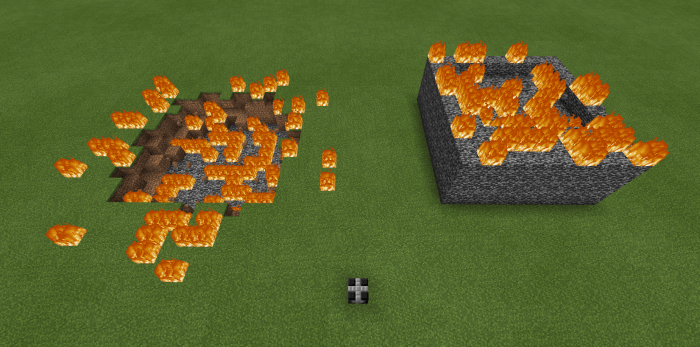
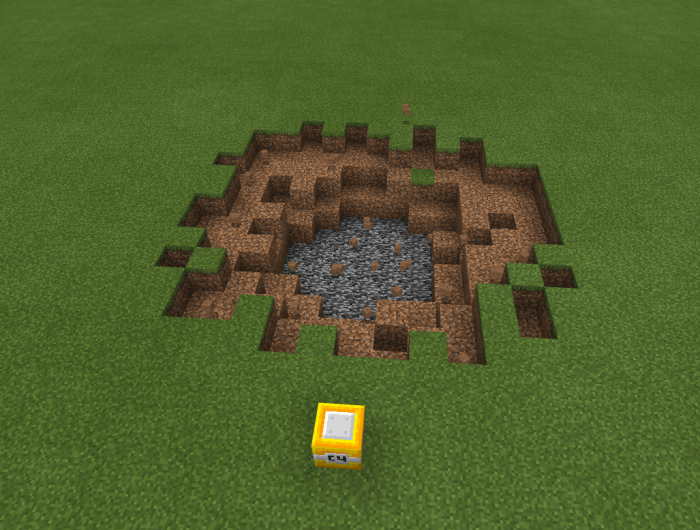
Bedrock buster
This TNT has the special ability to blow up bedrock!
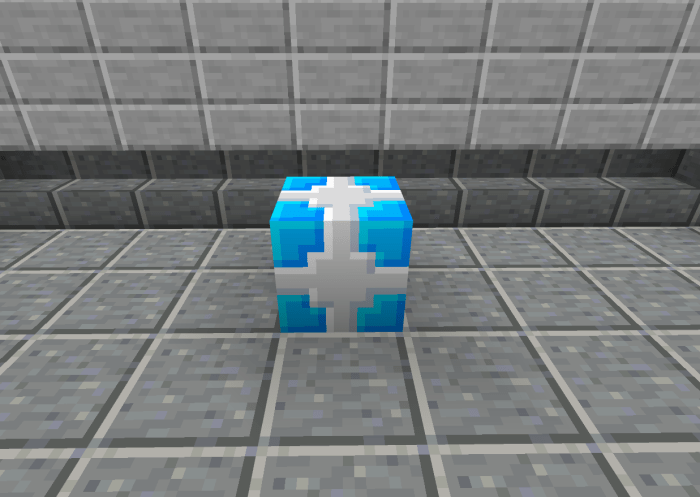
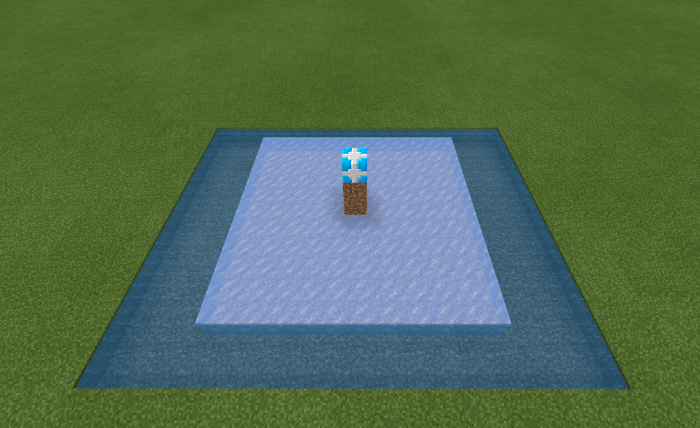
Cryocharge
This TNT has the special ability to freeze nearby entities, as well as freeze surrounding water into ice and lava to cobblestone.
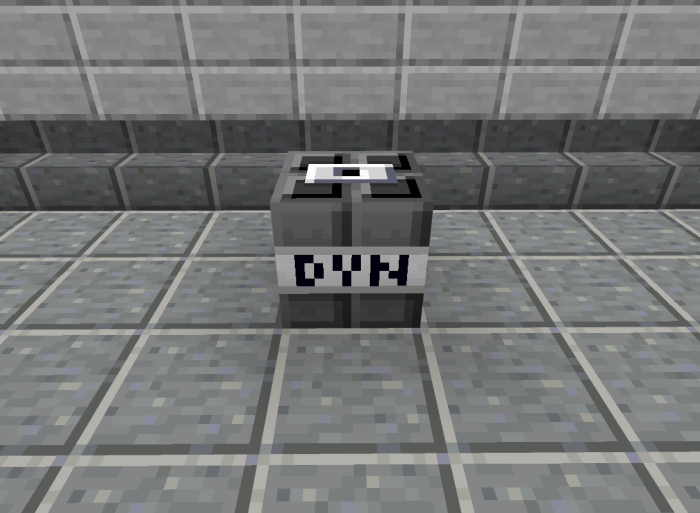
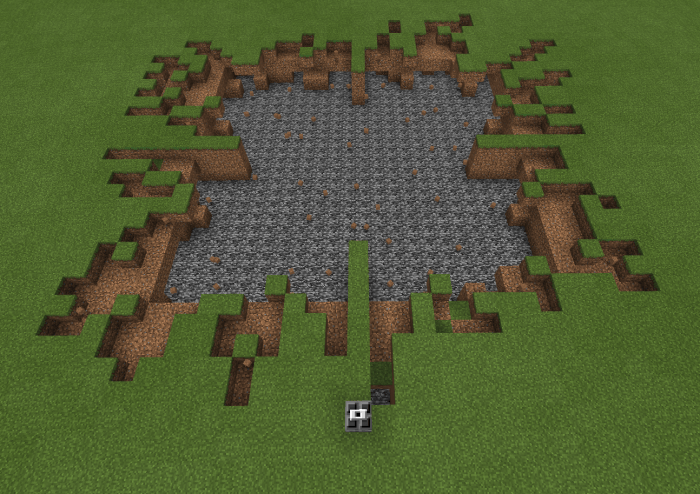
Dynamite
This TNT has the special ability to turn into a cluster and destroy an even larger area
Napalm
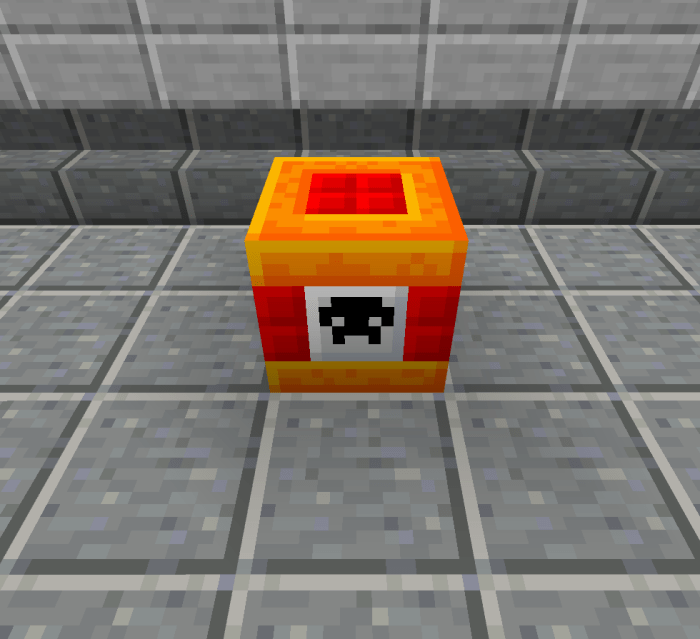
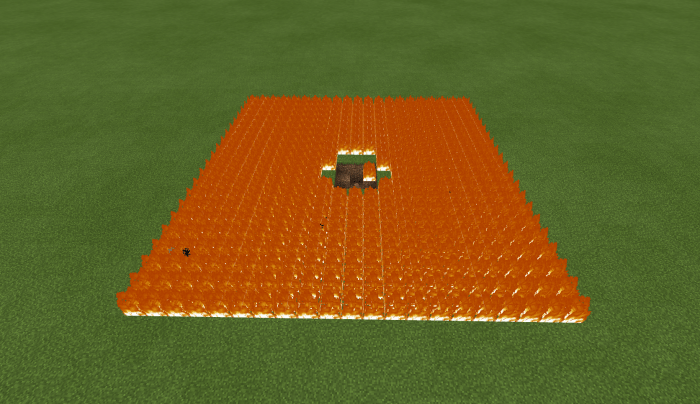
This TNT is the polar opposite of the Cryocharge (mentioned above). It has the ability to set an area ablaze and continuously explode its area.
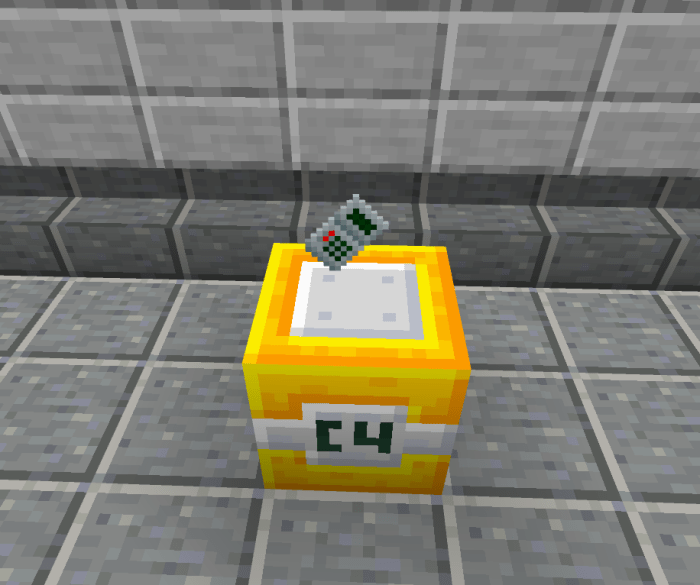
C4
This TNT cannot be lit by flint and steel, instead it can be activated by interacting with its detonator. The range of the detonator is 60x60x60 blocks, you can detonate this bomb from a safe distance, it will activate any C4 placed within that area! After a C4 is activated, it will sound an alarm to anyone nearby. The more C4 activated, the louder the alarm becomes.
Sticky bomb
This is a normal TNT that is stuck to a cobweb when triggered. It sticks to any surface and won't be coming down.
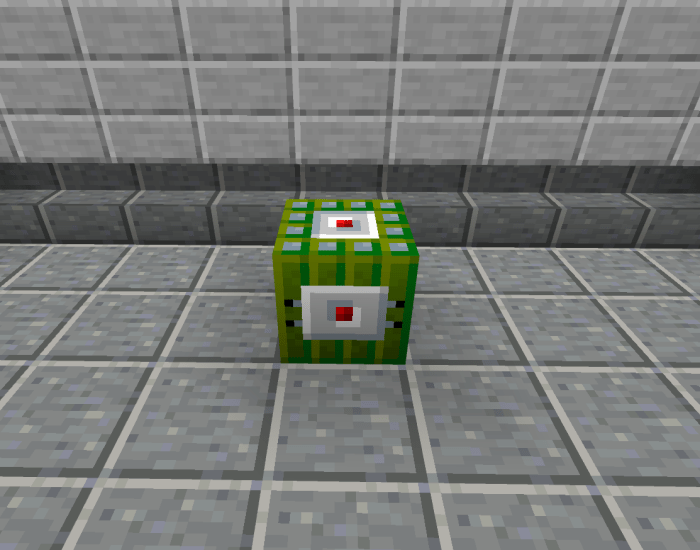
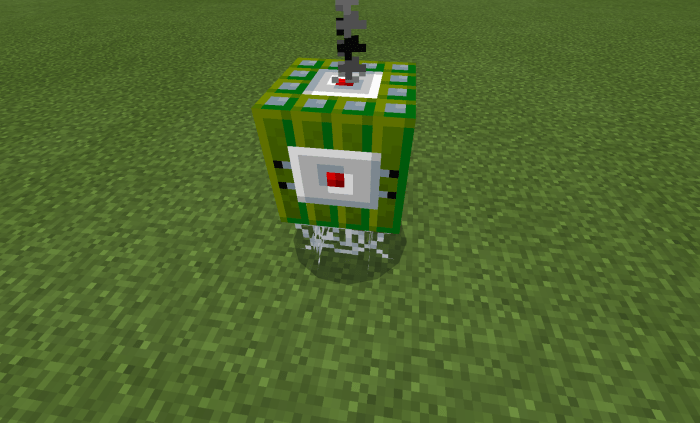
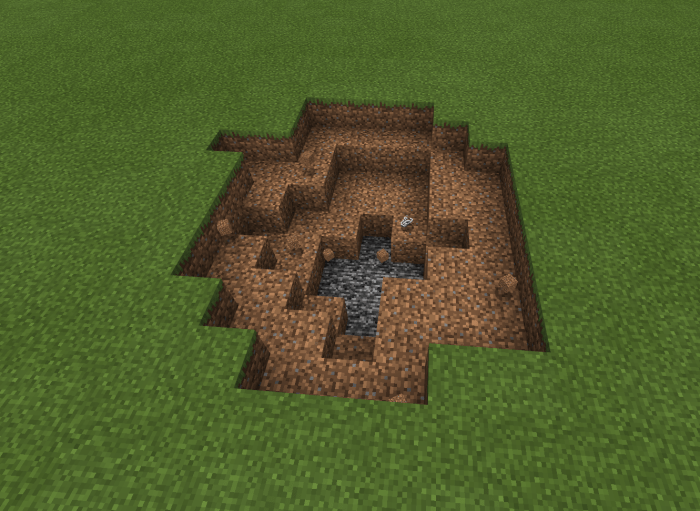
Tesla Bomb
This is a powerful bomb that can generate lightning bolts in a medium-sized area. The destructive explosion will burn an area and the lightning bolts won't be helping either.
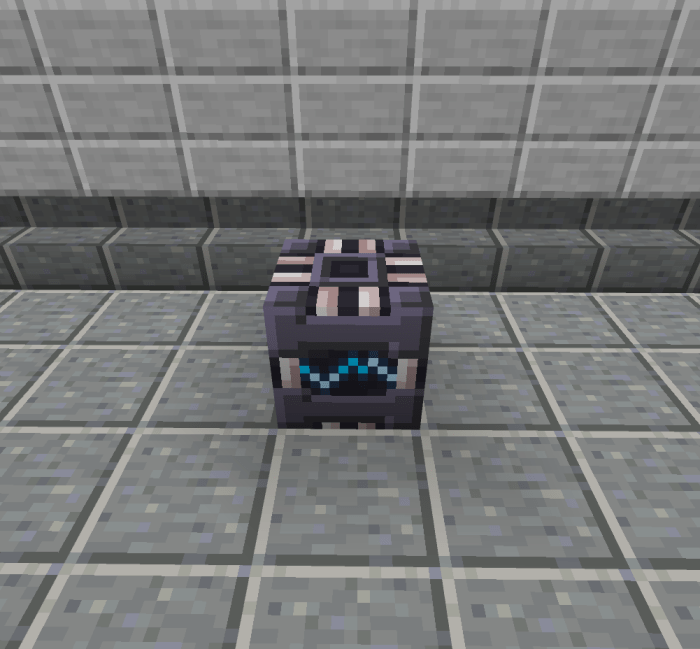
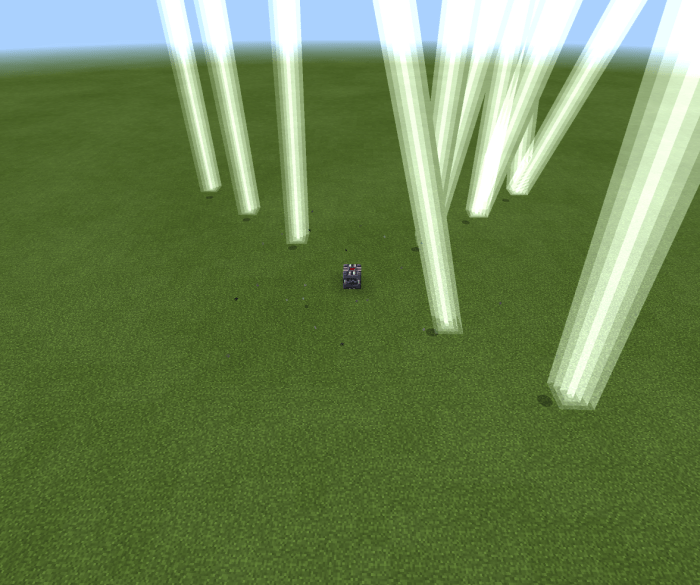
Throwable bombs
These are bombs that you can throw for yourself.
Throwing them
To throw them, simply aim and interact with the item as if you were throwing a snowball. Note that some of these bombs have varying weights so be careful when using them.
Caber
- power 3
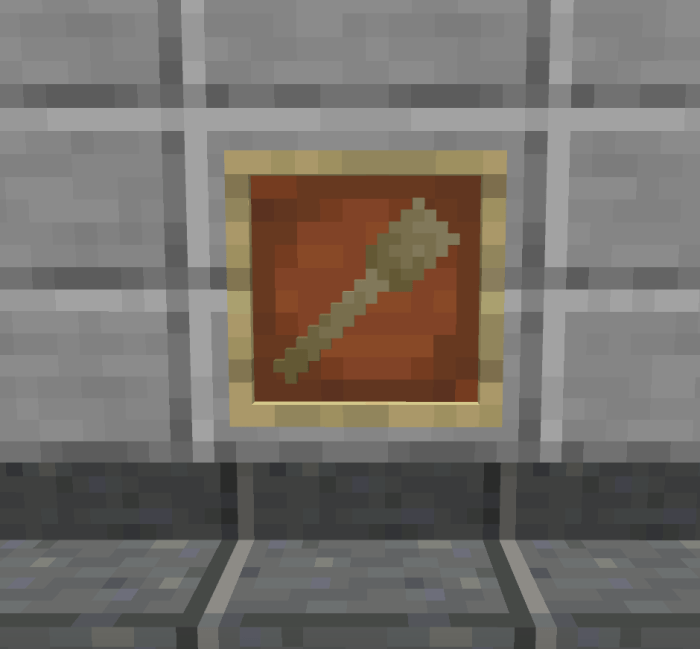
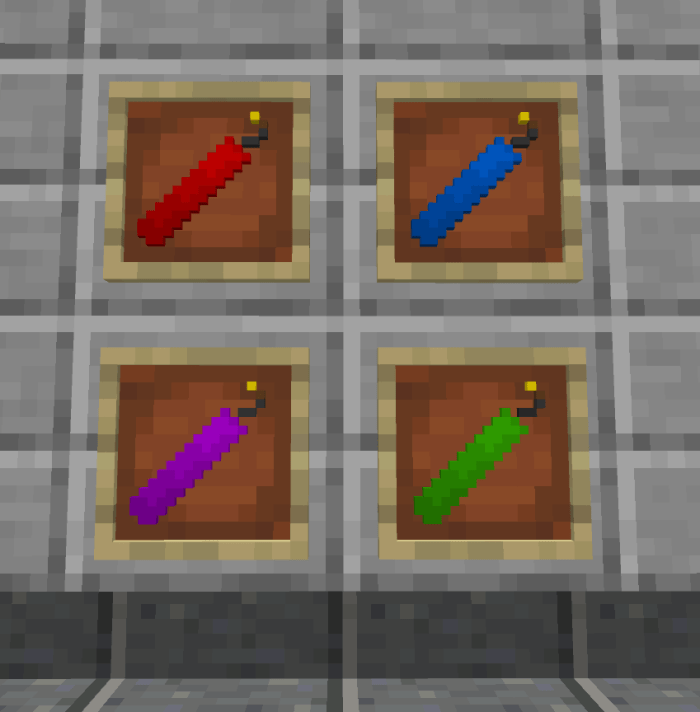
TNT sticks
- power 3 - 24
Frag grenade
- power 5
- breaks no blocks
- fragment particles
- fuse is lit when it lands
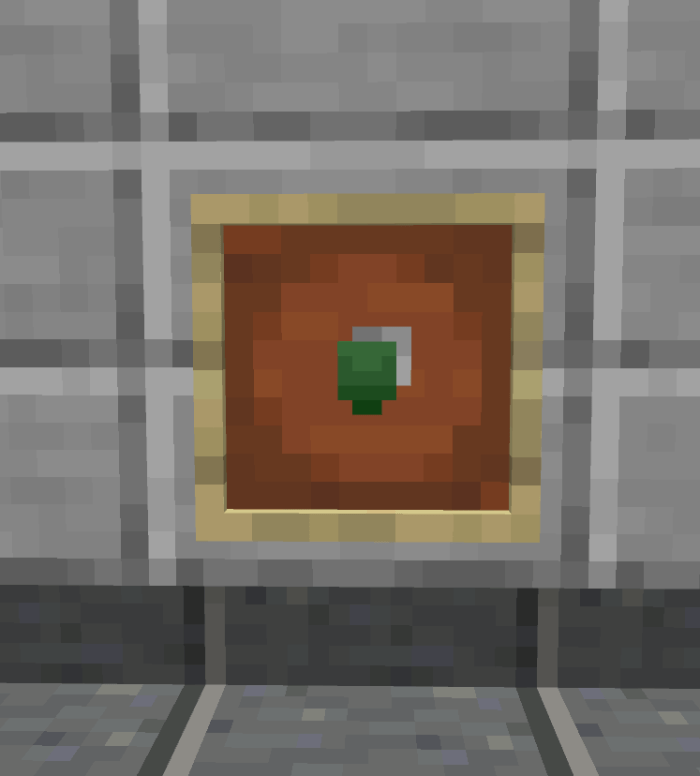
Smoke grenade
- no explosion
- blinds entities near explosion
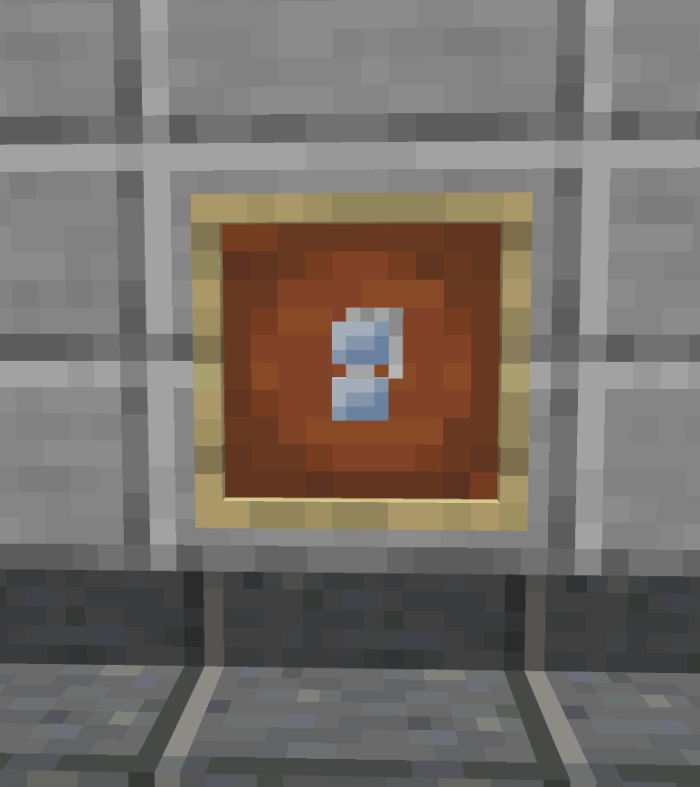
Stun grenade
- power 1
- breaks no blocks
- freezes entities within explosion
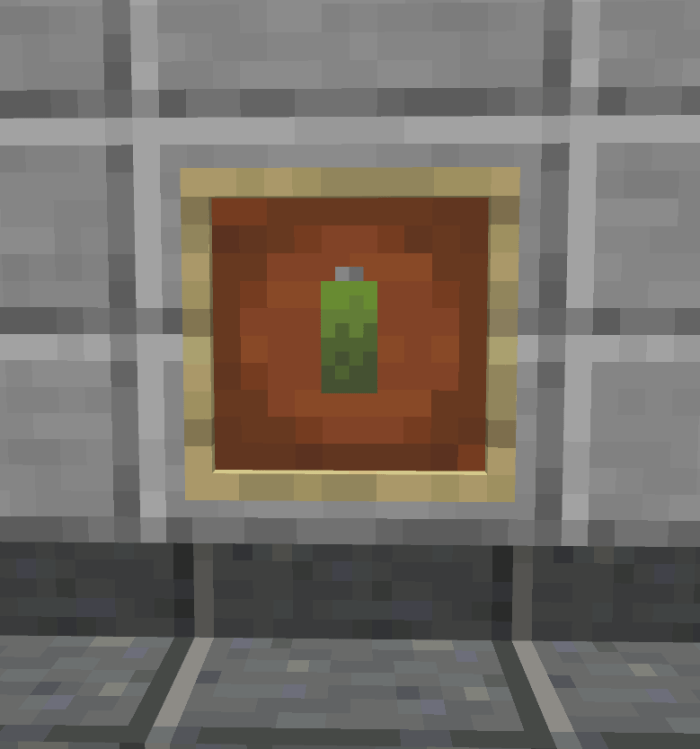
Dynamite stick
- power 5
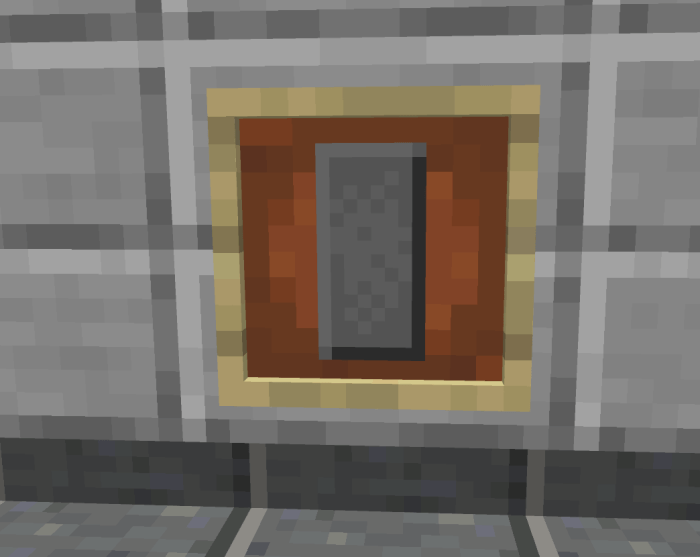
Tear gas
- No explosion
- entities near the explosion gets blidness and nausea
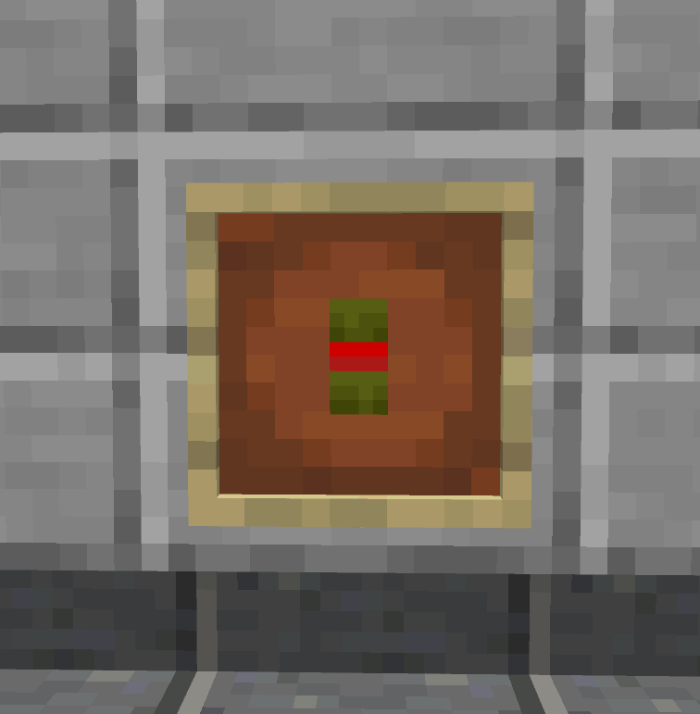
Generic bomb
- familiar shapre
- power 5
- fuse is lit when it lands
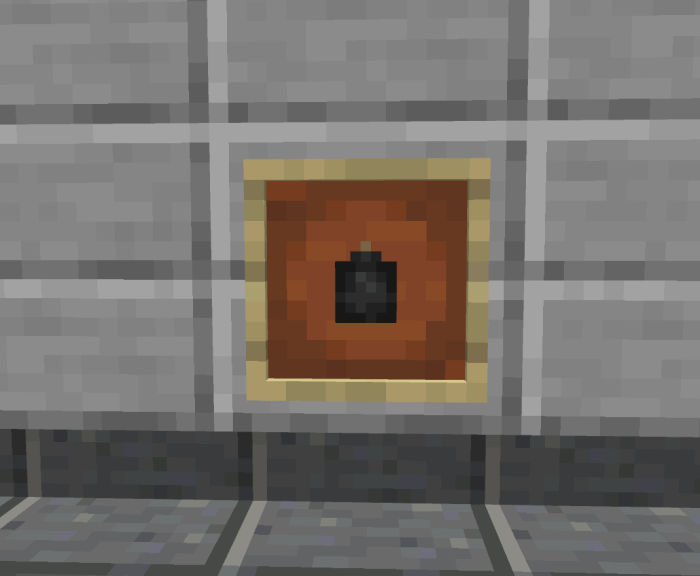
Molotov
- power 2
- spreads fire
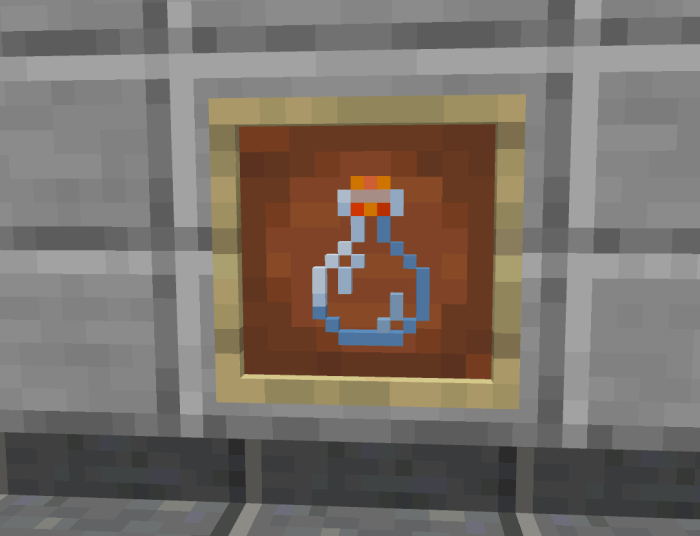
Potassium charge
- power 4
- explodes on condition getting wet (weather, water, etc)
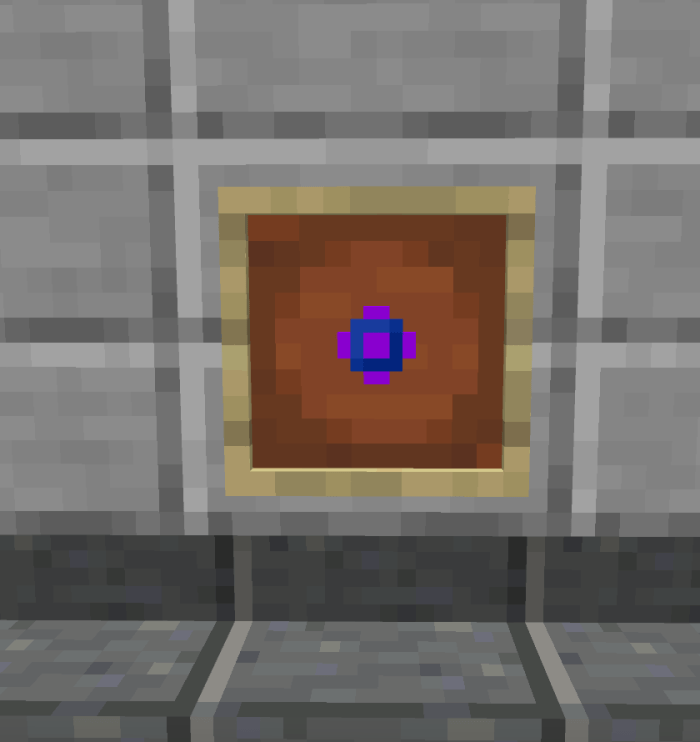
Phosphorus charge
- no explosion
- entities near explosion get blindness and damage
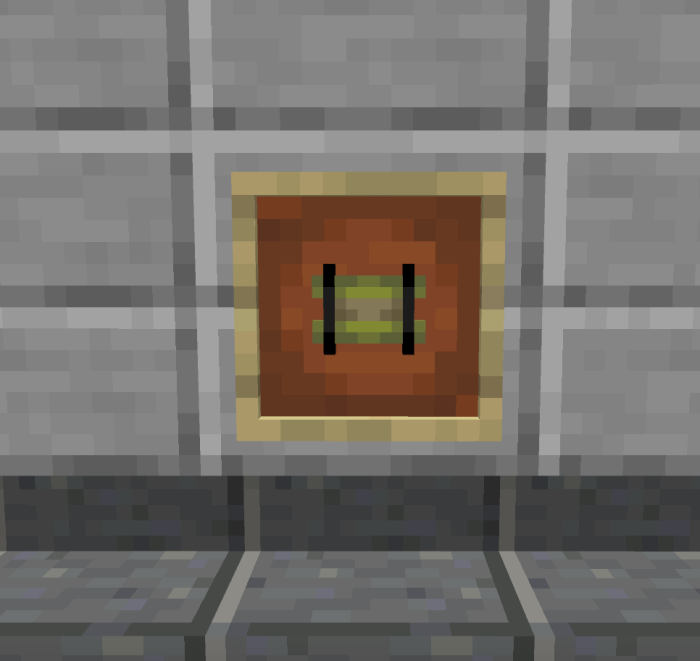
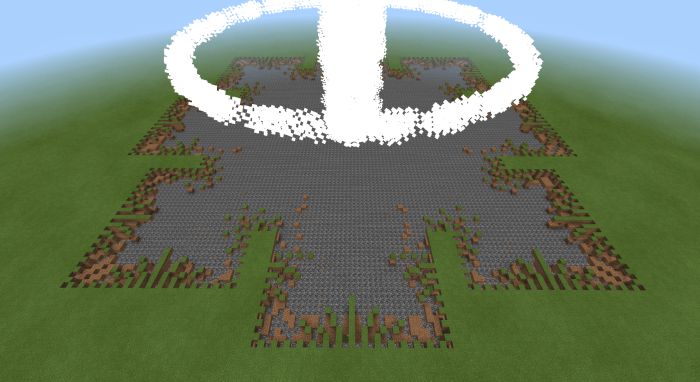
Singularity grenade
- inspiration taken from Pixel Gun 3D
- breaks no blocks
- sucks entities in (including players)
- entities inside the hole gets killed
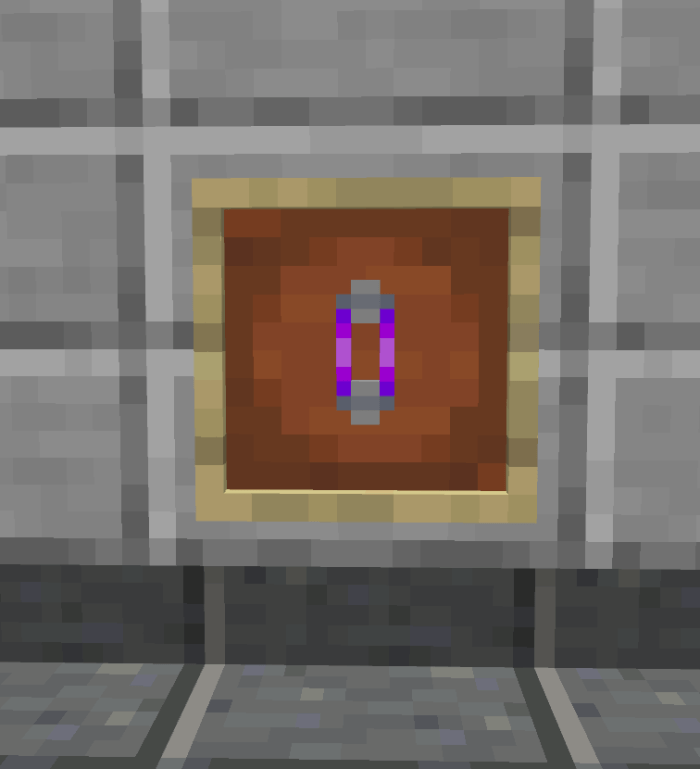
Missile launchers
You can activate these items by using it like a bow ( and make sure to aim too ).
You can reload them by placing an empty launcher in a crafting grid with the rocket of your choice.
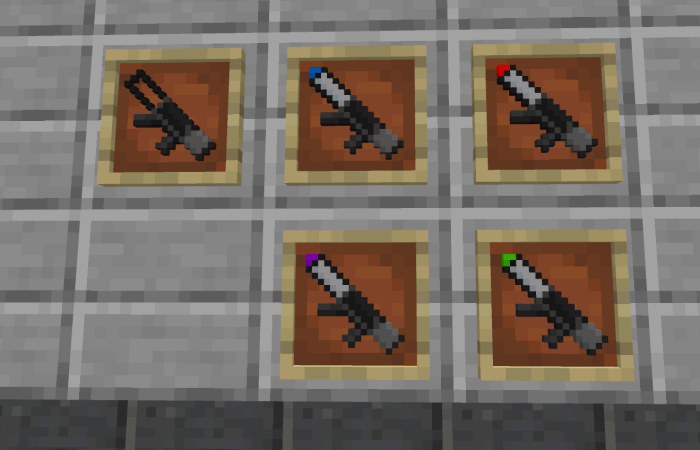 Using these items will return you an empty one.
- Launcher ( Luft 3 ) = power 3
- Launcher ( Luft 6 ) = power 6
- Launcher ( Luft 12 ) = power 12
- Launcher ( Luft 24 ) = power 24
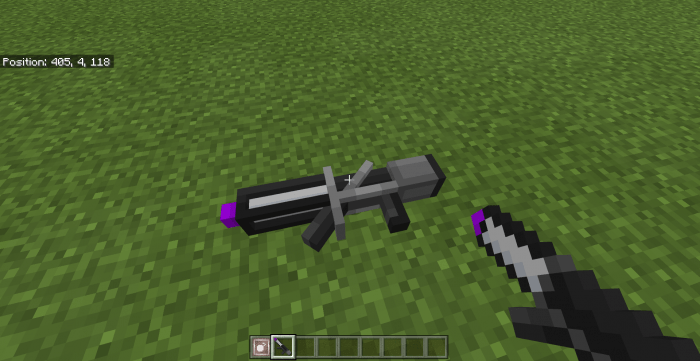
You can also place them!
To place them, use the "Item ground ( More TNT)" and interact with any item from the add-on to display them.
- Edition: Minecraft Bedrock
- File type: .mcpack or .mcaddon
- Minecraft versions listed: 26.11, 26.12, 26.20
- How to install: Download the .mcpack or .mcaddon file. → Open it — Minecraft imports it. → In your world: Behavior Packs → Available → Activate, then the same under Resource Packs.
- Where to get it: Opens on CurseForge — not every file is mirrored on our own servers.
Install steps are the general flow for this file type — How to install Minecraft Bedrock addons & mods walks through it step by step.
- Pack type: .mcaddon — behaviour and resource pack in one file
- Manifest requires Minecraft 1.21.10 or newer
- Complete pack — everything it depends on is inside the file
- Download size: 1.8 MB
- Download link checked 6 Oct 2026 — working
These come from our own check of the pack file, not from the source page.