Home Warp System - Simple
Bedrock add-on listed for Minecraft 26.x. Download on the author's site.
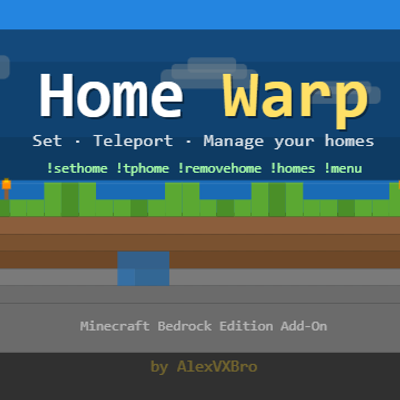
A Minecraft Bedrock add-on that lets players set, manage, and teleport to multiple named homes using chat commands or an in-game UI menu.
⬇ Download on CurseForge🏠 Home Warp System
A Minecraft Bedrock Edition add-on that gives players a full home warp system with named homes, chat commands, and an in-game UI menu.
Features
- Set unlimited named homes
- Teleport to any home instantly
- Remove homes with a confirmation prompt
- Clean in-game UI menu
- Chat commands for quick access
Commands
| Command | Description |
|---|---|
| `!menu` | Open the UI menu |
| `!sethome <name>` | Set a home at your current location |
| `!tphome <name>` | Teleport to a named home |
| `!removehome <name>` | Remove a named home |
| `!homes` | List all your homes |
Installation
1. Download the `.mcpack` file
2. Open it with Minecraft
3. Apply the behaviour pack to your world
4. Enable **Beta APIs** in your world's Experiments settings
## Requirements
- Minecraft Bedrock Edition v26.12+
- Beta APIs experiment enabled
## Credits
Made by [MCCommands](https://youtube.com/@mccommand)
- Edition: Minecraft Bedrock
- File type: .mcpack or .mcaddon
- Minecraft version listed: 26.10
- How to install: Download the .mcpack or .mcaddon file. → Open it — Minecraft imports it. → In your world: Behavior Packs → Available → Activate, then the same under Resource Packs.
- Where to get it: Opens on CurseForge — not every file is mirrored on our own servers.
Install steps are the general flow for this file type — How to install Minecraft Bedrock addons & mods walks through it step by step.
Home Warp System - Simple is a free Minecraft Bedrock addon. Compatible with Minecraft 26.10. Downloaded 576 times (via CurseForge). Download it and open it directly in the game.