AddonsBedrock
Maximum Dark UI Bedrock
Bedrock add-on listed for Minecraft 1.20–1.21 (resource pack only). File opened and checked on 25 Sep 2026; installs from the MC Bedrock Mods app on Android.
⬇ Download on CurseForge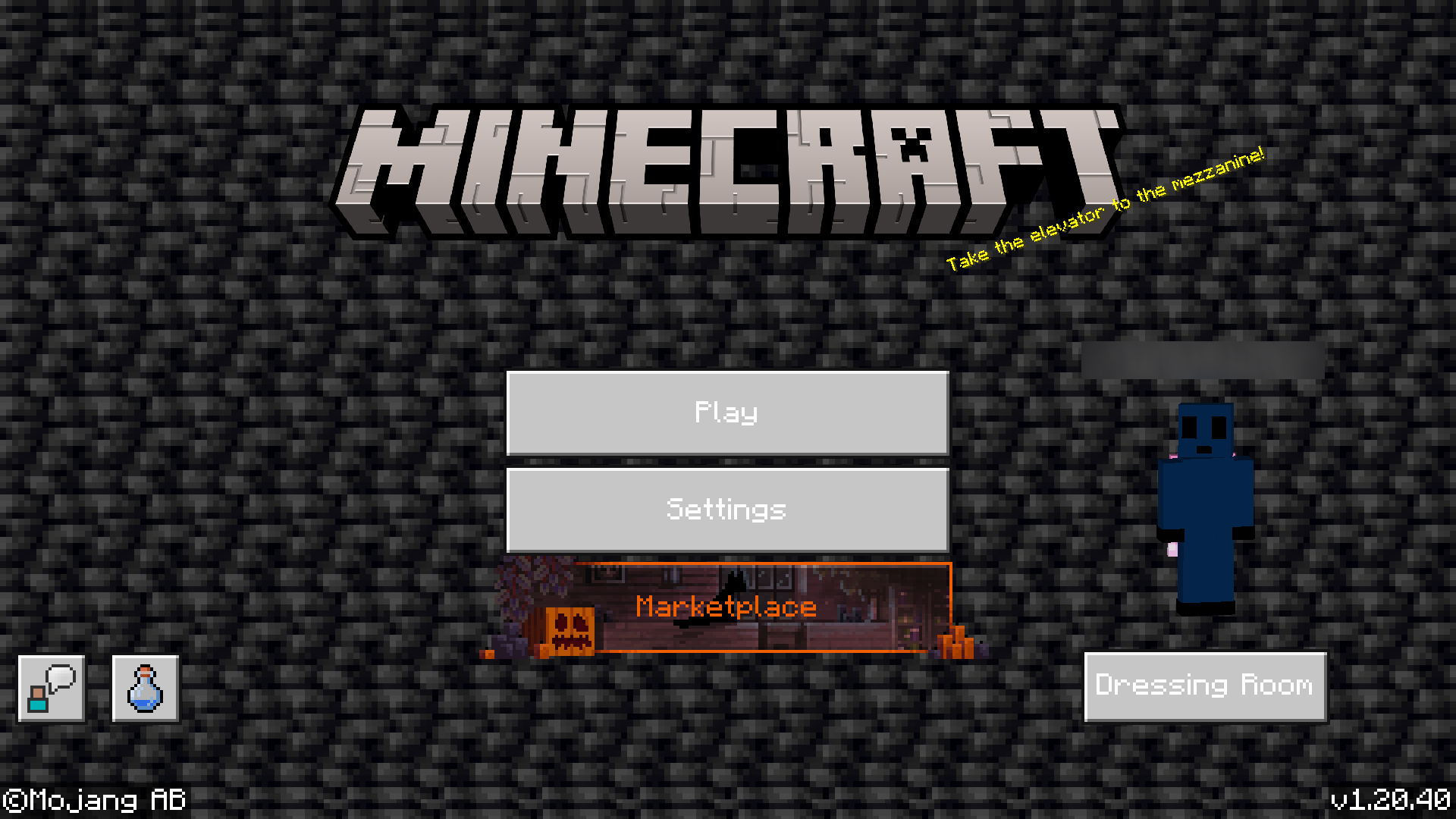
This RP has since been archived and will no longer be receiving updates
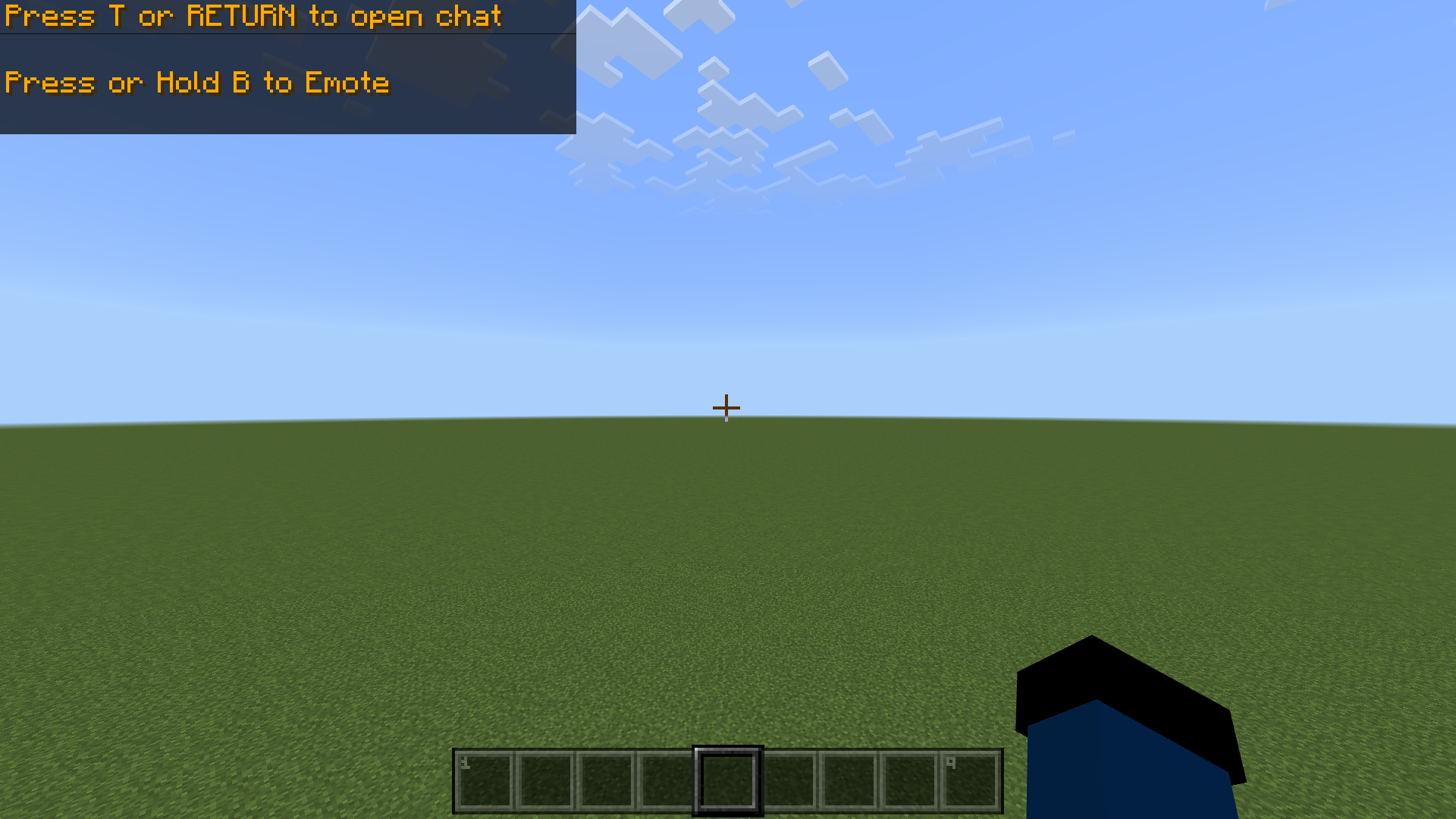
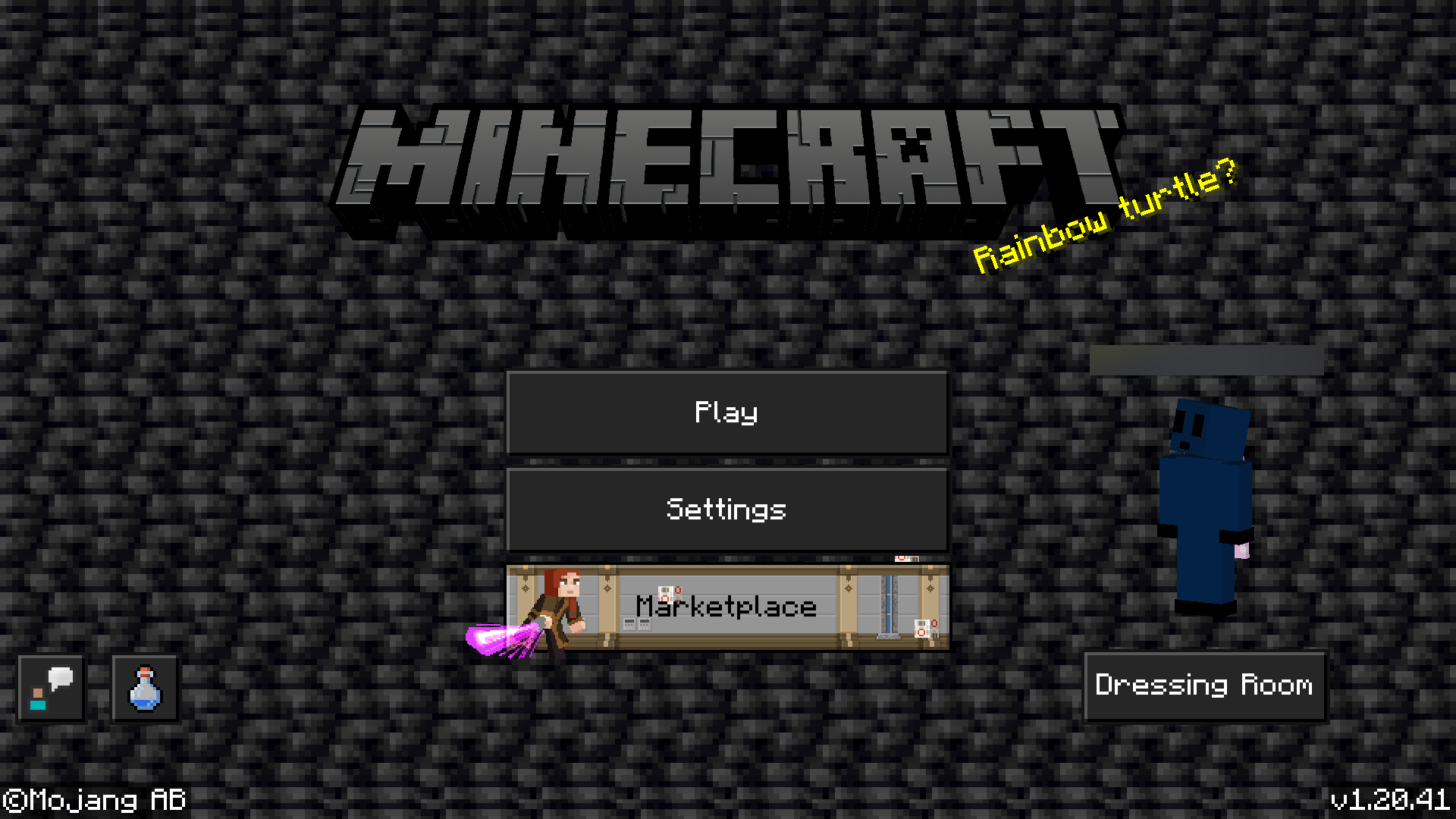
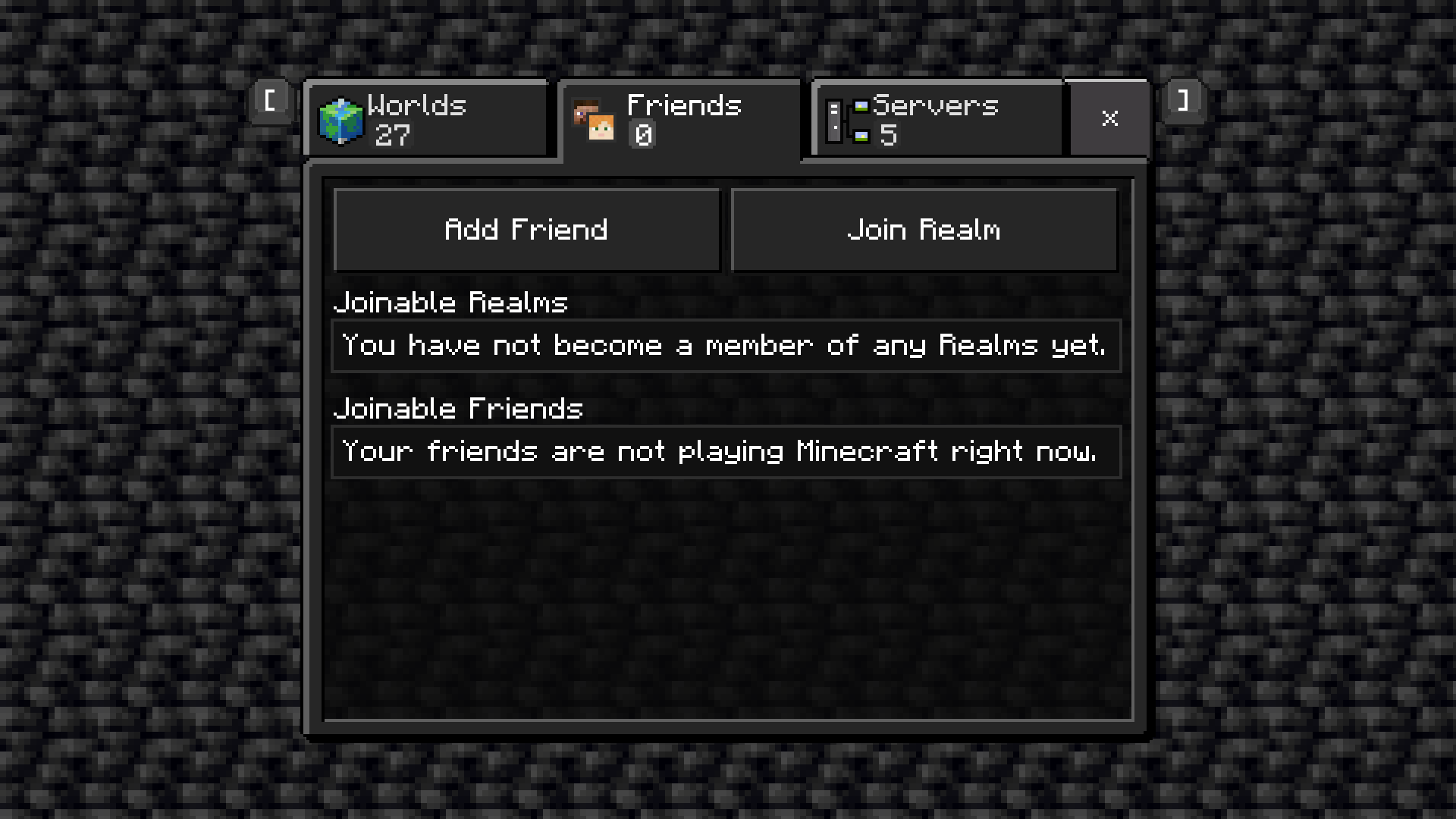
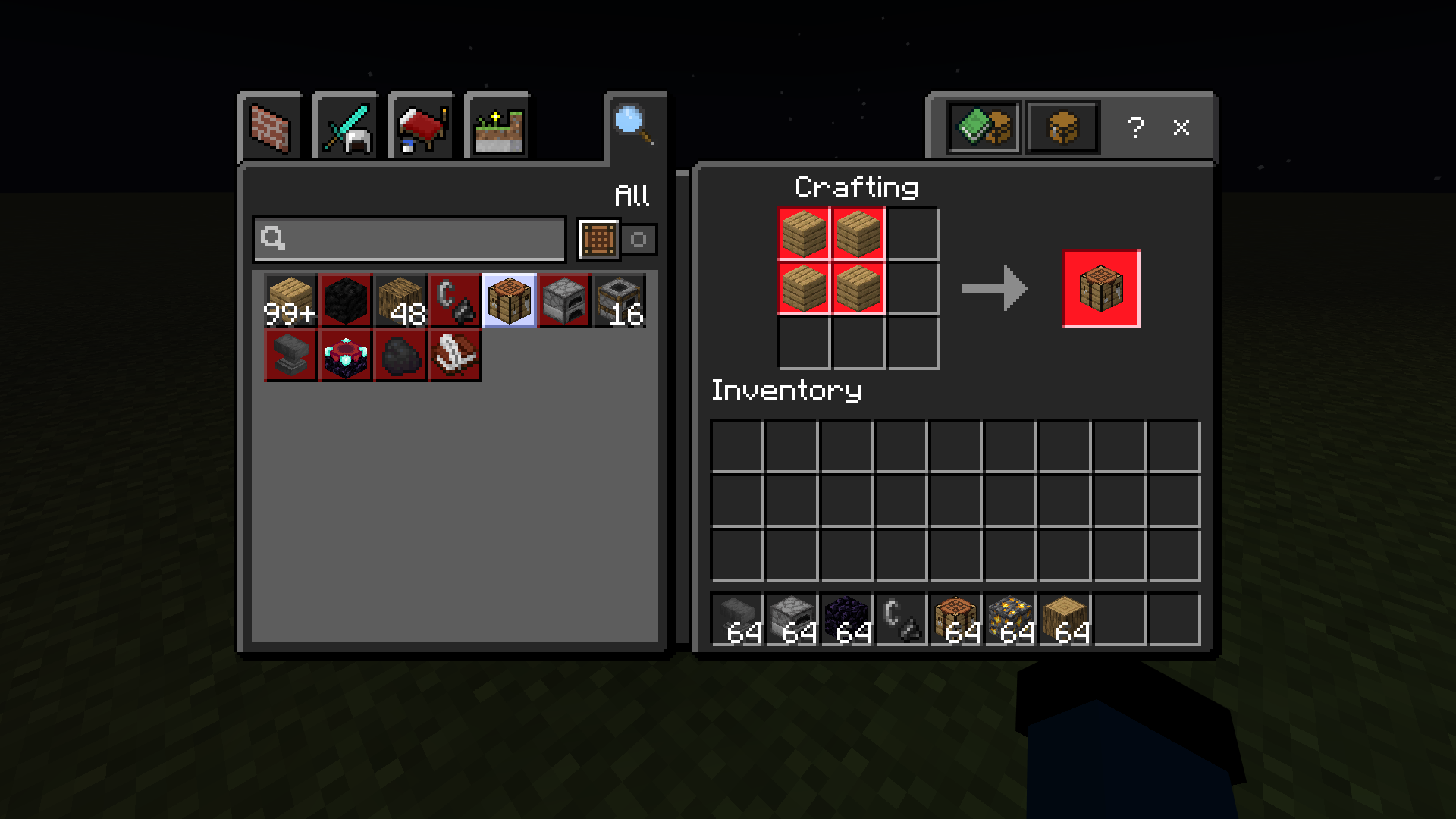
Maximum Dark UI for Minecraft
We aim to make all the elements of Minecraft Bedrock with dark UI to the extent that makes sense. This resource pack also aims to be as vanilla as possible.
Please post bugs and suggestions in the comments, issues, and Github(also source code)!
Our theme colours are: Black, Grey, Orange and red.
Quick facts
- Edition: Minecraft Bedrock
- File type: .mcpack or .mcaddon
- Minecraft versions listed: 1.20.60, 1.20.50, 1.20.80
- How to install: Download the .mcpack or .mcaddon file. → Open it — Minecraft imports it. → In your world: Behavior Packs → Available → Activate, then the same under Resource Packs.
- Where to get it: Opens on CurseForge — not every file is mirrored on our own servers.
Install steps are the general flow for this file type — How to install Minecraft Bedrock addons & mods walks through it step by step.
File checked by MCModsHub
- Pack type: .mcaddon — behaviour and resource pack in one file
- Manifest requires Minecraft 1.20.40 or newer
- Complete pack — everything it depends on is inside the file
- Download size: 74 KB
- Download link checked 6 Oct 2026 — working
These come from our own check of the pack file, not from the source page.