FluxShop Addon
Bedrock add-on listed for Minecraft 1.21 (behavior + resource pack). File opened and checked on 10 Oct 2026; installs from the MC Bedrock Mods app on Android.
FluxShop Addon is an intuitive Minecraft Bedrock addon that introduces a seamless in-game interface for players to buy and sell items, establishing a…
⬇ Download on CurseForge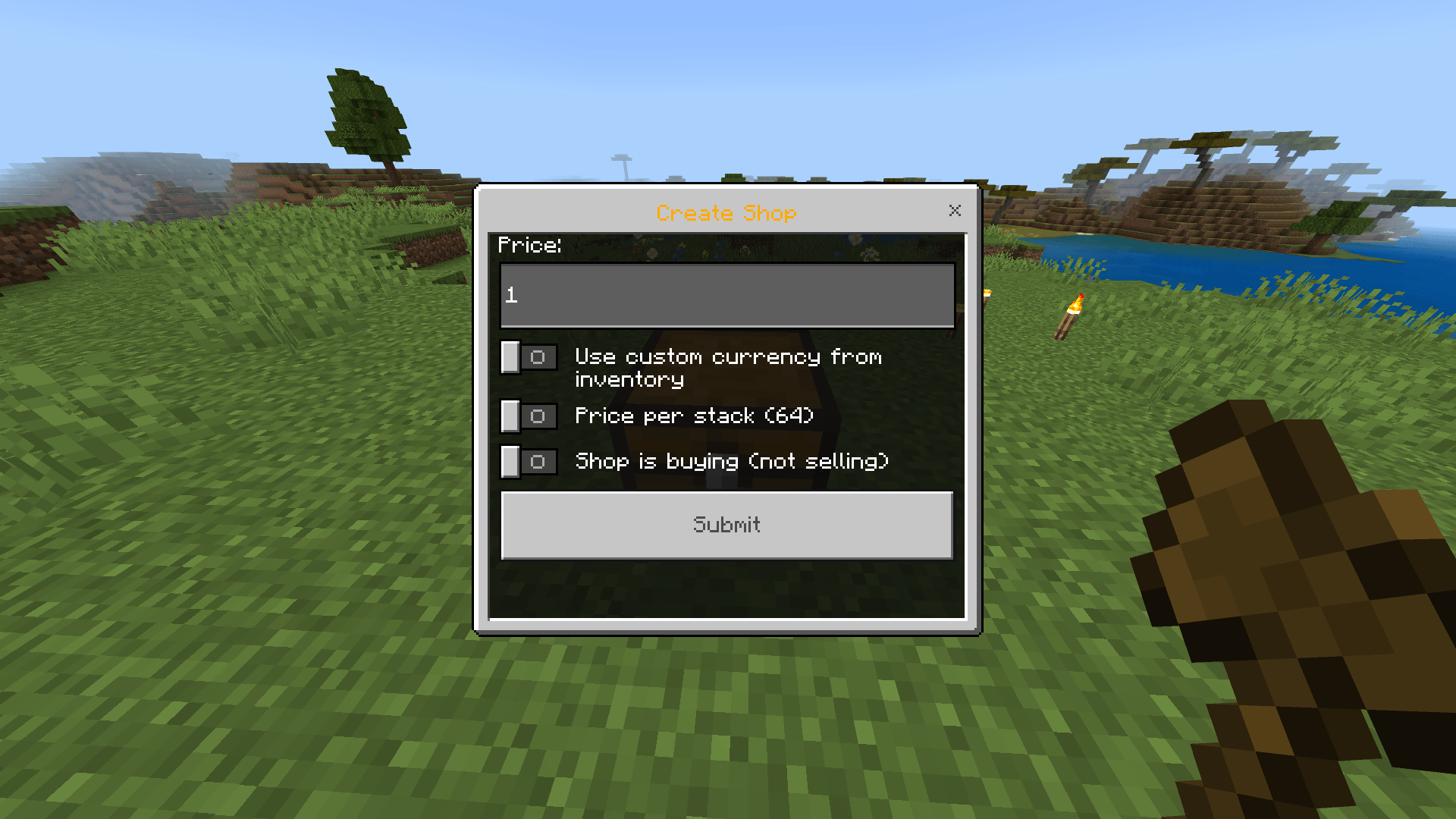
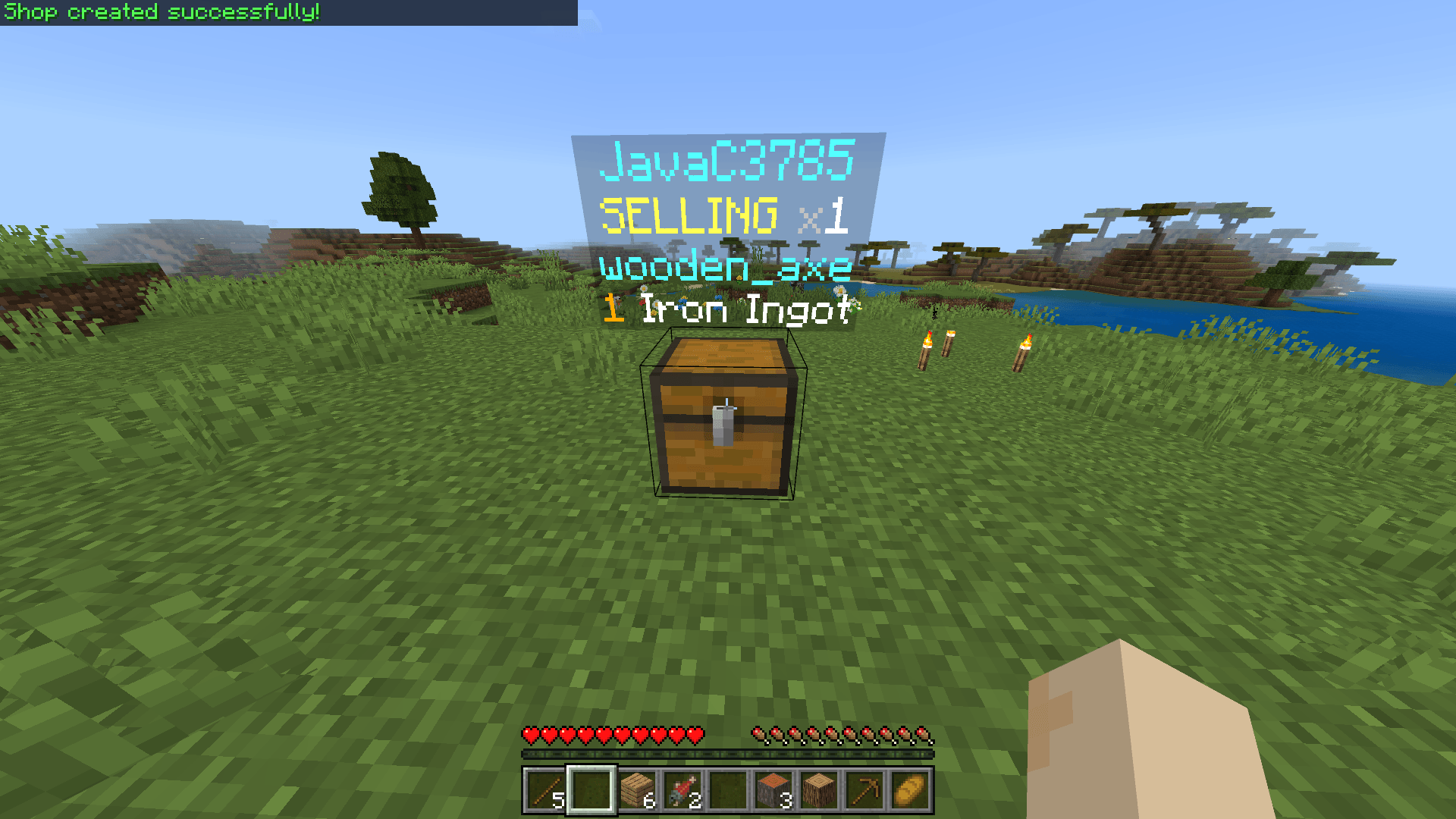
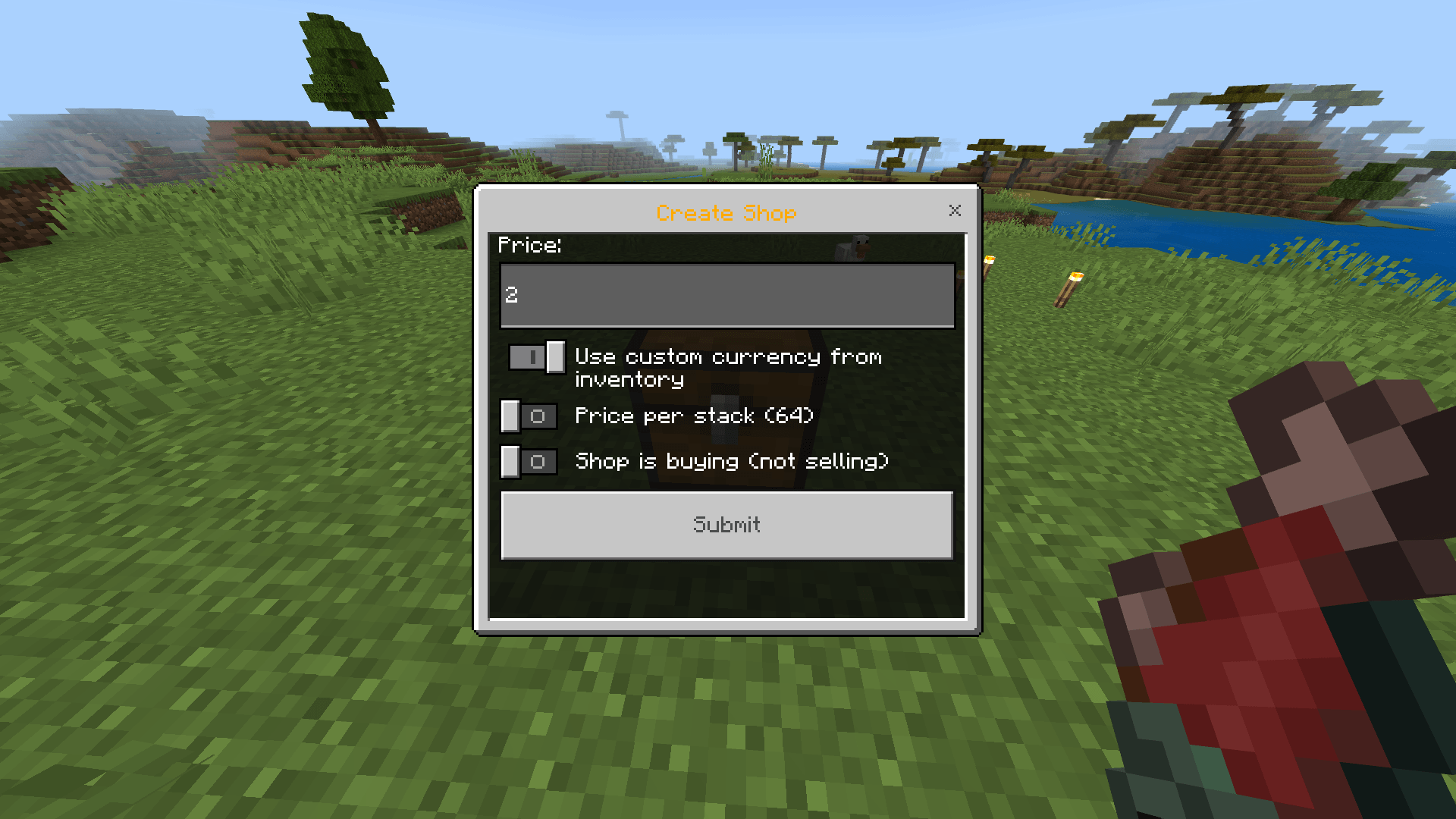
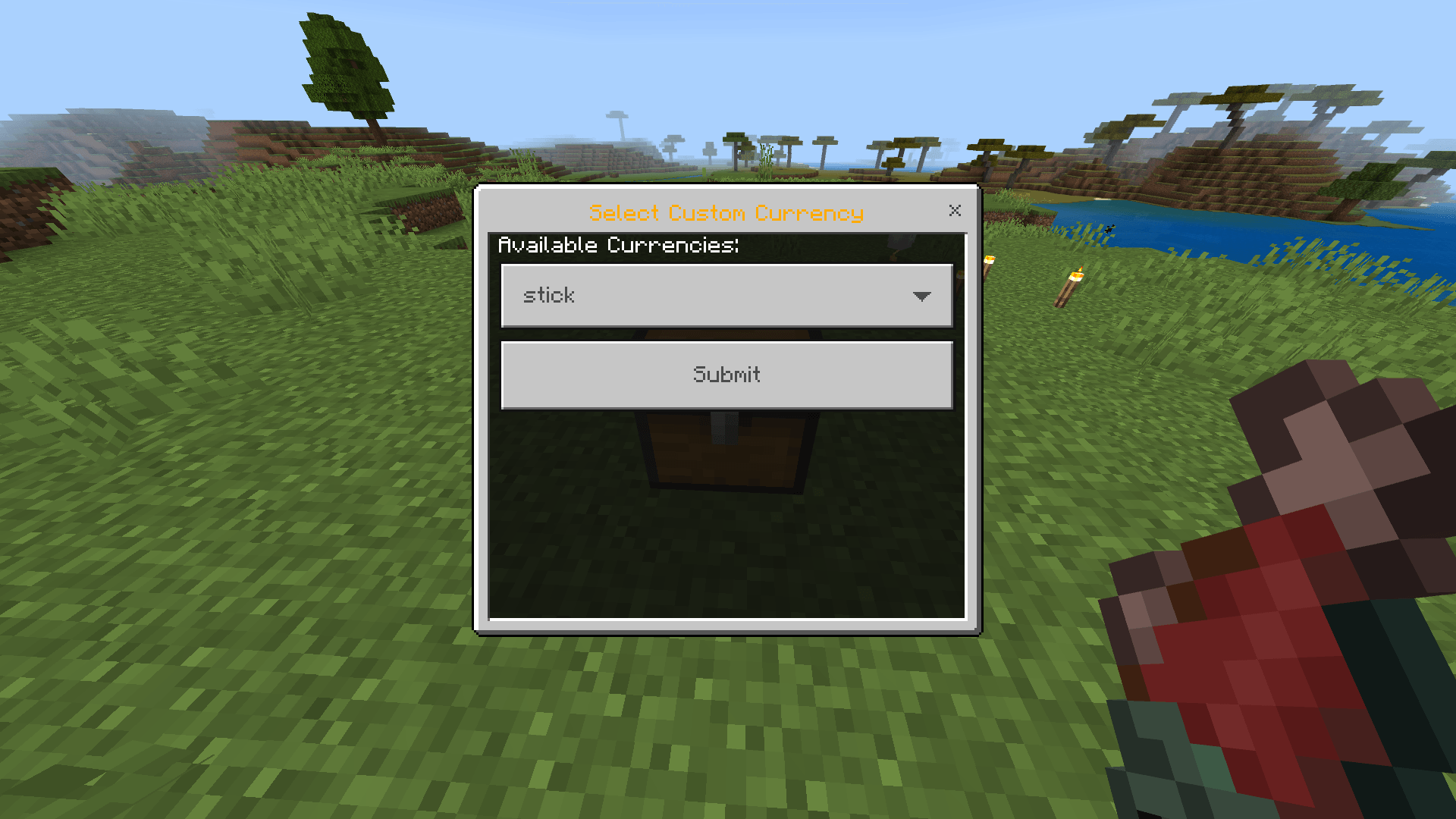
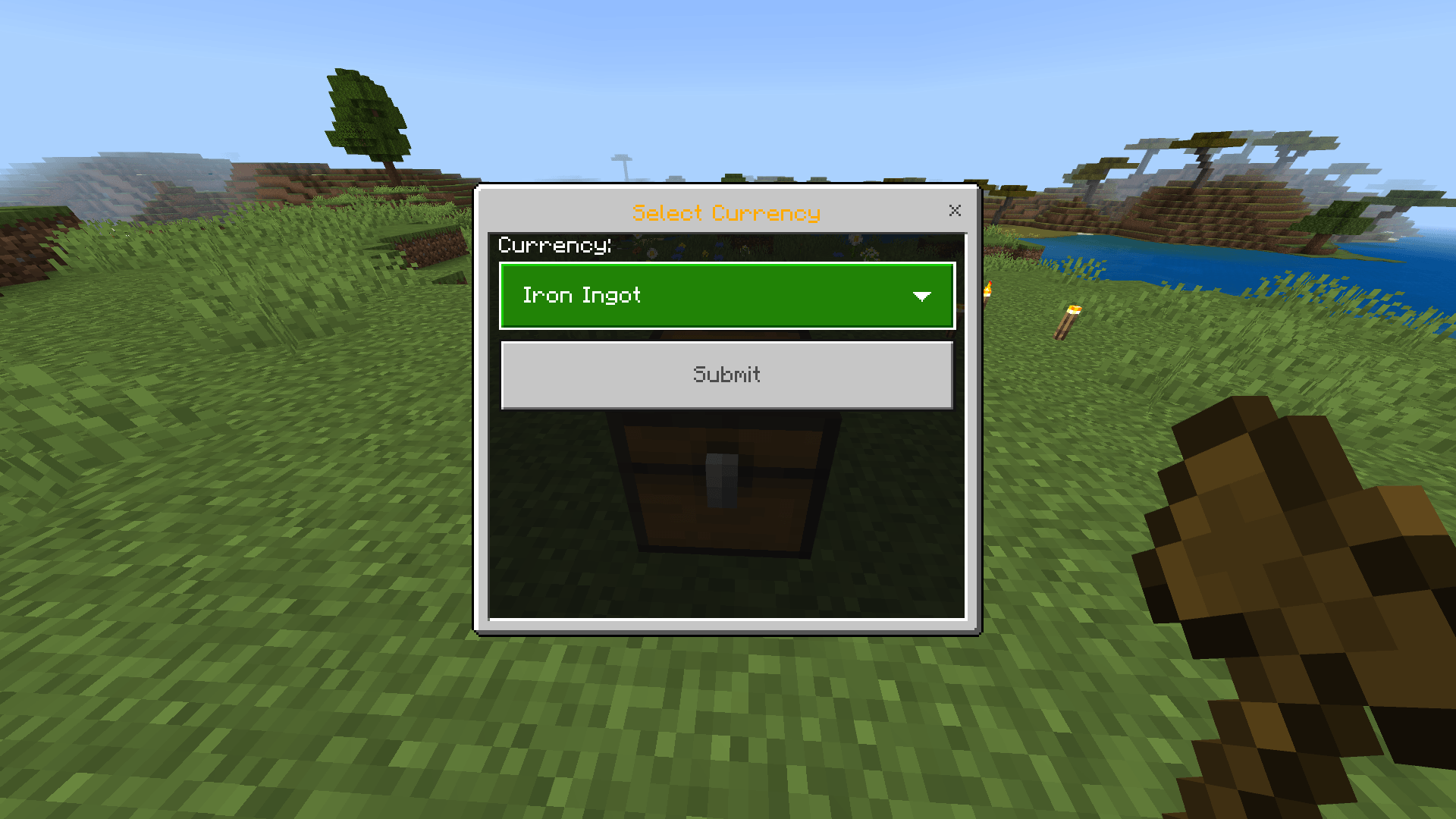
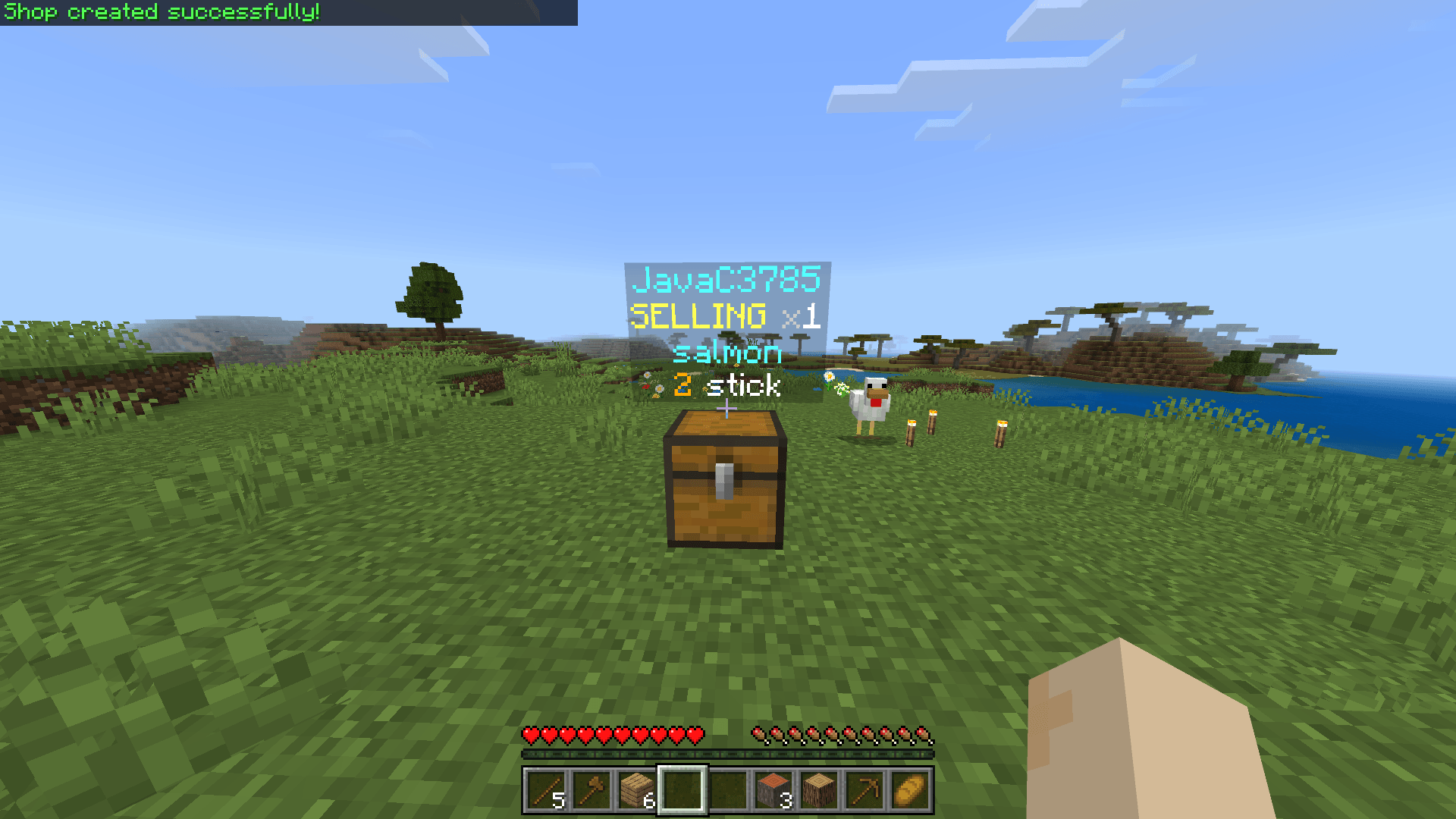
The FluxShop add-on lets players create automated, persistent shops using standard Minecraft containers on Bedrock servers.
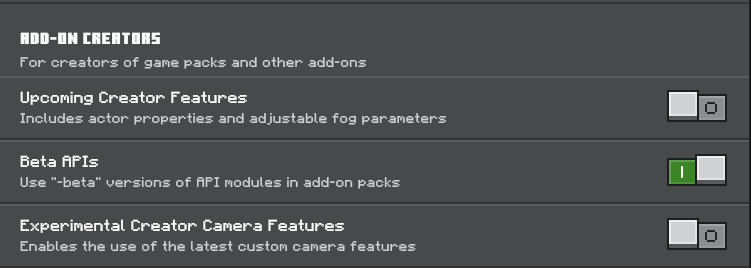
ENABLE BETA API's IN EXPERIMENT TAB
🛒 Core Features
Shop Creation
Players can easily set up shops using in-game containers:
- How to Create: While sneaking and holding the desired trade item, interact with a valid container block (Chest, Barrel, or Trapped Chest).
- This begins a quick setup process that links the item and the container to form a shop.
Visual Indicators
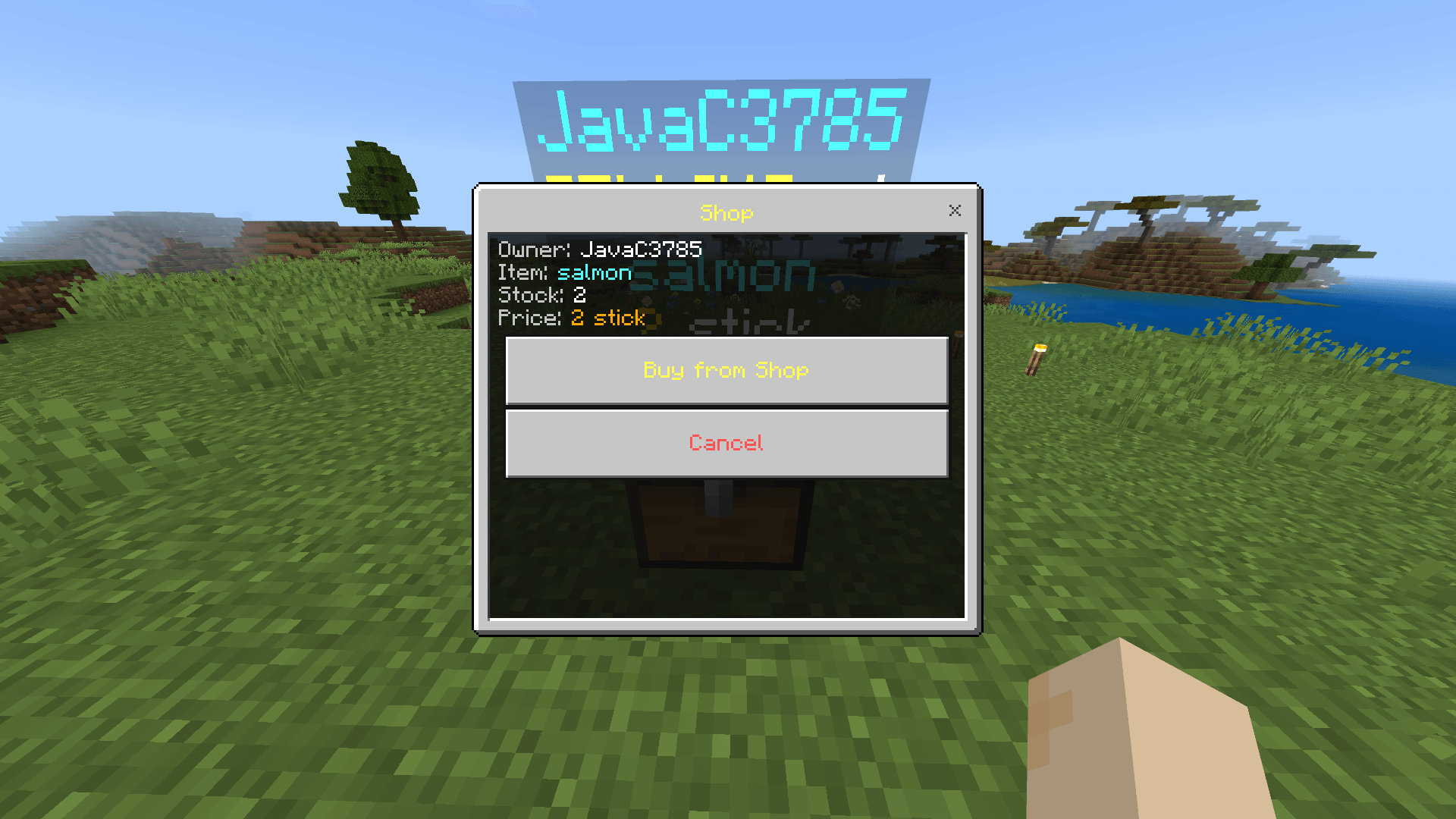
Each shop automatically displays:
- An item display entity showing the traded item.
Floating text that lists:
- The item name
- The price
- The currency type
- The current stock (for selling shops)
Trade Modes
Shops can operate in two distinct modes:
-
Selling Mode:
The shop sells items to other players and collects currency. It must contain stock of the item to sell. -
Buying Mode:
The shop purchases items from players and pays them using the currency stored in the container.
Custom Currencies
Shops can use common currency items (Iron Ingots, Diamonds, Emeralds, etc.) or any custom item from the owner’s inventory as the shop’s currency.
⚙️ Management & Security
Owner Access:
Shop owners can open a management menu by interacting with their shop container. From there, they can:
- Adjust the price or currency
- Safely delete the shop
Safe Removal:
Deleting a shop through the menu automatically:
- Returns all items and the container to the owner
- Drops any overflow items if the owner’s inventory is full
Protection:
- Only the shop owner or a server administrator can break or delete a shop container.
Player Limits:
- Each player can own up to 15 shops at a time.
- Edition: Minecraft Bedrock
- File type: .mcpack or .mcaddon
- Minecraft versions listed: 1.21.30, 1.21.50, 1.21.81
- How to install: Download the .mcpack or .mcaddon file. → Open it — Minecraft imports it. → In your world: Behavior Packs → Available → Activate, then the same under Resource Packs.
- Where to get it: Opens on CurseForge — not every file is mirrored on our own servers.
Install steps are the general flow for this file type — How to install Minecraft Bedrock addons & mods walks through it step by step.
- Pack type: .mcaddon — behaviour and resource pack in one file
- Manifest requires Minecraft 1.21.0 or newer
- Complete pack — everything it depends on is inside the file
- Download size: 2.7 MB
- Download link checked 6 Oct 2026 — working
These come from our own check of the pack file, not from the source page.