Cherry blossom STORM recall
Bedrock add-on listed for Minecraft 26.x. File opened and checked on 29 Sep 2026; installs from the MC Bedrock Mods app on Android.
Experience a breathtaking, lag-free cherry blossom typhoon! This addon summons a massive vortex of thousands of pink sakura petals with realistic physics…
⬇ Download on CurseForge
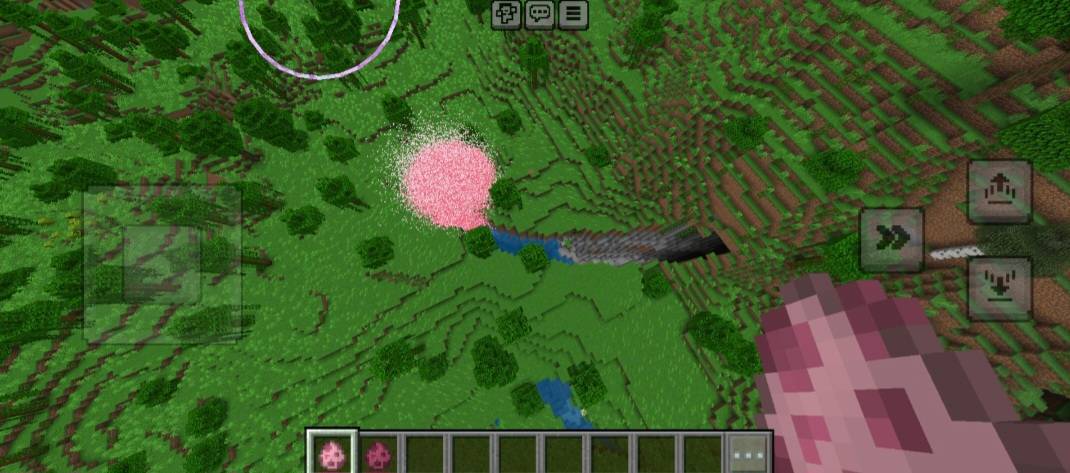
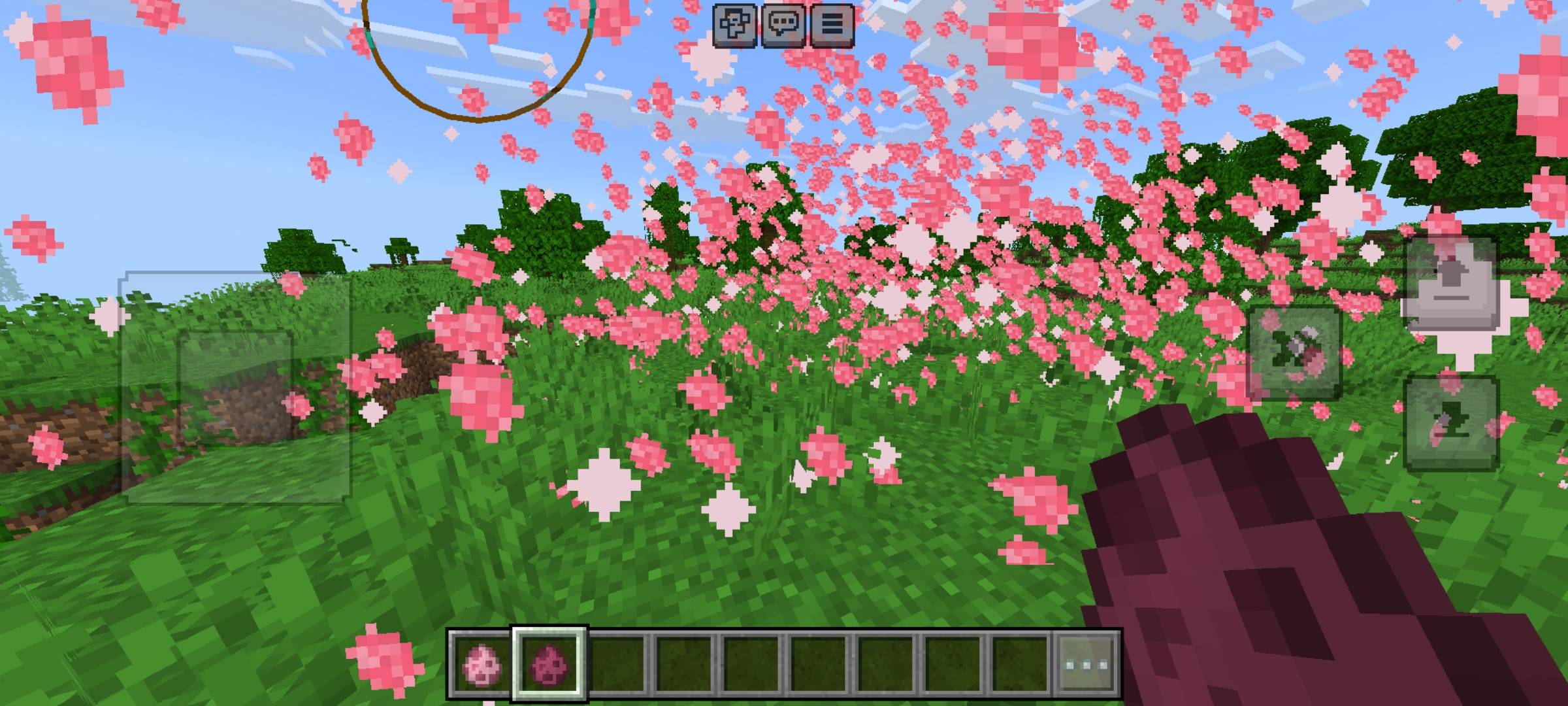
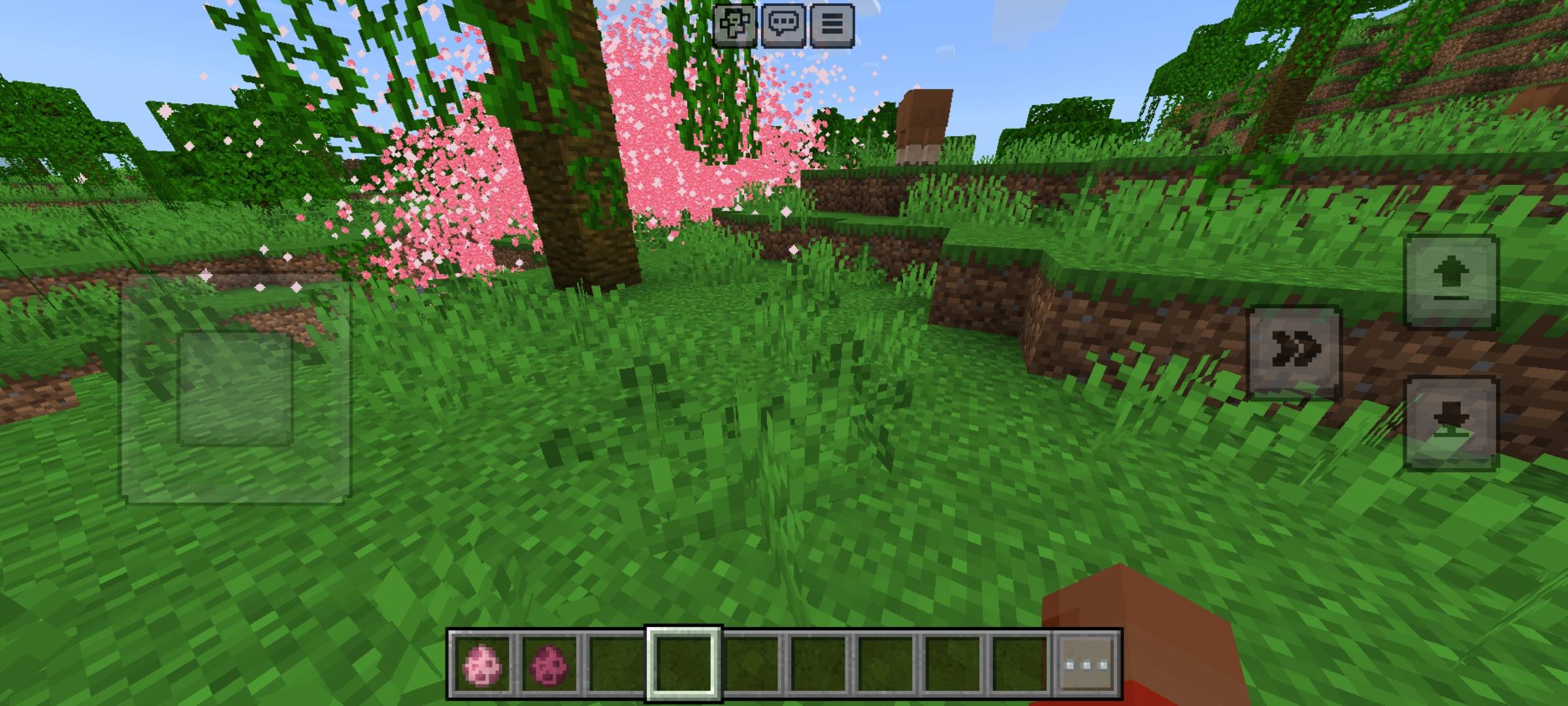
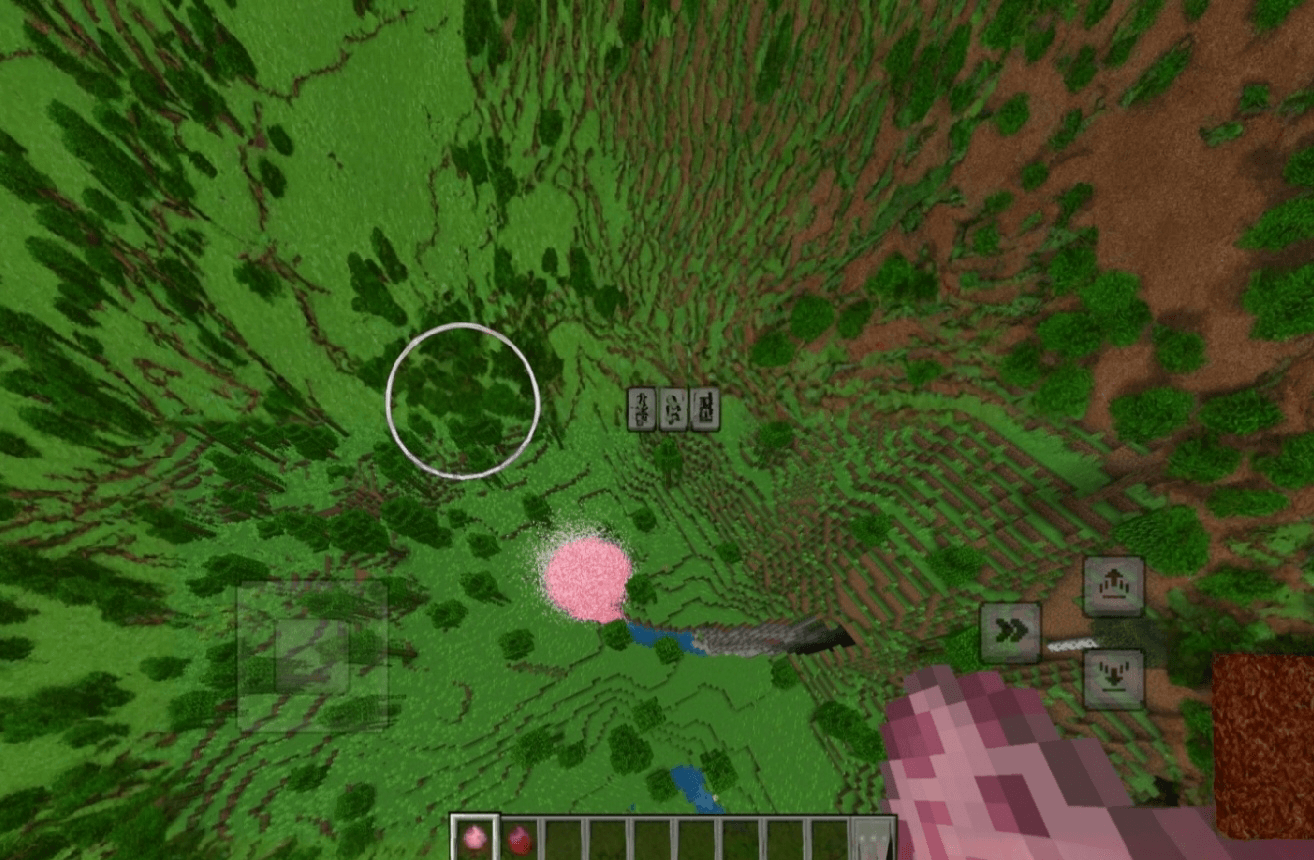
[Lag Free] Magical Cherry Blossom Typhoon Addon (Realistic Physics) [Description] Witness the most beautiful and overwhelming natural phenomenon in Minecraft Bedrock! Introducing the Magical Cherry Blossom Typhoon Addon. This is not just a simple particle effect; it's a massive cluster of thousands of micro-petals interacting with real physics! Watch in awe as a gigantic, swirling vortex of pink sakura petals takes over your world. It looks incredibly aesthetic and feels alive due to the advanced physics system. [🌸 Breathtaking Features]
- Massive Sakura Swarm: Summon just one egg to create a colossal, breathtaking cherry blossom typhoon.
- Realistic Physics: The petals don't just float; they react to gravity and collision, pushing you around magically!
- Insane Optimization [Lag Free]: Despite the massive scale, this addon is highly optimized to run smoothly even on older/low-end smartphones. No more lag!
- Perfect for Aesthetics: Enhance your builds or create magical photo spots with this stunning effect. [⚠️ Important Installation Tips]
- You must turn on "Experimental Gameplay" in your world settings.
- Just spawn ONE egg for the best visual effect.
[Installation]
- Click the download link above.
- Skip the short 5-second ad (Thank you for supporting the creator!).
- Open the downloaded .mcaddon file to import into Minecraft.
- Apply both Behavior Pack and Resource Pack to your world settings.
- Edition: Minecraft Bedrock
- File type: .mcpack or .mcaddon
- Minecraft version listed: 26.3
- How to install: Download the .mcpack or .mcaddon file. → Open it — Minecraft imports it. → In your world: Behavior Packs → Available → Activate, then the same under Resource Packs.
- Where to get it: Opens on CurseForge — not every file is mirrored on our own servers.
Install steps are the general flow for this file type — How to install Minecraft Bedrock addons & mods walks through it step by step.
- Pack type: .mcaddon — behaviour and resource pack in one file
- Download size: 23 KB
- Download link checked 6 Oct 2026 — working
These come from our own check of the pack file, not from the source page.