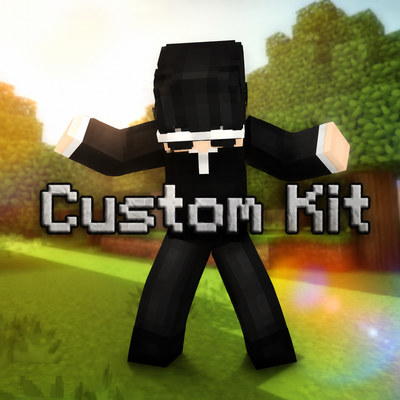
Custom kit
Bedrock add-on listed for Minecraft 1.20–26.x (behavior pack only). Needs Beta APIs. File opened and checked on 25 Sep 2026; installs from the MC Bedrock Mods app on Android.
⬇ Download on CurseForge-- Custom Kit V1.0.0
Custom Kit - adds a chat command called ".kit <kit>" all the kits currently available:
"Sword",
"Mace",
"UHC",
"Crystal",
"Spearmace",
"Survival"
by typing ".kit sword" will automatically enchant and equip armors and will give you all the gears that is related to sword kit will be given out enchanted and organized. Same will happen to other kits
-- Custom Kit V1.0.1
Removed '.' prefix and replaced it with '/'
Now Supports Command Blocks
New commands:
'/c' changes your gamemode to creative mode.
'/s' changes your gamemode to survival mode.
'/a' changes your gamemode to adventure mode.
No new kits
- Edition: Minecraft Bedrock
- File type: .mcpack or .mcaddon
- Minecraft version listed: 26.20
- How to install: Download the .mcpack or .mcaddon file. → Open it — Minecraft imports it. → In your world: Behavior Packs → Available → Activate, then the same under Resource Packs.
- Where to get it: Opens on CurseForge — not every file is mirrored on our own servers.
Install steps are the general flow for this file type — How to install Minecraft Bedrock addons & mods walks through it step by step.
- Pack type: .mcaddon — behaviour and resource pack in one file
- Manifest requires Minecraft 1.20.60 or newer
- Needs Beta APIs switched on in the world settings
- Complete pack — everything it depends on is inside the file
- Download size: 1.4 MB
- Download link checked 6 Oct 2026 — working
These come from our own check of the pack file, not from the source page.