Este mod silencia la música del modo creativo mediante un override,
pero ésta sigue disponible (con el nombre original).
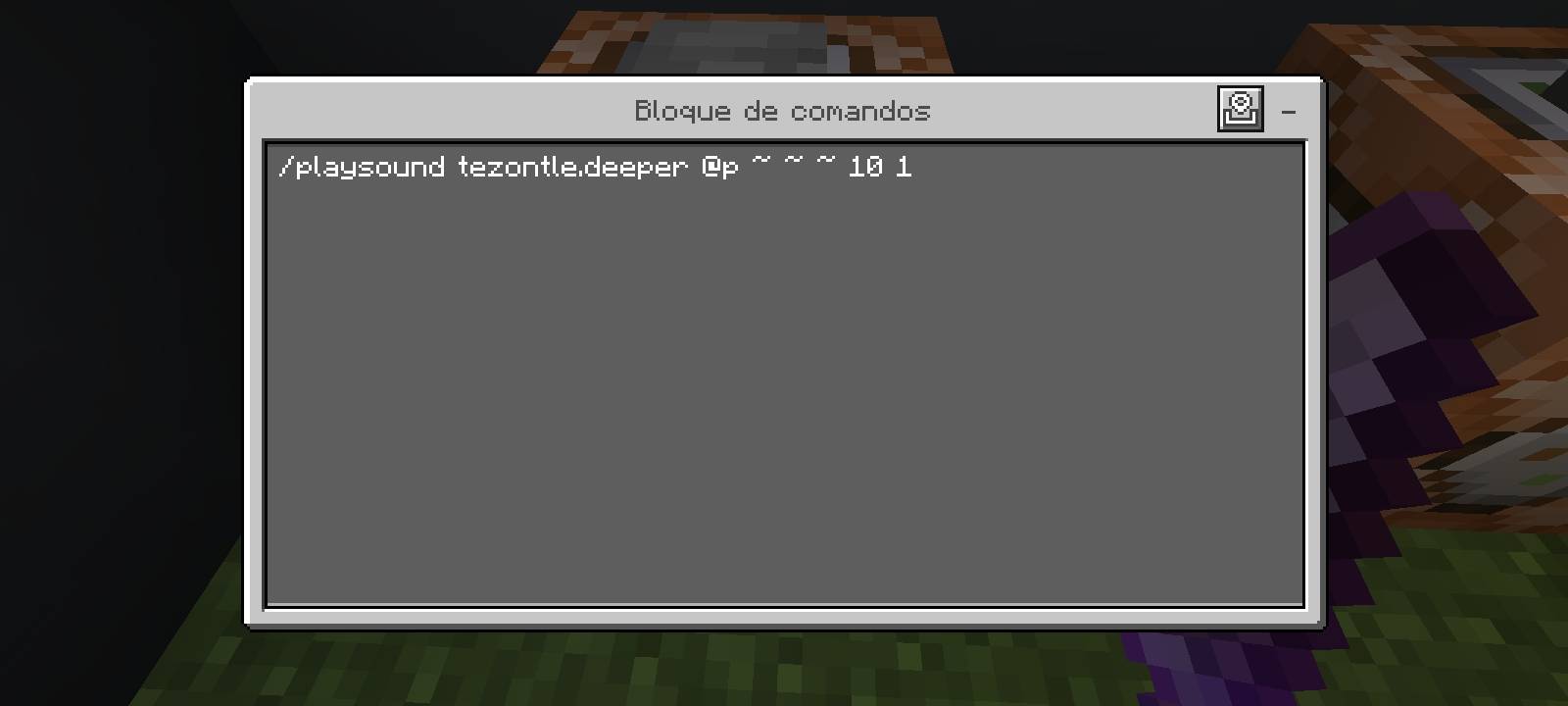
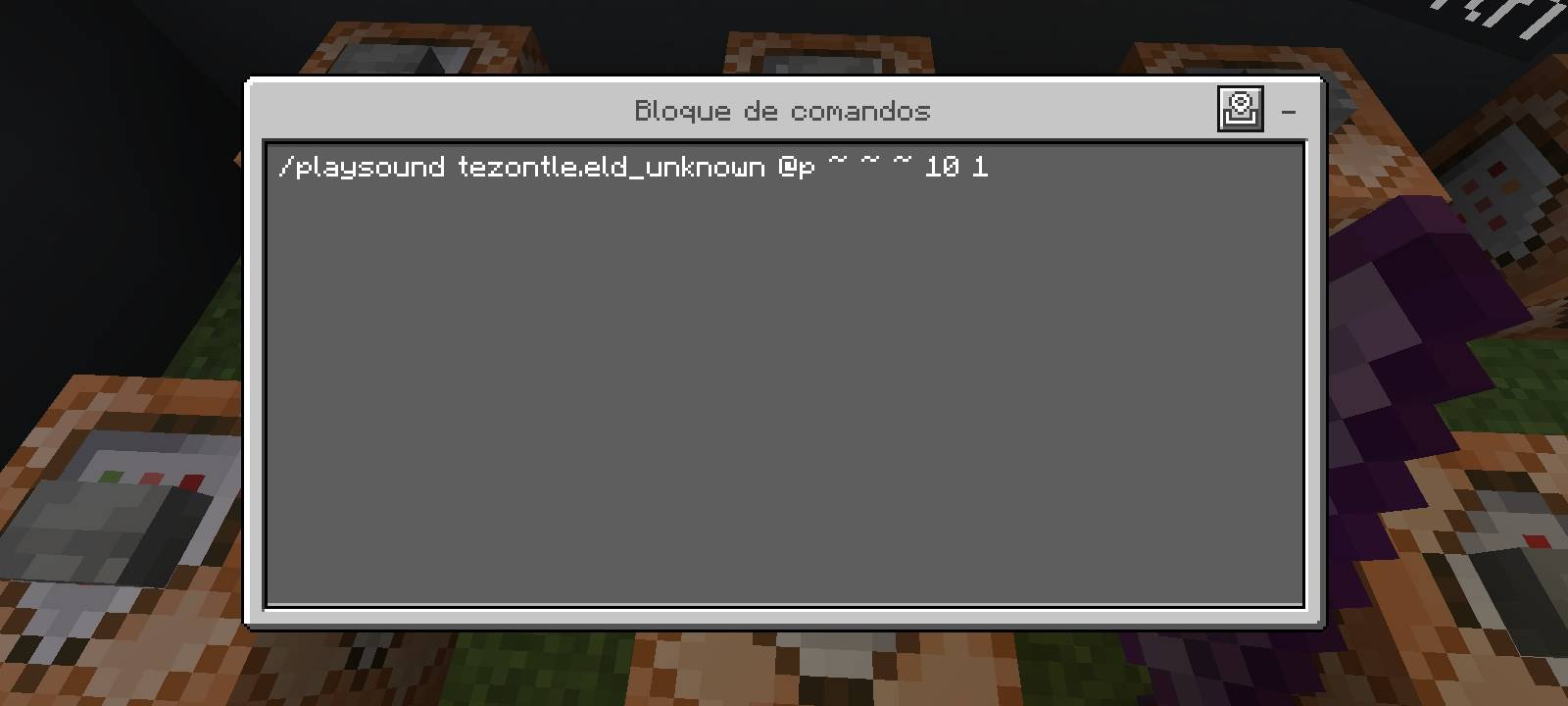
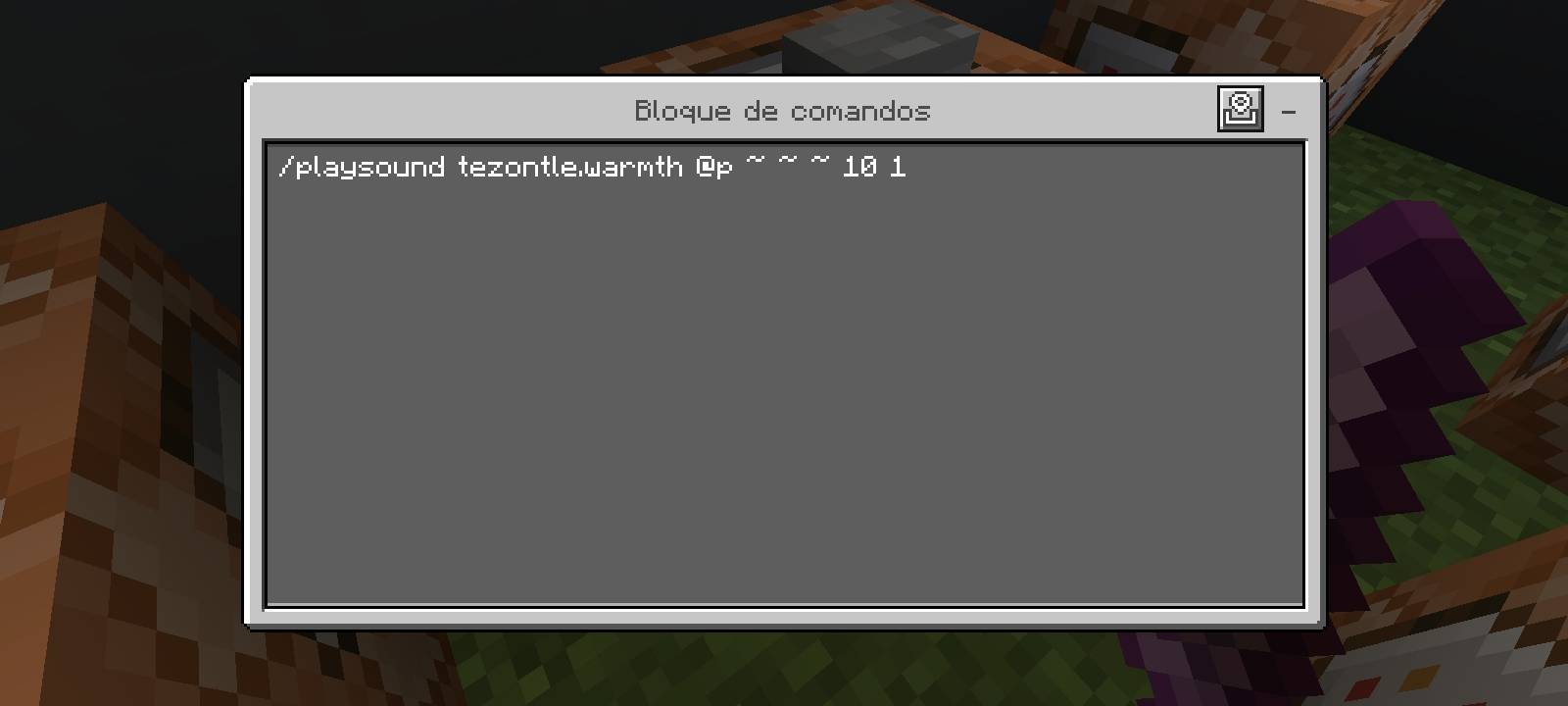
Para invocar una canción debes usar el comando /playsound, el
string que se use pserá "csu.nombre_de_la_cancion" y el resto
del comando se escribe normalmente.
Así, por ejemplo, para invocar "Ancestry" debes usar
/playsound csu.ancestry @s ~ ~ ~ 10 1.
¡Adivina el resto! ;)
This mod silences the creative mode music trought an override, but it's
songs are still available (with the original name).
To play a song, you must use the /playsound command, the string that
we'll use will be "csu.song_name", and the full command is
writed normally.
So, to play Ancestry (for example) you must write
/playsound csu.ancestry @s ~ ~ ~ 10 1.
Guess all the strings! ;)
- Edition: Minecraft Bedrock
- File type: .mcpack or .mcaddon
- Minecraft versions listed: 1.20.40, 1.21.30, 1.21.50
- How to install: Download the .mcpack or .mcaddon file. → Open it — Minecraft imports it. → In your world: Behavior Packs → Available → Activate, then the same under Resource Packs.
- Where to get it: Opens on CurseForge — not every file is mirrored on our own servers.
Install steps are the general flow for this file type — How to install Minecraft Bedrock addons & mods walks through it step by step.
- Manifest requires Minecraft 1.20.1 or newer
- Complete pack — everything it depends on is inside the file
- Download size: 286.9 MB
- Download link checked 26 Aug 2026 — working
These come from our own check of the pack file, not from the source page.