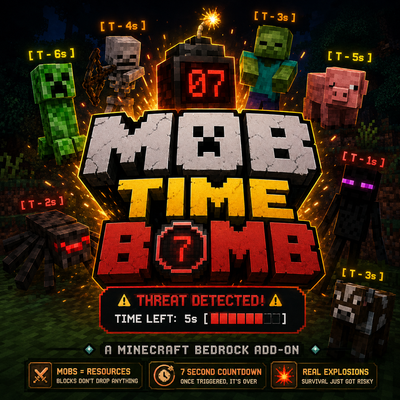
Mob Bomb Timer
Bedrock add-on listed for Minecraft 1.21–26.x (behavior + resource pack). Needs Beta APIs. File opened and checked on 10 Oct 2026; installs from the MC Bedrock Mods app on Android.
I don't know my version
🇺🇸 ENGLISH VERSION
💣 About Mob Time Bomb
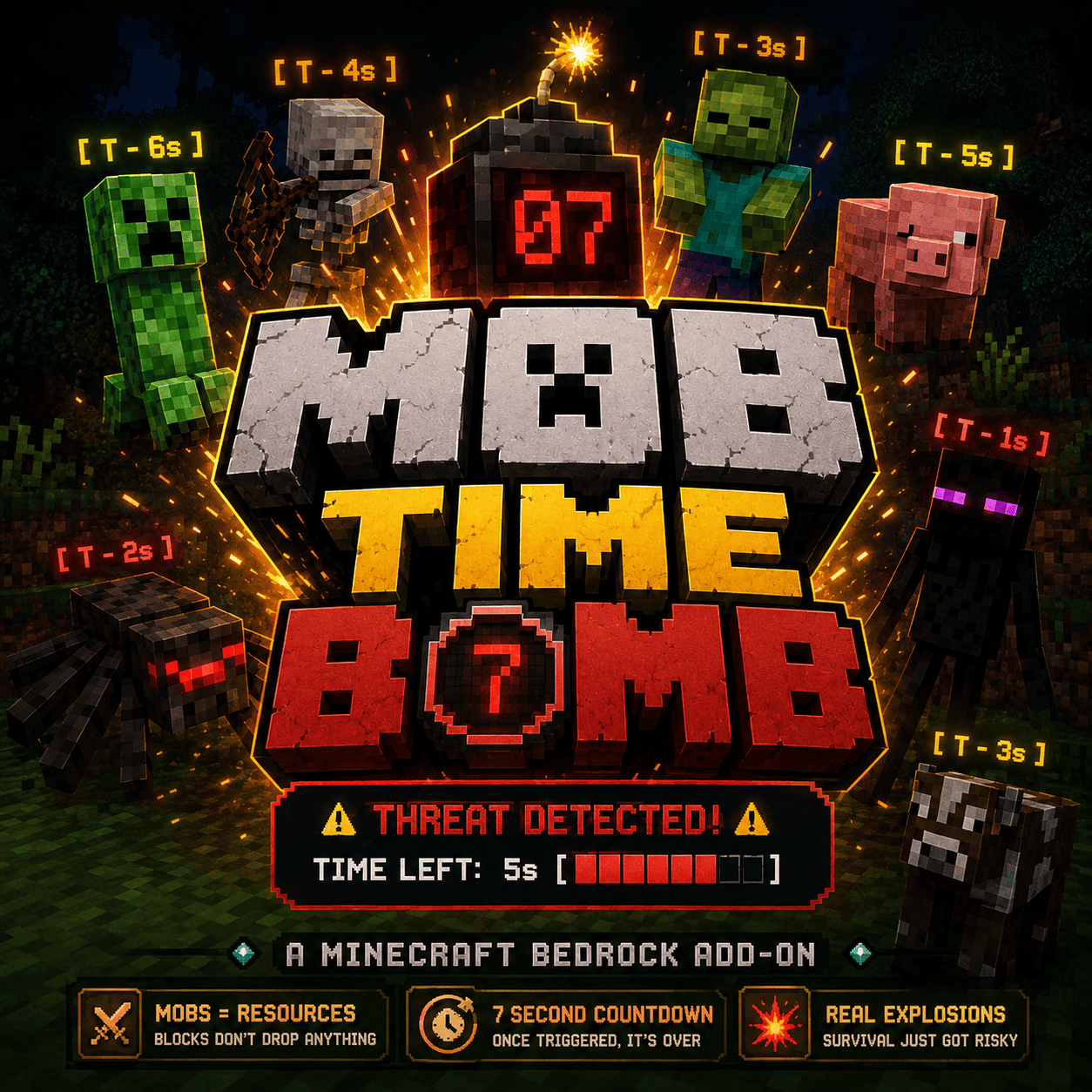
Mob Time Bomb is an intense, hardcore survival Addon for Minecraft Bedrock that turns your ordinary world into a ticking psychological thriller. No longer can you casually walk past a cow or ignore a zombie; every single creature is a potential walking dynamic explosive waiting for your mistake.
🎮 Gameplay Features
-
The Point of No Return (3-Block Proximity): If you step within 3 blocks of any living mob, its internal countdown activates. Once triggered, there is no turning back. Even if you run away, use Ender Pearls, or hide, the fuse will keep burning.
-
7-Second Countdown: You have exactly 7 seconds to react, fight, or flee before the mob detonates with the force of a standard Creeper.
-
Immersive Military-Style HUD: Your Action Bar updates in real-time with an English warning system (
⚠️ THREAT DETECTED! ⚠️) and a visual progress bar ([████░░░]) that drains as danger approaches. -
Dynamic Nametags: Mobs display a clear countdown tag
[ T - Xs ]that shifts colors based on urgency: Yellow (Safe-ish), Orange (Warning), and Critical Red (Run!). -
Server-Side Optimization: Built using the official Minecraft Scripting API, this addon scans only the surroundings of active players, ensuring 100% lag-free multiplayer performance.
🛠️ How to Install (Bedrock / Pocket Edition)
Download the .mcpack or .mcaddon file from this CurseForge page. If it downloads as a .zip, simply rename the file extension to .mcaddon.
Double-click or tap the downloaded file. Minecraft will launch automatically and display "Import Started" followed by "Successfully Imported" at the top of the screen.
Go to your World Settings. Under Behavior Packs, find "Mob Time Bomb" and click Activate. (The matching resource pack, if any, will activate automatically).
Scroll down to the Experiments tab in your world settings and turn on Beta APIs. This is strictly required for the Scripting API code to run!
Enter your world and enjoy the adrenaline rush. Good luck!
🇪🇸 VERSIÓN EN ESPAÑOL
💣 Acerca de Mob Time Bomb
Mob Time Bomb es un addon de supervivencia extrema para Minecraft Bedrock que transforma tu mundo en un auténtico thriller psicológico. Olvídate de pasar caminando tranquilamente al lado de una vaca o ignorar a un zombie; ahora, cada criatura es un explosivo andante esperando a que cometas un error.
🎮 Características del Juego
-
Punto de No Retorno (Rango de 3 bloques): Si te acercas a menos de 3 bloques de cualquier criatura, su temporizador interno se activará de forma permanente. No hay marcha atrás: aunque corras, uses perlas de ender o te escondas, la mecha seguirá ardiendo.
-
Cuenta Regresiva de 7 Segundos: Tienes exactamente 7 segundos para reaccionar, luchar o huir antes de que el mob detone con la fuerza de un Creeper estándar.
-
Interfaz (HUD) Estilo Militar: Tu barra de acción en pantalla se actualizará en tiempo real con una alerta en inglés (
⚠️ THREAT DETECTED! ⚠️) y una barra de progreso visual ([████░░░]) que se vacía conforme el peligro aumenta. -
Etiquetas de Nombre Dinámicas: Los mobs mostrarán un letrero claro
[ T - Xs ]que cambia de color según la urgencia: Amarillo (Precaución), Naranja (Advertencia) y Rojo Crítico (¡Corre!). - Optimización Multijugador: Programado con la Scripting API oficial de Minecraft, el addon solo analiza los alrededores de los jugadores activos, garantizando un rendimiento del 100% sin lag en servidores.
🛠️ Cómo Instalar (Bedrock / Pocket Edition)
Descarga el archivo .mcpack o .mcaddon desde esta página de CurseForge. Si se descarga como .zip, simplemente cambia el nombre de la extensión a .mcaddon.
Haz doble clic o presiona el archivo descargado. Minecraft se abrirá automáticamente y mostrará "Importación iniciada" seguido de "Importado con éxito".
Ve a los ajustes de tu mundo. En la sección Paquetes de Comportamiento (Behavior Packs), busca "Mob Time Bomb" y dale a Activar.
Baja hasta la pestaña Experimentos en los ajustes del mundo y activa la opción APIs Beta (Beta APIs). ¡Esto es obligatorio para que el código de JavaScript funcione!
Entra a tu mundo y sobrevive a la adrenalina. ¡Buena suerte!
- Edition: Minecraft Bedrock
- File type: .mcpack or .mcaddon
- Minecraft versions listed: 26.10, 26.11, 26.12
- How to install: Download the .mcpack or .mcaddon file. → Open it — Minecraft imports it. → In your world: Behavior Packs → Available → Activate, then the same under Resource Packs.
- Where to get it: Opens on CurseForge — not every file is mirrored on our own servers.
Install steps are the general flow for this file type — How to install Minecraft Bedrock addons & mods walks through it step by step.
- Pack type: .mcaddon — behaviour and resource pack in one file
- Manifest requires Minecraft 1.21.120 or newer
- Needs Beta APIs switched on in the world settings
- Complete pack — everything it depends on is inside the file
- Download size: 4.3 MB
- Download link checked 6 Oct 2026 — working
These come from our own check of the pack file, not from the source page.