
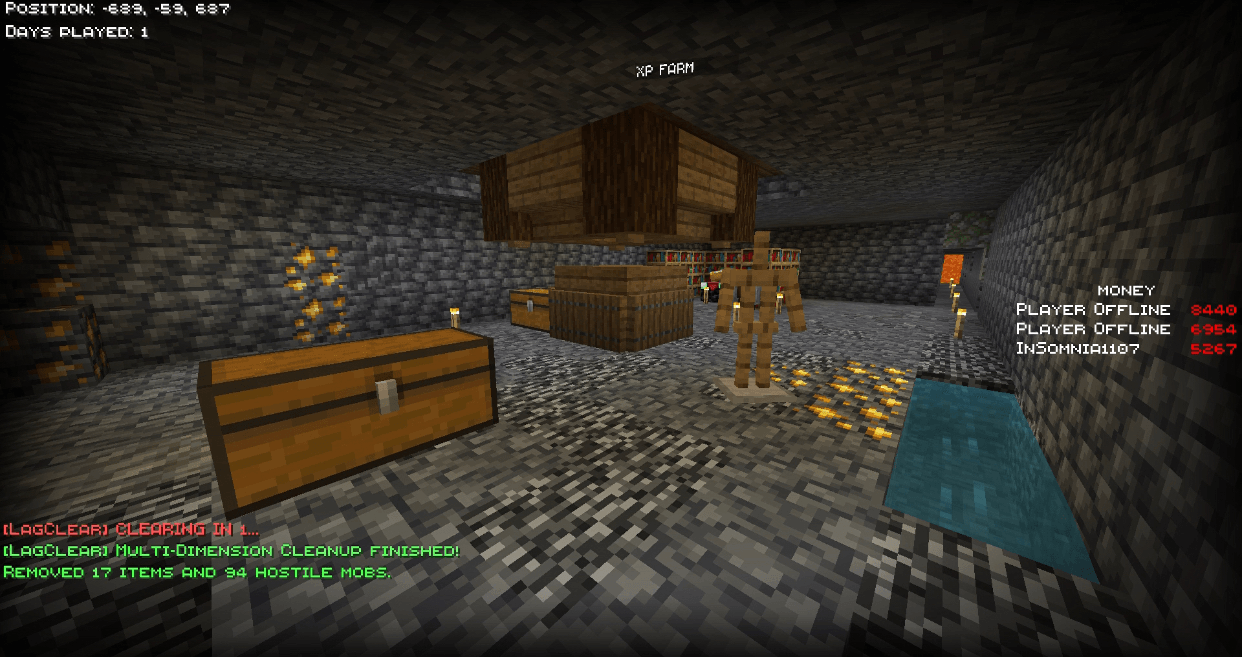
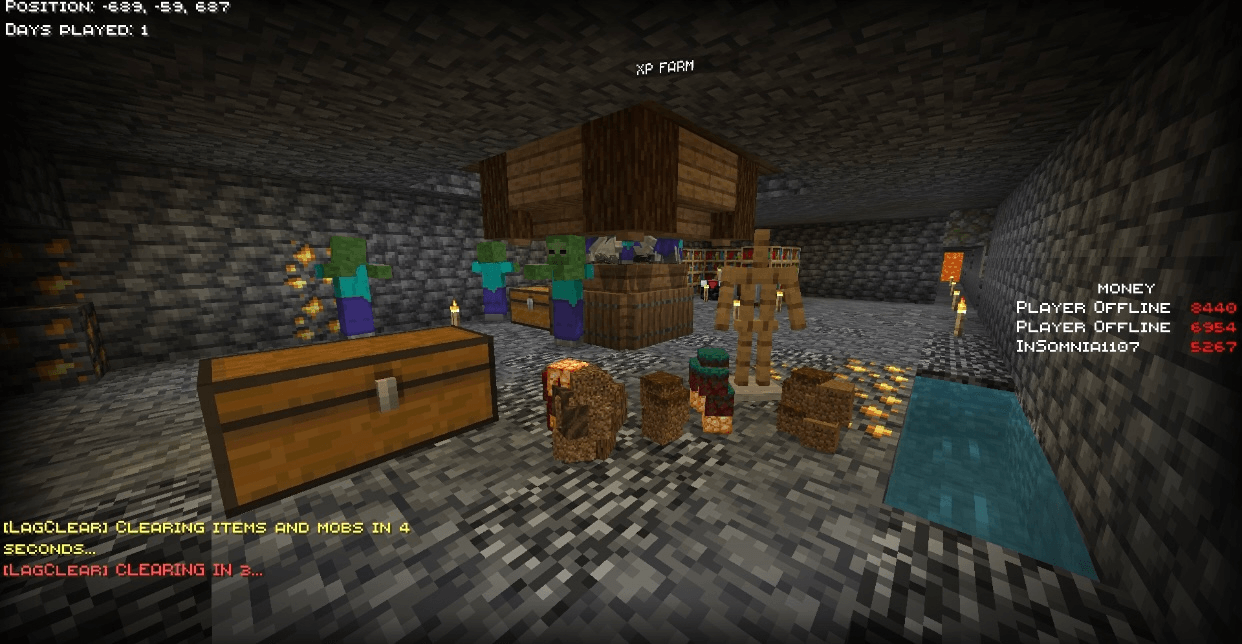
LAG CLEAR ADDON V1.3 (Achievement Friendly no BETA APIs needed)
note: Please Downlaod the latest version in the FILES category
by Itzurgurlgwen
Description
LAG CLEAR ADDON is a Minecraft Bedrock optimization addon designed to improve gameplay performance by reducing unnecessary lag caused by entities, dropped items, particles, and background activities. It helps make Minecraft smoother, faster, and more stable during gameplay.
This addon is perfect for players experiencing FPS drops, delayed movement, freezing, or crowded worlds. Whether you are playing in a Solo World or with friends in Realms, the addon helps maintain smoother performance while keeping the game enjoyable.
Compatible with:
- Solo Worlds
- Multiplayer Worlds
- Minecraft Realms
- Latest tested version:
- Minecraft Bedrock Edition v1.21.26 +
- Required Experimental Feature: Beta APIs
How It Works
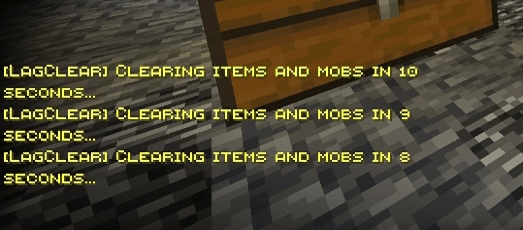
The addon automatically runs optimization processes in the background while you play. Every 5 minutes, the addon clears unnecessary dropped items, unused entities, and other lag-causing activities to help keep your world smooth and optimized .It helps reduce lag by clearing or managing unnecessary entities, dropped items, and other activities that can slow down the game.
Features
- Clears excessive dropped items
- Reduces lag-causing entities
- Improves FPS performanceHelps stabilize gameplay
- Optimizes world performanceSupports Realms and Solo WorldsLightweight and easy to use
Setup Instructions
-
Import the addon into Minecraft Bedrock Edition.
-
Activate the Behavior Pack in your world settings.
-
Enable the following Experimental Feature:
-
Beta APIs
-
-
Enter your world and enjoy smoother gameplay.
Recommended Use
LAG CLEAR ADDON is recommended for:
- Survival Worlds
- Large Builds
- Multiplayer Servers
- Realms
- Low-End Devices
- Long Gameplay Sessions
Enjoy Smoother Gameplay
Clear the lag. Enjoy the game.
Created by Itzurgurlgwen
- Edition: Minecraft Bedrock
- File type: .mcpack or .mcaddon
- Minecraft versions listed: 1.21.30, 1.21.50, 1.21.81
- How to install: Download the .mcpack or .mcaddon file. → Open it — Minecraft imports it. → In your world: Behavior Packs → Available → Activate, then the same under Resource Packs.
- Where to get it: Opens on CurseForge — not every file is mirrored on our own servers.
Install steps are the general flow for this file type — How to install Minecraft Bedrock addons & mods walks through it step by step.
- Save it as LagClearV1.3.mcaddon before opening — it downloads as .mcpack, but it is a .mcaddon pack
- Manifest requires Minecraft 1.21.0 or newer
- Complete pack — everything it depends on is inside the file
- Download size: 2.5 MB
- Download link checked 26 Aug 2026 — working
These come from our own check of the pack file, not from the source page.