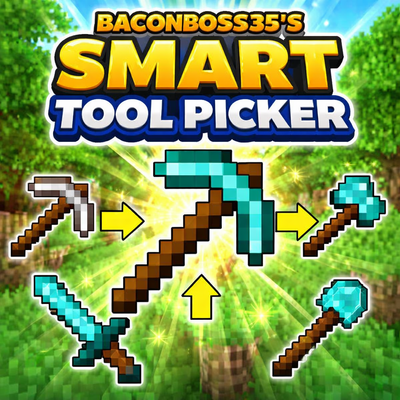
BaconBoss35's Smart Tool Picker
Bedrock add-on listed for Minecraft 1.21–26.x. Download on the author's site.
⬇ Download on CurseForge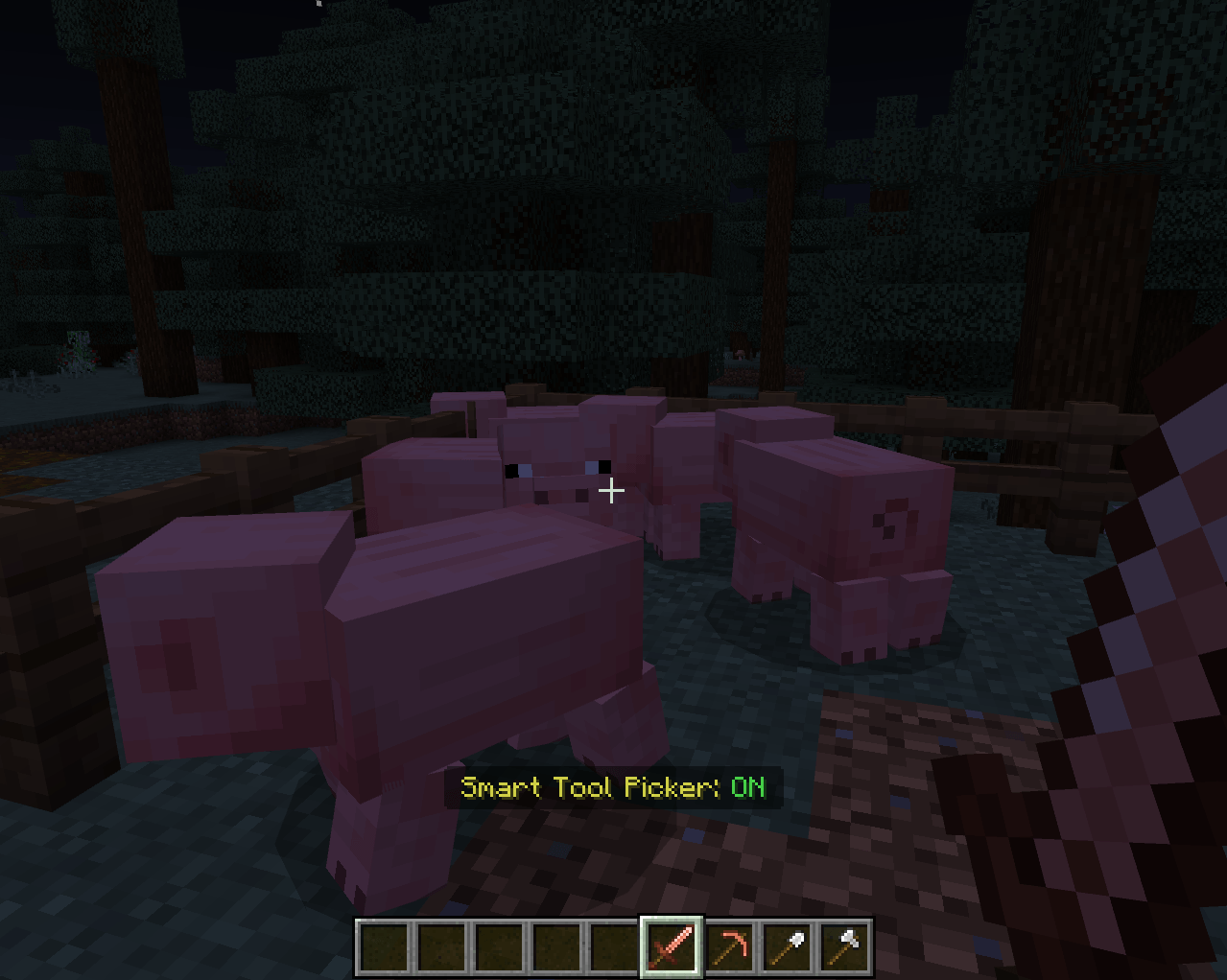
🛠️ BaconBoss35’s Smart Tool Picker
Tired of constantly switching tools while mining, building, or fighting?
Smart Tool Picker automatically selects the best tool for the job—so you can stay focused on playing, not scrolling your hotbar.
⚡ Features
- 🔄 Auto Tool Switching
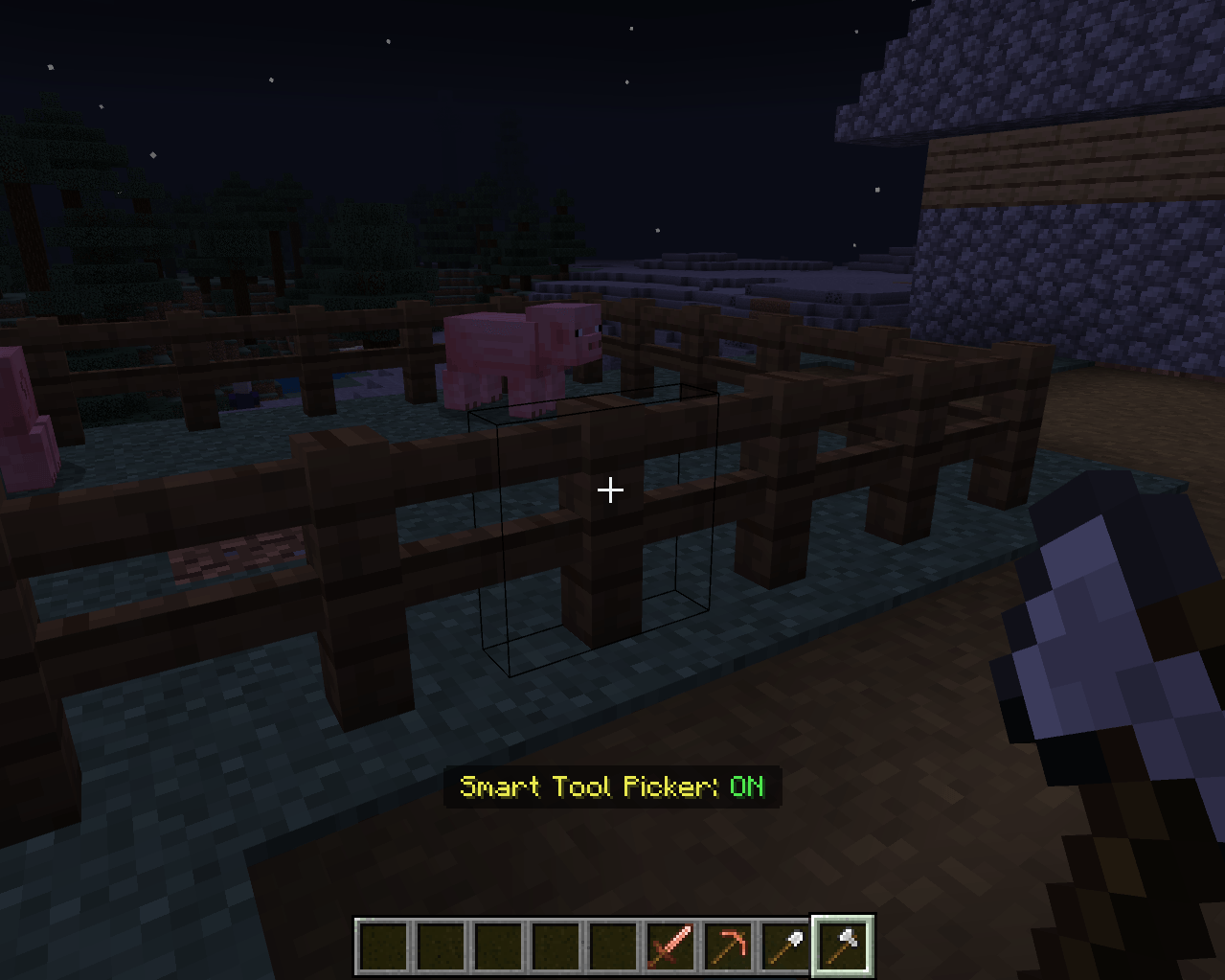
Instantly switches to the most effective tool when you mine blocks or attack entities - ⛏️ Smart Detection
Picks the correct tool type (pickaxe, axe, shovel, etc.) based on what you're targeting - ⚔️ Combat Ready
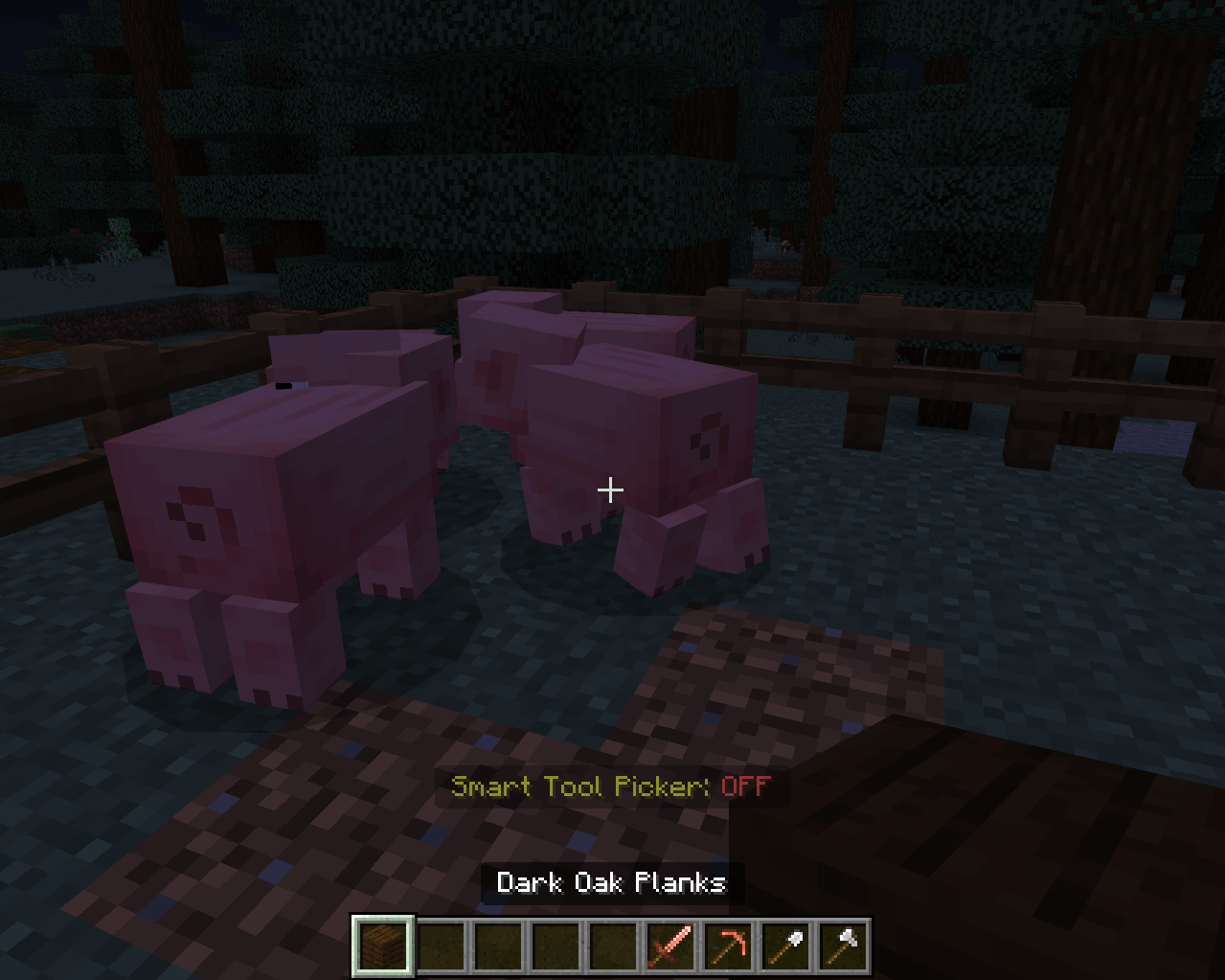
Automatically switches to your best weapon when fighting mobs - 🧠 Sneak Toggle
Simply hold sneak (Shift) to toggle the mod ON or OFF anytime—no menus needed - 🎯 Hotbar Only (Lightweight)
Works seamlessly with your hotbar—no lag, no complicated setup - 🧠 Vanilla-Friendly
Feels like a feature that should already be in the game
🎮 Why Use This Mod?
This mod removes one of the most annoying parts of Minecraft:
manually switching tools every few seconds.
Whether you're:
- Mining for diamonds 💎
- Clearing out forests 🌲
- Building large structures 🏗️
Smart Tool Picker keeps your gameplay smooth and efficient.
🚀 Performance
- Lightweight and optimized
- No noticeable FPS impact
- Works in both singleplayer and multiplayer
YOU MUST ENABLE BETA APIS OR SCRIPTING APIS FOR THIS MOD TO WORK!!!
- Edition: Minecraft Bedrock
- File type: .mcpack or .mcaddon
- Minecraft versions listed: 1.21.81, 1.21.93, 1.21.90
- How to install: Download the .mcpack or .mcaddon file. → Open it — Minecraft imports it. → In your world: Behavior Packs → Available → Activate, then the same under Resource Packs.
- Where to get it: Opens on CurseForge — not every file is mirrored on our own servers.
Install steps are the general flow for this file type — How to install Minecraft Bedrock addons & mods walks through it step by step.
BaconBoss35's Smart Tool Picker is a free Minecraft Bedrock addon. Compatible with Minecraft 1.21.81, 1.21.93, 1.21.90, 1.21.101 and newer. Downloaded 81 times (via CurseForge). Download it and open it directly in the game.