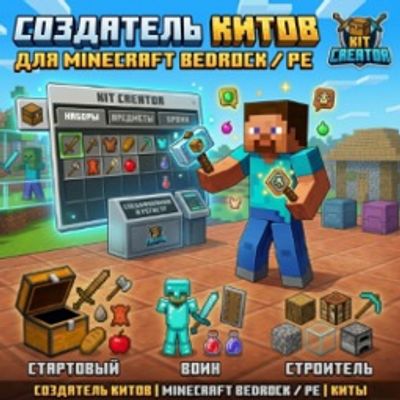
Ultimate Kit Creator System
Bedrock add-on listed for Minecraft 26.x. Download on the author's site.
Ultimate Kit Creator — Full-featured kit system for Minecraft Bedrock/PE. Create, edit & give kits in-game via Chest UI. Cooldowns, tag access, armor…
⬇ Download on CurseForge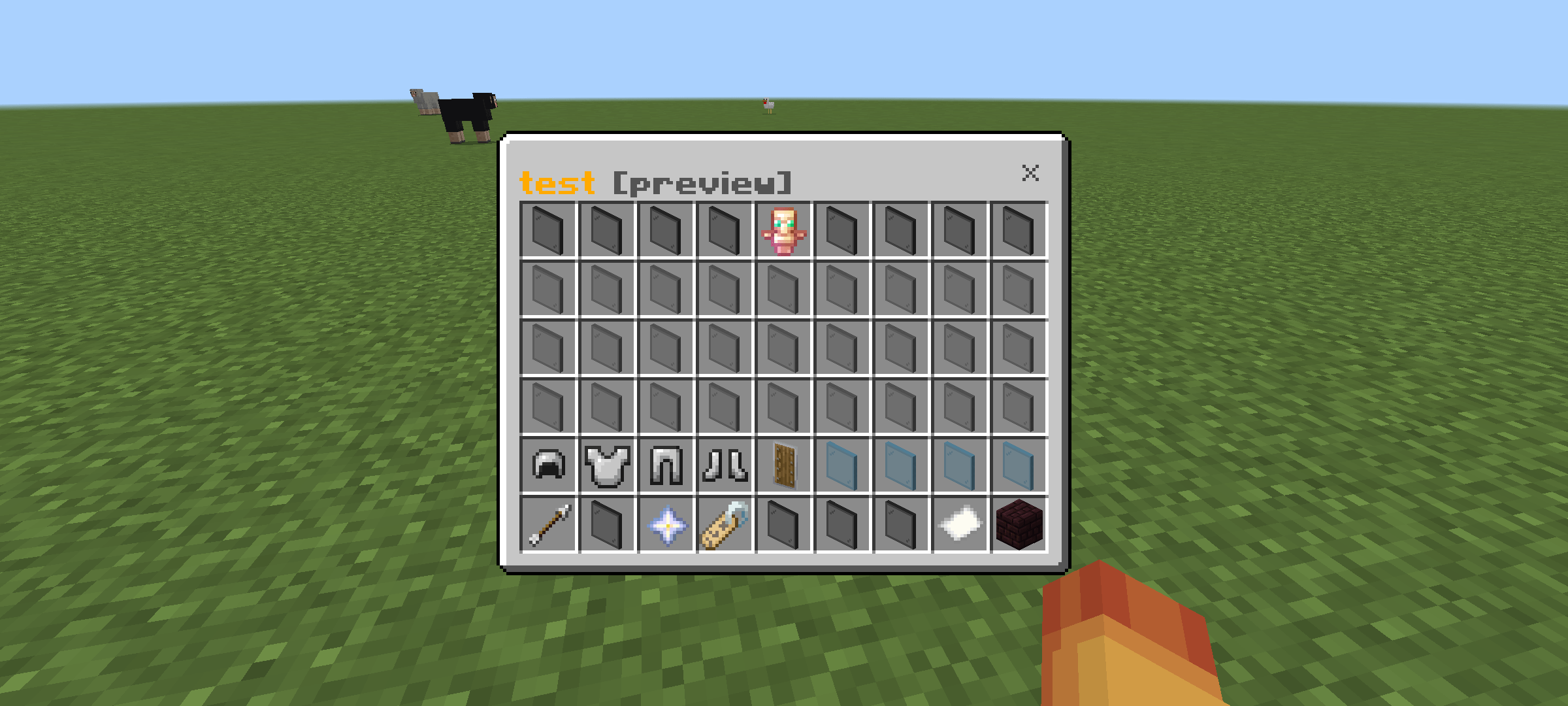
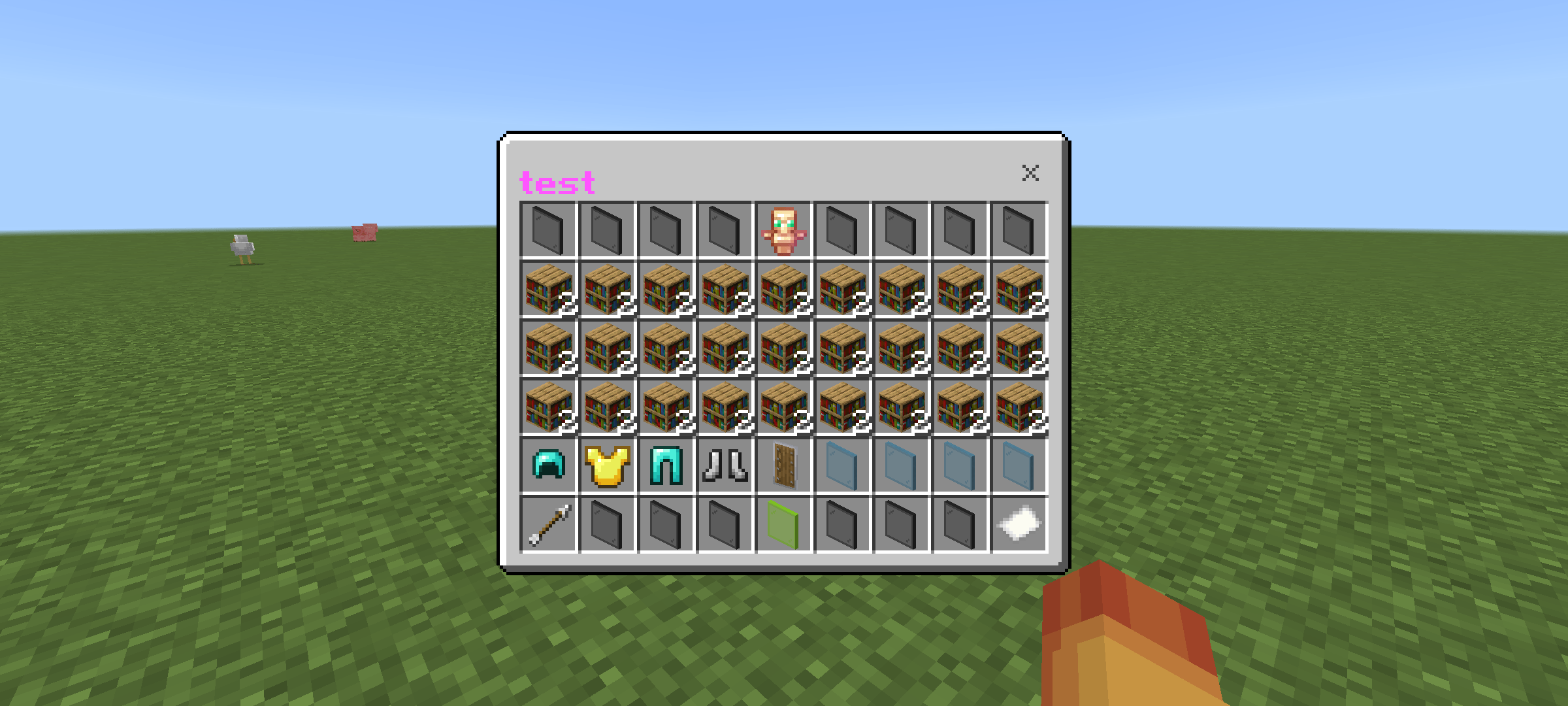
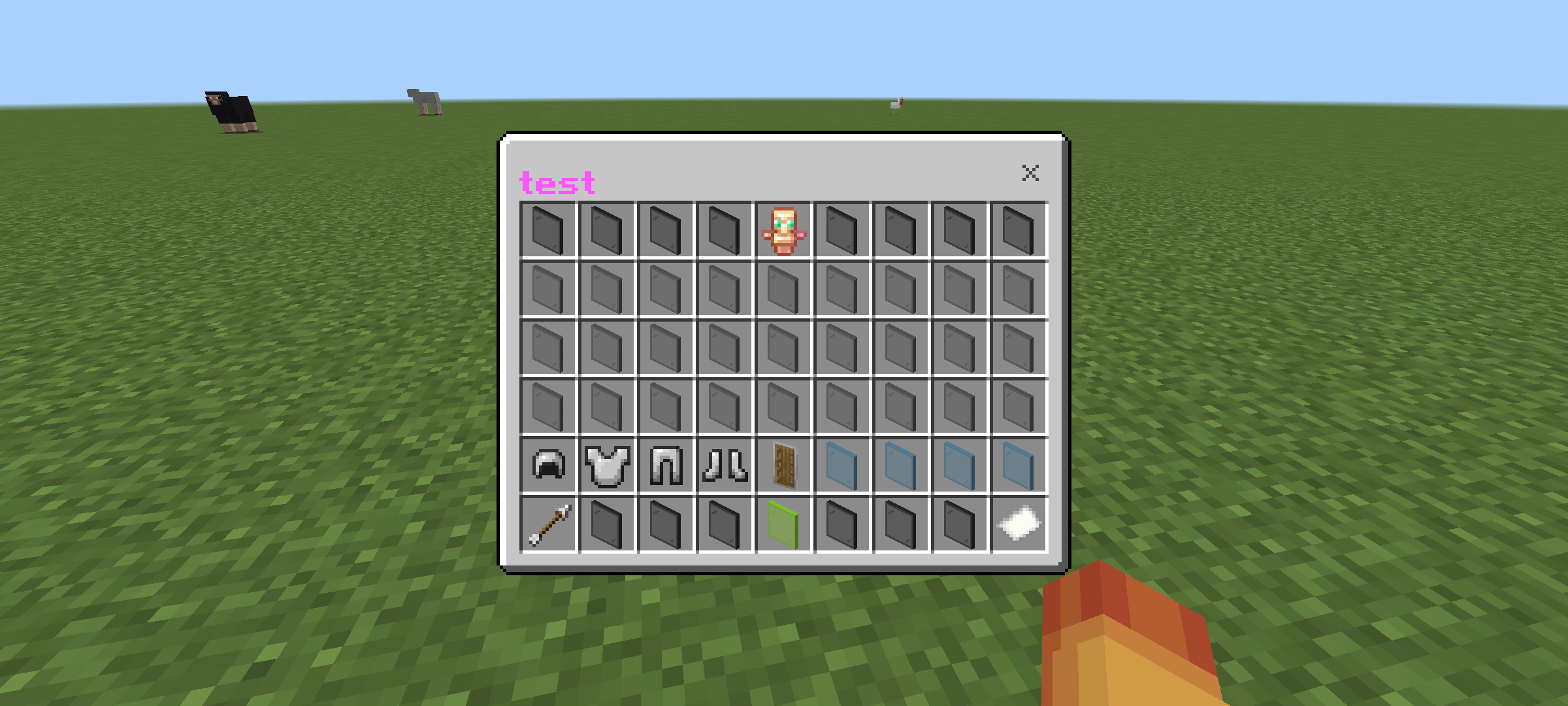
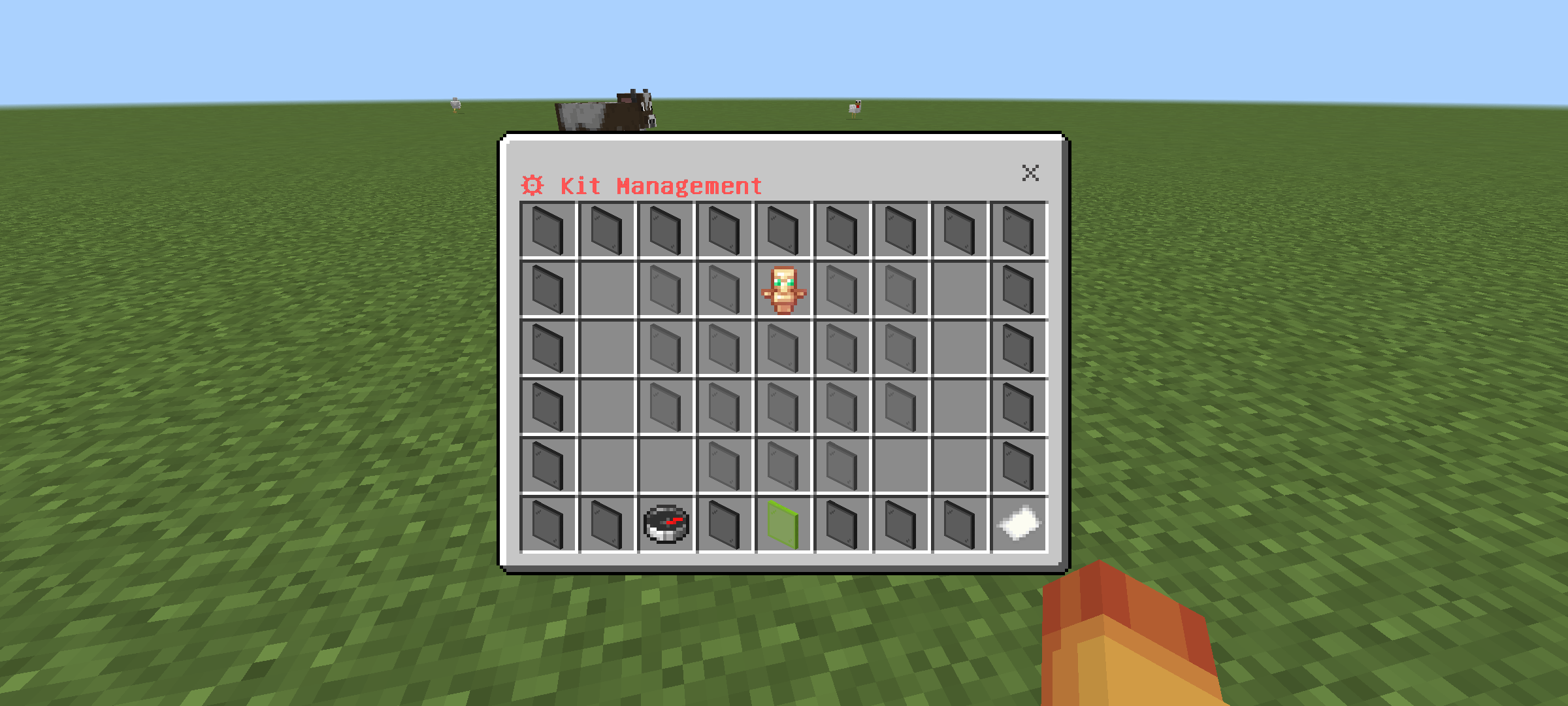
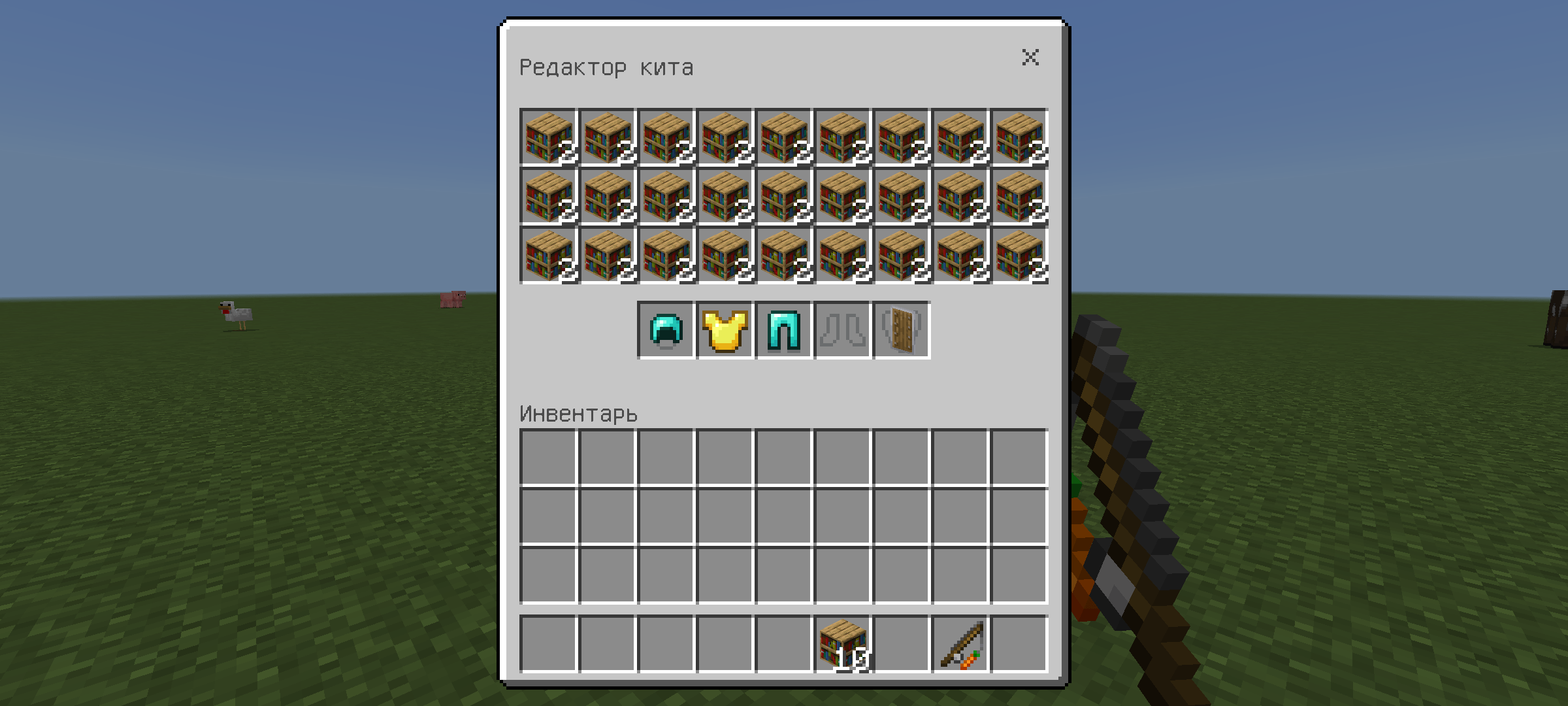
⚔️ Kits Addon — Kit Creator for Minecraft Bedrock / PE A full-featured, professional kit system for Minecraft Bedrock Edition. Create, edit, and distribute kits entirely in-game using an advanced Chest UI editor — no external tools, no configuration files, and no hassle.
🌐 Language / Язык English 🇬🇧 & Русский 🇺🇸 Don't see the interface in English? Run /kit:lang in chat to open the language selector and switch your language. Не видишь русский интерфейс? Напиши /kit:lang в чат, чтобы открыть выбор языка. Note: Each player chooses their own language — settings are saved per-player automatically!
📦 Key Features / Особенности 📺 In-game Chest UI — Browse, manage, and claim kits from a beautiful visual inventory menu.
🛠 Full Kit Editor — Create kits with custom items, armor, enchantments, and even dyed leather.
🛡 Full Armor Support — Dedicated slots for Helmet, Chestplate, Leggings, Boots, and Offhand.
⏳ Per-player Cooldowns — Configurable cooldowns tracked automatically for each individual player.
🔒 Tag-based Access — Restrict kits to specific players using Minecraft tags (e.g., VIP kits).
📐 5 Menu Layouts — Choose between Line, Diamond, Triangle ▲, Triangle ▼, or Center Cluster styles.
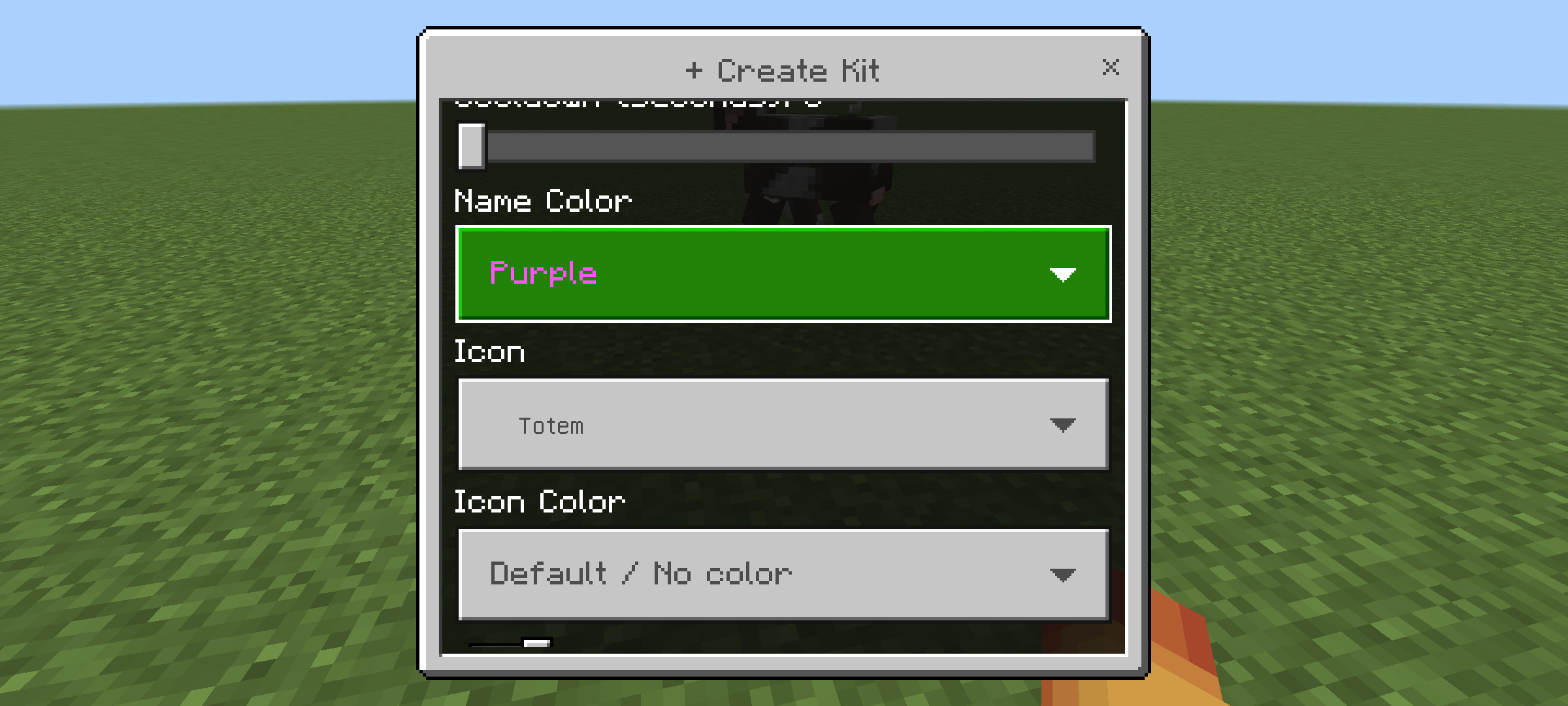
✨ Custom Icons — Personalize your kits by changing icon colors, item types, and adding enchantment glints.
💾 DynamicProperties Storage — All kit data persists safely inside the world file. No external configs required.
🎮 Commands / Команды
| Command | Permission | Description |
|---|---|---|
/kit:kit |
Everyone | Open the kit selection menu |
/kit:lang |
Everyone | Change language (EN / RU) |
/kit:setkit |
OP | Open the kit editor panel / management UI |
/kit:save |
OP | Save the kit currently open in the editor |
/kit:cancel |
OP | Cancel editing and close the panel |
/kit:givekit <kitId> [player] |
OP | Give a kit to yourself or another player |
/kit:listkit |
OP | List all kits with IDs, tags, and item counts |
/kit:resetcd <kitId> [player] |
OP | Reset cooldown for a kit for a |
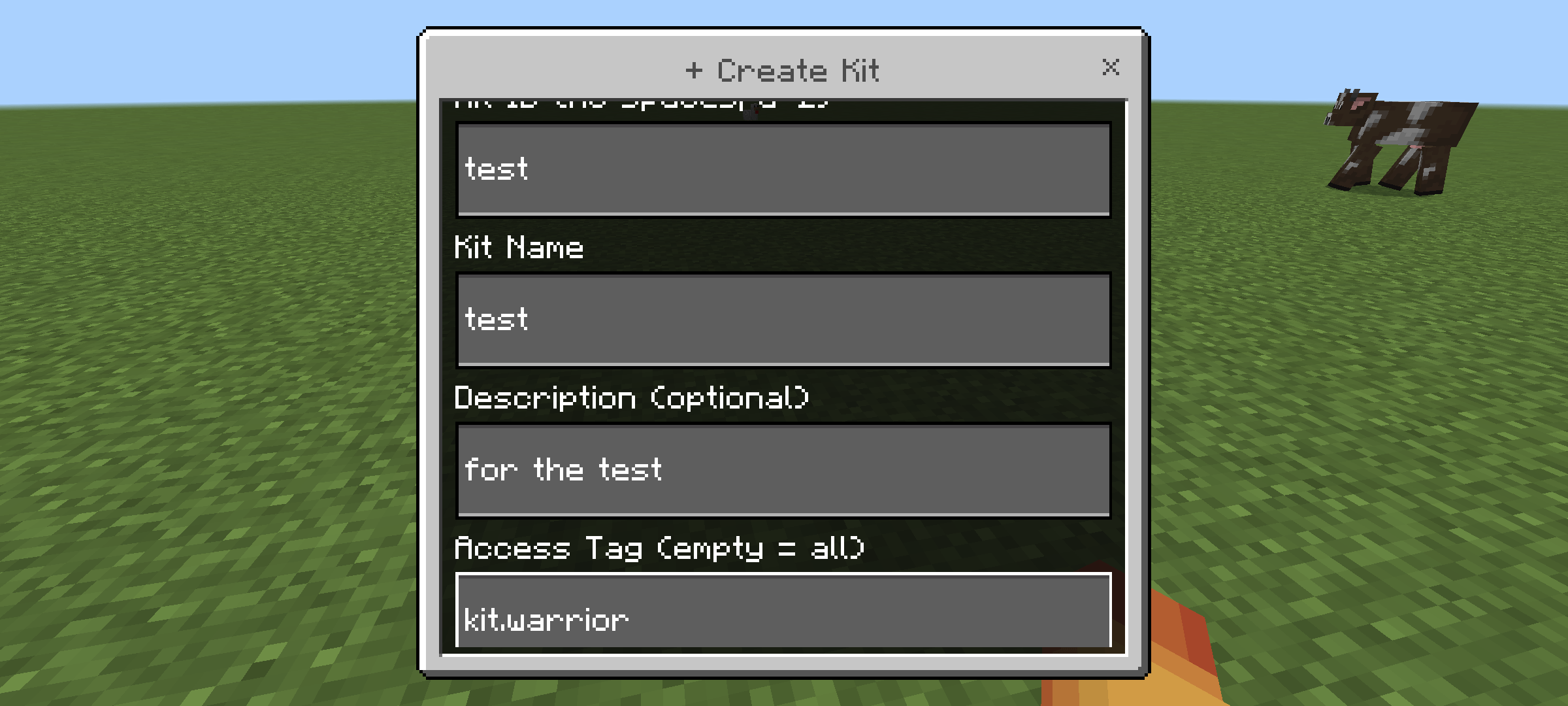
How to Create a Kit Run /kit:setkit to open the Kit Management panel. Click + Create Kit and fill in the ID, name, description, access tag, and cooldown. Click ✏ Fill on the newly created kit to open the visual Chest UI editor. Place items into the inventory slots and equip armor in the dedicated armor slots. Run /kit:save in chat to save — the kit is immediately available to your players! 🔒 Access Control (Tags)
/tag <player> add kit.vip
📐 Menu Layouts The kit selection menu supports 5 arrangement styles, which can be changed by an operator via the ⊹ Layout button in the editor: 0 — Line ▬▬▬▬▬▬▬ 1 — Diamond ◆ 2 — Triangle ▲ 3 — Triangle ▼ 4 — Center Cluster ⚙ Requirements
| Parameter | Requirement |
|---|---|
| Platform | Minecraft Bedrock Edition / Pocket Edition |
| Min. Version | 1.21.0+ |
| Experimental Settings | Beta APIs (Script API) must be enabled! |
| Internal APIs | @minecraft/server 2.6.0, @minecraft/server-ui 2.0.0 |
⚠️ IMPORTANT: You must enable "Beta APIs" (Script API) in your World Settings before loading the addon, otherwise the scripts will not execute!
📁 Installation Guide Download the .mcaddon file. Open the file — Minecraft will automatically import both the Behavior Pack and Resource Pack. Create a new world or open your existing world settings. Go to Behavior Packs → Activate Kits Addon. Go to Resource Packs → Activate Kits Addon RP. Go to Experiments → Enable Beta APIs. Enter the world and type /kit:kit to begin!
👤 Author Developer: Made by Rpuk_01 Telegram: @il1li1i
- Edition: Minecraft Bedrock
- File type: .mcpack or .mcaddon
- Minecraft versions listed: 26.10, 26.11, 26.12
- How to install: Download the .mcpack or .mcaddon file. → Open it — Minecraft imports it. → In your world: Behavior Packs → Available → Activate, then the same under Resource Packs.
- Where to get it: Opens on CurseForge — not every file is mirrored on our own servers.
Install steps are the general flow for this file type — How to install Minecraft Bedrock addons & mods walks through it step by step.
Ultimate Kit Creator System is a free Minecraft Bedrock addon. Compatible with Minecraft 26.10, 26.11, 26.12, 26.20 and newer. Downloaded 896 times (via CurseForge). Download it and open it directly in the game.