AddonsBedrock
Tools Evolved
Bedrock add-on listed for Minecraft 1.19–26.x (behavior + resource pack). File opened and checked on 28 Sep 2026; installs from the MC Bedrock Mods app on Android.
Tools Evolved | AOE Mining, Vein Miner & Tree Capitator Tired of mining and chopping one block at a time? Tools Evolved enhances your existing vanilla…
⬇ Download
Tools Evolved | AOE Mining, Vein Miner & Tree Capitator
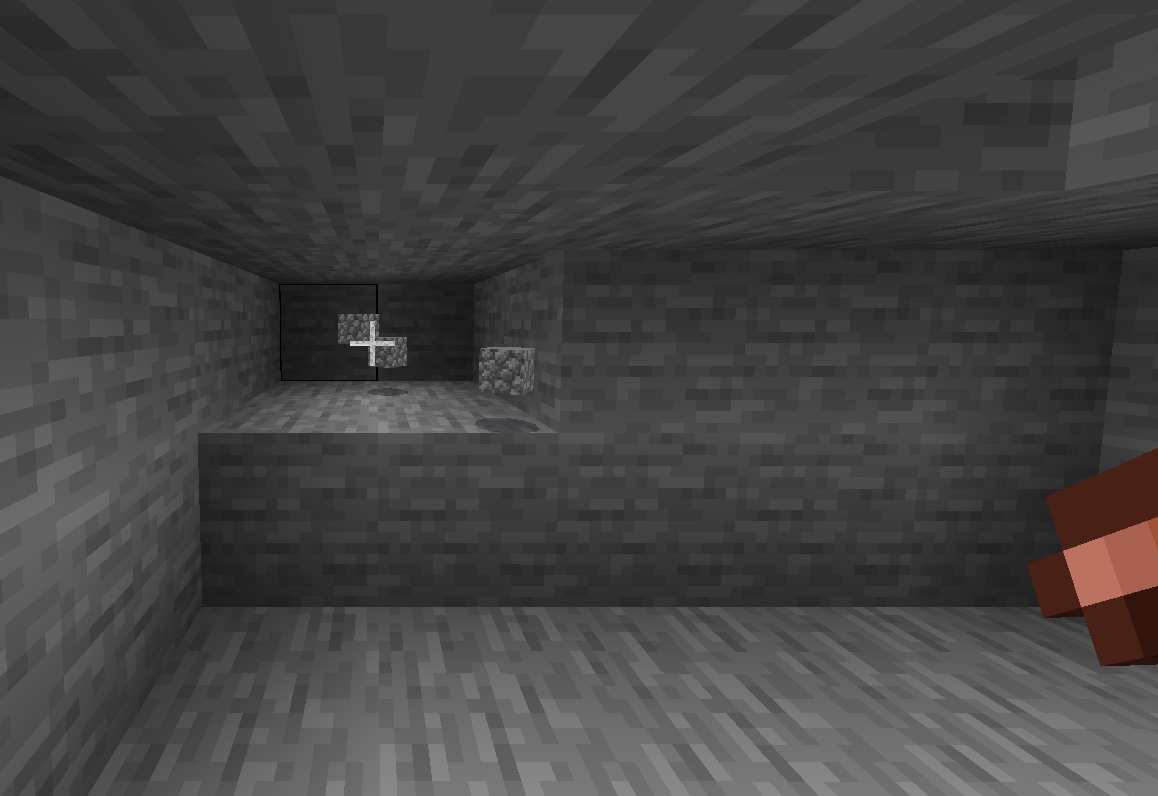
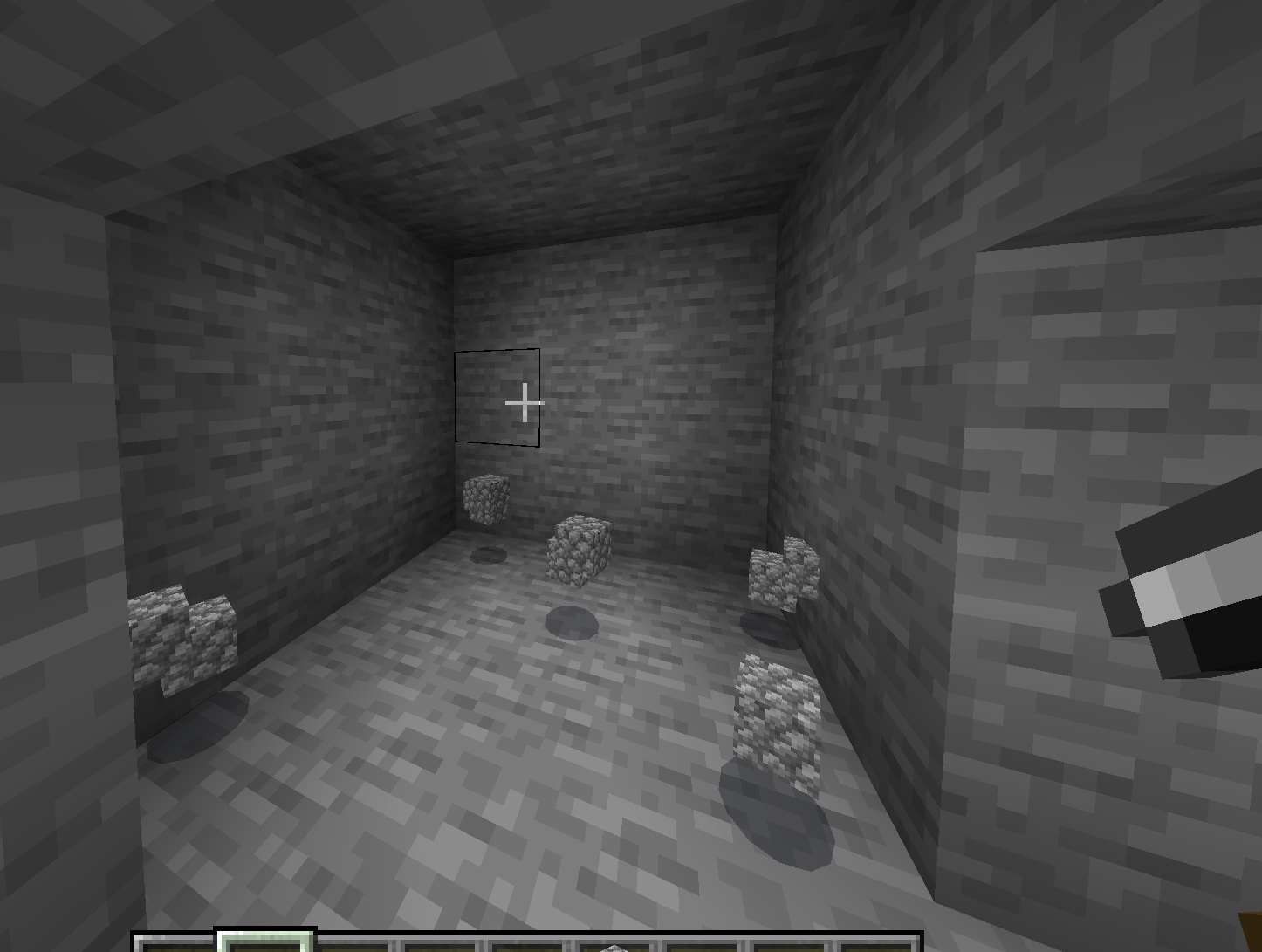
Tired of mining and chopping one block at a time? Tools Evolved enhances your existing vanilla tools with powerful AOE mining, vein mining and tree capitator mechanics — no custom items, no commands, and works in any survival world!
 AOE Pickaxe
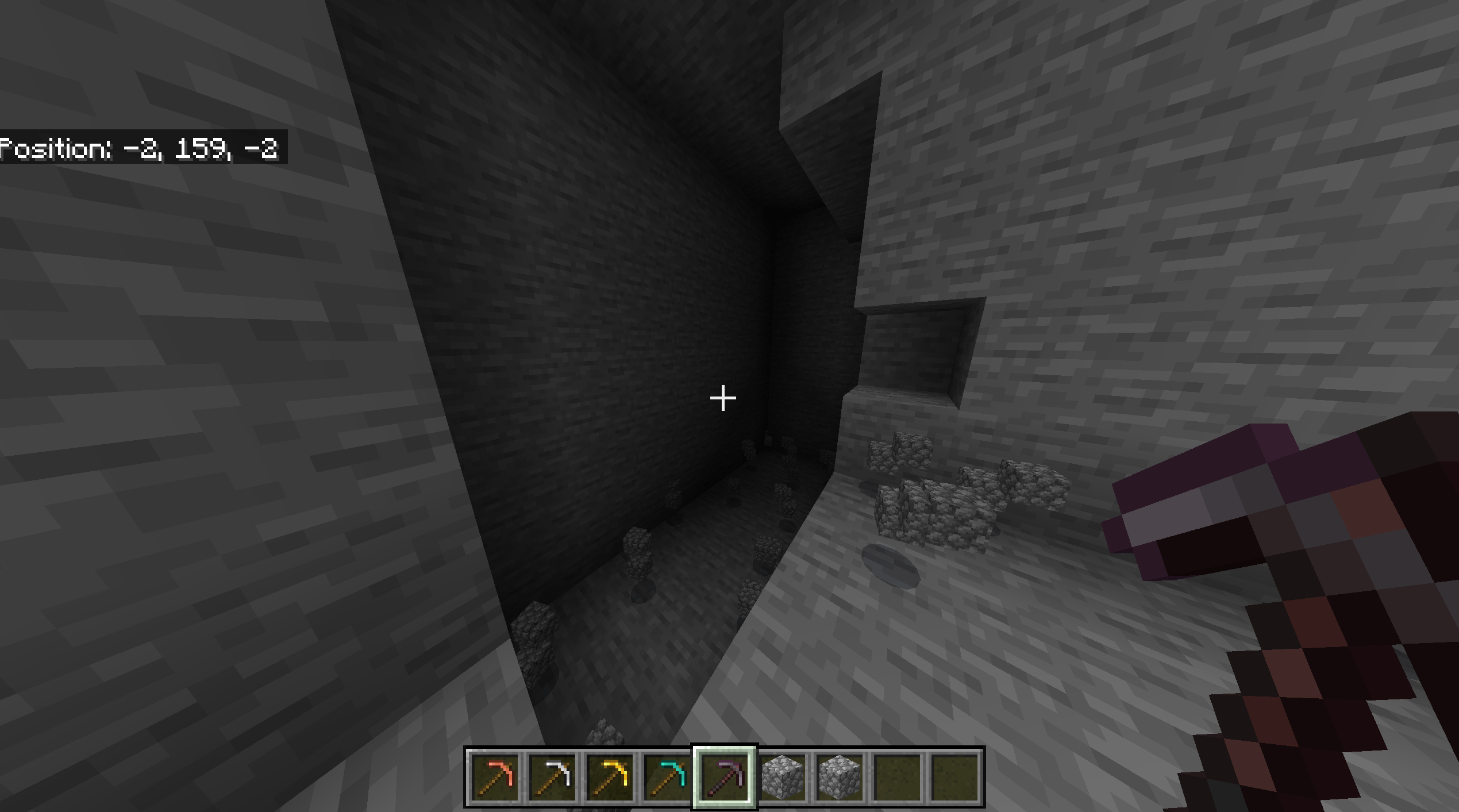
Mine stone and rocks in a single swing based on your pickaxe tier:
Copper → 2x2
Iron & Gold → 3x3
Diamond → 5x5
Netherite → 7x7
 AOE Axe
Chop entire sections of trees in one go. Perfect for deforestation and wood farming.
Copper → 2x2
Iron & Gold → 3x3
Diamond → 5x5
Netherite → 7x7
 AOE Shovel
Clear dirt, sand, gravel, snow and clay faster than ever before.
Copper → 2x2
Iron & Gold → 3x3
Diamond → 5x5
Netherite → 7x7
 Vein Miner
Break one ore and mine the entire connected vein instantly. Always active, no toggle needed. Works with all ores including ancient debris. Fortune and Silk Touch apply to every block!
 Tree Capitator
Chop one log and the entire connected tree falls instantly. Always active, no toggle needed. Works with all wood types. Perfect for quick and efficient wood farming!
 Features
Works on all existing vanilla tools — no custom items needed
Only 1 durability consumed per swing regardless of AOE size
AOE only works on appropriate blocks — no accidental build destruction
Cannot break bedrock
Fortune and Silk Touch enchants work on all AOE and vein mined blocks
Each tool has its own independent toggle
Toggle state persists through dimension changes
Vein miner and tree capitator always active — no toggle needed
No commands required
Compatible with most other addons including torch offhand
 How To Toggle
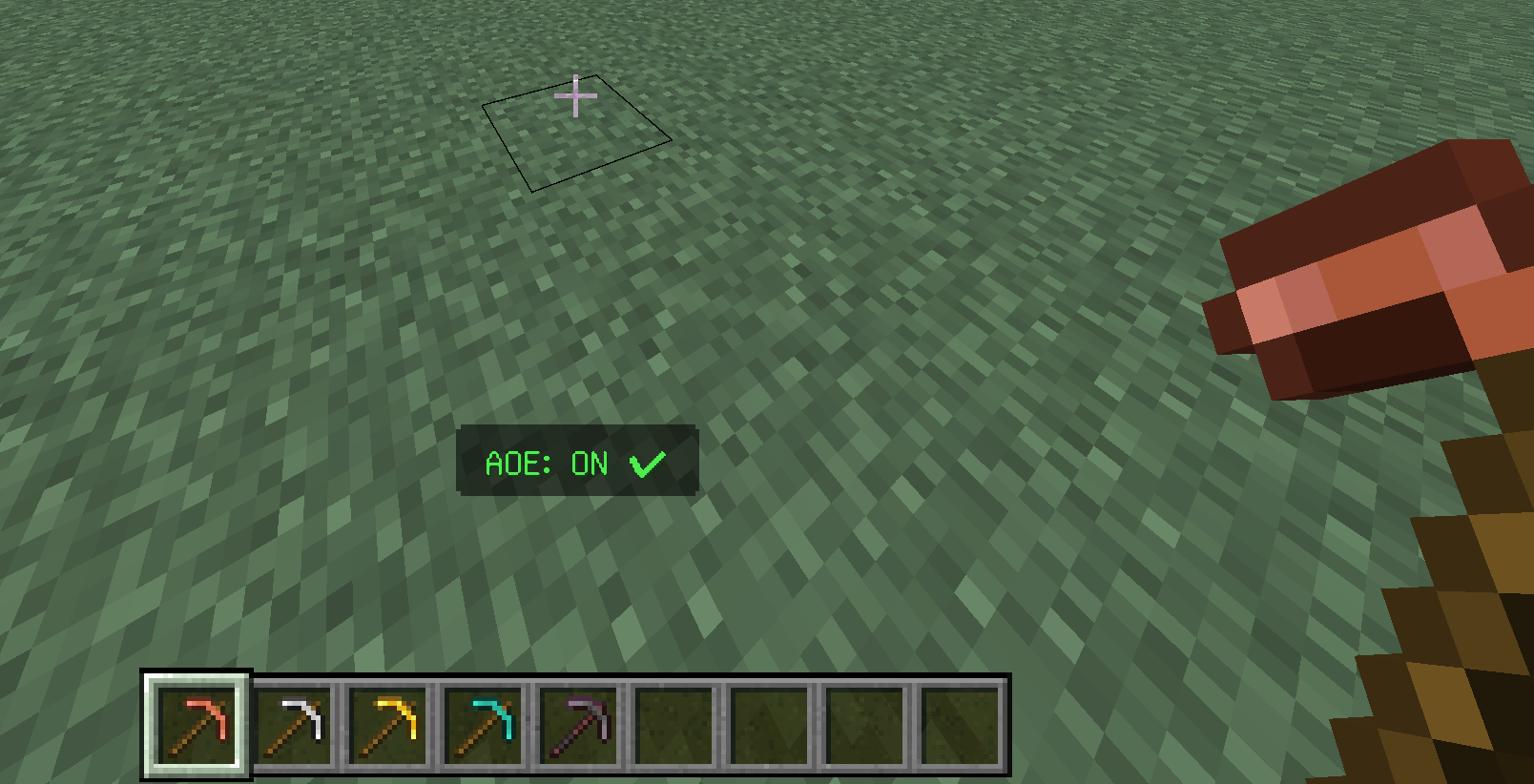
All Platforms: Sneak + Jump simultaneously while holding your tool
Item lore will show "Activated" in green or "Not Activated" in red
Actionbar message confirms your toggle — "AOE: ON  " or "AOE: OFF
  "
"
" or "AOE: OFF " Installation
Download both the Behavior Pack and Resource Pack
Open both files and they will automatically import into Minecraft
Apply both the behavior pack and resource pack to your world
Make sure both packs are enabled — the addon requires both to function correctly
BETA APIs NEEDED IN WORLD SETTINGS!
That's it — no setup needed!
Created by CarpathianXX
All rights reserved — do not redistribute or modify without permission from CarpathianXX
Quick facts
- Edition: Minecraft Bedrock
- File type: .mcpack or .mcaddon
- Minecraft versions listed: 1.19, 1.20, 1.21
- How to install: Download the .mcpack or .mcaddon file. → Open it — Minecraft imports it. → In your world: Behavior Packs → Available → Activate, then the same under Resource Packs.
- Where to get it: In MCModsHub, or directly above on this page.
Install steps are the general flow for this file type — How to install Minecraft Bedrock addons & mods walks through it step by step.
File checked by MCModsHub
- Pack type: .mcaddon — behaviour and resource pack in one file
- Complete pack — everything it depends on is inside the file
- Download size: 8 KB
- Download link checked 18 Jun 2026 — working
These come from our own check of the pack file, not from the source page.