AddonsBedrock
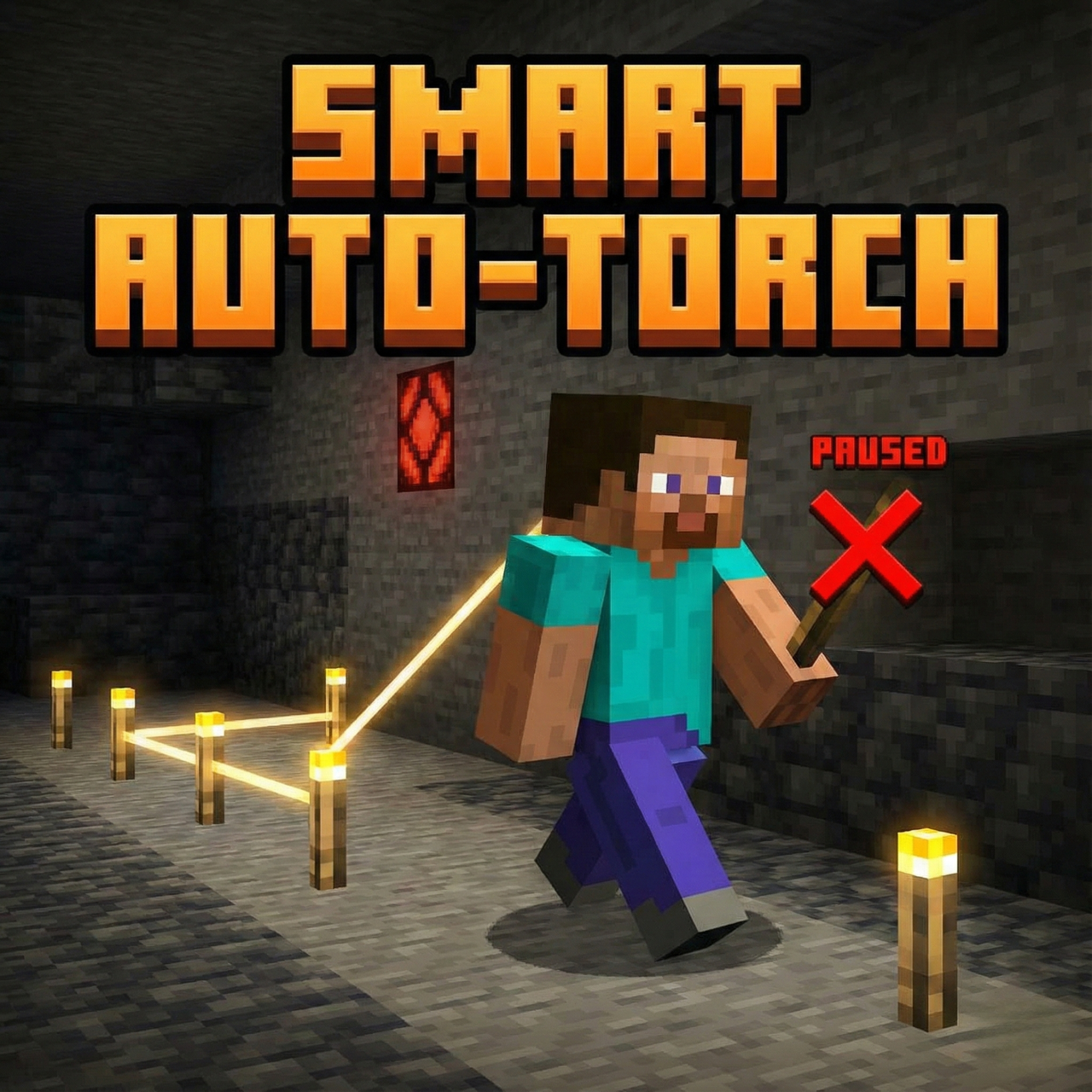
Smart Auto-Torch
Automatically places torches behind you when it's dark. Features smart anti-spam detection, tree filtering, and a "Torch Off" kill switch stick.
⬇ Download on CurseForge
Stop spamming torches manually! This addon automatically lights up your path as you explore dark caves, but it is smart enough to stop when you are safe.
Features:
- 🔦 Automatic Placement: Places a torch behind you when the light level is low.
- 🧠 "Already Lit" Detection: Scans a 7-block radius for existing light sources (Lanterns, Lava, Glowstone, etc.). If the area is already bright, it saves your torches!
- 🌲 Smart Tree Filter: Distinguishes between "Caves" and "Trees." It won't waste torches under trees during the day, but will still light up deep caves.
- 🚫 The Kill Switch: Want to build in the dark? Rename a Stick to "Torch Off" and hold it in your main hand to pause the addon instantly.

&business=0022.studios@gmail.com&bn=PP-DonationsBF:btn_donateCC_LG.gif:NonHosted&cancel_return=https://www.curseforge.com/minecraft-bedrock/addons/bridge-addon&lc=US&item_name=Smart-Auto-Torch+(from+www.curseforge.com)&cmd=_donations&rm=1&no_shipping=1¤cy_code=USD)
A huge thank you to everyone for downloading the Addon and supporting 22 Studios with a donation!
Quick facts
- Edition: Minecraft Bedrock
- File type: .mcpack or .mcaddon
- Minecraft versions listed: 1.21.101, 1.21.100, 1.21.111
- How to install: Download the .mcpack or .mcaddon file. → Open it — Minecraft imports it. → In your world: Behavior Packs → Available → Activate, then the same under Resource Packs.
- Where to get it: Opens on CurseForge — not every file is mirrored on our own servers.
Install steps are the general flow for this file type — How to install Minecraft Bedrock addons & mods walks through it step by step.
Verified by MCModsHub
- Pack type: .mcaddon — behaviour and resource pack in one file
- Manifest requires Minecraft 1.21.90 or newer
- Complete pack — everything it depends on is inside the file
- Download size: 5.5 MB
- Download link checked 26 Aug 2026 — working
These come from our own check of the pack file, not from the source page.