Show Your Items
Bedrock add-on listed for Minecraft 26.x (behavior pack only). Needs Beta APIs. File opened and checked on 5 Oct 2026; installs from the MC Bedrock Mods app on Android.
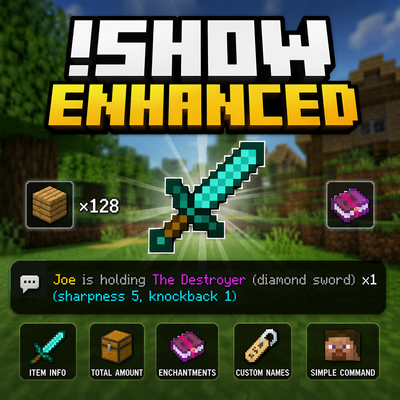
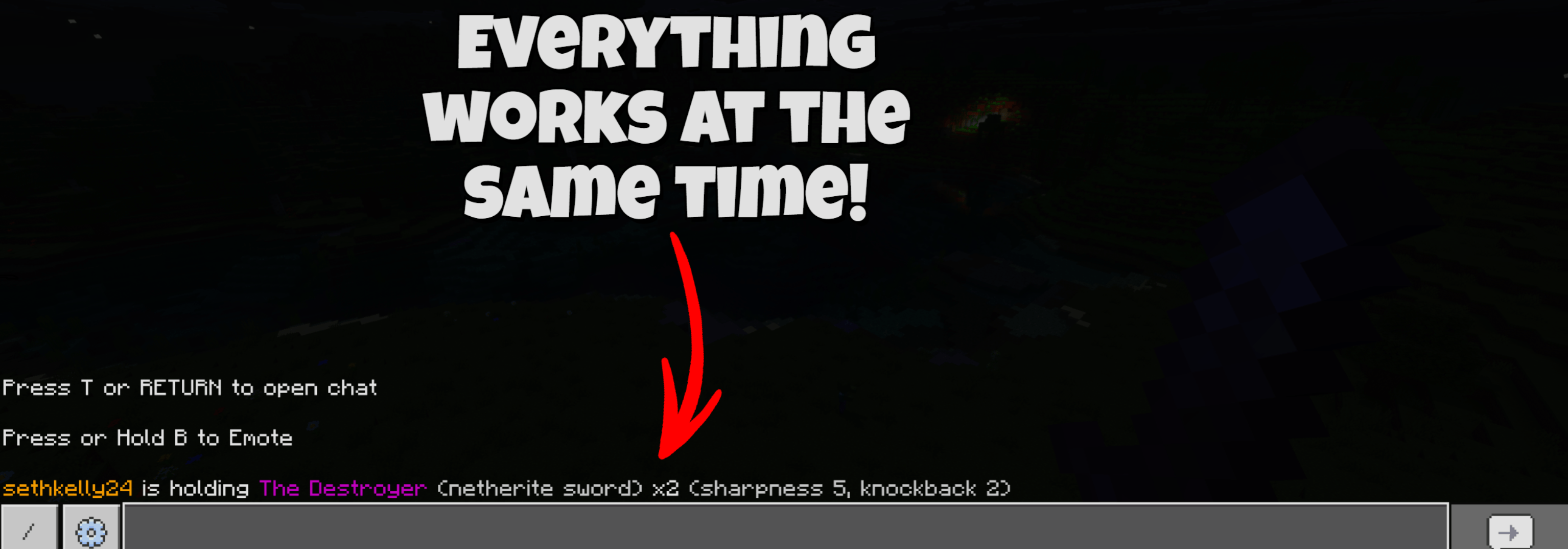
Instantly display your held item in chat with total inventory count, custom names, and enchantments in one simple command.
⬇ Download on CurseForge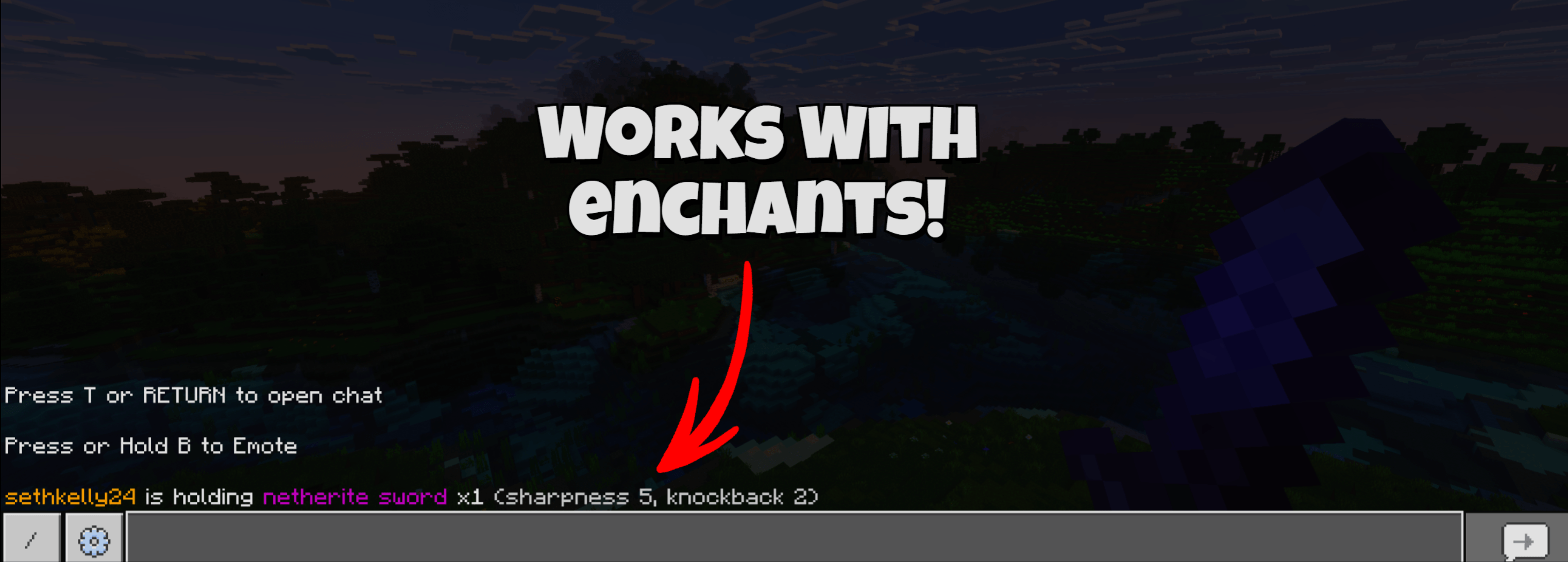
Show Item Enhanced (Bedrock)
Display your held item in chat with style!
Show Item Enhanced lets players quickly show exactly what they’re holding — including total amount, custom names, and enchantments — all with a simple command.
Perfect for servers, survival worlds, trading, flexing rare gear, or just making chat more informative.
Features
-
Shows the item you're holding in chat
-
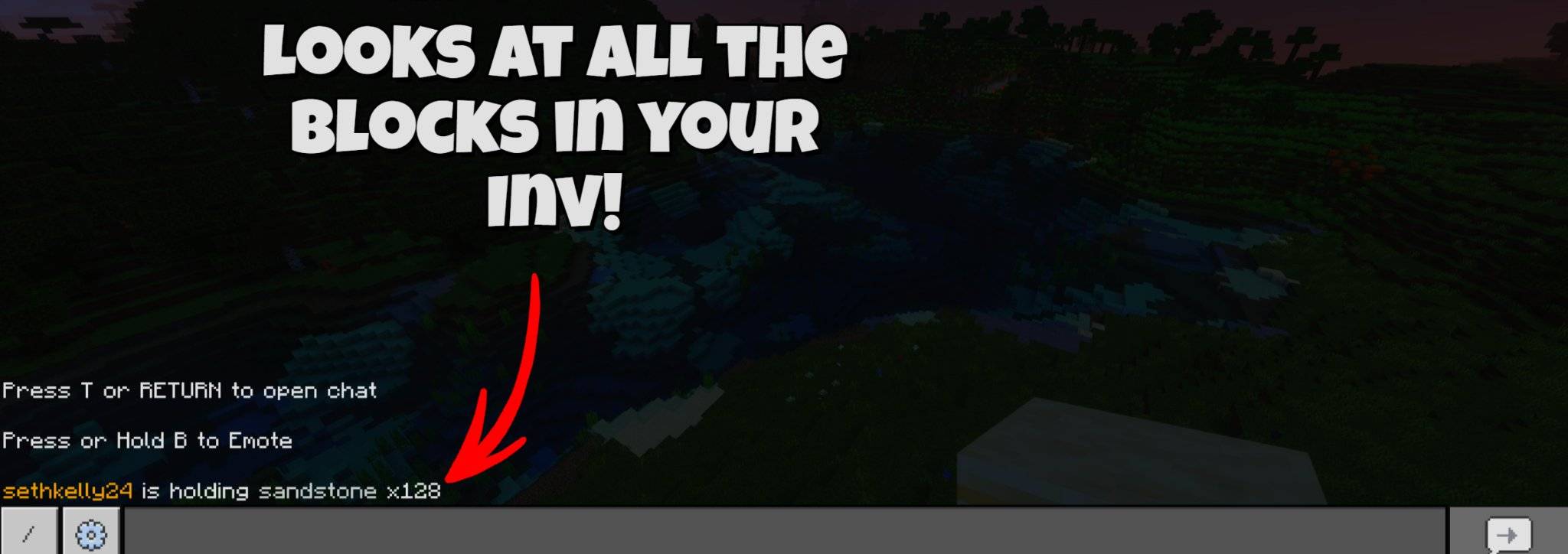
Displays total amount of that item across your inventory
-
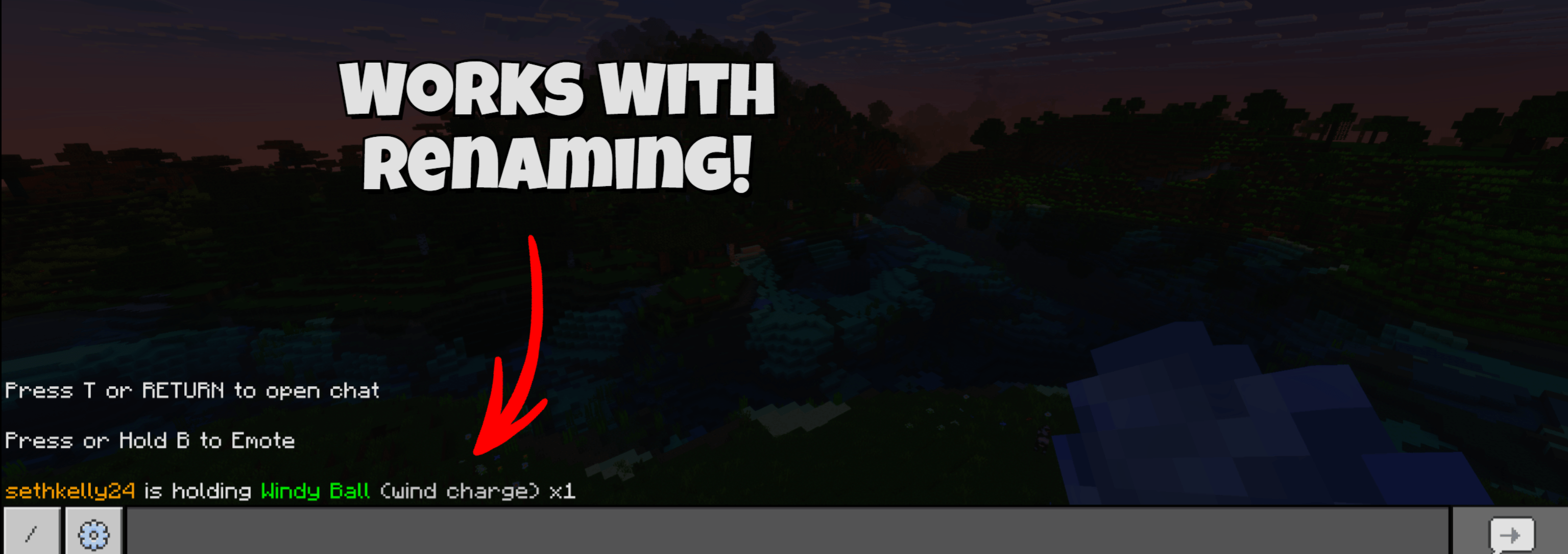
Supports custom item names
-
Shows the original item name in parentheses
-
Displays all enchantments
-
Smart counting — only matches items with the same enchants and name
-
Works in multiplayer worlds and servers
-
Lightweight and fast
-
No commands setup required
Command
!show
Type !show while holding an item to display it in chat.
How It Works
The addon checks your inventory and:
-
Finds all matching items
-
Ensures enchantments match
-
Ensures custom names match
-
Adds the total amount together
-
Sends a formatted message to chat
This prevents incorrect counts when items are different.
Compatibility
-
Minecraft Bedrock Edition
-
Script API
-
Multiplayer compatible
-
Realms compatible
-
Survival and Creative supported
Installation
-
Download the addon
-
Import the
.mcaddonfile -
Enable the pack in your world
-
Make sure Beta APIs / Script API are enabled
-
Join the world and use:
!show
Why Use This Addon?
This addon makes item sharing simple and clean.
Great for:
-
SMP servers
-
Trading systems
-
Economy servers
-
Flexing rare gear
-
Showing off enchanted items
-
Inventory tracking
Permissions
You are free to:
-
Use this addon in your world
-
Use it on servers
-
Share the download link
You are NOT allowed to:
-
Reupload this addon as your own
-
Claim the code as your work
-
Sell this addon
Credits
Created by: Maxinitout
Support
If you find a bug or have an idea for a feature, feel free to leave a comment on the project page.
Enjoy the addon! 🎮
- Edition: Minecraft Bedrock
- File type: .mcpack or .mcaddon
- Minecraft versions listed: 26.0.02, 26.0, 26.3
- How to install: Download the .mcpack or .mcaddon file. → Open it — Minecraft imports it. → In your world: Behavior Packs → Available → Activate, then the same under Resource Packs.
- Where to get it: Opens on CurseForge — not every file is mirrored on our own servers.
Install steps are the general flow for this file type — How to install Minecraft Bedrock addons & mods walks through it step by step.
- Pack type: .mcaddon — behaviour and resource pack in one file
- Manifest requires Minecraft 1.26.0 or newer
- Needs Beta APIs switched on in the world settings
- Complete pack — everything it depends on is inside the file
- Download size: 48 KB
- Download link checked 6 Oct 2026 — working
These come from our own check of the pack file, not from the source page.