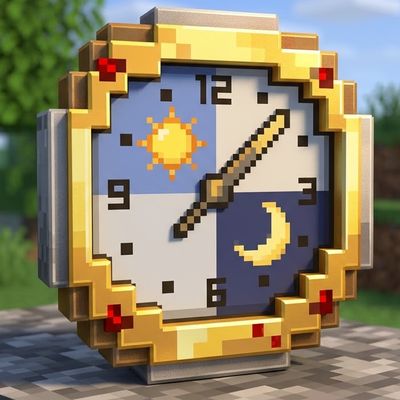
Set Time Limit Playtime
Set a time limit for play directly in game. This is for playing minecraft without wasting time or to make challenges in a time set limit situation. You…
⬇ Download on CurseForgeIf you've ever played minecraft bedrock edition and found yourself feeling like time flies by and you don't have enough time left in the day for anything else, I recommend this minimalist addon.
This adds an interface to the game where you can set a timer (30 minutes, one hour, one hour and 30 minutes, 2 hours) along with a colored message that you can color as you want : put before the message (§q or §b for example, is more than that) and after the message you want to see next to the timer.
Activate the timer set box and the timer and your custom colored message will appear on the bottom center of the screen. At the end of the time, it will disconnect you but you will receive in addition to the real-time timer and chat messages at the last 5 minutes, at the last 3 minutes, at the last minute and every second at the last 10 seconds remaining, so that you have time to leave all the items in the chests, return from exploring or whatever else you have to do.
How to activate the timer setting interface: craft a simple wooden stick and stay sneaked/crouched and long press on the screen.
Important note: This addon uses javascript, so it must be activated from map settings, experiment with the "Beta API" option for the addon to work.
Enjoy the game, I hope this addon helps someone like it helps me, someone who doesn't have much time or someone who wants to have a limited time challenge with a custom title directly in the game.
# Addon image was generated with AI.
- Edition: Minecraft Bedrock
- File type: .mcpack or .mcaddon
- Minecraft version listed: 26.20
- How to install: Download the .mcpack or .mcaddon file. → Open it — Minecraft imports it. → In your world: Behavior Packs → Available → Activate, then the same under Resource Packs.
- Where to get it: Opens on CurseForge — not every file is mirrored on our own servers.
Install steps are the general flow for this file type — How to install Minecraft Bedrock addons & mods walks through it step by step.
Set Time Limit Playtime is a free Minecraft Bedrock addon. Compatible with Minecraft 26.20. Downloaded 102 times (via CurseForge). Download it and open it directly in the game.