PGB Garden Breeze BE
Bedrock add-on listed for Minecraft 1.20–26.x (behavior + resource pack). File opened and checked on 19 Sep 2026; installs from the MC Bedrock Mods app on Android.
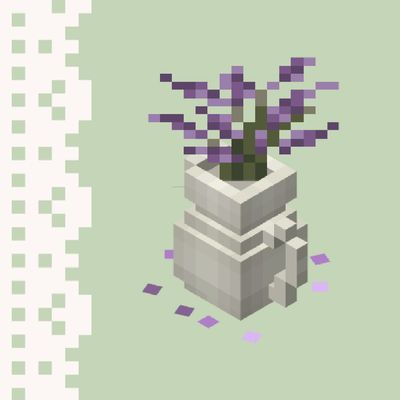
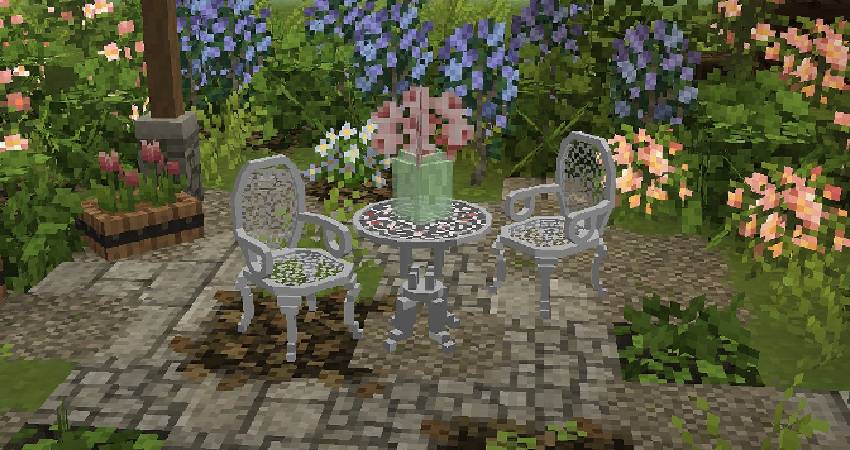
PGB Garden Breeze CIT you’ll find a variety of garden-themed items that help bring outdoor spaces to life, including hanging plants, flower vases…
⬇ Download on CurseForgeThe author built this one for Minecraft 26.20. On other versions it may install and then do nothing.
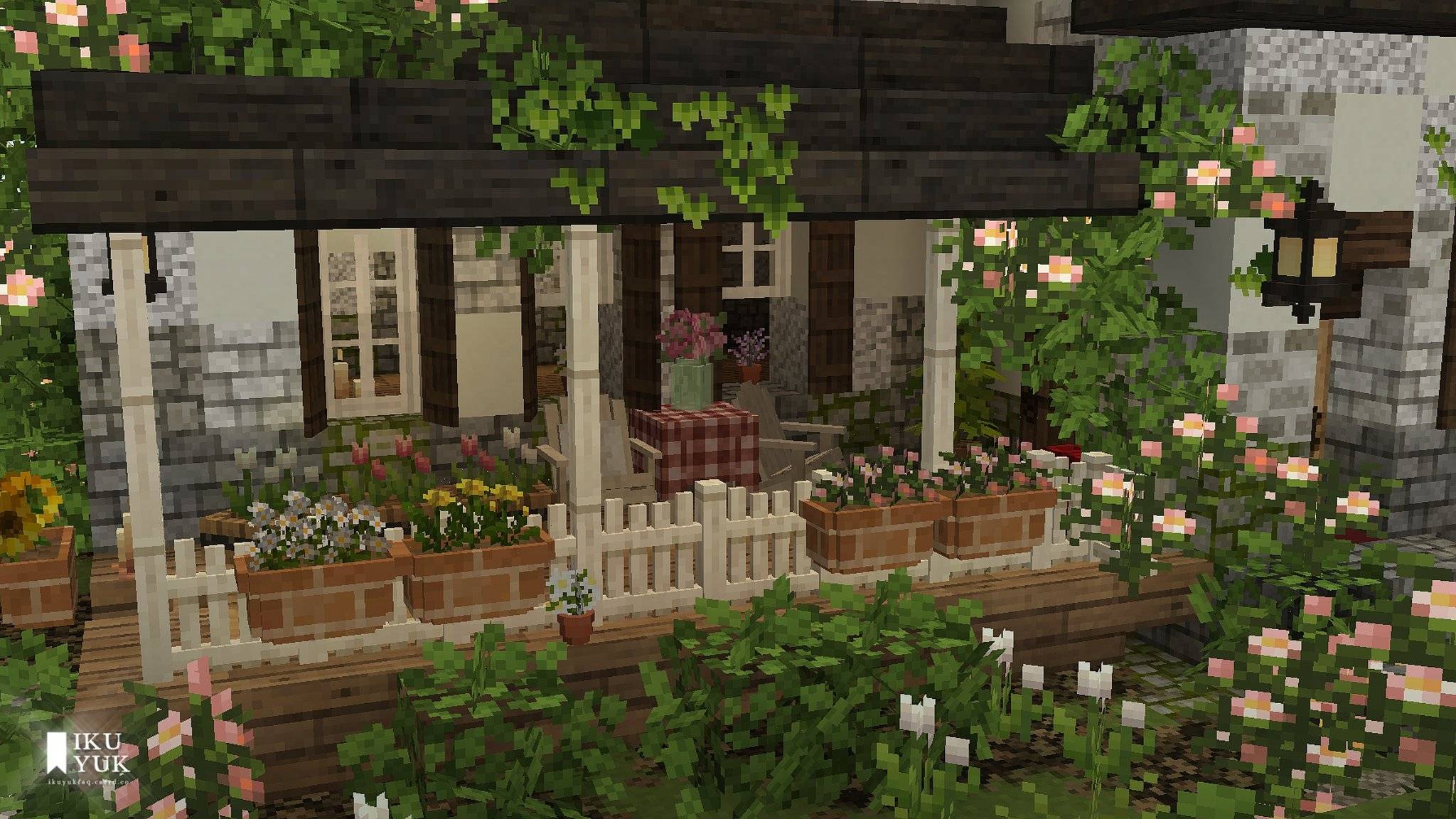
 Garden Breeze BE is the official Minecraft Bedrock Edition port of Garden Breeze CIT for Java Edition.
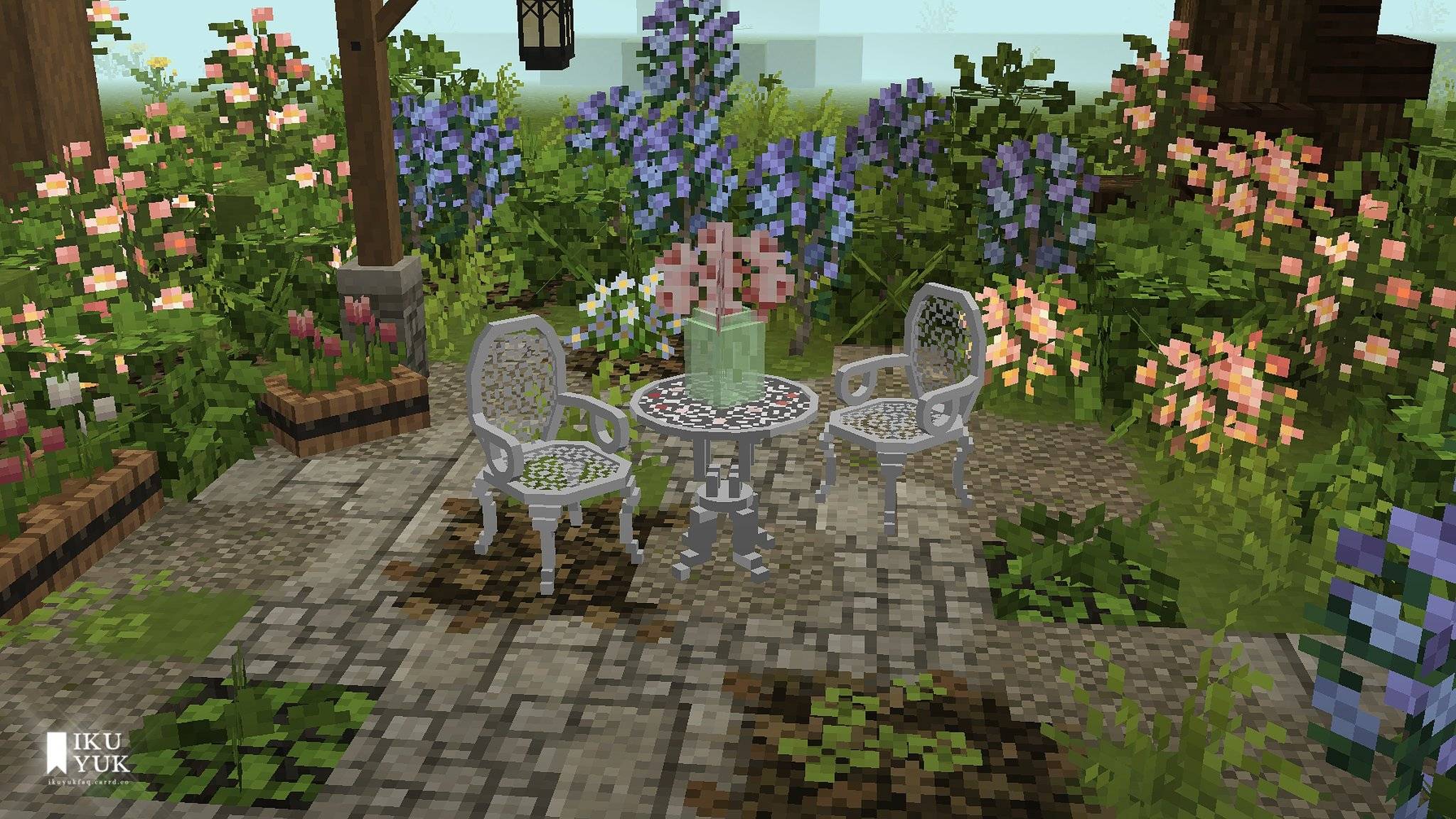
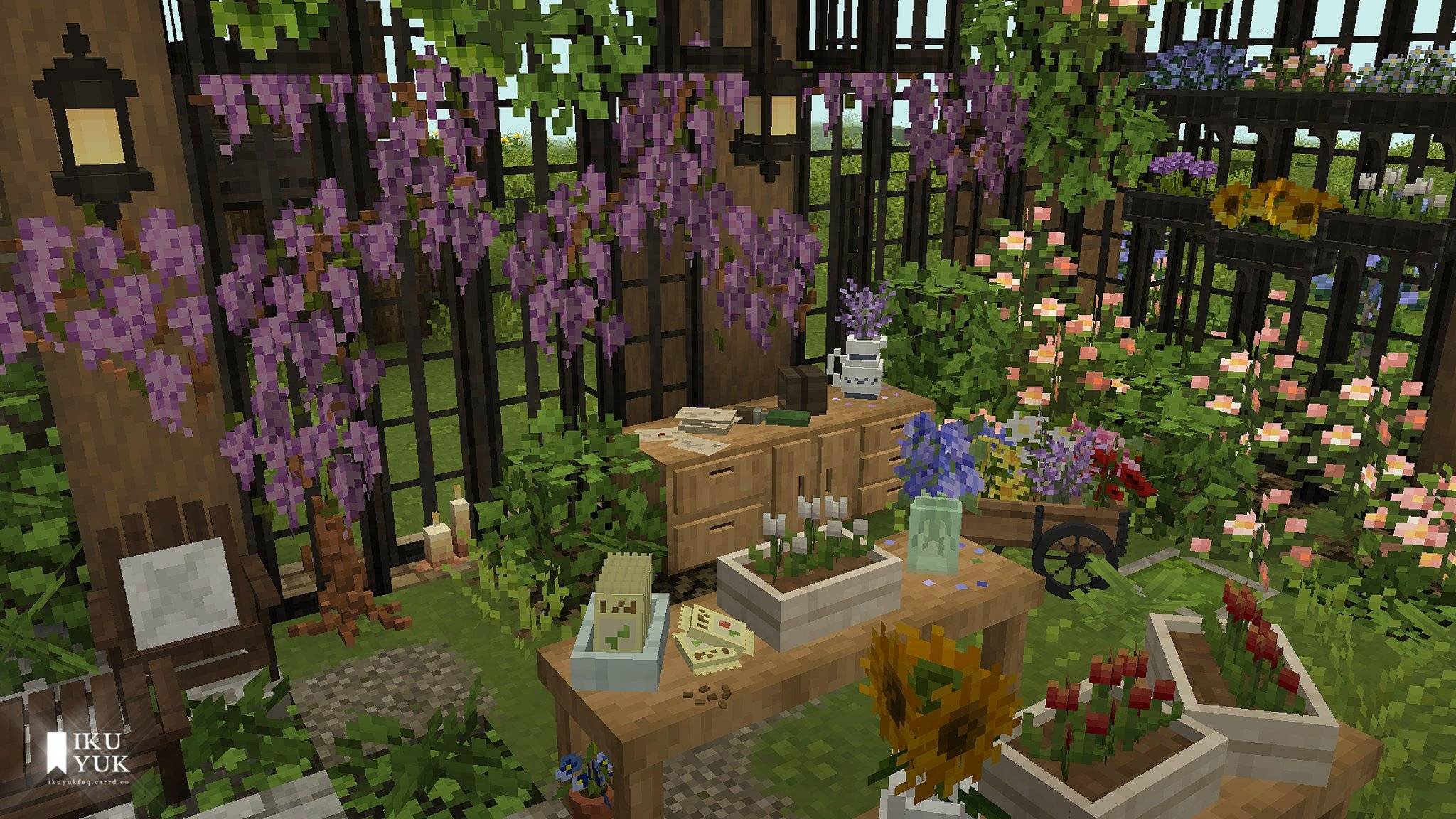
Originally created by Pinkgummibaerchen, Garden Breeze CIT brings the beauty of nature into your world. Inspired by lush gardens and blooming flora, it adds charming decorative pieces perfect for greenhouses, flower shops, cozy cottages, and any build that deserves a touch of greenery. 🌿✨

This introduction video was uploaded during the first version of Garden Breeze BE. The contents may differ in the current version, but the gameplay remains the same.
To ensure everything works correctly, both the Resource Pack and Behavior Pack must be enabled.
- Experimental Gameplay is not required.
- Cheats are optional, but enabling them allows you to use the included function commands for easier access.
- All decorations in this pack are implemented as entities (Armor Stands), allowing for extra interactivity:
- Sit on chairs, benches, and swings.
- Rotate and pose decorations to face different directions; crouch and pose/right click to rotate.

If you run into any issues or have questions about the pack, feel free to join my contact me by email.

※ Original Creator: Pinkgummibaerchen
- Website: https://maggiemeijomil.wixsite.com/pi...
- Tumblr: https://www.tumblr.com/pinkgummibaerchen
- Twitter/X: https://x.com/pinkgummibaerc1
※ Catalogue (Full list of Items and Function Commands)
Garden Breeze BE v1.0.1 Catalogue
https://docs.google.com/presentation/...
※ Java Edition
PGB Garden Breeze CIT for Java Edition
https://www.planetminecraft.com/textu...
A huge thank you to Pinkgummibaerchen for creating the original Garden Breeze CIT pack and allowing this Bedrock Edition port to bring its cozy charm to even more players.
Minecraft Bedrock v1.26.23 - v1.0.1
Open the 'READ ME' file for more information.
Porting permissions from the author: Proof of Permit.docx

- Edition: Minecraft Bedrock
- File type: .mcpack or .mcaddon
- Minecraft version listed: 26.20
- How to install: Download the .mcpack or .mcaddon file. → Open it — Minecraft imports it. → In your world: Behavior Packs → Available → Activate, then the same under Resource Packs.
- Where to get it: Opens on CurseForge — not every file is mirrored on our own servers.
Install steps are the general flow for this file type — How to install Minecraft Bedrock addons & mods walks through it step by step.
- Pack type: .mcaddon — behaviour and resource pack in one file
- Manifest requires Minecraft 1.20.40 or newer
- Complete pack — everything it depends on is inside the file
- Download size: 4.9 MB
- Download link checked 6 Oct 2026 — working
These come from our own check of the pack file, not from the source page.