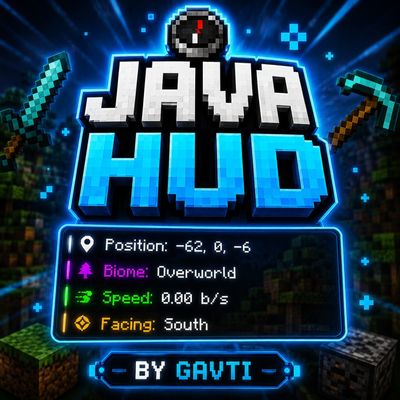
Java HUD
Bedrock add-on listed for Minecraft 1.21–26.x (behavior + resource pack). File opened and checked on 20 Oct 2026; installs from the MC Bedrock Mods app on Android.
Bring Java-style gameplay to Minecraft Bedrock with a clean and lightweight HUD showing Coordinates, Biome, Speed, and Facing direction in a smooth…
⬇ Download
✦ Java HUD By Gavti ✦
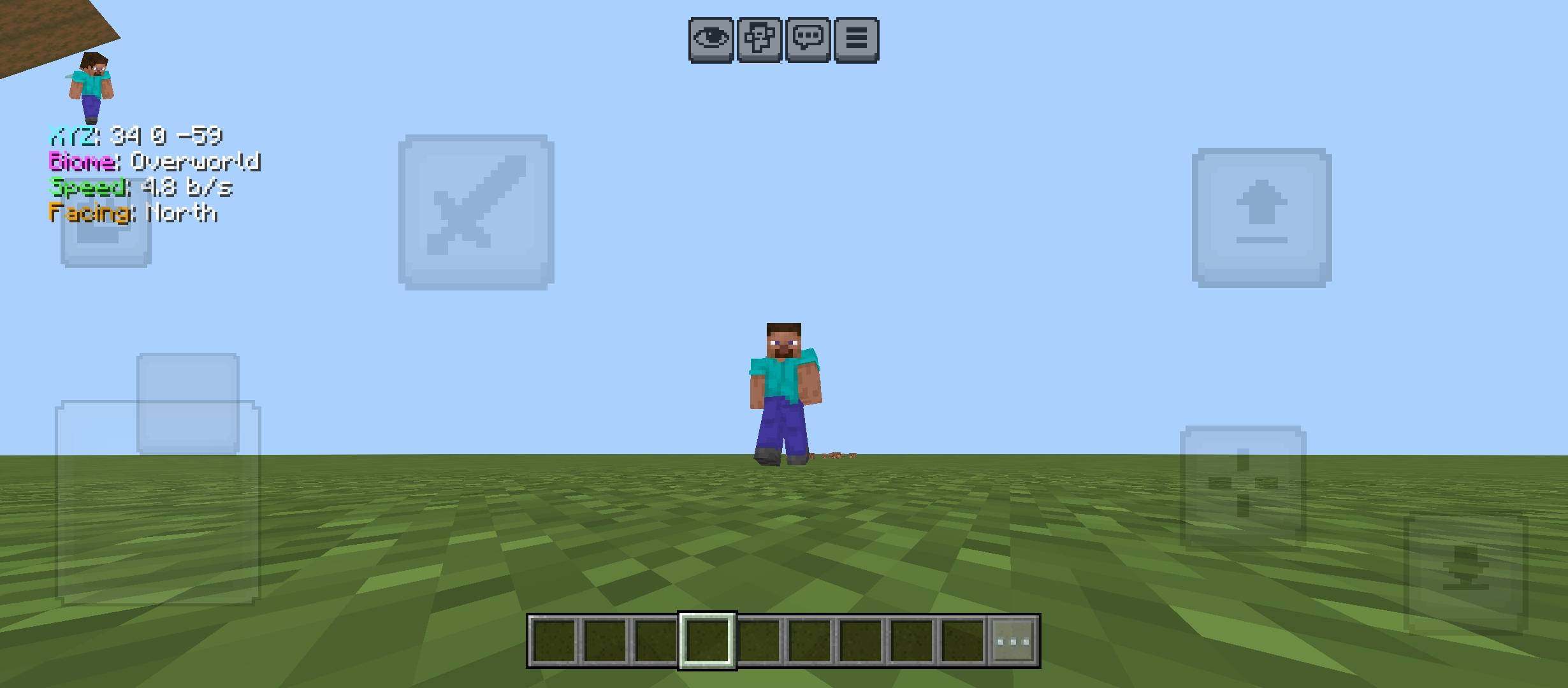
Java HUD is a clean, lightweight and premium-style HUD pack for Minecraft Bedrock Edition. It brings a Java-inspired overlay to your screen with useful information while keeping the UI simple and PvP friendly.
✨ Features
🧭 Coordinates HUD
🌍 Biome / Dimension Display
⚡ Speed Counter
🧡 Facing Direction
🎮 Clean Top-Left Overlay
🛡️ PvP Friendly Layout
◆ Why Use This Pack?
This pack is made for players who want a simple Java-style debug HUD without opening extra menus. It helps in survival, PvP, building, exploration, testing maps and general gameplay.
▸ Lightweight design
▸ Clean colored text
▸ No unnecessary screen clutter
▸ Useful for daily gameplay
⚠ Disclaimer
Some preview images, thumbnails or promotional images may be AI enhanced for better visual presentation. Actual in-game appearance may slightly vary depending on device, settings and Minecraft version.
✦ PREMIUM PACK BY GAVTI ✦
This pack was created by Gavti.
© All Rights Reserved.
You are not allowed to copy, modify, reuse, reupload, redistribute, or use any asset from this pack without permission from Gavti.
- Edition: Minecraft Bedrock
- File type: .mcpack or .mcaddon
- Minecraft versions listed: 26.12, 26.20, 26.13
- How to install: Download the .mcpack or .mcaddon file. → Open it — Minecraft imports it. → In your world: Behavior Packs → Available → Activate, then the same under Resource Packs.
- Where to get it: In MCModsHub, or directly above on this page.
Install steps are the general flow for this file type — How to install Minecraft Bedrock addons & mods walks through it step by step.
- Pack type: .mcaddon — behaviour and resource pack in one file
- Manifest requires Minecraft 1.21.0 or newer
- Complete pack — everything it depends on is inside the file
- Download size: 3 KB
- Download link checked 6 Oct 2026 — working
These come from our own check of the pack file, not from the source page.