

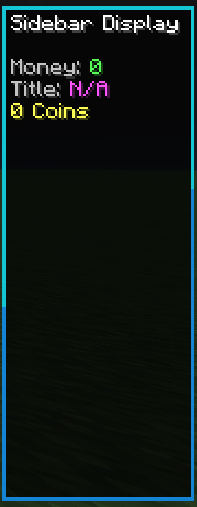
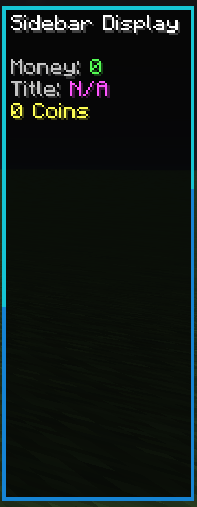
This addon is for a Minecraft Bedrock Edition behavior pack that creates a customizable sidebar display for players, called "InstantSidebar." It allows server administrators or players with permission to set up to 26 lines of text, scoreboard values, or player tags to be shown on the screen for all players in real time.
Run "/function instantSidebar/setup" to get started
How to Use:
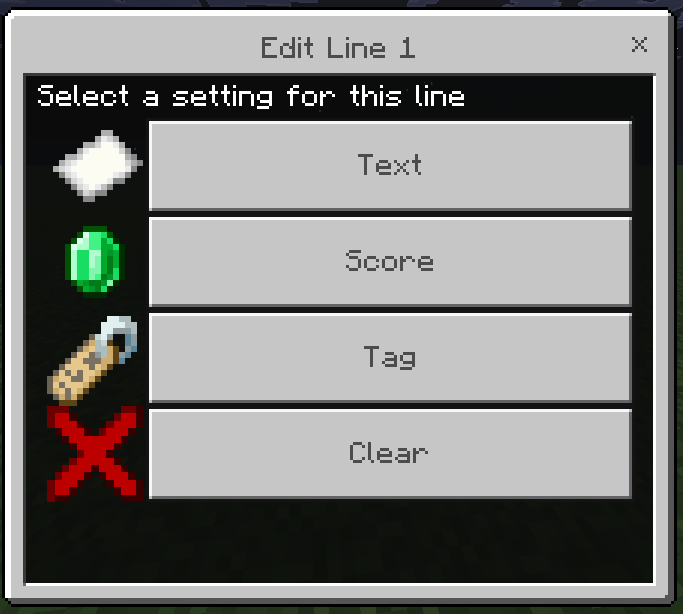
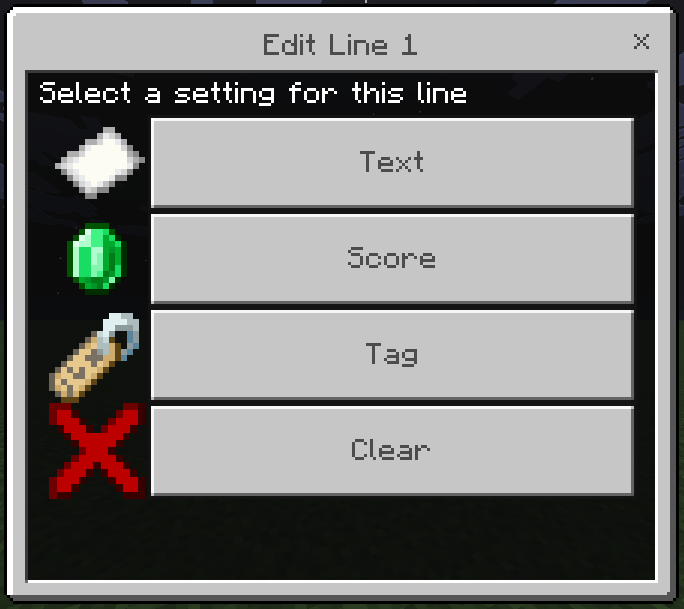
- The pack provides an in-game menu system for editing each line of the sidebar. You can choose to display plain text, a scoreboard value (with optional prefix/suffix), or a player tag (with optional prefix).
- To edit a line, trigger the menu (/function instantSidebar/setup). Select the line number, then choose the type of content you want to display.
- For scoreboards, select from available objectives and set your desired prefix/suffix.
- For tags, enter the tag ID and prefix. The sidebar will show the value of the tag for each player, or "N/A" if the tag is not set.
- The sidebar updates automaticallyy for all online players, reflecting any changes made through the menu
This is perfect for use in a Minecraft Realm or Server as a quick and easy way to show off player stats
Install:
If you do not have a Sidebar Resource, download and install both "Default Sidebar Resource" and "Instant Sidebar Behavior". Attach them to your world. Then run "/function instantSidebar/setup" in game
If you do have a Sidebar Resource, download and install the "Instant Sidebar Behavior. Then attach it to your world and run "/function instantSidebar/setup" in game
- Edition: Minecraft Bedrock
- File type: .mcpack or .mcaddon
- Minecraft versions listed: 1.21.90, 1.21.93, 1.21.94
- How to install: Download the .mcpack or .mcaddon file. → Open it — Minecraft imports it. → In your world: Behavior Packs → Available → Activate, then the same under Resource Packs.
- Where to get it: Opens on CurseForge — not every file is mirrored on our own servers.
Install steps are the general flow for this file type — How to install Minecraft Bedrock addons & mods walks through it step by step.
- Pack type: .mcpack — a single pack
- Manifest requires Minecraft 1.2.6 or newer
- Complete pack — everything it depends on is inside the file
- Download size: 8 KB
- Download link checked 16 Sept 2026 — working
These come from our own check of the pack file, not from the source page.