
Simple Gravestones
Bedrock add-on listed for Minecraft 1.21–26.x (behavior + resource pack). File opened and checked on 10 Oct 2026; installs from the MC Bedrock Mods app on Android.
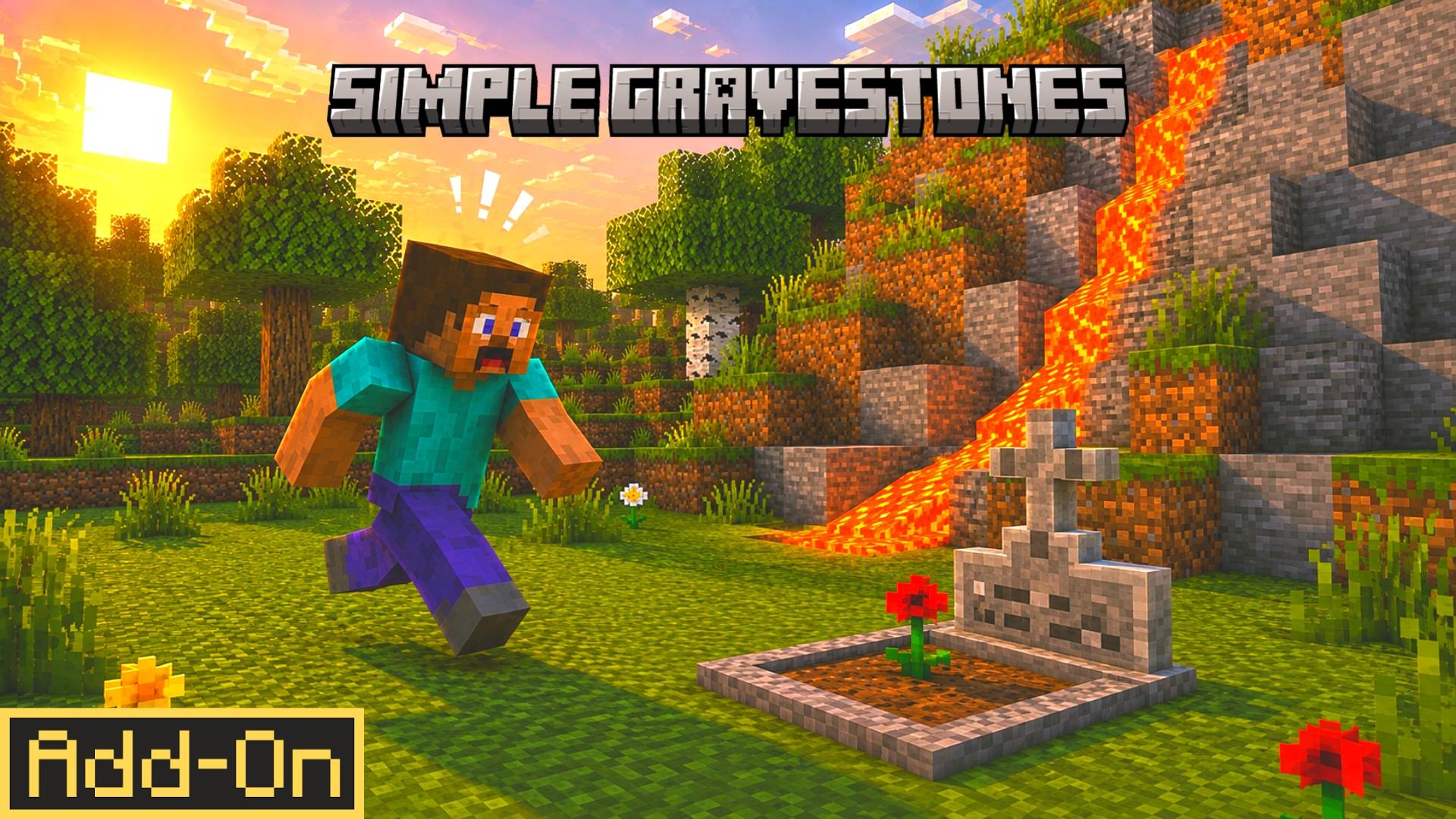
Simple Gravestones is a Minecraft Bedrock death recovery addon that stores your items in a personal gravestone at your death location, shows your death…
⬇ Download on CurseForgeThe author built this one for Minecraft 26.20–26.50. On other versions it may install and then do nothing.
Grave Compass Addon
Never lose your valuable loot again with the Grave Compass Addon for Minecraft Bedrock Edition. This survival-focused addon automatically protects your items after death, creates a secure grave chest, and provides a special compass to help you locate your belongings quickly and safely.
✦ Main Features
- Automatic Death Chest – A Double Chest instantly spawns at your death location.
- Lava & Cactus Protection – Items are collected within a large radius before they can be destroyed by lava, fire, cactus, or other hazards.
- Death Locator Compass – Receive a special Recovery Compass after respawning that points you back to your grave chest.
- Coordinate Tracking – View the exact X, Y, and Z coordinates of your death chest directly from the compass.
- Automatic Compass Cleanup – Once you reach your grave chest, the Death Locator is automatically removed from your inventory.
- Multiplayer Friendly – Works smoothly for individual players on multiplayer worlds.
✦ Why Use This Addon?
Dying in Minecraft can be frustrating, especially when your hard-earned gear disappears forever. Grave Compass Addon removes that stress by automatically securing your loot and helping you find it again without using commands or cheats.
✦ Compatibility
- Achievement Friendly ✅
- No Experimental Features Required ✅
- Works on Minecraft Bedrock Edition ✅
- Compatible with most other addons ✅
- Does not modify player.json ✅
- Safe for survival gameplay ✅
✦ Installation Guide
- Scroll down and download the addon file.
- Open the downloaded file using ZArchiver or any file manager app.
- Tap Open With and choose Minecraft.
- Wait for Minecraft to import the addon.
- Open your world settings.
- Go to Behavior Packs.
- Activate the Grave Compass Addon.
- No Experimental Features are required.
- Enter your world and enjoy protected loot recovery.
Created by FleetMc Studio
Images 👇🏻
- Edition: Minecraft Bedrock
- File type: .mcpack or .mcaddon
- Minecraft versions listed: 26.20, 26.30, 26.40
- How to install: Download the .mcpack or .mcaddon file. → Open it — Minecraft imports it. → In your world: Behavior Packs → Available → Activate, then the same under Resource Packs.
- Where to get it: Opens on CurseForge — not every file is mirrored on our own servers.
Install steps are the general flow for this file type — How to install Minecraft Bedrock addons & mods walks through it step by step.
- Pack type: .mcaddon — behaviour and resource pack in one file
- Manifest requires Minecraft 1.21.80 or newer
- Complete pack — everything it depends on is inside the file
- Download size: 1.2 MB
- Download link checked 6 Oct 2026 — working
These come from our own check of the pack file, not from the source page.