Frostie's Tool Switch
Bedrock add-on listed for Minecraft 1.21–26.x (behavior pack only). File opened and checked on 28 Sep 2026; installs from the MC Bedrock Mods app on Android.
⬇ Download on CurseForge
{+} Frostie's Tool Switch {+}
Ever felt like your hotbar is more of a puzzle than a toolkit? Between fumbling for the right pickaxe and panic-searching for a totem, the "survival" part of Minecraft can get a little too literal. Frostie’s Tool Switch is here to take the micro-management out of your hands—literally.
✨Key Features
- Smart tool swapping
- Intelligent point-based tool selection
- Auto-totem
- Auto-fireworks
- High cuztomizability & easy setup
Tool switch
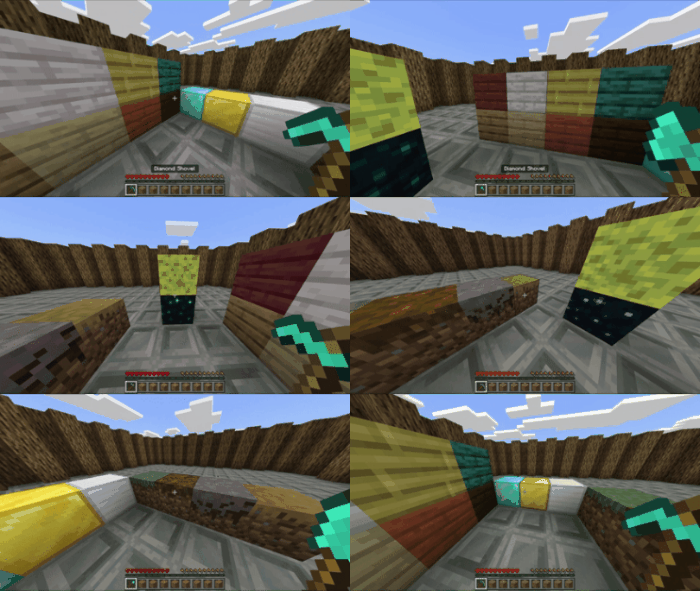
Simply look at a block and the appropriate tool will appear in your hotbar from your inventory!
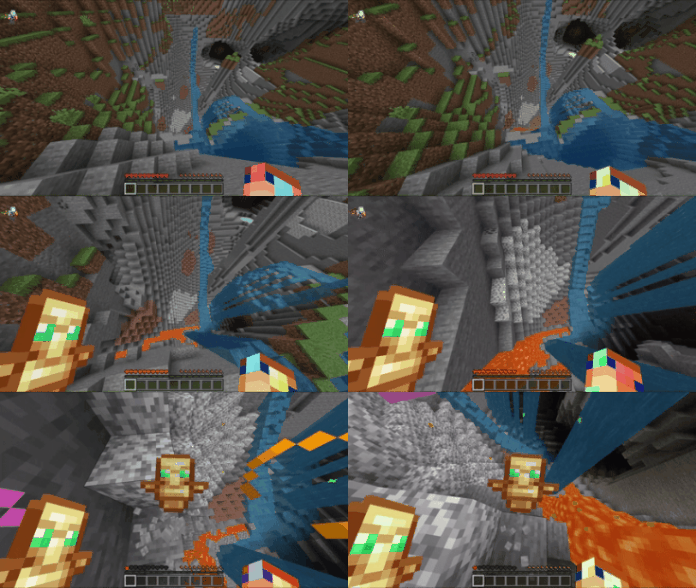
Auto-totem
Get a totem of undying in your off-hand when you're in near death situations. If you fall more than 10 blocks, it'll activate. It will also activate when you have less than 4 hearts
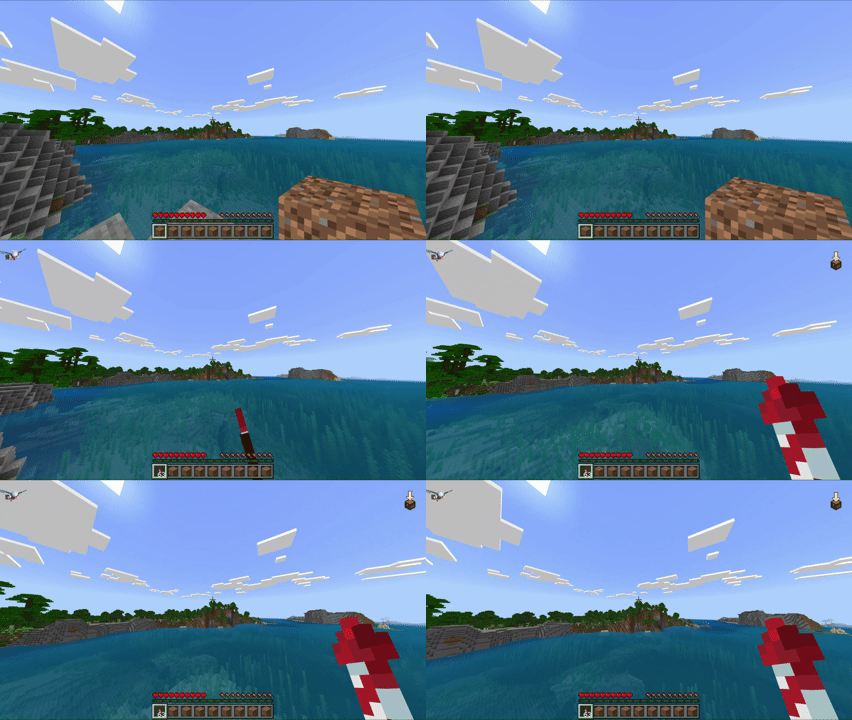
Auto-fireworks
Get fireworks sent from your inventory to your usage slot when you run out of rockets in your hotbar.
Customization
The addon offers per-player customization of features so nobody is forced to use world settings and these commands do not need OP to run in realms.
- /toolswitch <true/false> -- Use this to enable/disable toolswitch entirely for yourself (also disables auto-totem & auto-fireworks)
- /autototem <true/false> -- Enable/disable auto-totem
- /autofirework <true/false> -- Enable/disable auto-fireworks
- /useslot <NUMBER(0 - 8)> -- Change which slot your tools go to in your hotbar
- /toolpoints -- Check your in-hand tools' points that is used to evaluate which item gets selected
NOTE FOR ADDON DEVS
If you want your addons to work with this addon add these tags to your custom blocks according to the appropriate tool
minecraft:is_axe_item_destructible - For Axes
minecraft:is_pickaxe_item_destructible - For Pickaxes
minecraft:is_shovel_item_destructible - For Shovels
Shears and Hoes were created differently so adding tags wouldn't work.
- Edition: Minecraft Bedrock
- File type: .mcpack or .mcaddon
- Minecraft versions listed: 26.0.02, 26.0, 26.3
- How to install: Download the .mcpack or .mcaddon file. → Open it — Minecraft imports it. → In your world: Behavior Packs → Available → Activate, then the same under Resource Packs.
- Where to get it: Opens on CurseForge — not every file is mirrored on our own servers.
Install steps are the general flow for this file type — How to install Minecraft Bedrock addons & mods walks through it step by step.
- Save it as toolswitch.mcaddon before opening — it downloads as .mcpack, but it is a .mcaddon pack
- Manifest requires Minecraft 1.21.130 or newer
- Complete pack — everything it depends on is inside the file
- Download size: 158 KB
- Download link checked 6 Oct 2026 — working
These come from our own check of the pack file, not from the source page.