Ender Pearl Cooldown Addon
Bedrock add-on listed for Minecraft 1.20–1.21 (behavior pack only). File opened and checked on 22 Sep 2026; installs from the MC Bedrock Mods app on Android.
⬇ Download on CurseForge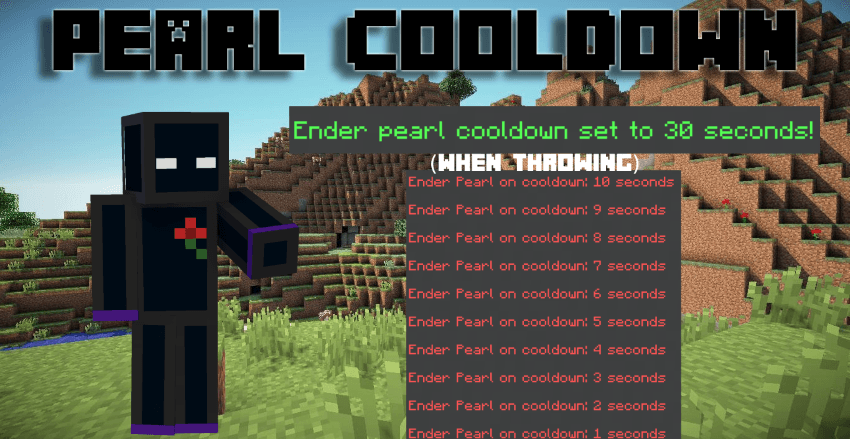
🫃Ender Pearl Cooldown-The best way to prevent running away with ender pearls
No beta apis needed
Tired of players spamming ender pearls in PvP? This lightweight addon adds a customizable cooldown system to ender pearls with a clean XP level display.
🔥 Key Features:
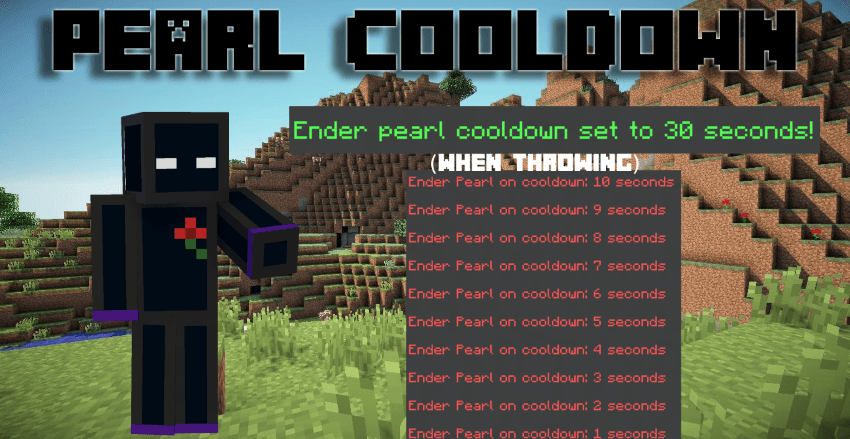
- 10-second default cooldown on ender pearl usage
- Admin-only controls - only players with "admin" tag can modify settings
- Global settings - cooldown applies to all players server-wide
- Permanent save - settings persist through world reloads and server restarts
- XP level countdown 🔽 - shows remaining cooldown time visually and preserves original experience level

⚙️ How to Use:
- Install the behavior pack
- Give yourself admin:
/tag @s add admin - Change cooldown:
/scriptevent ec:cooldown <seconds> - Check current setting:
/scriptevent ec:cooldown
💡 Examples:
/scriptevent ec:cooldown 15- Sets 15-second cooldown/scriptevent ec:cooldown 0- Disables cooldown completely/scriptevent ec:cooldown 30- Sets 30-second cooldown

🎯 Perfect For:
- PvP servers wanting balanced gameplay
- Survival worlds preventing teleport spam
- Mini-game maps requiring cooldown mechanics
- Any server needing ender pearl regulation
📋 Requirements:
- Minecraft Bedrock 1.20.0+
- Admin tag for changing settings
The addon is extremely lightweight and won't impact performance. Settings are saved permanently to your world - no need to reconfigure after restarts. When an admin changes the cooldown, all players are notified via chat message.
Installation: Simply download and add to your world's behavior packs, then activate scripts in world settings.
Clean, simple, and effective cooldown system that just works! 🚀
- Edition: Minecraft Bedrock
- File type: .mcpack or .mcaddon
- Minecraft versions listed: 1.21.81, 1.21.90, 1.21.93
- How to install: Download the .mcpack or .mcaddon file. → Open it — Minecraft imports it. → In your world: Behavior Packs → Available → Activate, then the same under Resource Packs.
- Where to get it: Opens on CurseForge — not every file is mirrored on our own servers.
Install steps are the general flow for this file type — How to install Minecraft Bedrock addons & mods walks through it step by step.
- Pack type: .mcaddon — behaviour and resource pack in one file
- Manifest requires Minecraft 1.20.0 or newer
- Complete pack — everything it depends on is inside the file
- Download size: 19 KB
- Download link checked 6 Oct 2026 — working
These come from our own check of the pack file, not from the source page.