EdgeRender
A Minecraft Bedrock addon that renders glowing edge outlines around selected blocks. Designed for programmatic use by other addons via RPC + Service…
⬇ Download on CurseForge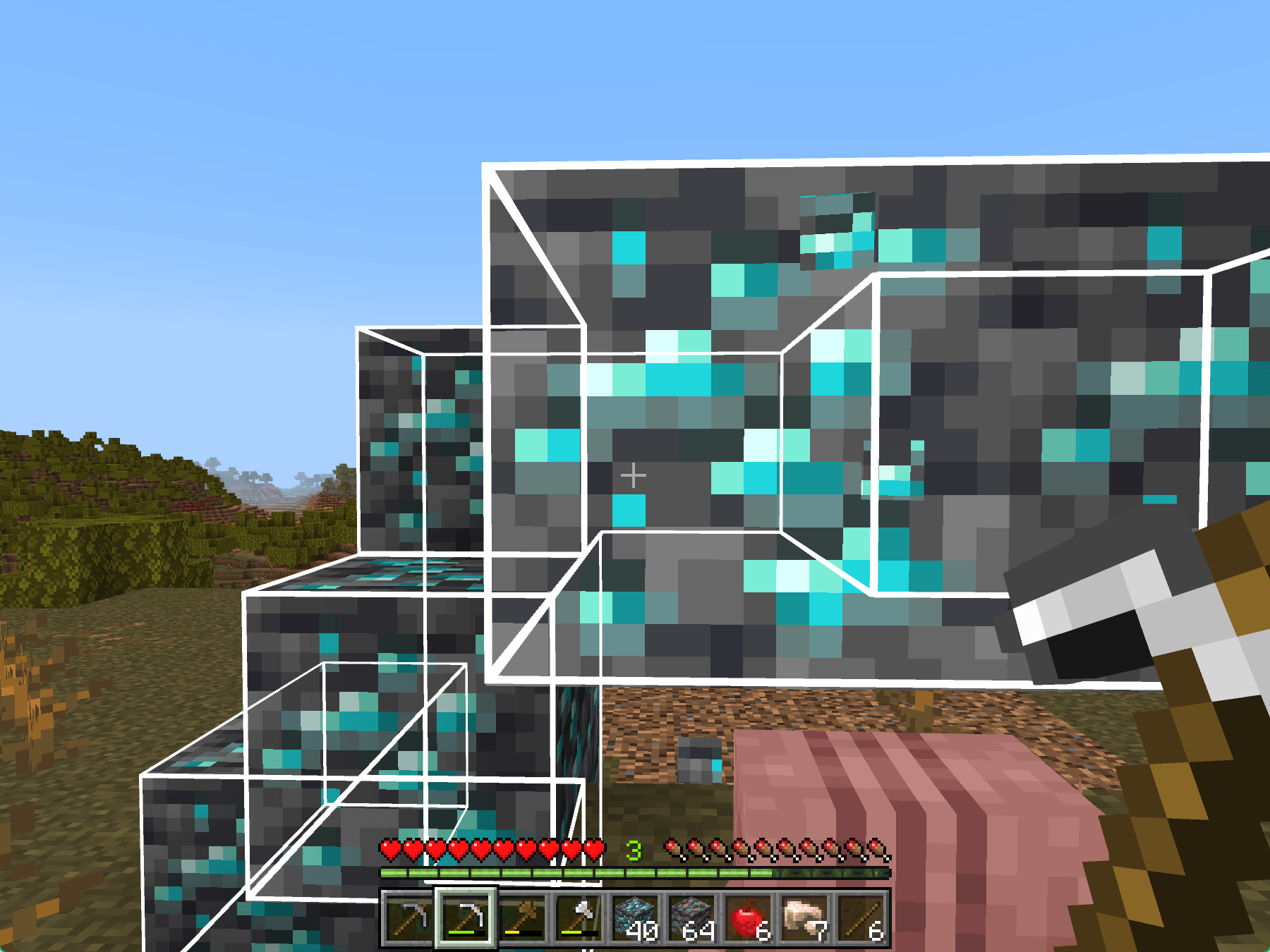
✨ EdgeRender — Block Outline Highlighting Library
Glowing edge outlines for selected blocks — powered by RPC
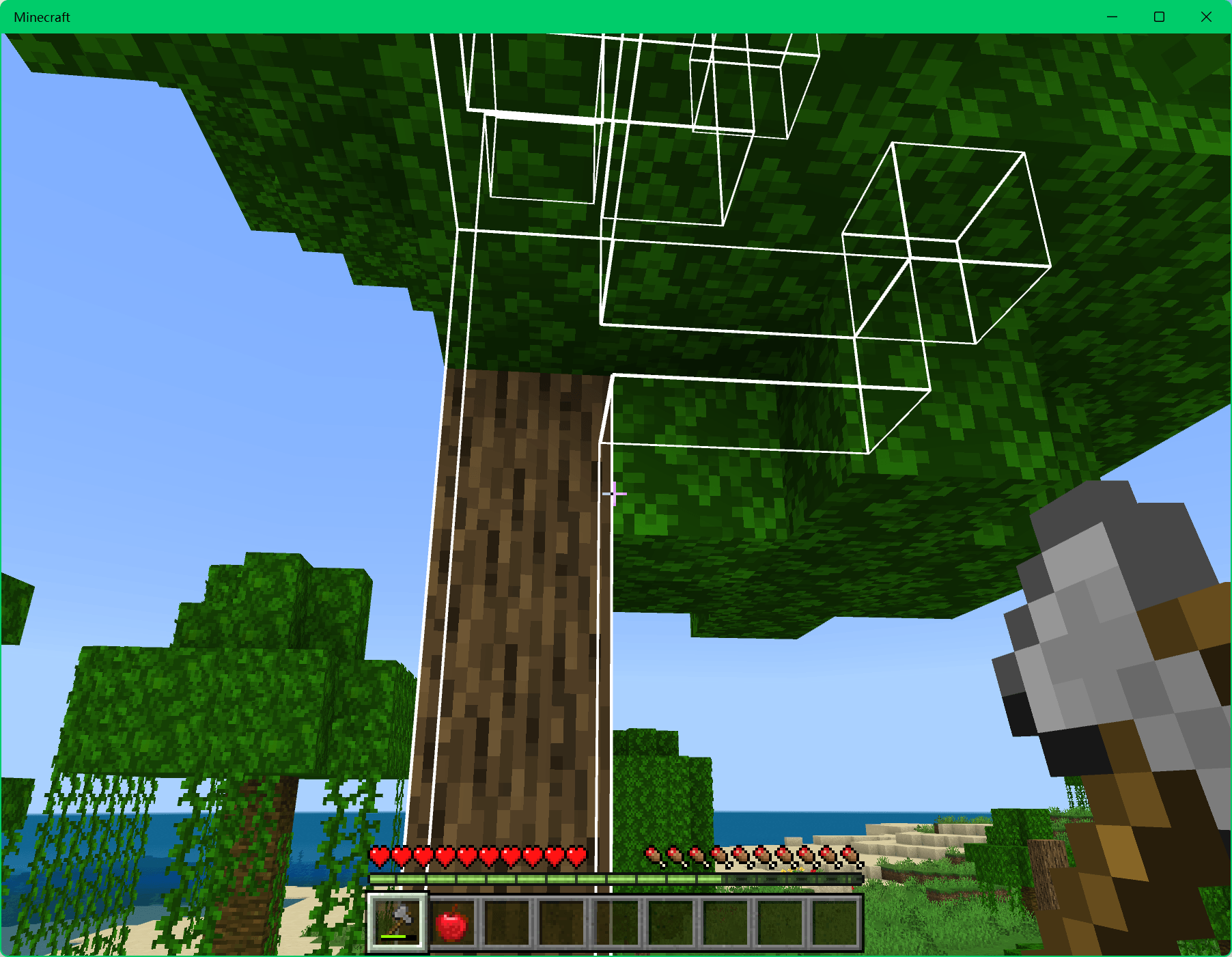
EdgeRender is a library addon for Minecraft Bedrock that renders glowing wireframe outlines around selected blocks. Designed for other addons to use via RPC and Service Discovery, it provides per-player block highlighting with smart edge culling — inner edges between adjacent blocks are hidden automatically.
This addon does nothing by itself. It must be installed alongside other addons that support it (such as OrePop or ChopPop) to provide visual feedback.
Features
- Per-Player Outlines: Each player sees only their own block selections
- Smart Edge Culling: Inner edges between adjacent selected blocks are hidden automatically — only outer edges glow
- Glow-Through-Walls: Edges remain visible behind blocks
- Lighting Independent: Emissive texture for consistent brightness in any lighting
- Zero-Collision: Outlines don't block movement or interaction
- RPC-Driven: Other addons communicate with EdgeRender via
@mcbe-mods/rpc - Service Discovery: Automatically discoverable via
@mcbe-mods/discover
Installation
- Download the
.mcaddonfile - Open the file with Minecraft Bedrock Edition to import it
- Create or edit a world, go to Settings → Behavior Packs and Resource Packs
- Apply
EdgeRenderto both Behavior Packs and Resource Packs - Ensure at least one addon that supports EdgeRender (such as OrePop or ChopPop) is also installed
- Enter the world — outlines will appear automatically when supported addons detect blocks
Compatibility
- Minecraft 1.21.80 and above
- Uses stable
@minecraft/server@1.18.0 - Requires both Behavior Pack and Resource Pack to be applied
- Achievements supported
For Addon Developers
Addons can communicate with EdgeRender using @mcbe-mods/rpc and @mcbe-mods/discover:
const rpc = new RPC({ namespace: 'edge_render' })

// Show outlines
await rpc.invoke('create', {
  playerIds: [player.id],
  locations: [{ x: 10, y: 64, z: 10 }]
})

// Remove outlines
await rpc.invoke('remove', { playerIds: [player.id] })
See the GitHub repository for detailed developer documentation.
Related Addons
- Edition: Minecraft Bedrock
- File type: .mcpack or .mcaddon
- Minecraft versions listed: 1.21.81, 1.21.93, 1.21.90
- How to install: Download the .mcpack or .mcaddon file. → Open it — Minecraft imports it. → In your world: Behavior Packs → Available → Activate, then the same under Resource Packs.
- Where to get it: Opens on CurseForge — not every file is mirrored on our own servers.
Install steps are the general flow for this file type — How to install Minecraft Bedrock addons & mods walks through it step by step.
- Pack type: .mcaddon — behaviour and resource pack in one file
- Manifest requires Minecraft 1.21.80 or newer
- Complete pack — everything it depends on is inside the file
- Download size: 2.2 MB
- Download link checked 16 Sept 2026 — working
These come from our own check of the pack file, not from the source page.