🌾 Auto Crop Harvester — Minecraft Bedrock Addon
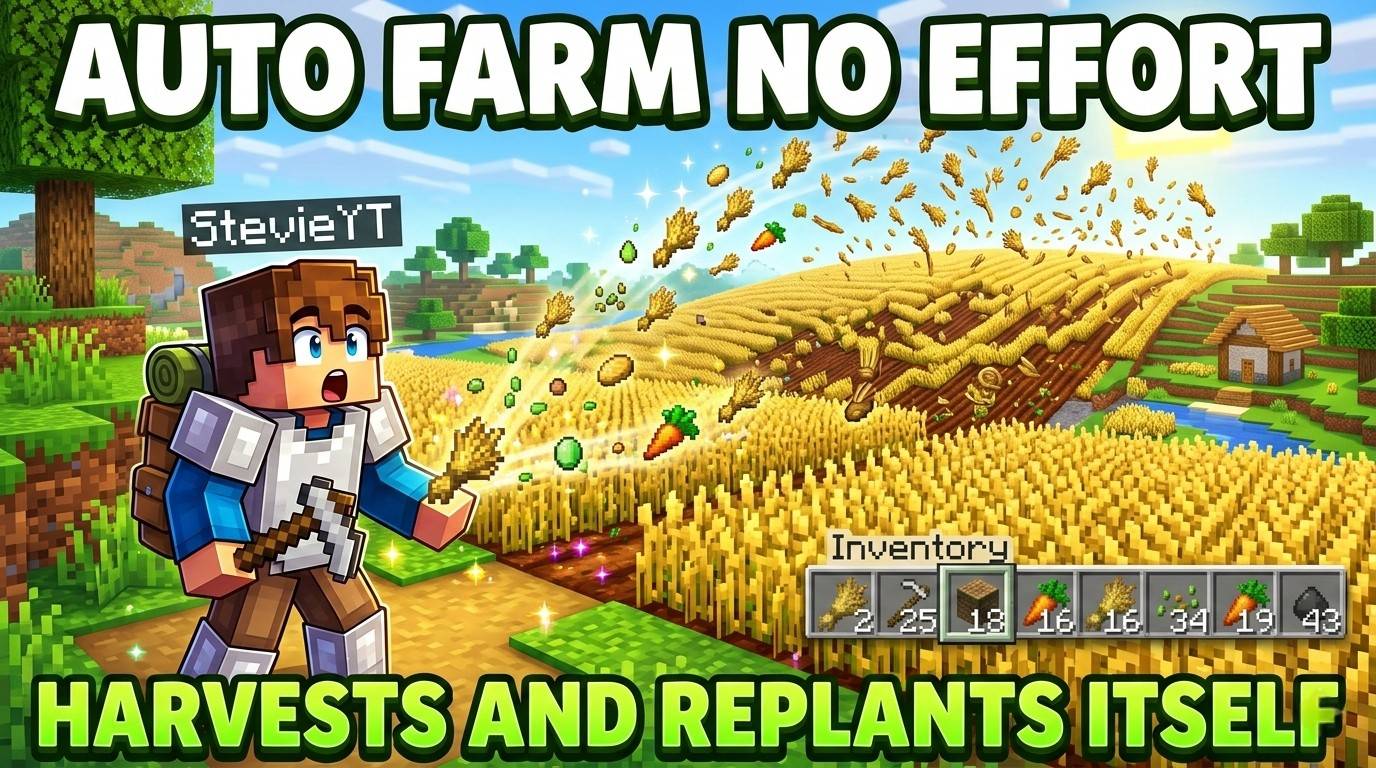
Auto Crop Harvester automatically harvests fully grown crops around you and replants them instantly — no farming tools, no right clicking, no effort. Just walk near your farm and everything is done for you.
Items go directly into your inventory. If your inventory is full, crops drop at your feet so nothing is wasted.
✅ No experimental features required. ✅ Achievement friendly.
🌱 Supported Crops
- Wheat — Drops wheat + seeds, replants automatically
- Carrots — Drops carrots, replants automatically
- Potatoes — Drops potatoes, replants automatically
- Beetroot — Drops beetroot + seeds, replants automatically
- Nether Wart — Drops nether wart, replants on soul sand
⚙️ How It Works
- Only fully grown crops are harvested — immature crops are never touched
- After harvesting, the crop is replanted instantly in the same spot
- All drops go straight into your inventory
- If your inventory is full, items drop at your feet so nothing is lost
- Works passively — no commands, no menu, no setup needed
❓ FAQ
Do I need to do anything to activate it?
No. The addon works automatically as soon as it is applied to your world. Just walk near your farm.
Will it break crops that are not fully grown?
Never. Only crops at maximum growth stage are harvested.
What if my inventory is full?
Items will drop at your feet instead of disappearing. Nothing is lost.
Does replanting work on soul sand for Nether Wart?
Yes. Nether Wart is replanted on soul sand automatically after harvesting.
Does it work on Realms?
Yes. Simply apply the addon to your world — no experimental features need to be turned on.
- Edition: Minecraft Bedrock
- File type: .mcpack or .mcaddon
- Minecraft version listed: 26.3
- How to install: Download the .mcpack or .mcaddon file. → Open it — Minecraft imports it. → In your world: Behavior Packs → Available → Activate, then the same under Resource Packs.
- Where to get it: Opens on CurseForge — not every file is mirrored on our own servers.
Install steps are the general flow for this file type — How to install Minecraft Bedrock addons & mods walks through it step by step.
- Save it as Crop_Harvester.mcaddon before opening — it downloads as .mcpack, but it is a .mcaddon pack
- Manifest requires Minecraft 1.20.0 or newer
- Complete pack — everything it depends on is inside the file
- Download size: 321 KB
- Download link checked 26 Aug 2026 — working
These come from our own check of the pack file, not from the source page.