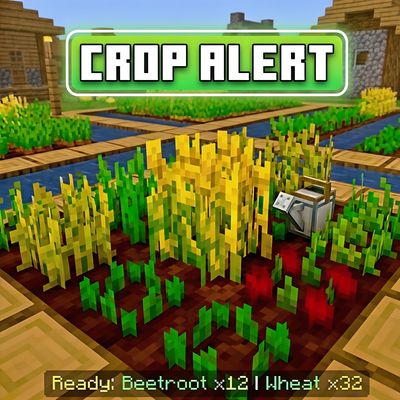
Crop Alert By Creator Studios
Never miss a harvest again. Crop Alert scans your entire farm and shoots glowing particle beams into the sky the moment your crops are ready — visible…
⬇ Download on CurseForge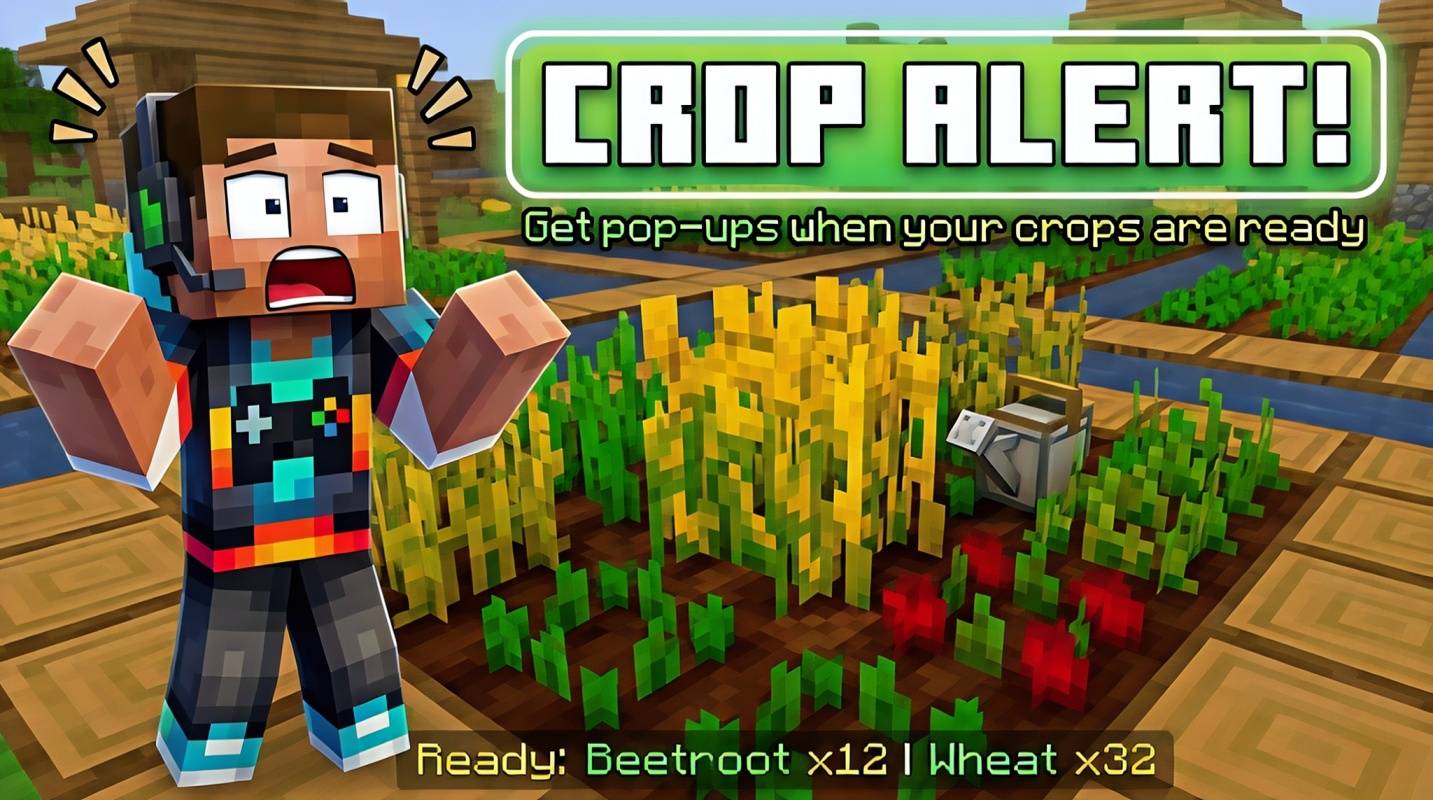
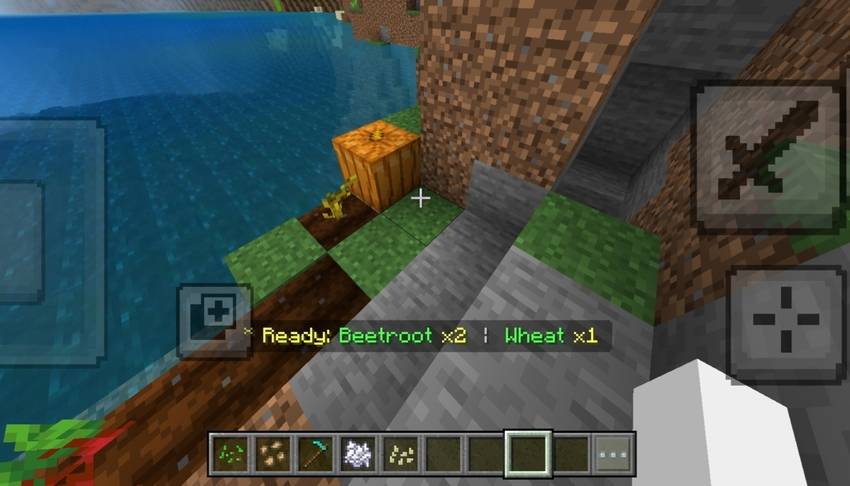
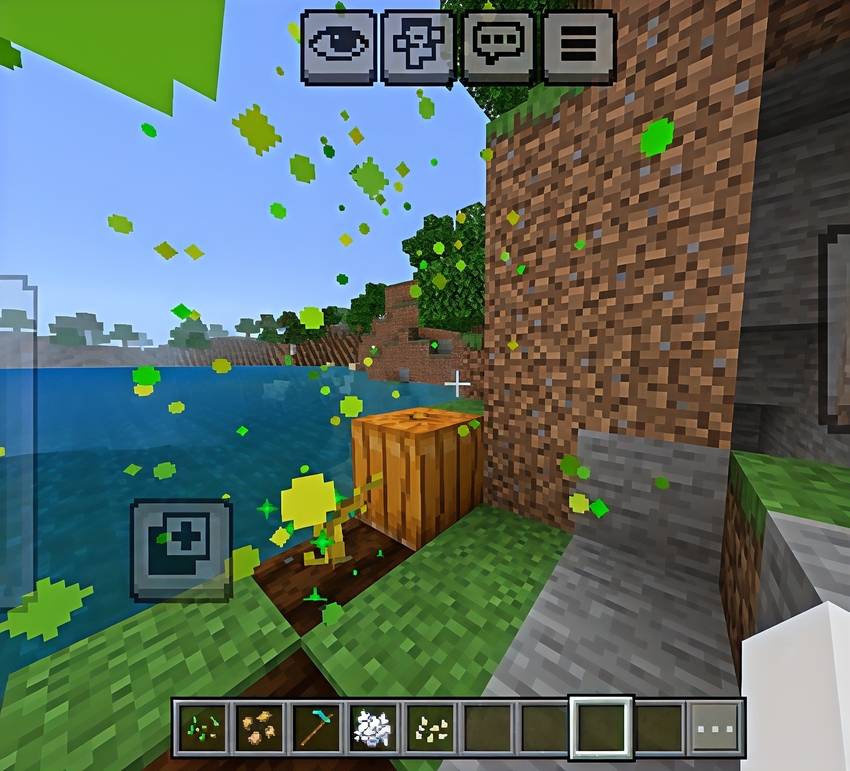
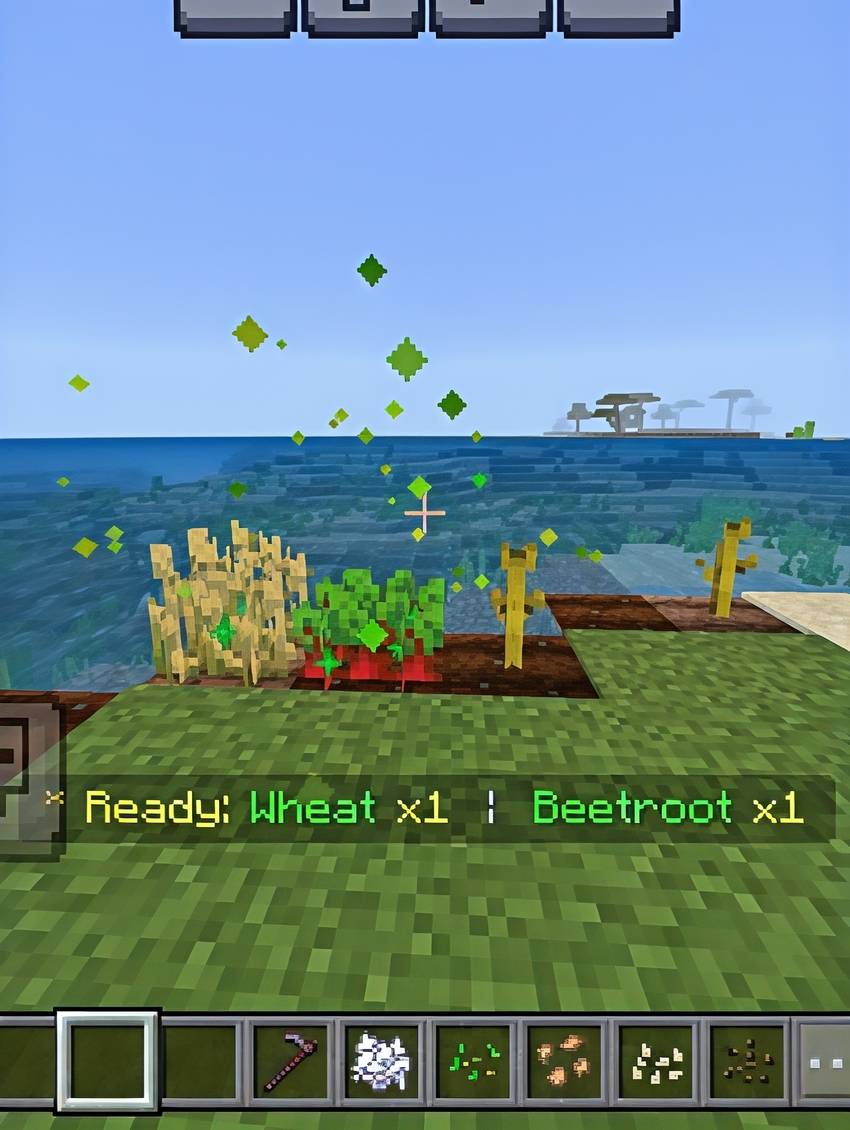
Crop Alert by Creator Studios is the farming companion Minecraft Bedrock always needed. The moment your crops are fully grown, a glowing particle column shoots 10 blocks into the sky above them — visible through walls, through hills, through anything standing between you and your harvest.
No more running back to your farm every few minutes to check. No more accidentally leaving crops sitting there for hours. Crop Alert tells you the second they're ready.
How it works:
Every 20 seconds, the addon silently scans up to 128 blocks in every direction around you — that's your entire loaded farm, every time. Any fully grown crop gets a glowing beacon-style particle column that rises 10 blocks high, making it impossible to miss even from a distance. Your actionbar shows a clean summary like Ready: Wheat x32 | Beetroot x12 that stays on screen for 5 seconds and repeats every 20 seconds until you harvest.
Crops tracked:
Wheat, Carrots, Potatoes, Beetroot, Sweet Berry, Nether Wart, Cocoa Beans, Melon, Pumpkin, Torchflower, and Pitcher Plant.
Smart behaviour:
Particle columns disappear the moment you harvest — no leftover effects
Works on all farm sizes, underground farms, and Nether farms
Zero setup — just apply and play
Requirements: Minecraft Bedrock 1.20.0+. Beta APIs must be ON under Experiments.
Installation:
Tap the .mcaddon file to import
Enable Beta APIs in World Settings → Experiments
Apply both Crop Alert BP and Crop Alert RP
Start farming — the addon handles the rest
Made with ❤ by Creator Studios — YT @creatorplayz
- Edition: Minecraft Bedrock
- File type: .mcpack or .mcaddon
- Minecraft versions listed: 1.21, 26.0
- How to install: Download the .mcpack or .mcaddon file. → Open it — Minecraft imports it. → In your world: Behavior Packs → Available → Activate, then the same under Resource Packs.
- Where to get it: Opens on CurseForge — not every file is mirrored on our own servers.
Install steps are the general flow for this file type — How to install Minecraft Bedrock addons & mods walks through it step by step.
- Pack type: .mcaddon — behaviour and resource pack in one file
- Manifest requires Minecraft 1.20.0 or newer
- Complete pack — everything it depends on is inside the file
- Download size: 26 KB
- Download link checked 26 Aug 2026 — working
These come from our own check of the pack file, not from the source page.