
AddonsBedrock
Cloud Slayer
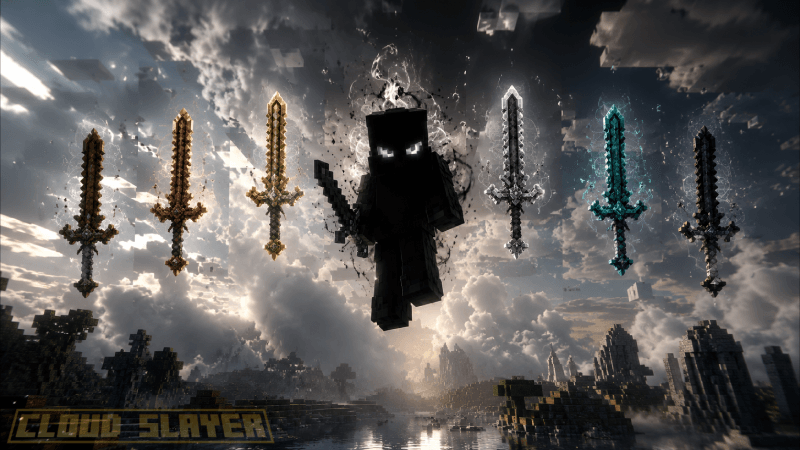
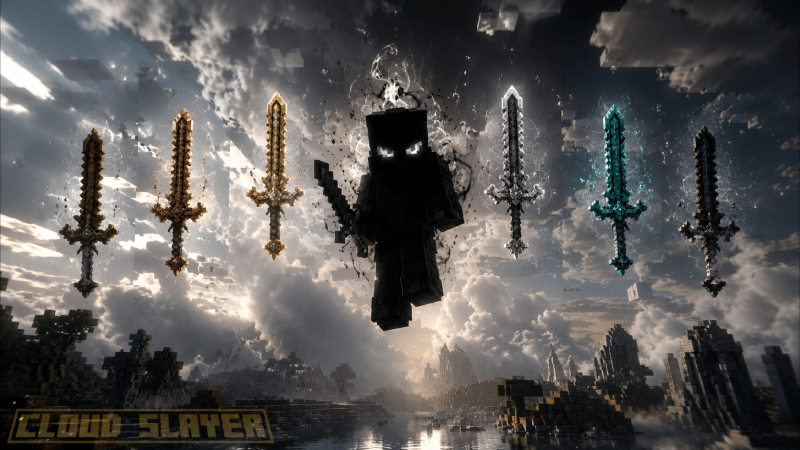
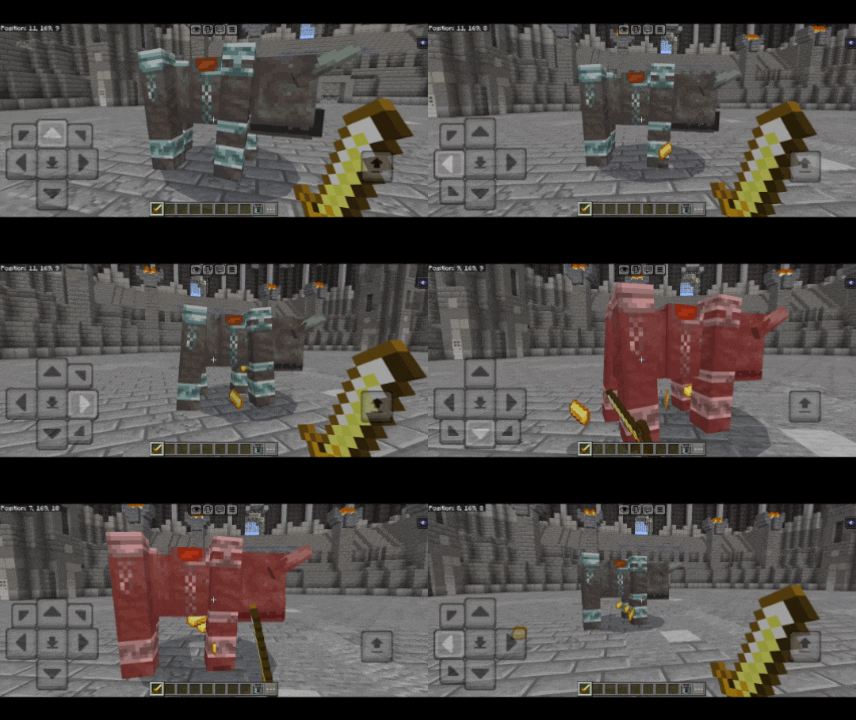
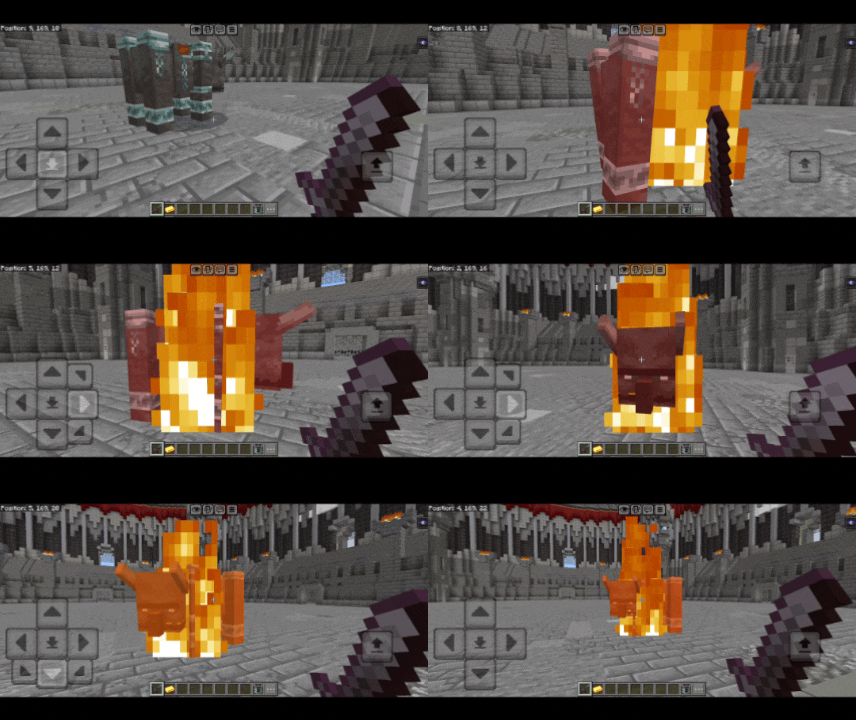
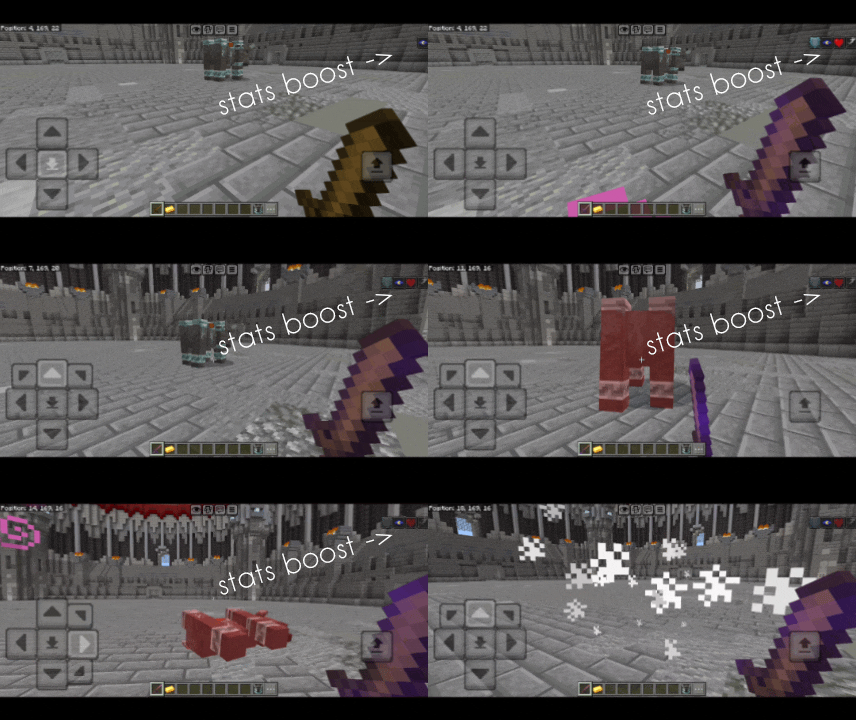
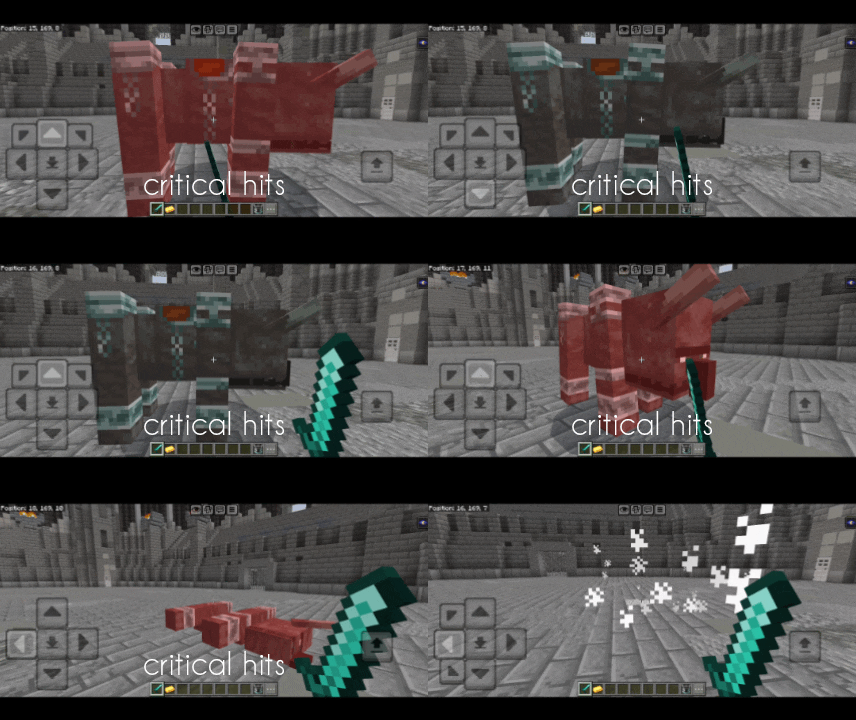
In the Cloud Slayer addon, you can manipulate swords and customize them however you want. Not only that, each sword also has its own unique ability.
I don't know my version
Open Minecraft and look at the bottom-left corner of the main screen — the version is printed there, like v1.26.30.
The game writes a 1. in front; the buttons above leave it off. v1.26.30 in the game is 26.30 here.
(0_0)
___ ___ ___ ___ ___ ___ ___ ___ ___ ___
___ ___ ___ ___ ___ ___ ___ ___ ___ ___ ___ ___ ___ ___
[Disclaimer = Images are made by AI software]
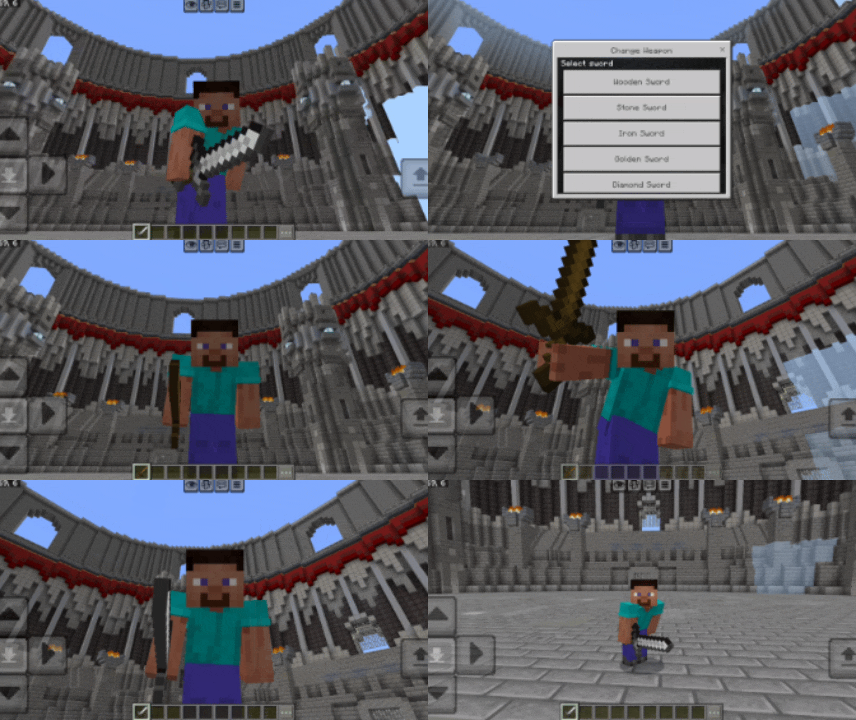
To switch weapons, you need to hold the item, then long-press while sneaking.
To use the unique ability, simply apply it to the target.
How to switch swords
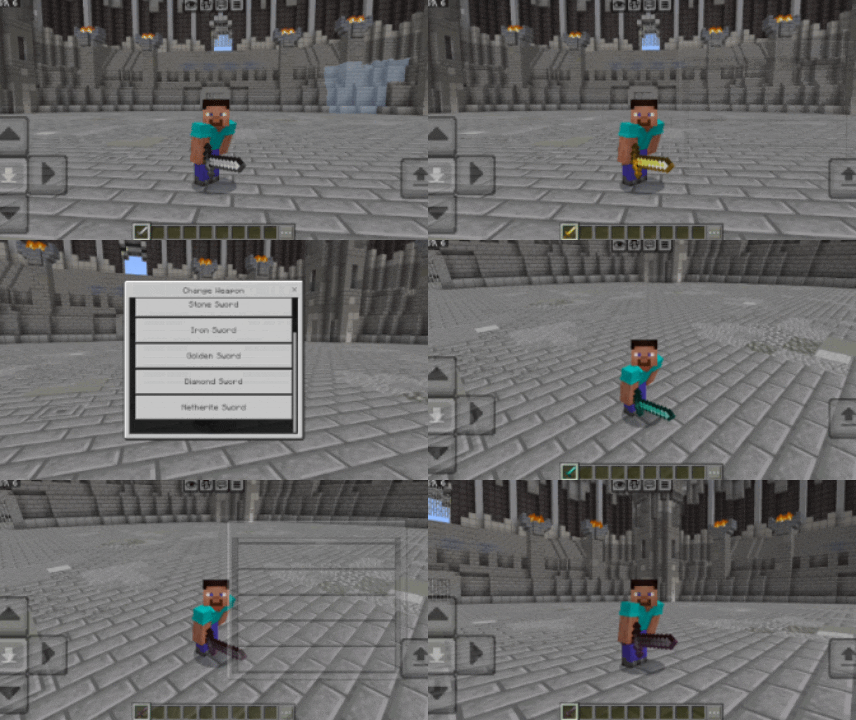
Unique Skills
JOIN DISCORD
Quick facts
- Edition: Minecraft Bedrock
- File type: .mcpack or .mcaddon
- Minecraft versions listed: 26.30, 26.20
- How to install: Download the .mcpack or .mcaddon file. → Open it — Minecraft imports it. → In your world: Behavior Packs → Available → Activate, then the same under Resource Packs.
- Where to get it: Opens on CurseForge — not every file is mirrored on our own servers.
Install steps are the general flow for this file type — How to install Minecraft Bedrock addons & mods walks through it step by step.
Verified by MCModsHub
- Save it as cloud slayer 1.1.mcaddon before opening — it downloads as .mcpack, but it is a .mcaddon pack
- Manifest requires Minecraft 1.20.30 or newer
- Complete pack — everything it depends on is inside the file
- Download size: 368 KB
- Download link checked 26 Aug 2026 — working
These come from our own check of the pack file, not from the source page.