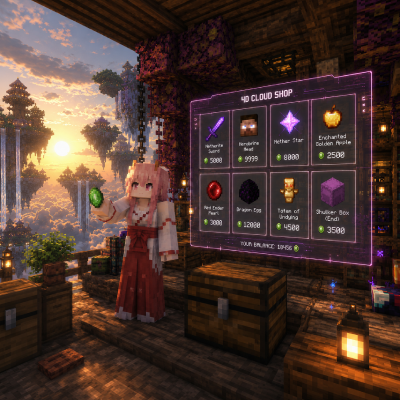
Cloud Shop
Bedrock add-on listed for Minecraft 1.19–26.x (behavior pack only). File opened and checked on 2 Oct 2026; installs from the MC Bedrock Mods app on Android.
Cloud Shop is a better and more dynamic version of villager trading, allowing you to trade and shop anywhere as long as you have emeralds. No need to wait…
I don't know my version
(0_0)
___ ___ ___ ___ ___ ___ ___ ___ ___ ___
___ ___ ___ ___ ___ ___ ___ ___ ___ ___ ___ ___ ___ ___
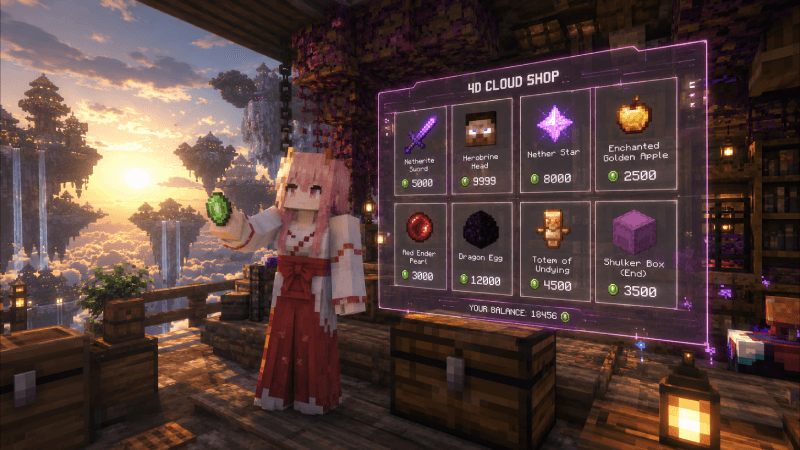
[Disclaimer = Images are made by AI software]
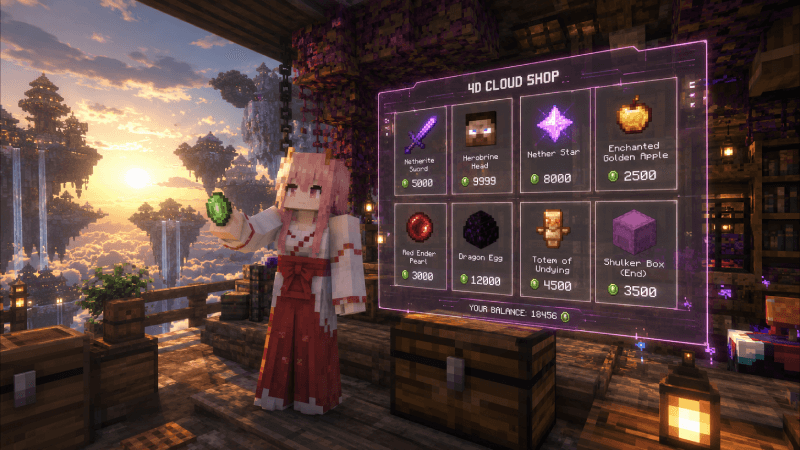
Cloud Shop is a better and more dynamic alternative to traditional villager trading. With Cloud Shop, you can access trading and shopping from anywhere without searching for villagers or building trading halls.
No need to wait for villagers to restock, and no need to worry about zombies killing them. As long as you have emeralds, you can trade and buy items anytime, anywhere.
What makes Cloud Shop great?
- No Price Multipliers – Prices stay consistent and predictable, so you always know exactly what you're paying.
- Infinite Stock – Never worry about items running out or waiting for villagers to restock.
- Trade Anywhere, Anytime – Access the shop wherever you are, without needing villagers, trading halls, or specific locations.
- Maximum Flexibility – Shop whenever you need resources, whether you're mining, exploring, building, or fighting.
- Huge Selection of Materials – Get access to a wide variety of materials and useful items in one convenient place.
- No Villager Management – No breeding, transporting, curing, or protecting villagers from zombies and other dangers.
Cloud Shop gives you unlimited access to trading with consistent prices, infinite stock, complete freedom of location, and a massive selection of items—all with nothing more than emeralds.
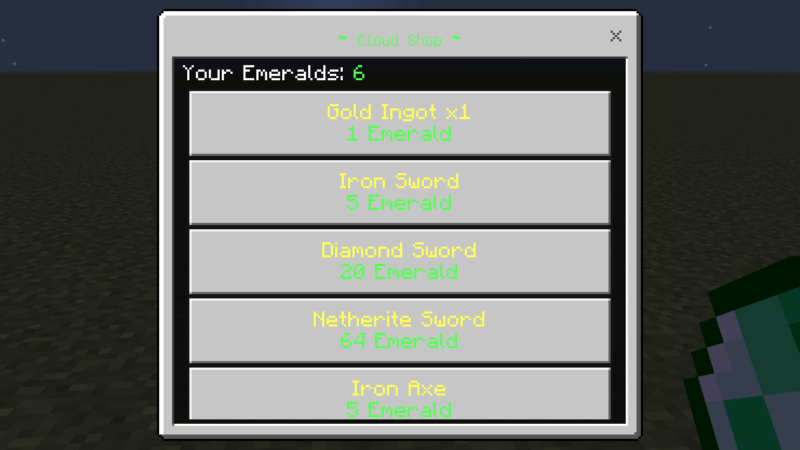
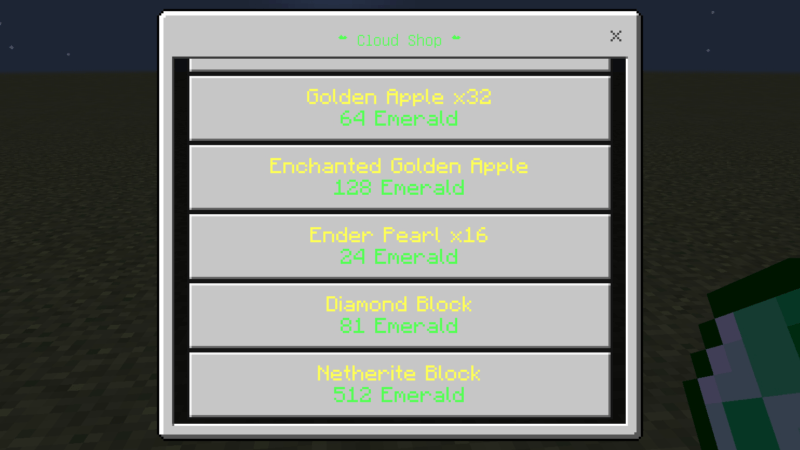
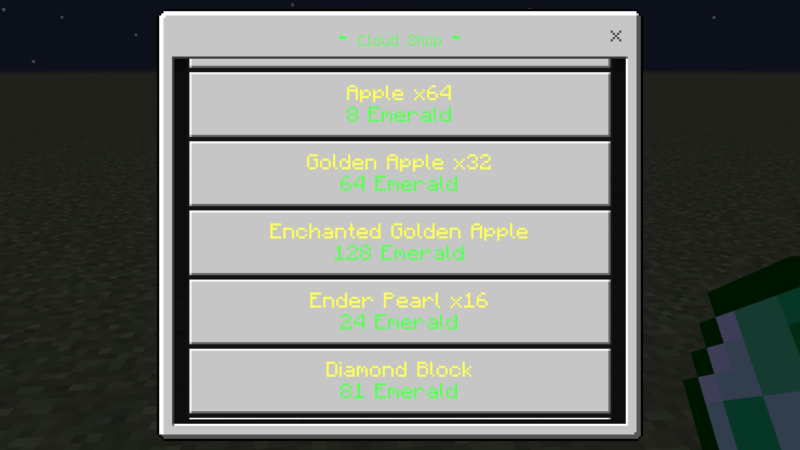
HOW TO USE:
Version 1.0: Hold an emerald and sneak to open Cloud Shop.
Version 1.0+: Simply right-click (use) an emerald to open Cloud Shop. No sneaking required.
- First Gift System: Receive 9 emeralds when Cloud Shop is installed, but only if you have never claimed the First Gift before. This reward can only be received once per player.
- Daily Gift System: Receive 1 emerald every day automatically.
JOIN DISCORD
- Edition: Minecraft Bedrock
- File type: .mcpack or .mcaddon
- Minecraft versions listed: 26.50, 26.20, 26.30
- How to install: Download the .mcpack or .mcaddon file. → Open it — Minecraft imports it. → In your world: Behavior Packs → Available → Activate, then the same under Resource Packs.
- Where to get it: Opens on CurseForge — not every file is mirrored on our own servers.
Install steps are the general flow for this file type — How to install Minecraft Bedrock addons & mods walks through it step by step.
- Save it as cloud shop 1.03.mcaddon before opening — it downloads as .mcpack, but it is a .mcaddon pack
- Manifest requires Minecraft 1.19.0 or newer
- Complete pack — everything it depends on is inside the file
- Download size: 336 KB
- Download link checked 6 Oct 2026 — working
These come from our own check of the pack file, not from the source page.