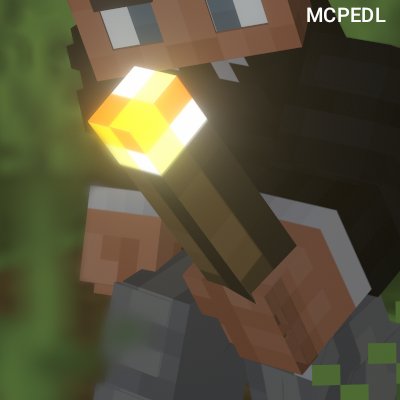
AutoTorch
Bedrock add-on listed for Minecraft 26.x (behavior + resource pack). Needs Beta APIs. File opened and checked on 2 Oct 2026; installs from the MC Bedrock Mods app on Android.
⬇ Download on CurseForgeAutoTorch is a lightweight Bedrock addon that automatically places torches when it gets dark around you — no more stopping to manually light up caves and tunnels!
✨ Features:
Auto torch placement when light level is too low
Place on floor, wall, or auto mode
Fully customizable darkness threshold
Multi-language support (English, Russian, Ukrainian, Chinese, Japanese)
Simple GUI — just sneak while holding a torch
📦 Installation:
Download addon
Enable Beta APIs in world experiments
Add the pack to your world and enjoy!
⚙️ How to use:
Hold a torch and sneak to open setti
- Edition: Minecraft Bedrock
- File type: .mcpack or .mcaddon
- Minecraft version listed: 26.20
- How to install: Download the .mcpack or .mcaddon file. → Open it — Minecraft imports it. → In your world: Behavior Packs → Available → Activate, then the same under Resource Packs.
- Where to get it: Opens on CurseForge — not every file is mirrored on our own servers.
Install steps are the general flow for this file type — How to install Minecraft Bedrock addons & mods walks through it step by step.
- Pack type: .mcaddon — behaviour and resource pack in one file
- Manifest requires Minecraft 1.26.20 or newer
- Needs Beta APIs switched on in the world settings
- Complete pack — everything it depends on is inside the file
- Download size: 7 KB
- Download link checked 7 Oct 2026 — working
These come from our own check of the pack file, not from the source page.