AddonsBedrock
Auto Light Torch
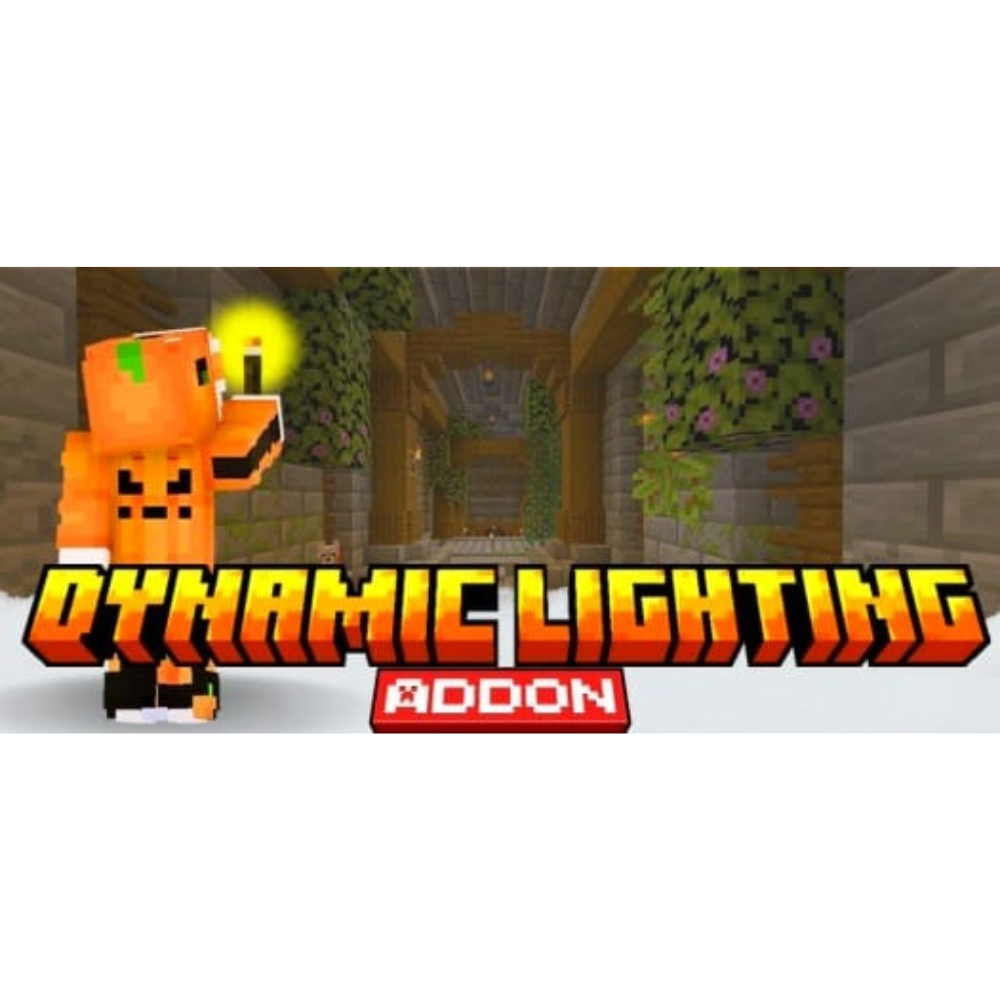
Dynamic Lighting makes your torch light up the area automatically when held in your left hand, improving dark exploration.
⬇ Download on CurseForge
The "Dynamic Lighting" addon for Minecraft Bedrock brings a dynamic and immersive feature: when you hold a torch in your left hand, the path around you is automatically illuminated. This system improves the gaming experience by allowing you to explore caves or dark environments without having to constantly place torches, providing practicality and a more realistic look.
<figure class="image align-center">
</figure>
</figure>
</figure>
</figure>
</figure>
<mark class="marker-pink">For dynamic lighting to work you first need to transform a normal torch into a dynamic torch on the workbench</mark>
<figure class="image align-center">
</figure>
<mark class="marker-pink">You can place the new torch in the second hand to make the gameplay easier</mark>
<figure class="image align-center">
</figure>
<mark class="marker-pink">now just enjoy the new Dynamic Lighting package</mark>
<figure class="image align-center">
</figure>
Quick facts
- Edition: Minecraft Bedrock
- File type: .mcpack or .mcaddon
- Minecraft versions listed: 1.21.101, 1.21.100, 1.21.111
- How to install: Download the .mcpack or .mcaddon file. → Open it — Minecraft imports it. → In your world: Behavior Packs → Available → Activate, then the same under Resource Packs.
- Where to get it: Opens on CurseForge — not every file is mirrored on our own servers.
Install steps are the general flow for this file type — How to install Minecraft Bedrock addons & mods walks through it step by step.
Verified by MCModsHub
- Pack type: .mcaddon — behaviour and resource pack in one file
- Manifest requires Minecraft 1.21.0 or newer
- Complete pack — everything it depends on is inside the file
- Download size: 33 KB
- Download link checked 25 Aug 2026 — working
These come from our own check of the pack file, not from the source page.