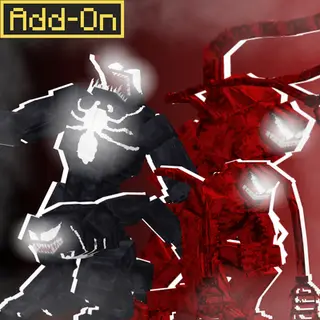
Absolute Singularity: The Deterministic Black Hole
Bedrock add-on listed for Minecraft 1.21. File opened and checked on 19 Oct 2026; installs from the MC Bedrock Mods app on Android.
This is not your average "vacuum cleaner" disaster mod. It’s an absolute, deterministic gravity well. Once you cross the capture zone, there is no RNG and…
⬇ Download on CurseForge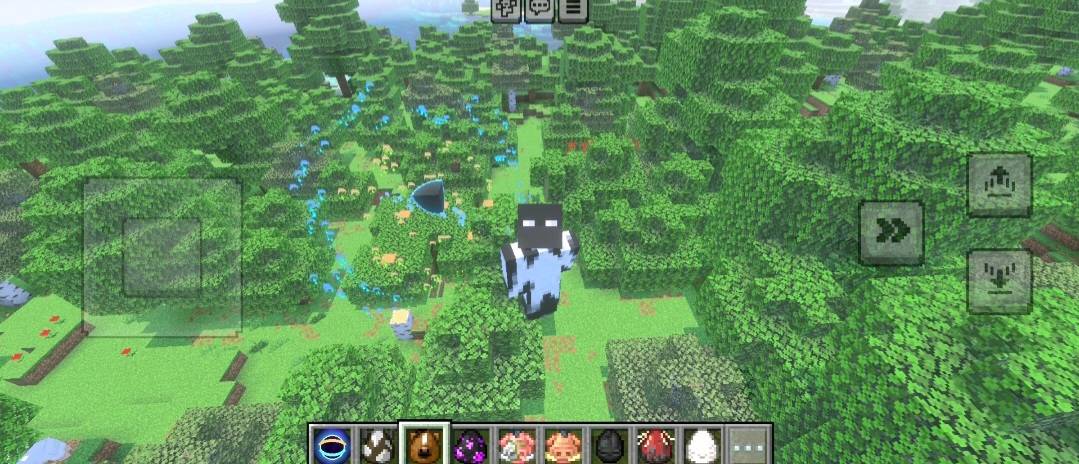
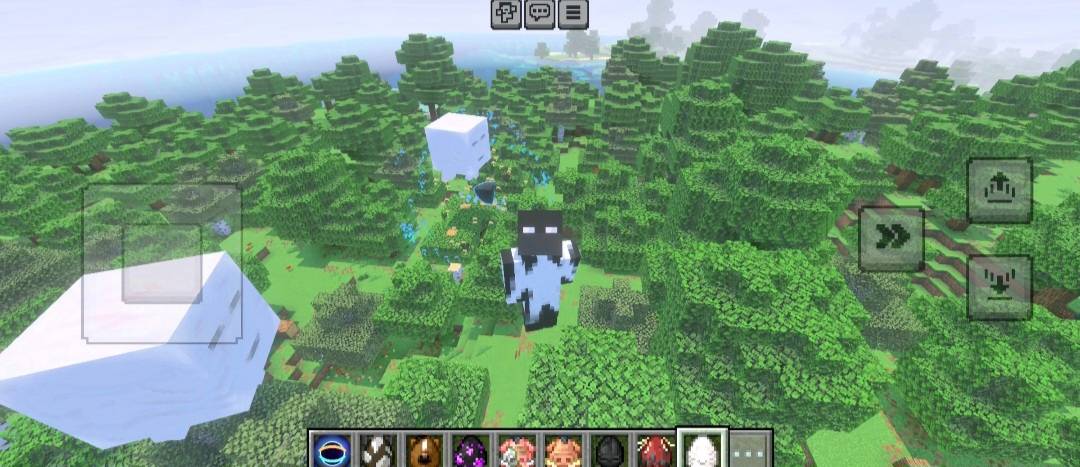
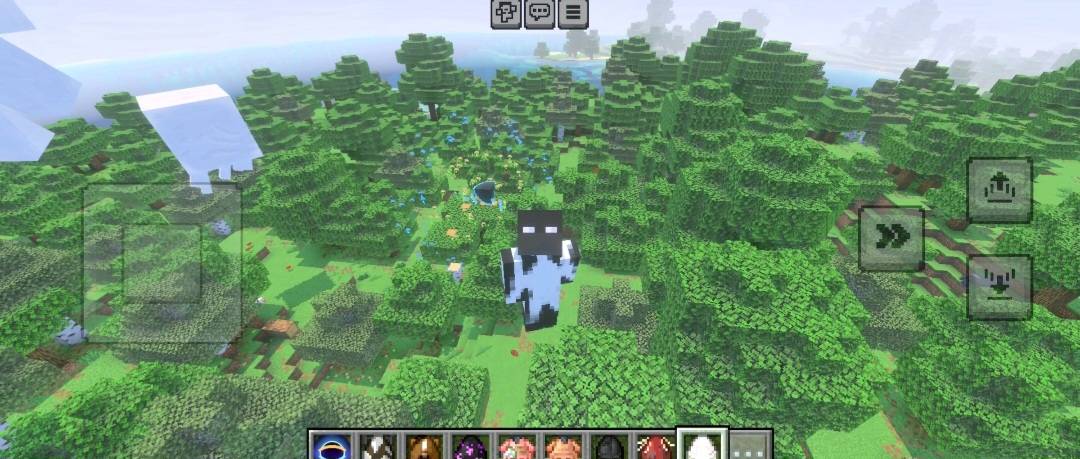
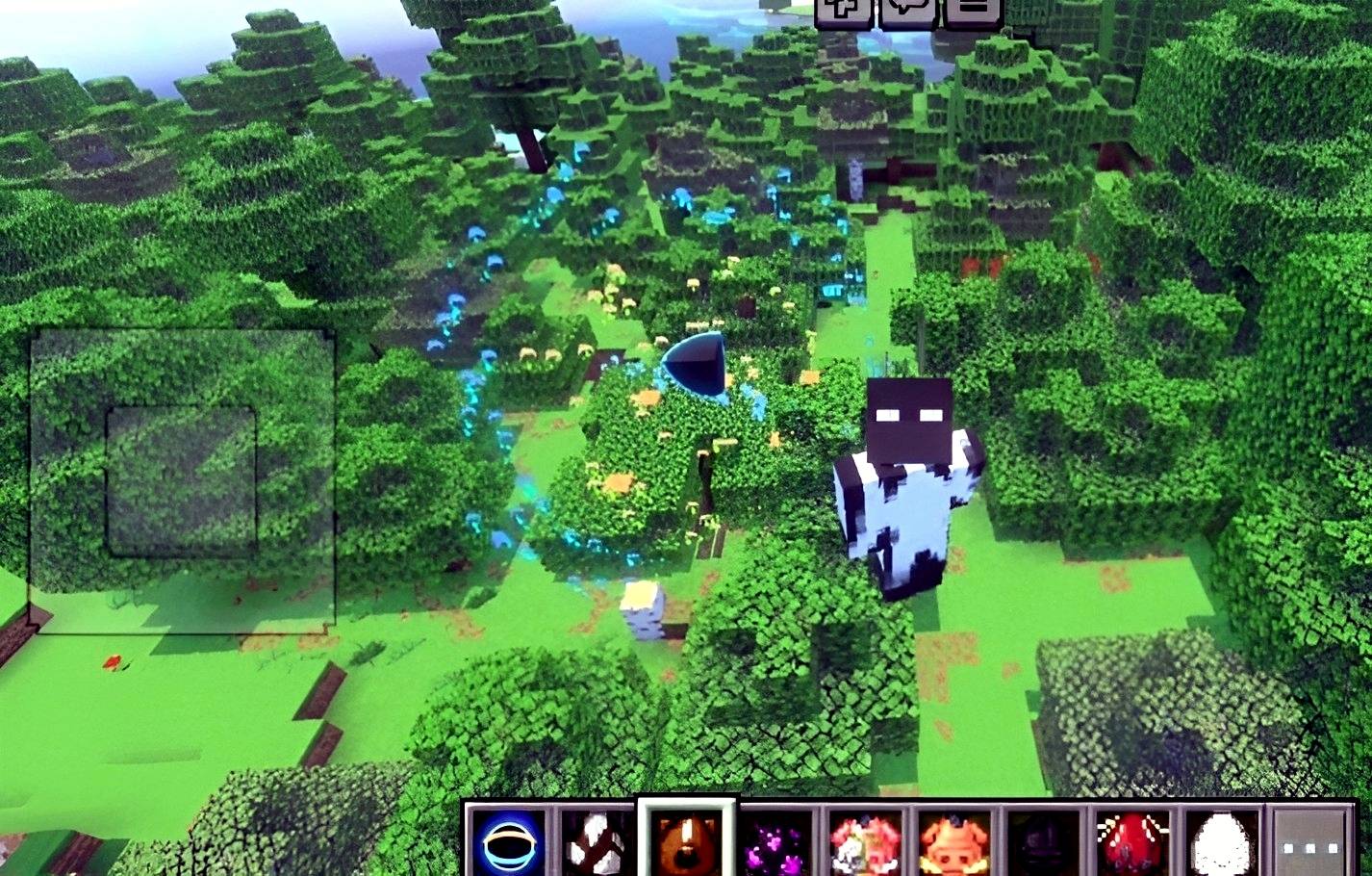
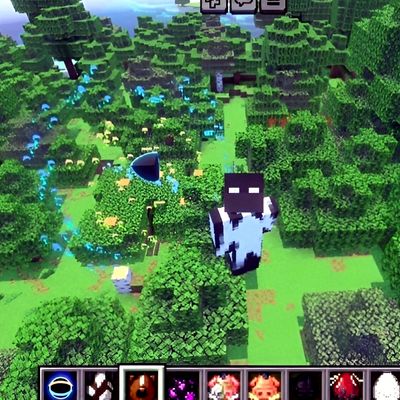
The Inevitable Doom: A Rules-Based Gravity System Unlike other black hole add-ons that randomly break blocks and pull entities in chaotic, glitchy ways, Absolute Singularity operates on a strict, 3-phase physics system. It is designed to be visually overwhelming and highly optimized. ⚙️ The 3 Phases of Singularity 1. Phase 1: The Free Zone (Warning) Weak gravity pulls at you, but escape is still possible. Features chilling visual warnings, rotational particles, and an ominous on-screen message: "10 seconds until Singularity deployment… RUN!" 2. Phase 2: The Capture Zone (Deterministic Spiral) No Escape. The moment you or any block crosses this threshold, your fate is sealed. Entities and block debris do not flail around randomly. They are stripped of their AI and forced into a perfectly calculated, inescapable spiral trajectory (r, \theta, z). The closer to the center, the faster and tighter the spiral becomes. 3. Phase 3: The Event Horizon (Execution) Reaching the core means absolute annihilation. Players and mobs are instantly killed, items are erased, and blocks are permanently deleted with a localized flash/blackout effect. 🎵 Custom Event Soundtrack The black hole deployment is accompanied by a custom-generated, high-fidelity apocalyptic soundtrack that perfectly captures the terrifying distortion of space and time. 🛠️ How to Use & Commands You have full control over when and where the Singularity is deployed. Get the Item: Type /function hdgmp/give_singularity_core in the chat to receive the Singularity Core. Deploy the Black Hole: Use (Right-click/Tap) the Singularity Core item to summon the black hole. Cancel/Remove the Black Hole: Sneak + Use the Singularity Core to manually remove the active black hole. Emergency Cleanup: Type /function hdgmp/clear_black_hole to forcefully clear out any remaining black hole entities or visual glitches in the world.
- Edition: Minecraft Bedrock
- File type: .mcpack or .mcaddon
- Minecraft version listed: 1.21.132
- How to install: Download the .mcpack or .mcaddon file. → Open it — Minecraft imports it. → In your world: Behavior Packs → Available → Activate, then the same under Resource Packs.
- Where to get it: Opens on CurseForge — not every file is mirrored on our own servers.
Install steps are the general flow for this file type — How to install Minecraft Bedrock addons & mods walks through it step by step.
- Pack type: .mcaddon — behaviour and resource pack in one file
- Download size: 2.9 MB
- Download link checked 6 Oct 2026 — working
These come from our own check of the pack file, not from the source page.