TradeCraft sales and tax
Bedrock add-on listed for Minecraft 1.21–26.x (behavior + resource pack). File opened and checked on 23 Oct 2026; installs from the MC Bedrock Mods app on Android.
⚓ 1. The Gilded Cargo (Survival & Production) This is the gateway for players into the survival ecosystem. In this mode, the economy revolves around…
I don't know my version

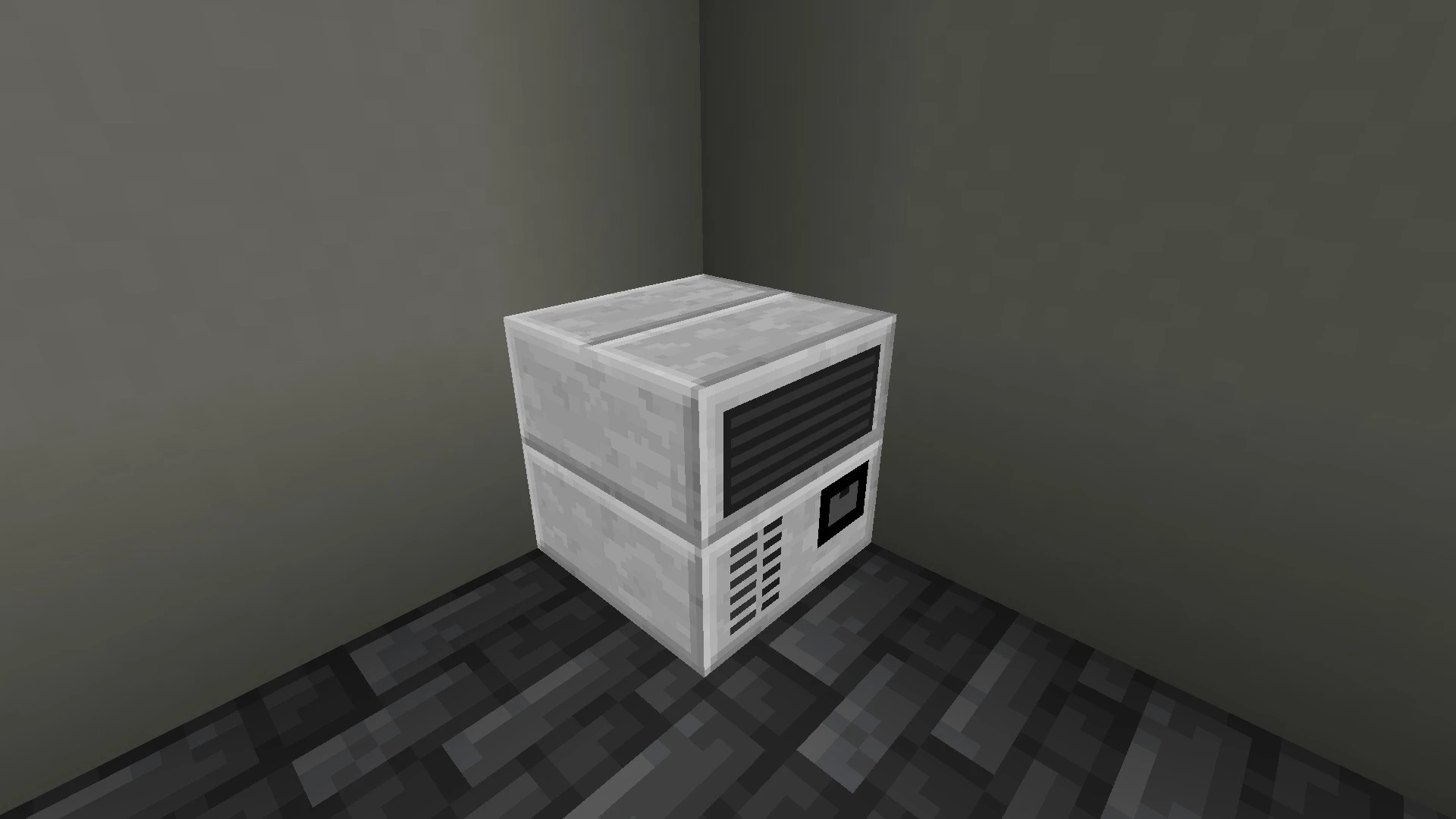





⚓ 1. The Gilded Cargo (Survival & Production) This is the gateway for players into the survival ecosystem. In this mode, the economy revolves around logistical trade and mass production. Survivors use the Sales Keg to sell their agricultural and resource production; at dawn each day, items are automatically collected and profit is deposited directly into the keg. The integrated decimal economic engine transforms daily effort into immediate liquid capital for the player to expand their farms.
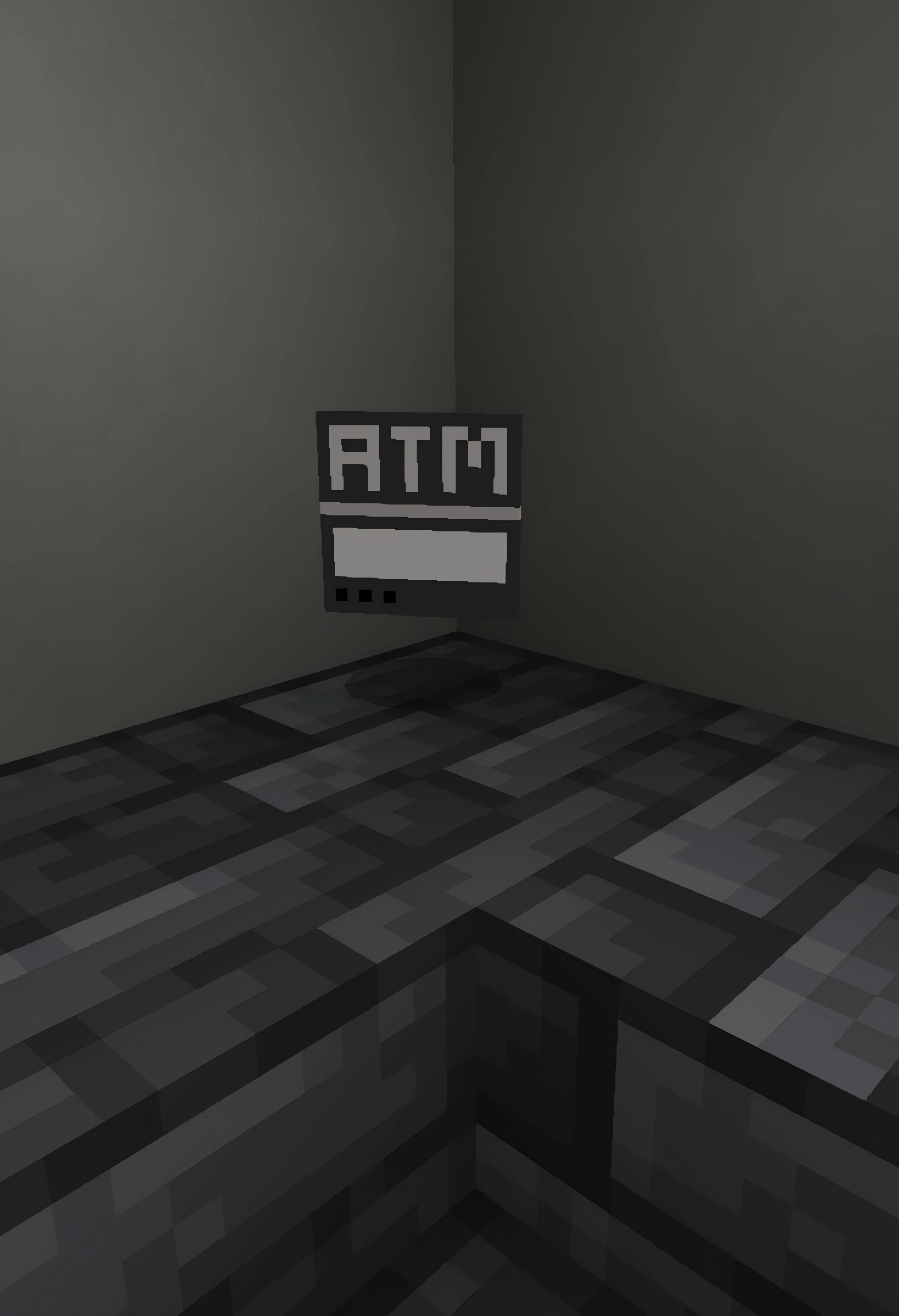
🏛️ 2. TradeCraft This pillar manages and professionalizes the server's economy through an organized and secure banking structure. It introduces the 6-Tier Monetary Hierarchy (Copper to Netherite) with a perfect 10:1 conversion rate. Server administration controls the flow, issuance, and convenience of money through unique tools such as the Portable ATM (for upgrading and saving larger coins) and the Portfolio Pack (an inventory wallet that optimizes storage and clears player slots).
💸 3. TradeCraft Tax (Dynamic Equilibrium via Script API) The technical brain and the project's stability differentiator. Using the Script API, this system runs automatically with the sole purpose of burning currency and balancing the server's economy. It acts as a financial regulator that drains excess capital from circulation, preventing inflation and the accumulation of infinite idle money. This mechanism mathematically guarantees ideal scarcity, keeping the value of each currency level always high and the server market stable in the long term.
⚙️ Mandatory Initial Setup
For the collection and billing system to function correctly, the administrator must register the bank scoreboard as soon as the map is started for the first time. Execute the command in the chat:
/scoreboard objectives add divida_banco dummy
🏷️ Status Tag System
Social hierarchy and economic permissions are defined through native Minecraft tags applied to players:
admin – Full permission over addon commands and system management.
tycoon – Intended for players with the highest purchasing power on the server, activating specific triggers in the economy and fee collection.
🏪 Shops and Sales System
Sale Wand (cb:sale_wand): The indispensable tool for server merchants. This wand is used exclusively to register the sales barrel.
⚠️ Important Note: A regular sales barrel will not work if it is not previously registered using the Sale Wand. The registration links the container to the add-on's commercial system, allowing for the automated reading and sale of stored items.
⚓ 1. The Gilded Cargo (Sobrevivência & Produção)
É a porta de entrada para os jogadores no ecossistema survival. Neste modo, a economia gira em torno do comércio logístico e da produção em massa. Os sobreviventes utilizam o Barril de Vendas para escoar sua produção agrícola e de recursos; ao amanhecer de cada dia, os itens são coletados automaticamente e o lucro é depositado diretamente no barril. O motor econômico decimal integrado transforma o esforço diário em capital líquido e imediato para o jogador expandir suas fazendas.
🏛️ 2. TradeCraft
Este pilar gerencia e profissionaliza a economia do servidor através de uma estrutura bancária organizada e segura. Ele introduz a Hierarquia Monetária de 6 Níveis (Cobre até Netherite) com uma taxa de conversão perfeita de 10:1. A administração do servidor controla o fluxo, a emissão e a conveniência do dinheiro através de ferramentas exclusivas como o ATM Portátil (para upgrade e poupança de moedas maiores) e o Pacote de Portfólio (uma carteira de inventário que otimiza o armazenamento e limpa os slots do jogador).
💸 3. TradeCraft Imposto (Equilíbrio Dinâmico via Script API)
O cérebro técnico e o diferencial de estabilidade do projeto. Utilizando a Script API, este sistema roda de forma automatizada com o objetivo único de queimar moeda e equilibrar a economia do servidor. Ele atua como um regulador financeiro que drena o excesso de capital de circulação, evitando a inflação e o acúmulo de dinheiro infinito parado. Esse mecanismo garante matematicamente a escassez ideal, mantendo o valor de cada nível de moeda sempre alto e o mercado do servidor estável a longo prazo.
⚙️ Configuração Inicial Obrigatória
Para o funcionamento correto do sistema de arrecadação e cobranças, o administrador deve registrar a scoreboard do banco assim que o mapa for iniciado pela primeira vez. execute o comando no chat:
/scoreboard objectives add divida_banco dummy
🏷️ Sistema de Tags de Status
A hierarquia social e as permissões econômicas são definidas através de tags nativas do Minecraft aplicadas aos jogadores:
admin – Permissão total sobre os comandos do addon e gerenciamento do sistema.
magnata – Destinada aos players de maior poder aquisitivo no servidor, ativando gatilhos específicos na economia e na cobrança de taxas.
🏪 Sistema de Lojas e Vendas
Sale Wand (cb:sale_wand): A ferramenta indispensável para os comerciantes do servidor. Esta varinha é utilizada exclusivamente para registrar o barril de vendas.
⚠️ Nota Importante: Um barril de vendas comum não funcionará se não for previamente registrado utilizando a Sale Wand. O registro vincula o contêiner ao sistema comercial do addon, permitindo a leitura e a venda automatizada dos itens armazenados.
/tag @s add admin
/tag @s add magnata
/scoreboard objectives divida_banco dummy
TABELA_PRECOS
minecraft:wheat: 1,
minecraft:carrot: 2,
minecraft:potato: 2,
minecraft:pumpkin: 10,
minecraft:melon_slice: 1,
minecraft:sugar_cane: 3,
minecraft:beetroot: 2,
minecraft:melon_block: 2,
minecraft:raw_iron: 15,
minecraft:raw_gold: 30,
minecraft:raw_copper: 5,
minecraft:diamond: 500,
minecraft:emerald: 400,
minecraft:netherite_scrap: 2500,
minecraft:redstone: 13,
minecraft:slime_ball: 5,
minecraft:ender_pearl: 6,
minecraft:blaze_rod: 8,
minecraft:coal: 4
Copper_coin 1
Iron_coin 10
Gold_coin 100
Emerald_coin 1.000
Diamond_coin 10.000
Netherite_coin 100.000
- Edition: Minecraft Bedrock
- File type: .mcpack or .mcaddon
- Minecraft versions listed: 1.21.111, 1.21.114, 1.21.120
- How to install: Download the .mcpack or .mcaddon file. → Open it — Minecraft imports it. → In your world: Behavior Packs → Available → Activate, then the same under Resource Packs.
- Where to get it: In MCModsHub, or directly above on this page.
Install steps are the general flow for this file type — How to install Minecraft Bedrock addons & mods walks through it step by step.
- Pack type: .mcaddon — behaviour and resource pack in one file
- Complete pack — everything it depends on is inside the file
- Download size: 124 KB
- Download link checked 6 Oct 2026 — working
These come from our own check of the pack file, not from the source page.