Star's AutoTool
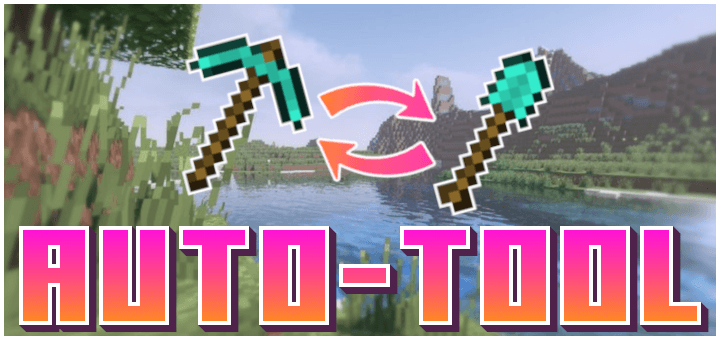
Star's AutoTool Helps you by taking away the annoying task of switching tools when mining.
When you start mining a block, this addon will automatically switch to the best available tool in your hotbar for mining that block. It takes away a major annoying factor, even more so for the mobile users.
Showcase Video:
Installation Guide:
- Download the file and import it into Minecraft.
- Apply the behavior pack to your world.
- Enjoy!
If you like this texture pack, please do consider supporting me, you could do that by donating to me, spreading your word, or simply by downloading more of My Addons.
SUPPORT ME ON PATREON: https://patreon.com/AyyStar
Doubts or queries? Join our Discord: Star's Studio
Copyright Message
All Rights Reserved
If you want to showcase this addon in your video, that's fine.
You cannot use any part of my addon, however little it may be, in your own addon without my permission.
You cannot distribute my addon in any way, shape or form without my permission.
- Edition: Minecraft Bedrock
- File type: .mcpack or .mcaddon
- Minecraft versions listed: 1.21.90, 1.21.93, 1.21.94
- How to install: Download the .mcpack or .mcaddon file. → Open it — Minecraft imports it. → In your world: Behavior Packs → Available → Activate, then the same under Resource Packs.
- Where to get it: Opens on CurseForge — not every file is mirrored on our own servers.
Install steps are the general flow for this file type — How to install Minecraft Bedrock addons & mods walks through it step by step.
- Pack type: .mcpack — a single pack
- Manifest requires Minecraft 1.21.9 or newer
- Complete pack — everything it depends on is inside the file
- Download size: 81 KB
- Download link checked 16 Sept 2026 — working
These come from our own check of the pack file, not from the source page.