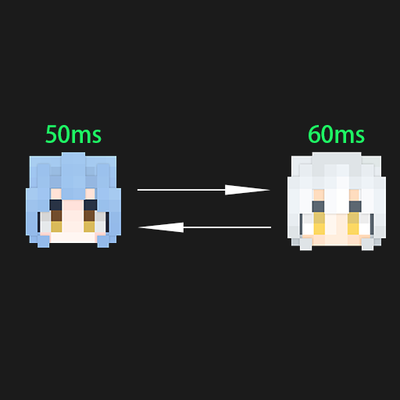

📡 Player Ping Check – View Player Latency
Player Ping Check is a lightweight Minecraft Bedrock Edition Add-On that allows you to quickly check your own or other players' network latency (Ping value).
It is suitable for server administrators, PVP players, or anyone who wants to know their current connection quality.
✨ Features
🔍 Check your own Ping value
👥 Check other players' Ping values
🎨 Automatically displays different colors based on latency:
🟢 ≤150ms – Green (Smooth)
🟠 ≤300ms – Orange (Moderate)
🔴 ≤1000ms – Red (High)
⚫ >1000ms or unable to retrieve – Gray (N/A or Extremely High)
🎮 Command List
/xxr:selfping
Check your own Ping value
No operator permission required
Example output: Your ping is 42ms (in green)
/xxr:ping <player>
Check the specified player's Ping value
Requires permission level 1 (member or higher)
Supports target selectors, for example:
/xxr:ping @p (nearest player)
/xxr:ping @a (all players)
/xxr:ping Steve
Example output: Steve's ping is 87ms (in green)
If /xxr:ping is executed from the console, the result will be output to the server log.
The API is still in the testing phase, so it only works with version 1.26.30.90.
- Edition: Minecraft Bedrock
- File type: .mcpack or .mcaddon
- Minecraft version listed: 26.20
- How to install: Download the .mcpack or .mcaddon file. → Open it — Minecraft imports it. → In your world: Behavior Packs → Available → Activate, then the same under Resource Packs.
- Where to get it: Opens on CurseForge — not every file is mirrored on our own servers.
Install steps are the general flow for this file type — How to install Minecraft Bedrock addons & mods walks through it step by step.
- Pack type: .mcaddon — behaviour and resource pack in one file
- Manifest requires Minecraft 1.21.1 or newer
- Complete pack — everything it depends on is inside the file
- Download size: 17 KB
- Download link checked 16 Sept 2026 — working
These come from our own check of the pack file, not from the source page.