OptiX NV
OptiX NV is a Minecraft Bedrock add-on that provides a permanent, infinite Night Vision effect to the player. See clearly in the dark at all times, even…
⬇ Download on CurseForge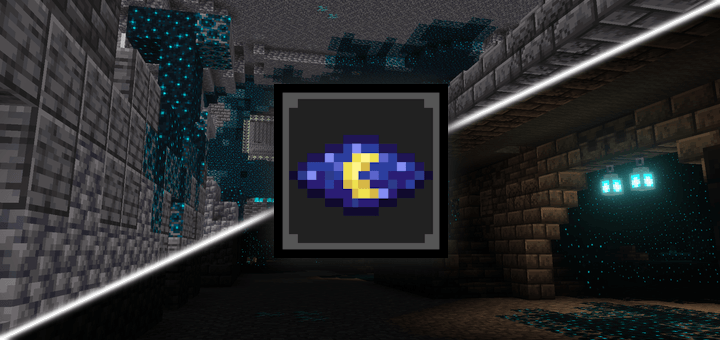
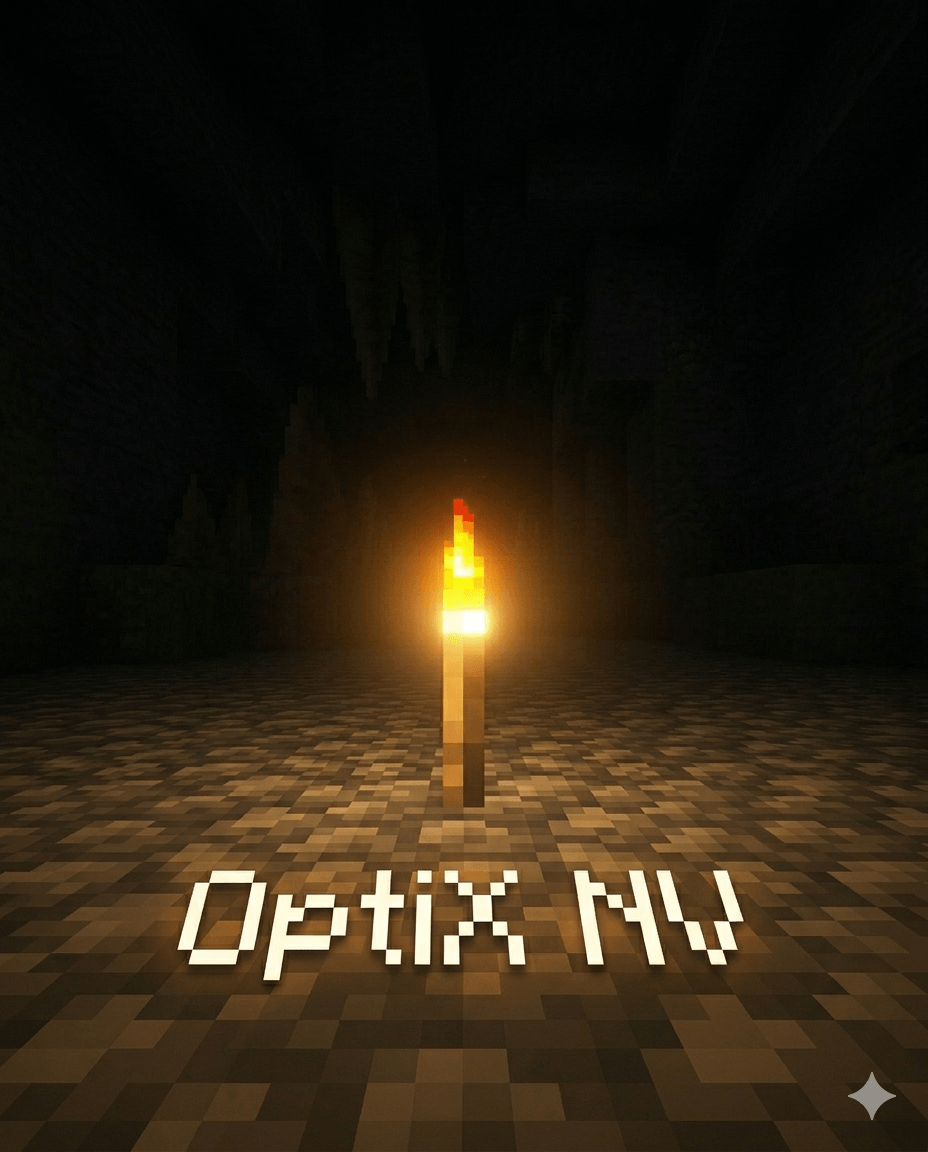
OptiX NV - Infinity Night Vision
"Explore the darkest depths of your world without needing any light sources."
About This Add-on
OptiX NV (OptiX Night Vision) is a lightweight and highly efficient Minecraft Bedrock / MCPE add-on created by Saurus. It grants the player a permanent, infinite Night Vision effect. Whether you are exploring deep caves, navigating the ocean at night, or building massive underground bases, you will always see clearly without the need to spam torches or brew potions.
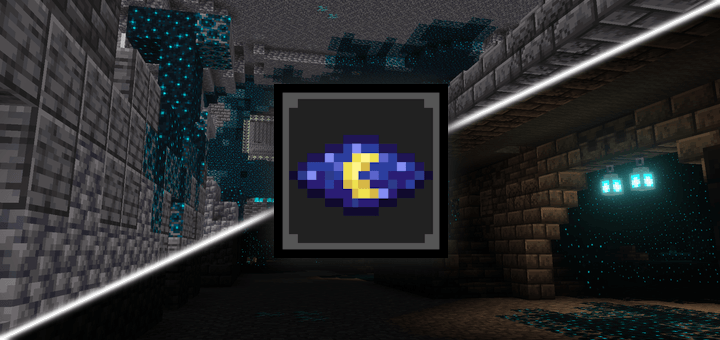
The Features
- Permanent Night Vision: Grants you a constant, infinite night vision effect as soon as you load into the world.
- Keep on Death: The effect persists even after you die and respawn, meaning you never have to reapply it or consume potions.
- No Items Required: You do not need to hold a torch or craft any items to see clearly in the dark.
- Multiplayer Friendly: Fully compatible with multiplayer servers, LAN worlds, and Realms.
- Lightweight: Does not cause any lag or performance drops.
- No Experimental Gameplay: Runs perfectly without needing to turn on experimental features in your world settings.
Installation Guide
Installing OptiX NV is very simple and only takes a few steps:
- Download the .mcpack files.
- Click or open the downloaded file to automatically import it into your Minecraft game.
- Once the import is successful, go to the screen where you create or edit your world.
- On the left sidebar, scroll down to the Behavior Packs section.
- Select OptiX NV and click Activate.
- Important: Enable the Cheats setting in your world for the commands to run smoothly.
- Click Play and enjoy your infinite night vision!
Credits and Support
Created for the Minecraft Bedrock community by Saurus. If you encounter any bugs or have suggestions, feel free to leave a comment or join our community support channel.
- Edition: Minecraft Bedrock
- File type: .mcpack or .mcaddon
- Minecraft versions listed: 1.21, 26.0
- How to install: Download the .mcpack or .mcaddon file. → Open it — Minecraft imports it. → In your world: Behavior Packs → Available → Activate, then the same under Resource Packs.
- Where to get it: Opens on CurseForge — not every file is mirrored on our own servers.
Install steps are the general flow for this file type — How to install Minecraft Bedrock addons & mods walks through it step by step.
- Pack type: .mcpack — a single pack
- Manifest requires Minecraft 1.19.0 or newer
- Complete pack — everything it depends on is inside the file
- Download size: 905 KB
- Download link checked 26 Aug 2026 — working
These come from our own check of the pack file, not from the source page.