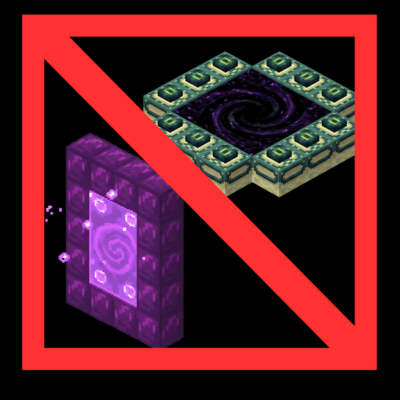
No Portal - Portal Remover
Bedrock add-on listed for Minecraft 1.21 (behavior pack only). File opened and checked on 19 Sep 2026; installs from the MC Bedrock Mods app on Android.
Disables vanilla portals and rebalances game loot to force new travel methods. Intended to be used with "Immersive Dimension Transitions."
⬇ Download on CurseForge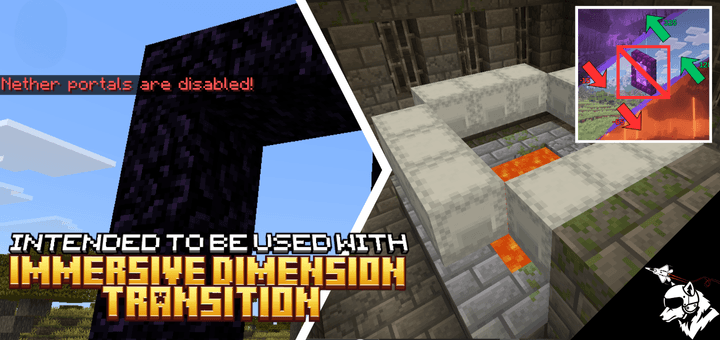
🛑 No Portals (Progression Overhaul)
Have you ever wanted a fresh new take on Minecraft dimension progression? No more lighting obsidian frames or hunting for standard stronghold rituals. It's time to break the cycle.
⚠️ IMPORTANT: READ BEFORE INSTALLING ⚠️
TO UNLOCK THE FULL PROGRESSION SUITE, THIS ADDON SHOULD BE INSTALLED ALONGSIDE "IMMERSIVE DIMENSION TRANSITION"
While this addon can technically be used standalone (for example, if you want a "One Dimension Challenge" where the Nether and End are permanently locked), it is designed to work as the Destructive Module for the Immersive Dimension Transitions addon. It removes the "Easy Way" out, forcing you to use the vertical travel mechanics (digging down or flying up).
🛠️ Feature Breakdown
1. Nether Portals Disabled
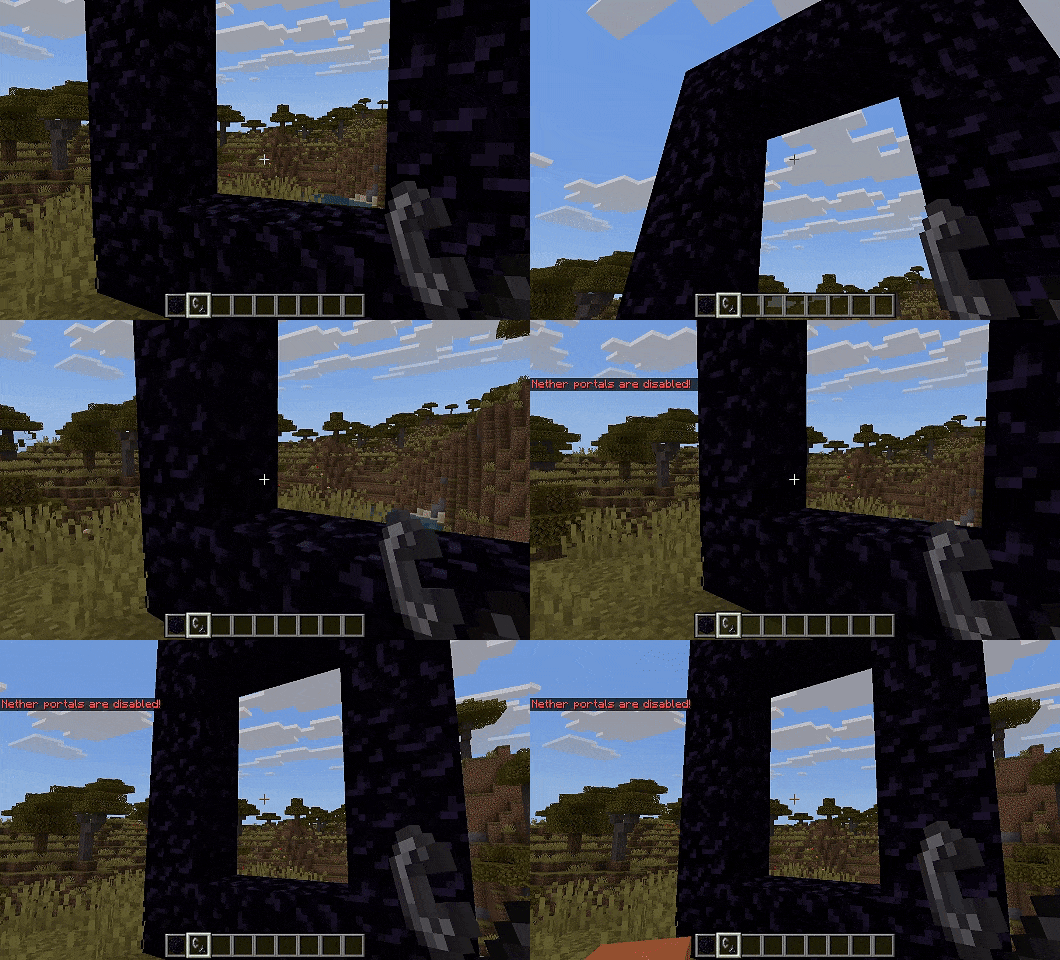
The magic is gone. You can build the frame, but you cannot light it.
- Flint & Steel and Fire Charges will no longer ignite Obsidian frames.
- Instead, they will simply play a failure sound or send a chat alert, reminding you that the old ways are dead.
2. End Portals "Repurposed"

Finding a Stronghold is still a massive achievement, but the portal itself is broken beyond repair.
- Loot Over Logic: The 12 End Portal Frames are automatically replaced with Shulker Boxes.
- The Reward: These boxes are packed with high-value loot (Diamonds, Iron, Gold, and Enchanted Gear) to reward you for finding the structure, effectively turning the Portal Room into a massive treasure vault.
- No Travel: You cannot activate the portal. To reach the End, you must find another way up.
3. Loot & Economy Rebalance
Since portals are disabled, many vanilla items become useless. We have updated the loot tables to support a "Vertical Progression" economy:
- Ruined Portals: No longer contain "Portal Starters" (Flint/Obsidian). Instead, they contain "Ascension Ingredients" like Feathers (for Levitation potions) and Phantom Membranes.
- Piglin Bartering: Piglins no longer trade Obsidian or Fire Charges. They now trade Gunpowder and Feathers, ensuring you always have the supplies needed to brew the potions required for dimension travel.
📝 Installation Notes
- Backups: This addon makes permanent changes to your world (replacing Portal Frames with Shulkers).
- Always back up your world before installing.
- Experiments: Requires Beta APIs enabled to function correctly.
🔧 Uninstallation
Before removing this addon, use the restoration commands to repair your world (make sure you have OP/Admin permission):
1. Type !noportals-status to see tracked frames
2. Type !restore-portals to restore all end portal frames
3. If frames were replaced before installing, go to the stronghold and type !restore-portals-area
4. Now you can safely remove the addon
Note: The !restore-portals-area command will convert ALL shulker boxes within 16 blocks to end portal frames. Only use this at strongholds!
- Edition: Minecraft Bedrock
- File type: .mcpack or .mcaddon
- Minecraft versions listed: 1.21.30, 1.21.50, 1.21.81
- How to install: Download the .mcpack or .mcaddon file. → Open it — Minecraft imports it. → In your world: Behavior Packs → Available → Activate, then the same under Resource Packs.
- Where to get it: Opens on CurseForge — not every file is mirrored on our own servers.
Install steps are the general flow for this file type — How to install Minecraft Bedrock addons & mods walks through it step by step.
- Save it as No portal.mcaddon before opening — it downloads as .mcpack, but it is a .mcaddon pack
- Manifest requires Minecraft 1.21.0 or newer
- Complete pack — everything it depends on is inside the file
- Download size: 404 KB
- Download link checked 5 Oct 2026 — working
These come from our own check of the pack file, not from the source page.