
HardKing's Vein Miner
Bedrock add-on listed for Minecraft 1.21–26.x (behavior pack only). File opened and checked on 4 Oct 2026; installs from the MC Bedrock Mods app on Android.
⬇ Download on CurseForge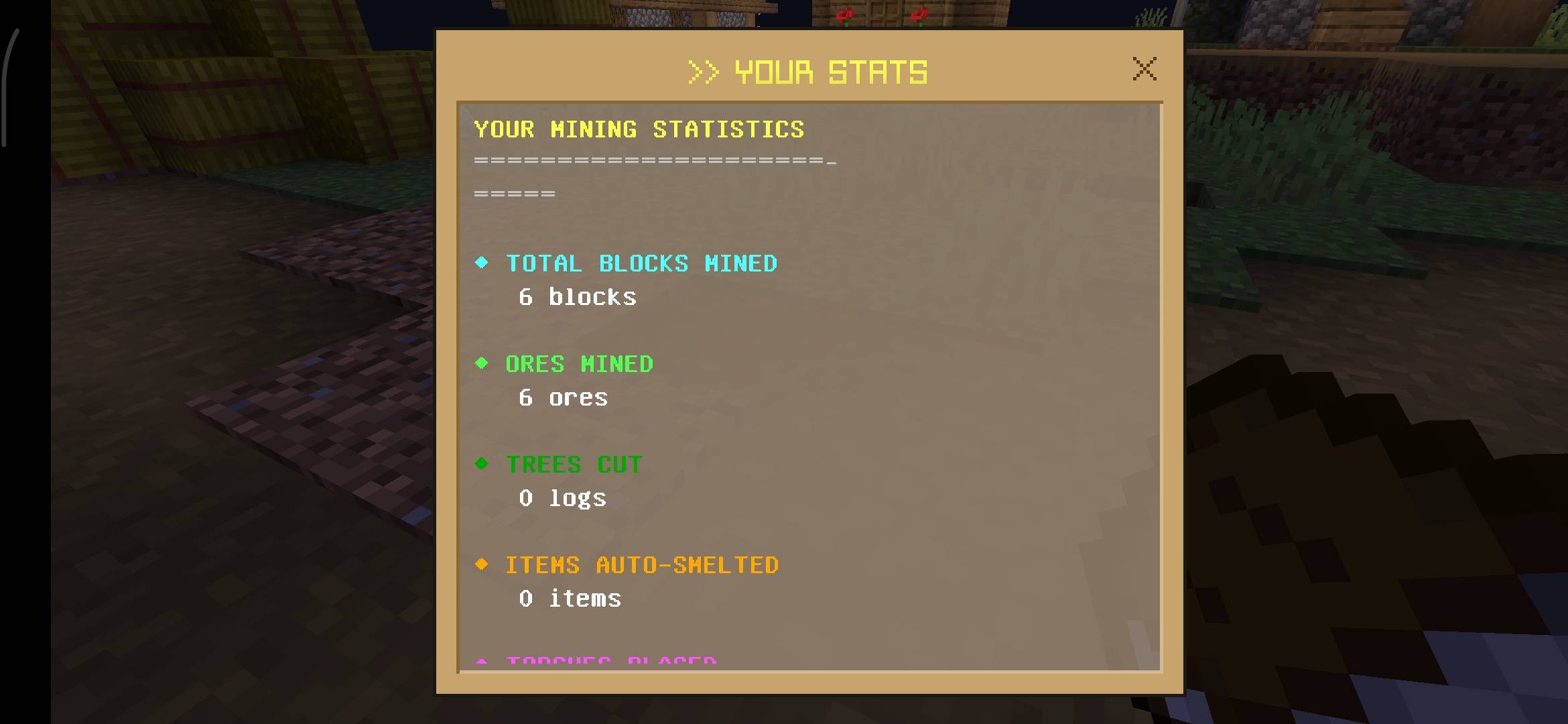
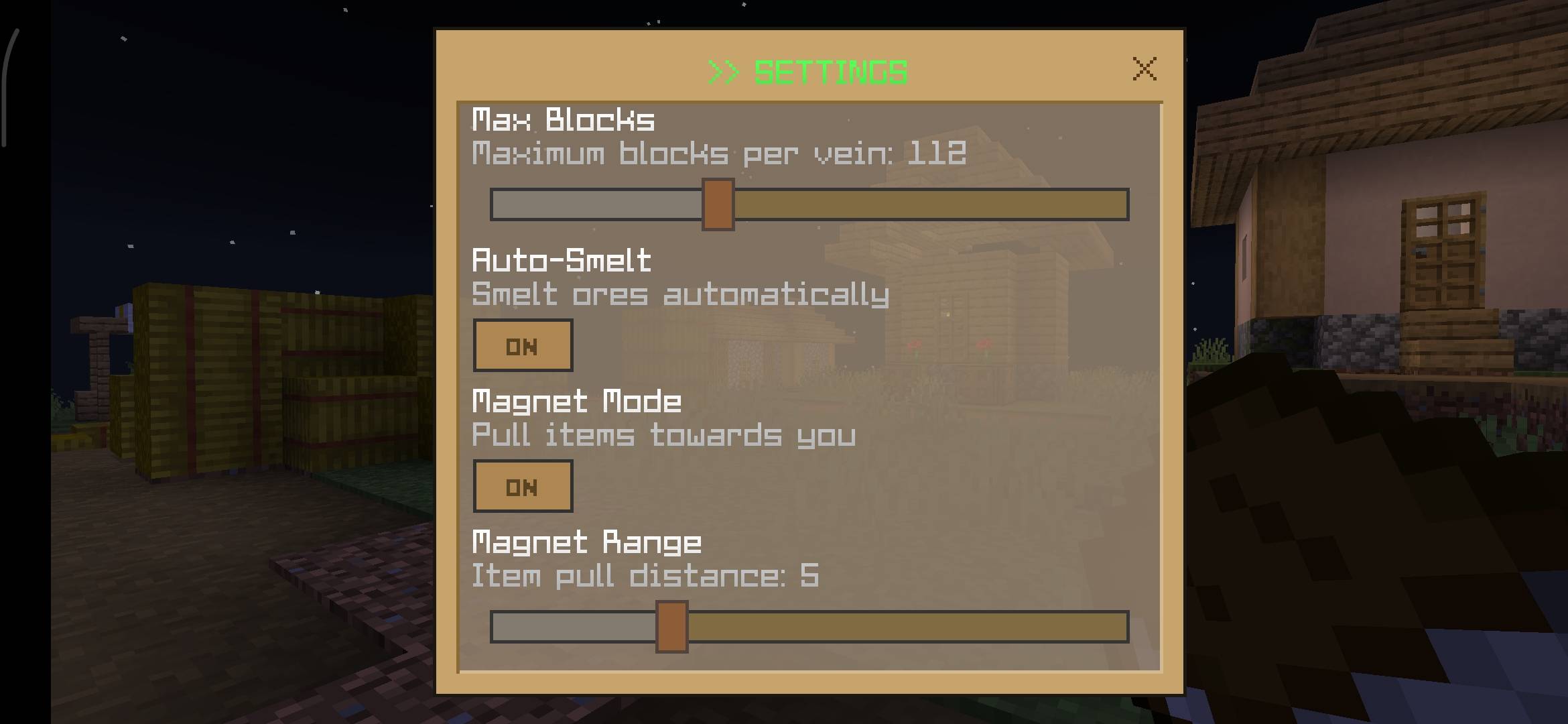
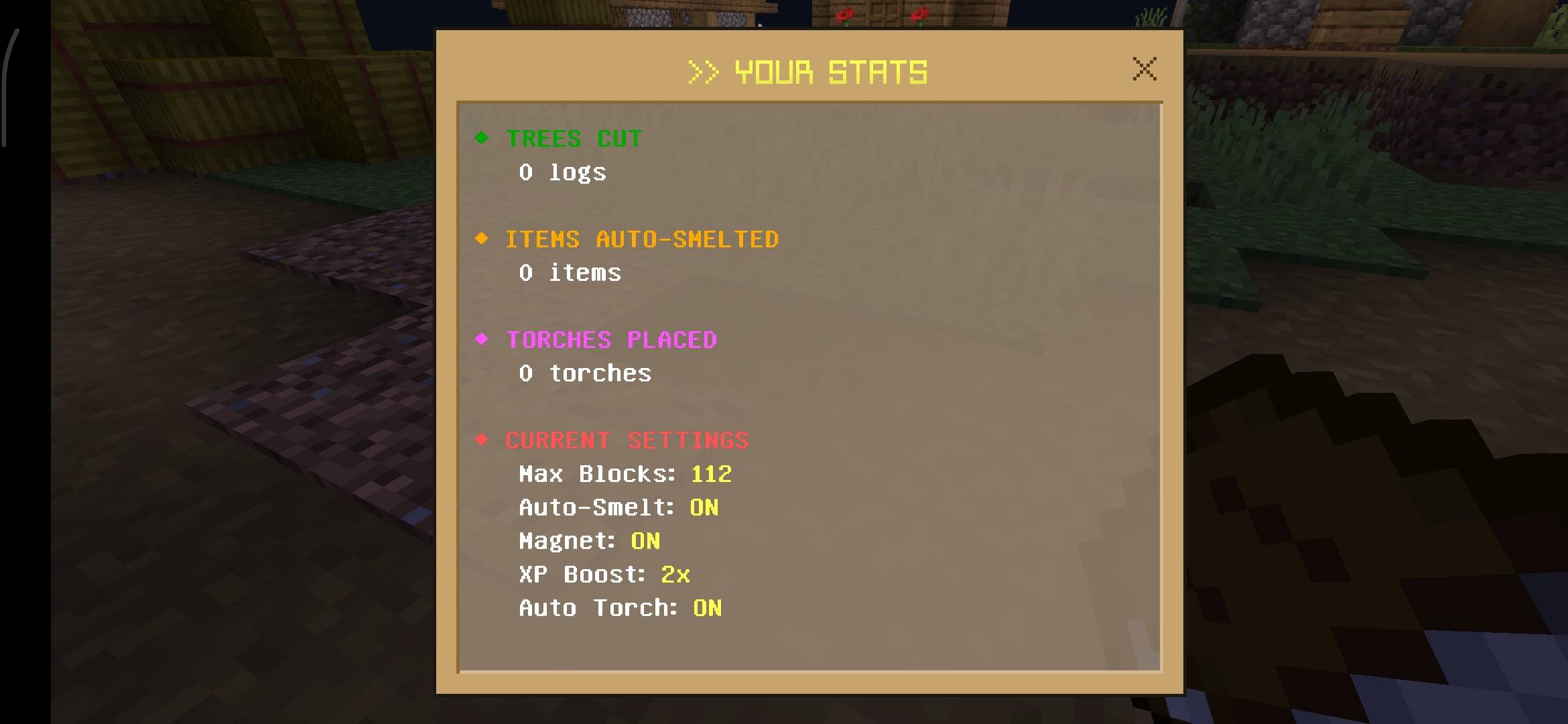
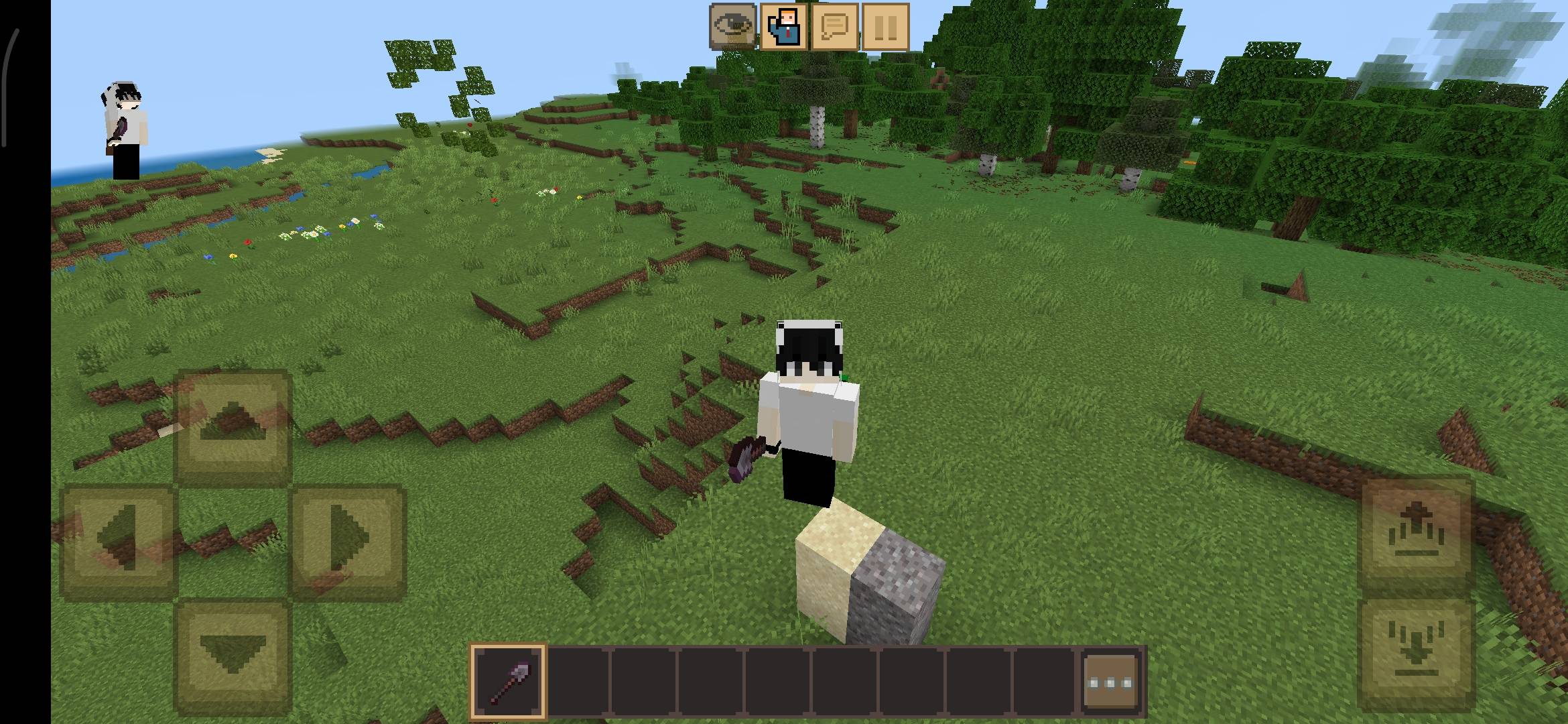
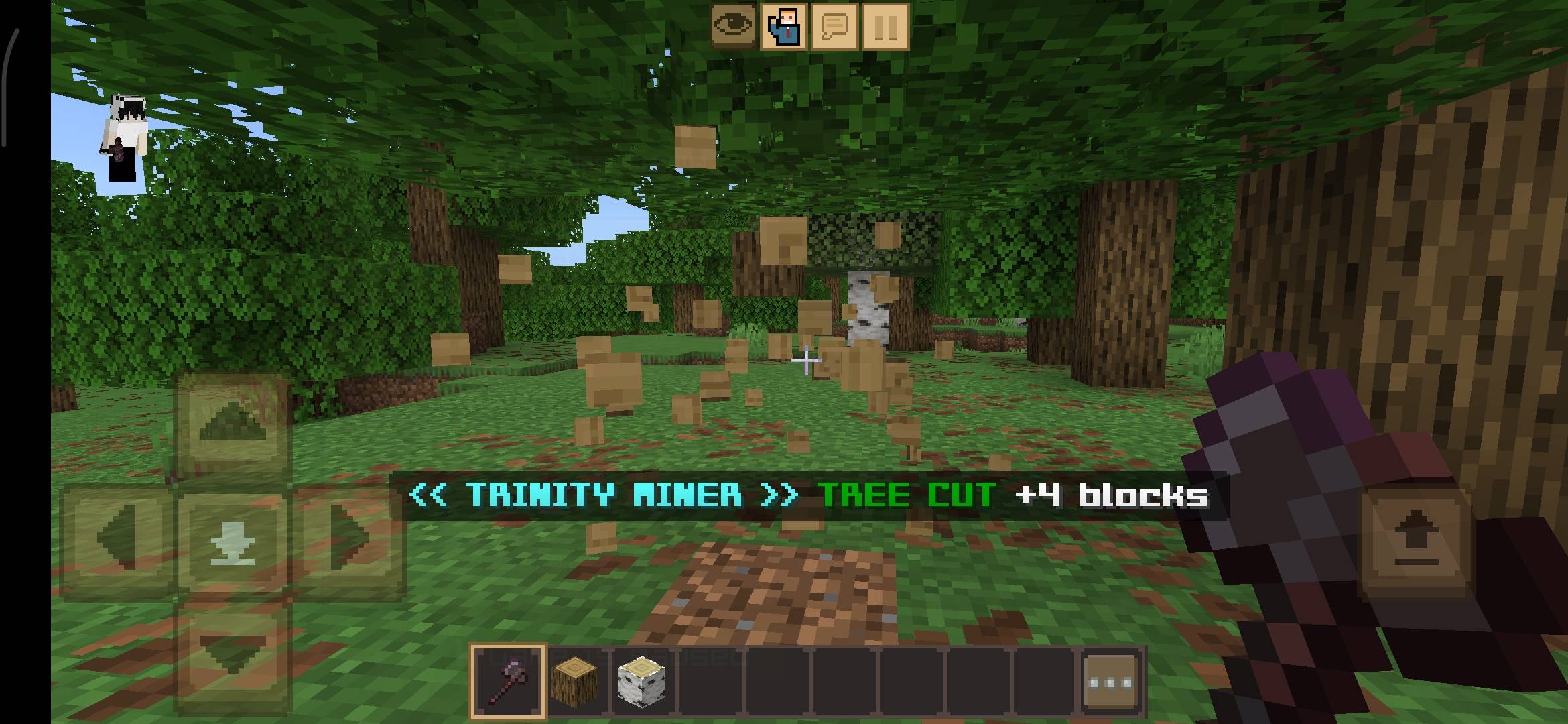
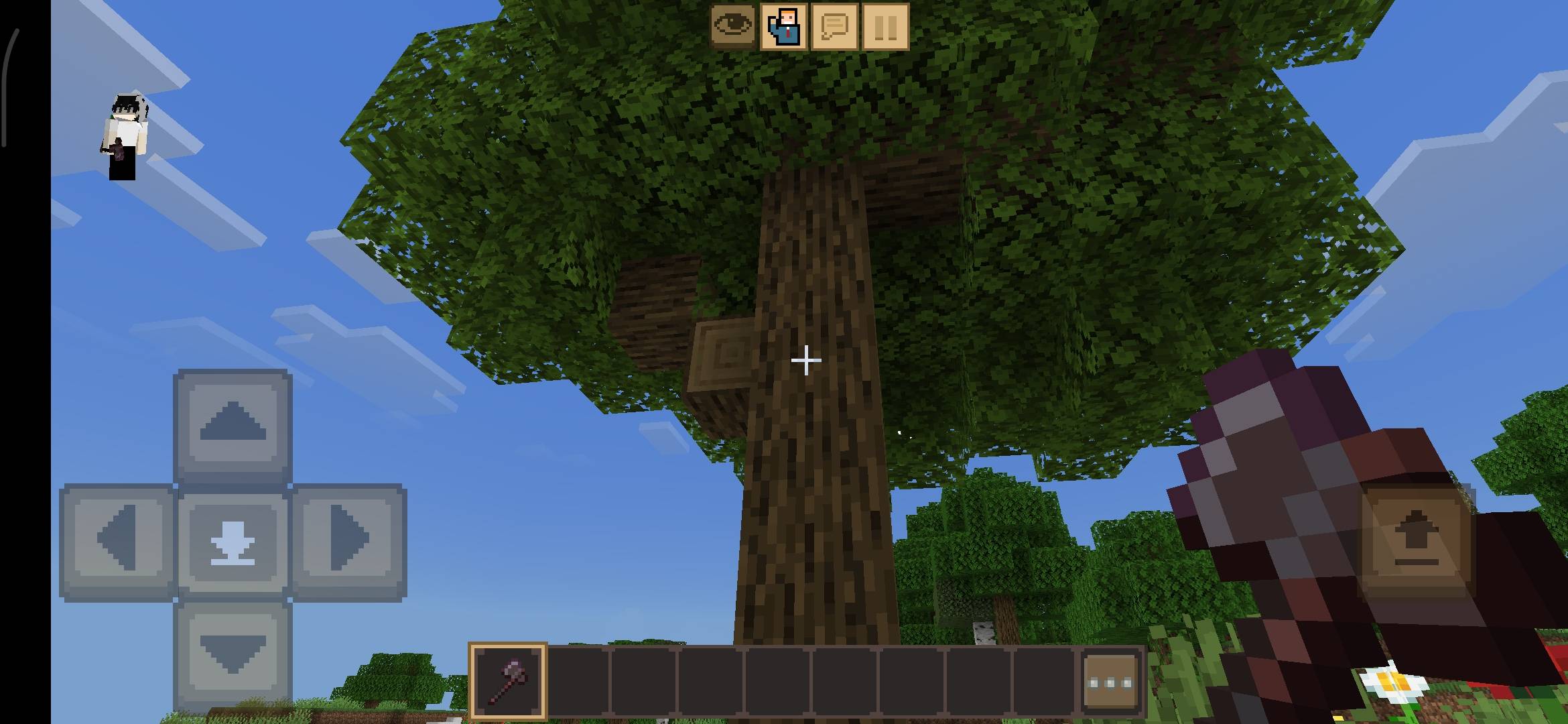
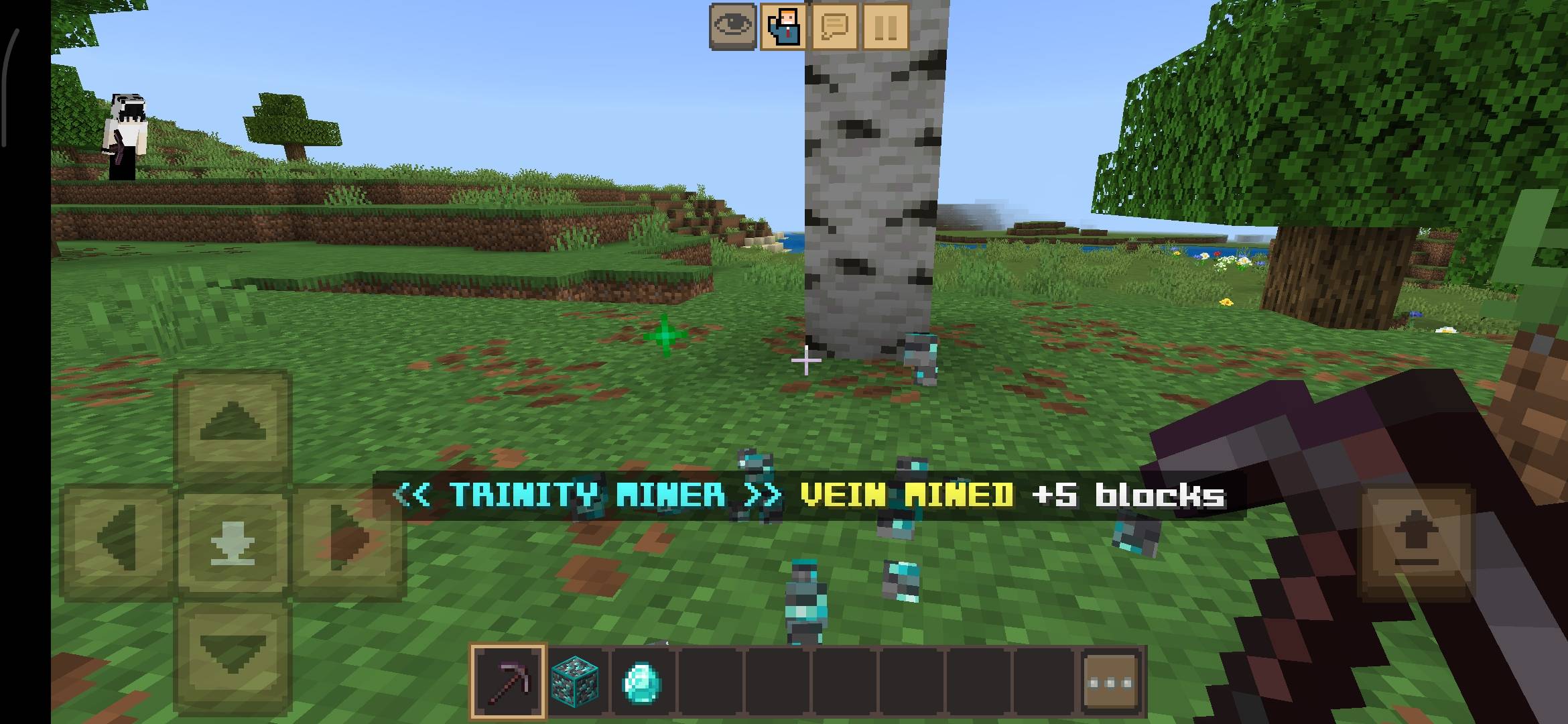
Hey guys! If you are tired of mining for hours and breaking massive jungle trees block by block, this addon is for you. I created the Vein Miner to completely change how you gather resources in survival mode. It literally saves you hours of grinding.
THE VEIN MINER ADDON IS WORLD'S BETTER VEIN MINER 🏆🥇
This is a 3-in-1 system that combines a Vein Miner, a Tree Capitator, and an Auto-Smelter into a single, lag-free addon.
What is new in Version 1.1.0? (Massive Update)
I have completely rewritten the code for this version to make it much faster and added a ton of highly requested features:
Magnet Mode: Mined items will automatically fly directly to you. No more losing your diamonds in lava!
XP Multiplier: You now get up to a 5x bonus experience multiplier while using the vein miner.
Auto Torch (Beta): The addon automatically places torches in dark areas while you mine so creepers do not spawn behind you.
Multi-Tool Support: The system now supports Shovels! You can instantly clear massive areas of sand, gravel, and clay.
In-Game Settings Menu: Sneak and use a Book to open a custom menu. You can track your mining stats (blocks mined, trees chopped) and change settings on the fly.
Visual & Audio Feedback: Added custom sound effects for mining and cool particle effects when a vein is destroyed.
Major Improvements
Max block destruction limit increased from 64 to 256 blocks per break!
Added full support for Ancient Debris and Nether Gold Ore.
Added support for Crimson and Warped Stems in the Nether.
Added all Deepslate ore variants.
Much better vein detection to stop blocks from being left behind.
Highly optimized performance for zero lag, even on lower-end mobile devices.
Cleaned up the action bar display.
Supported Blocks
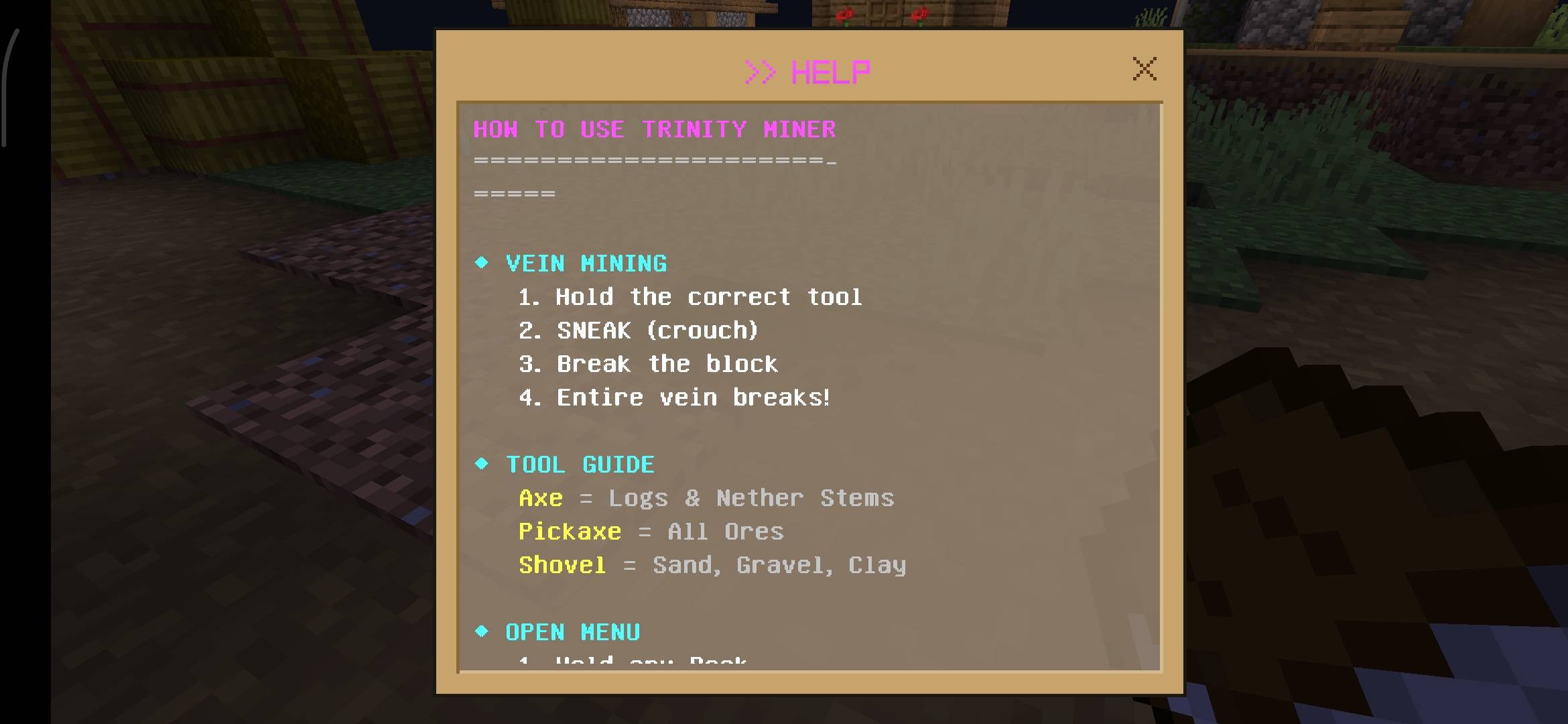
Ores (Use Pickaxe): Coal, Iron, Gold, Copper, Diamond, Emerald, Lapis, Redstone, Quartz, Ancient Debris, Nether Gold, and all Deepslate versions.
Wood (Use Axe): Oak, Spruce, Birch, Jungle, Acacia, Dark Oak, Mangrove, Cherry, Crimson Stem, and Warped Stem.
Terraforming (Use Shovel): Sand, Red Sand, Gravel, Clay, Soul Sand, and Soul Soil.
How to Use
The controls are super simple and designed to prevent you from accidentally destroying your own base.
To Mine/Chop: You MUST Sneak (Crouch) and break the block with the correct tool. If you just stand normally, you will only break one block like vanilla Minecraft.
To Open Menu: Hold any regular Book in your hand, Sneak, and Use it (Right-click or Tap).
Bug Fixes in this version
Fixed the sudden lag spikes during large vein mining.
Fixed the bug where items were not spawning correctly.
Fixed the issue where XP was not dropping properly.
[ AI DISCLAIMER ]
Please note that the promotional images and gallery screenshots for this project have been enhanced using AI tools for better visualization.
[ IMPORTANT REQUIREMENT ]
This addon uses advanced script APIs to work. You MUST go to your World Settings > Experiments tab, and turn on Beta APIs before playing. If you forget to turn this on, the addon will not work at all!
Developer: Hardking777878
Version: 1.1.0
Supported Minecraft Versions: 1.21.0 and above (1.21+)
- Edition: Minecraft Bedrock
- File type: .mcpack or .mcaddon
- Minecraft versions listed: 1.21.131, 1.21.132, 26.20
- How to install: Download the .mcpack or .mcaddon file. → Open it — Minecraft imports it. → In your world: Behavior Packs → Available → Activate, then the same under Resource Packs.
- Where to get it: Opens on CurseForge — not every file is mirrored on our own servers.
Install steps are the general flow for this file type — How to install Minecraft Bedrock addons & mods walks through it step by step.
- Pack type: .mcpack — a single pack
- Manifest requires Minecraft 1.21.131 or newer
- Complete pack — everything it depends on is inside the file
- Download size: 7.0 MB
- Download link checked 6 Oct 2026 — working
These come from our own check of the pack file, not from the source page.