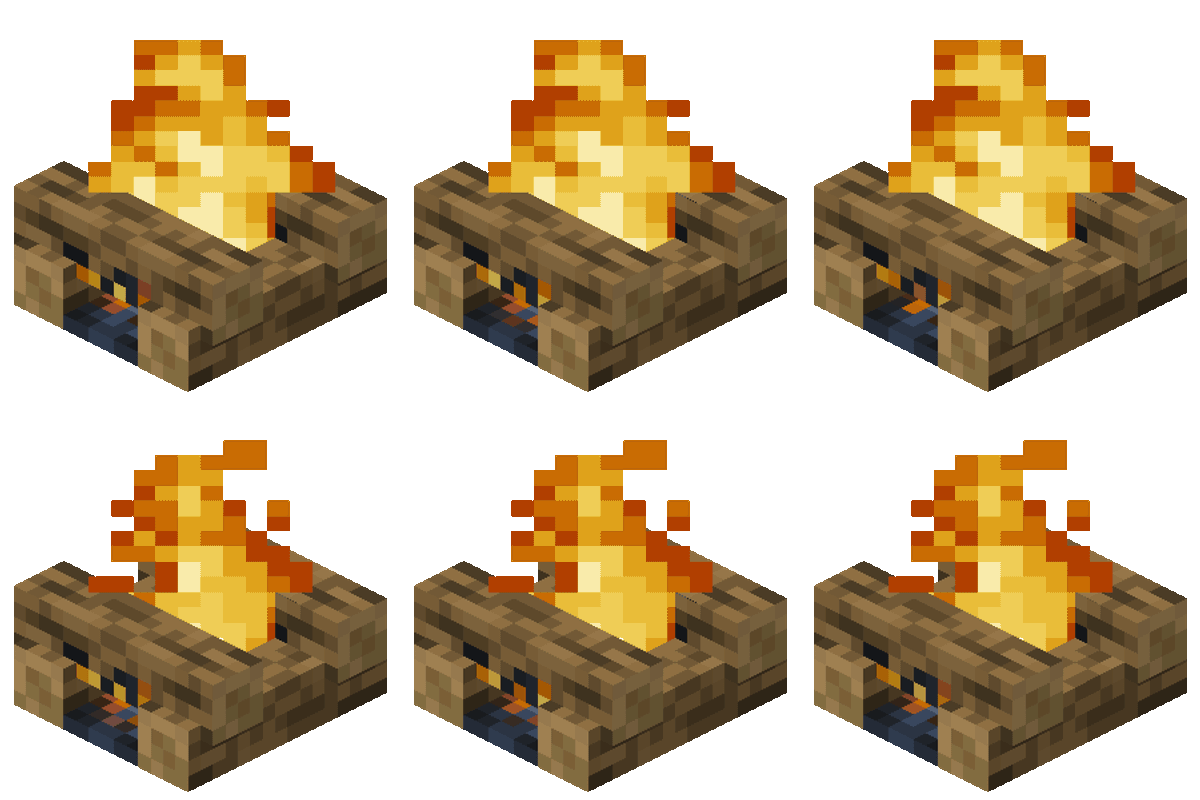
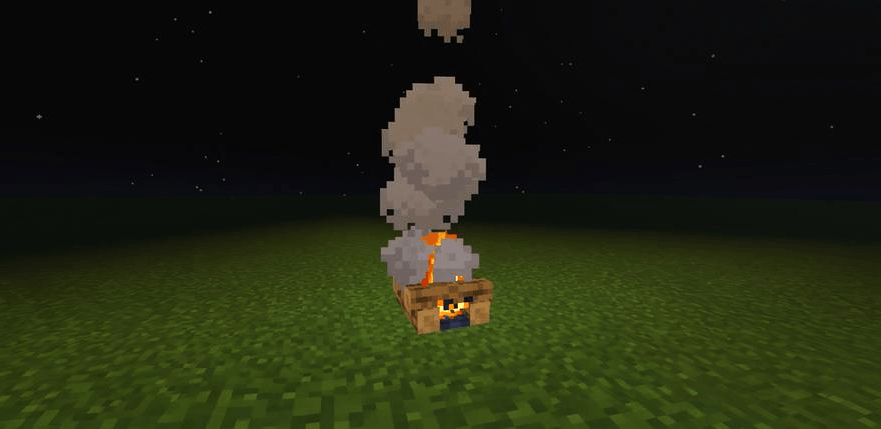
Fire Fuel remasters the vanilla campfire system into something more realistic and interactive. Campfires now require fuel to stay lit, react to weather, and can even spread fire to nearby flammable blocks.
Fuel
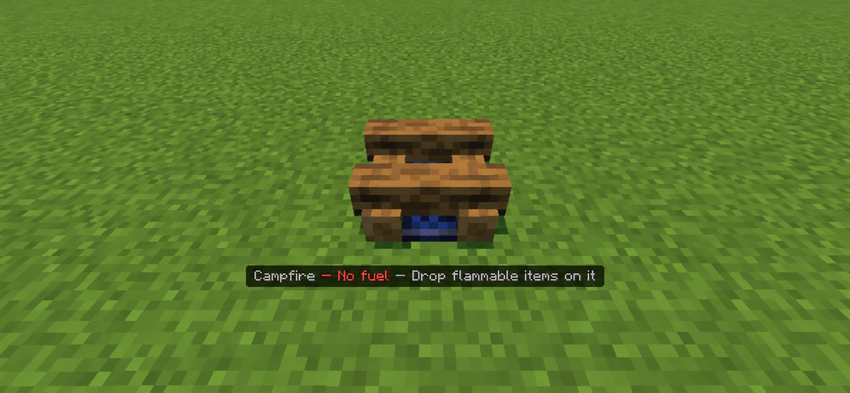
Campfires no longer burn forever. To light and maintain a fire, drop any flammable item or block onto the campfire to use it as fuel. Different fuel sources can add different burn times. If the campfire has no fuel stored, it cannot be lit.
Rain
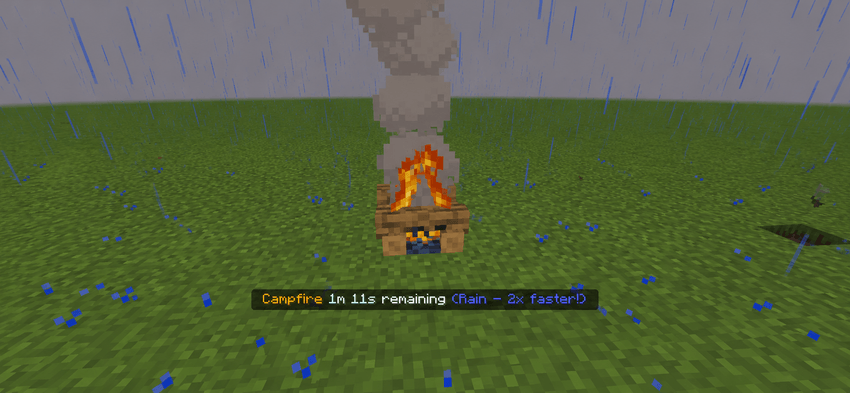
Rain heavily affects campfires. While raining, fuel burns twice as fast, increasing the fuel tick speed from 1x to 2x. Campfires also cannot be lit during rain unless they are protected by a solid block above them. Covered campfires are unaffected and continue functioning normally.
Flammable Roofs
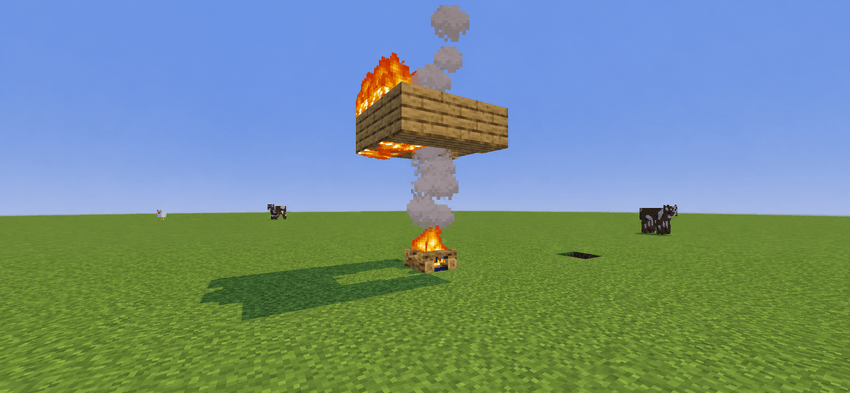
Placing a campfire beneath flammable blocks is dangerous. Over time, the heat and smoke can ignite nearby flammable materials such as wood. Blocks above the campfire can begin burning after around 10–15 seconds of exposure. Non-flammable blocks are completely safe and will not catch fire.
Max Fuel Storage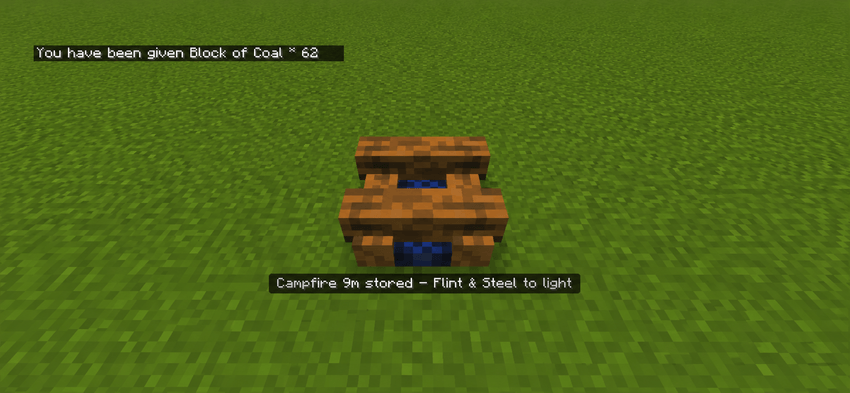
Campfires can store up to 10 minutes of fuel at once. If extra fuel is added after reaching the limit, the excess fuel will automatically be returned instead of being wasted.
Fuel List
- Stick = 2 seconds
- Leaves = 2 seconds
- Oak Leaves = 2 seconds
- Spruce Leaves = 2 seconds
- Birch Leaves = 2 seconds
- Jungle Leaves = 2 seconds
- Acacia Leaves = 2 seconds
- Dark Oak Leaves = 2 seconds
- Mangrove Leaves = 2 seconds
- Cherry Leaves = 2 seconds
- Bamboo = 2 seconds
- Wooden Slabs = 2 seconds
- Bowl = 3 seconds
- Wooden Planks = 4 seconds
- Ladder = 5 seconds
- Wooden Fence = 7 seconds
- Wooden Tools = 10 seconds
- Wool = 10 seconds
- Bookshelf = 16 seconds
- Crafting Table = 16 seconds
- Logs/Stems = 16 seconds
- Bamboo Block = 18 seconds
- Barrel = 28 seconds
- Coal = 30 seconds
- Charcoal = 30 seconds
- Chest = 32 seconds
- Trapped Chest = 32 seconds
- Blaze Rod = 60 seconds
- Coal Block = 270 seconds (4m 30s)
If you have a suggestion or question please dm @Not_Ducky4uyt on discord.
- Edition: Minecraft Bedrock
- File type: .mcpack or .mcaddon
- Minecraft version listed: 26.20
- How to install: Download the .mcpack or .mcaddon file. → Open it — Minecraft imports it. → In your world: Behavior Packs → Available → Activate, then the same under Resource Packs.
- Where to get it: Opens on CurseForge — not every file is mirrored on our own servers.
Install steps are the general flow for this file type — How to install Minecraft Bedrock addons & mods walks through it step by step.
- Pack type: .mcaddon — behaviour and resource pack in one file
- Manifest requires Minecraft 1.21.0 or newer
- Complete pack — everything it depends on is inside the file
- Download size: 43 KB
- Download link checked 26 Aug 2026 — working
These come from our own check of the pack file, not from the source page.