Death Locator V1 'Acivement Friendly'
Bedrock add-on listed for Minecraft 1.17–26.x (behavior pack only). File opened and checked on 10 Oct 2026; installs from the MC Bedrock Mods app on Android.
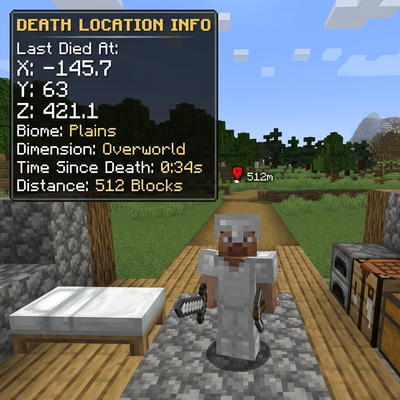
Detects when a player dies and sends them a chat message showing the exact X, Y, Z coordinates and dimension where they died.
I don't know my version
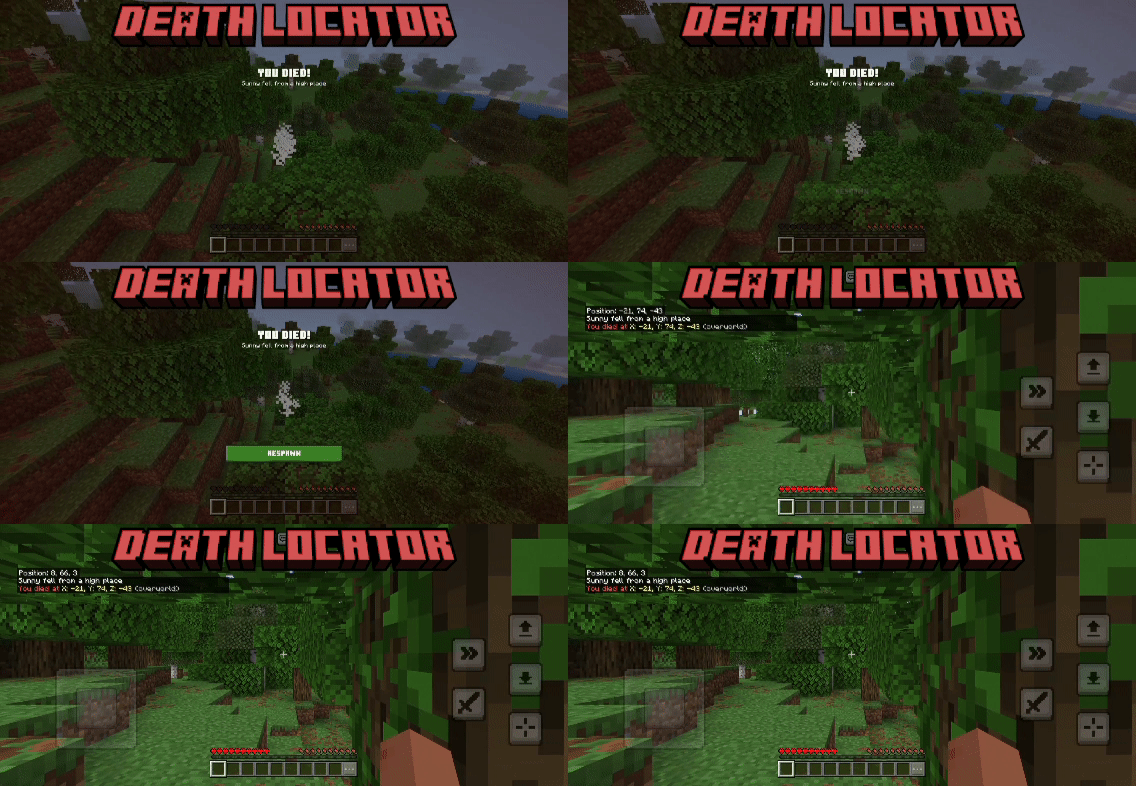
ShowCase
How To Use
Download the .maddon file
Tap/double-click it — Minecraft will open and import it automatically
Wait for the "Successfully imported" message
Open Minecraft and go to Play
Create a new world or edit an existing one
Scroll down to Behavior Packs
Find Death Locator and tap the + to activate it
Hit Confirm if it warns about cheats
Launch your world!
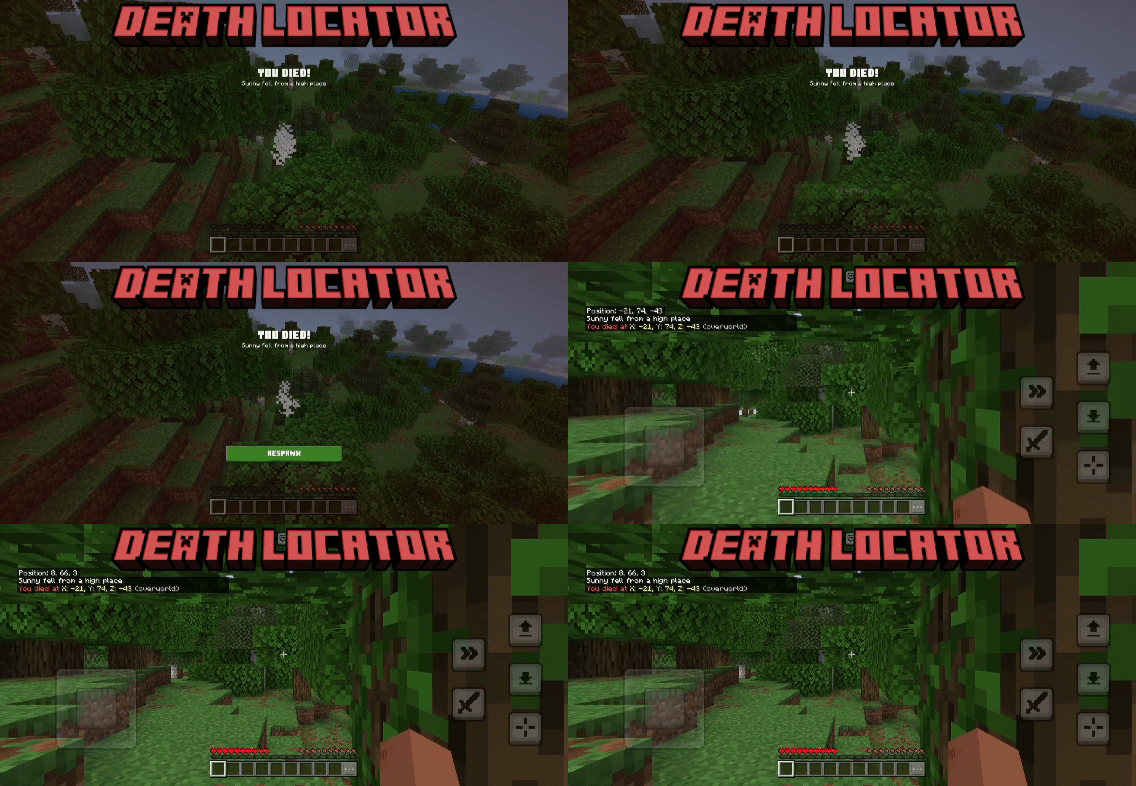
Features
- Detects player death only (ignores all mobs/entities)
- Shows X coordinate of death location
- Shows Y coordinate of death location
- Shows Z coordinate of death location
- Coordinates are floored (no messy decimals)
- Shows the dimension you died in
- Cleans up dimension name (removes "minecraft:" prefix)
- Sends message only to the player who died (not everyone)
- Colored message for easy readability (red, yellow, gray)
- Uses
afterEventsso it fires reliably after death is confirmed
You are allowed to:
- Showcase this addon WITH CREDITING
- Use this addon in your worlds/servers/realms
- Modify this addon (Without removing the credits)
You are NOT allowed to:
- Repost this addon to other sites (This includes apps)
- Create your own download link
- Claim this addon as your own
Support
If you had any problem with the addon you can join our discord server, Feel free to support me if you'd like!
- Edition: Minecraft Bedrock
- File type: .mcpack or .mcaddon
- Minecraft versions listed: 26.40, 26.20
- How to install: Download the .mcpack or .mcaddon file. → Open it — Minecraft imports it. → In your world: Behavior Packs → Available → Activate, then the same under Resource Packs.
- Where to get it: Opens on CurseForge — not every file is mirrored on our own servers.
Install steps are the general flow for this file type — How to install Minecraft Bedrock addons & mods walks through it step by step.
- Pack type: .mcaddon — behaviour and resource pack in one file
- Manifest requires Minecraft 1.17.0 or newer
- Complete pack — everything it depends on is inside the file
- Download size: 76 KB
- Download link checked 6 Oct 2026 — working
These come from our own check of the pack file, not from the source page.